Realism Visuals
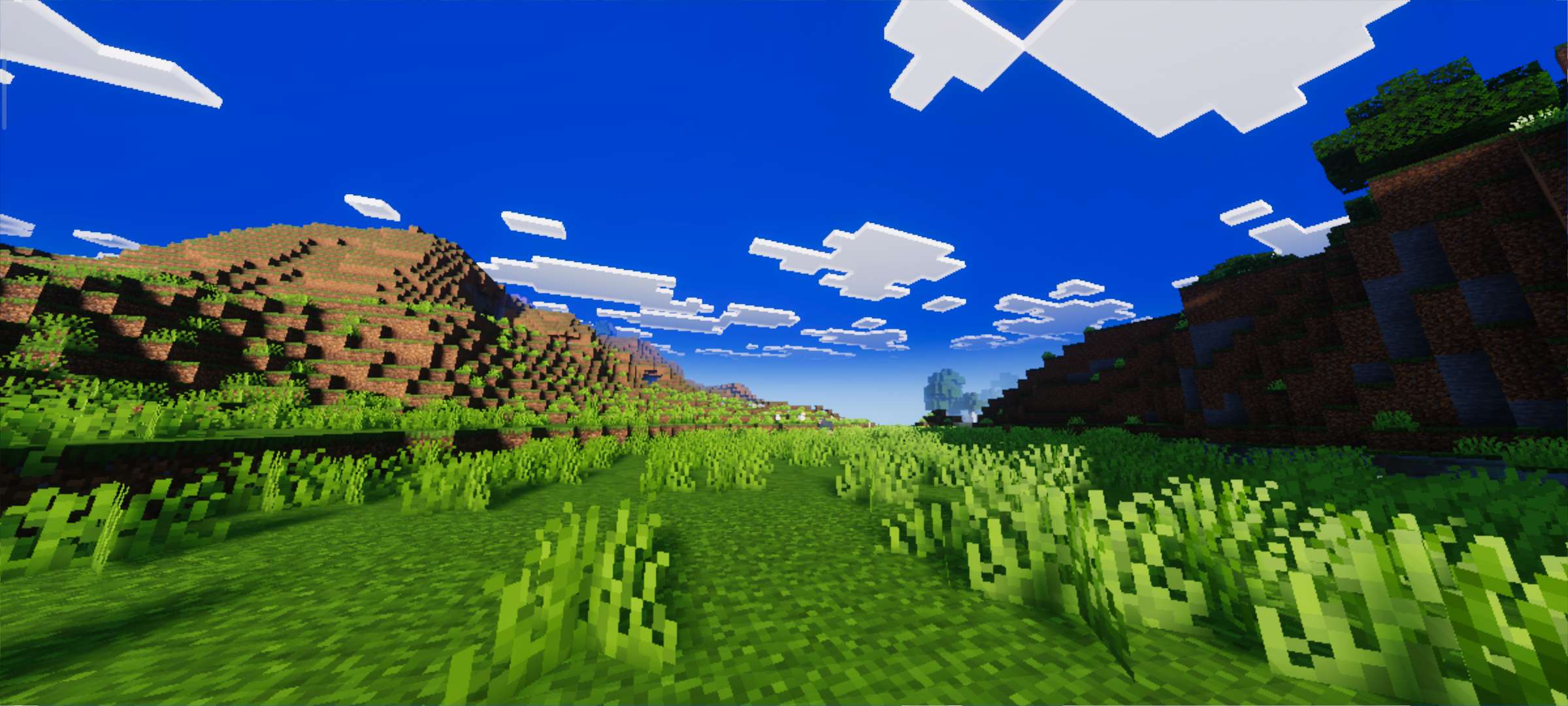
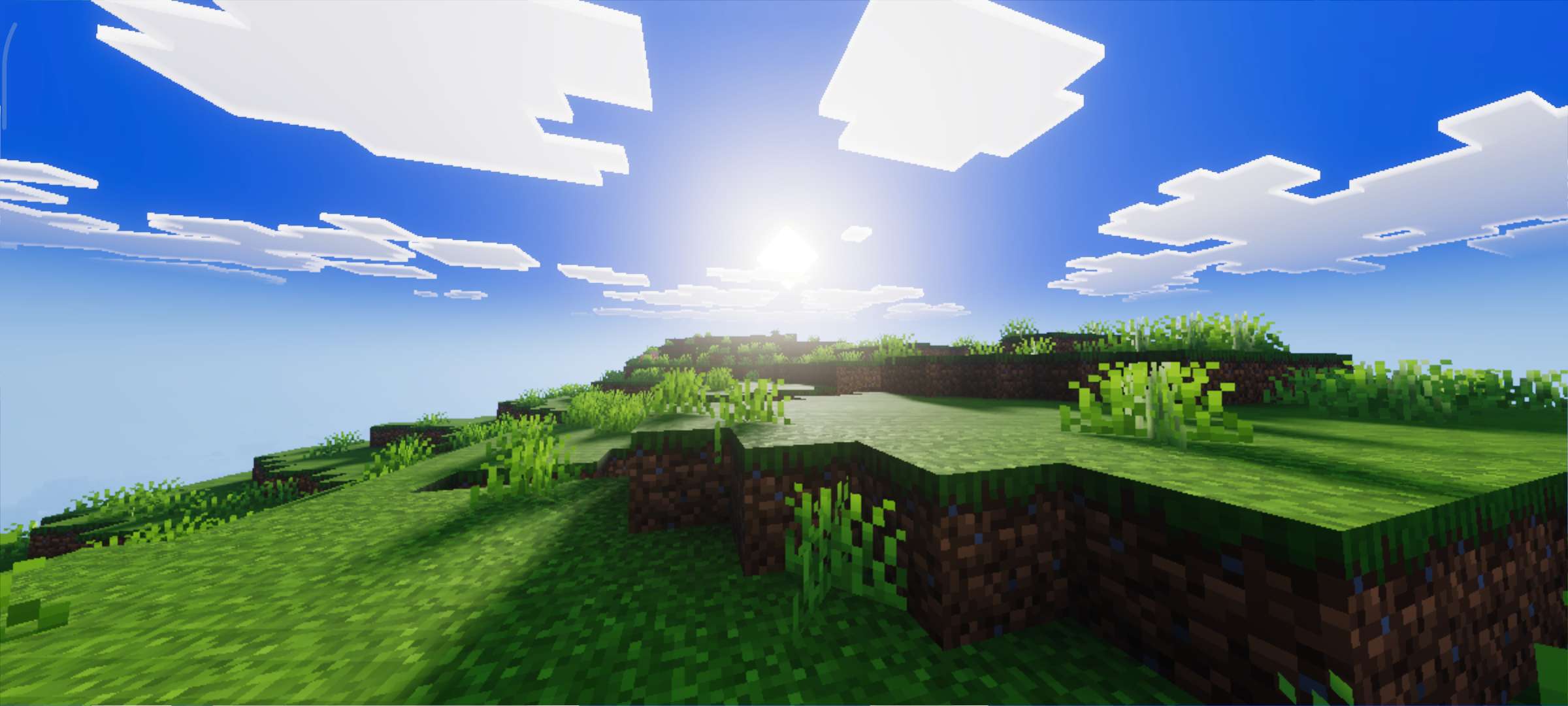
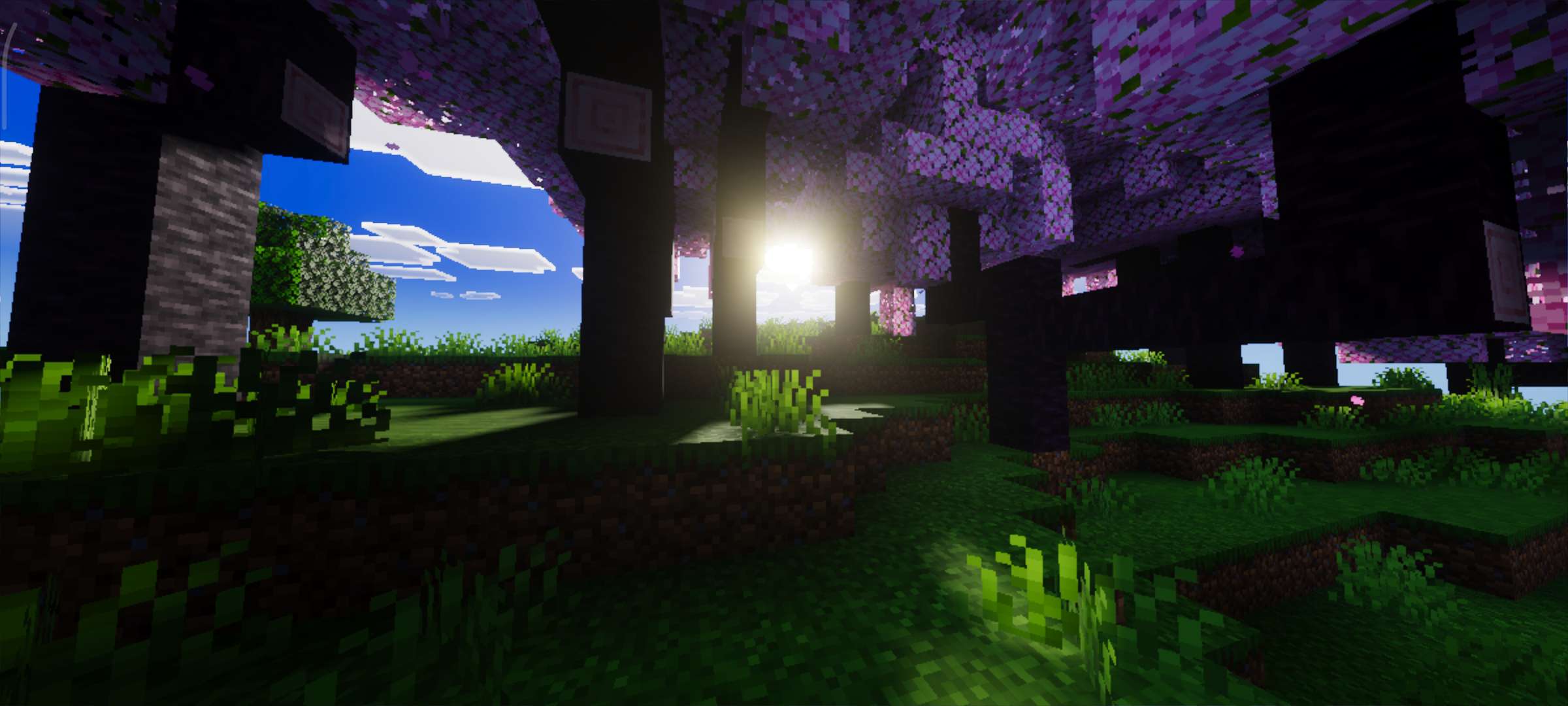
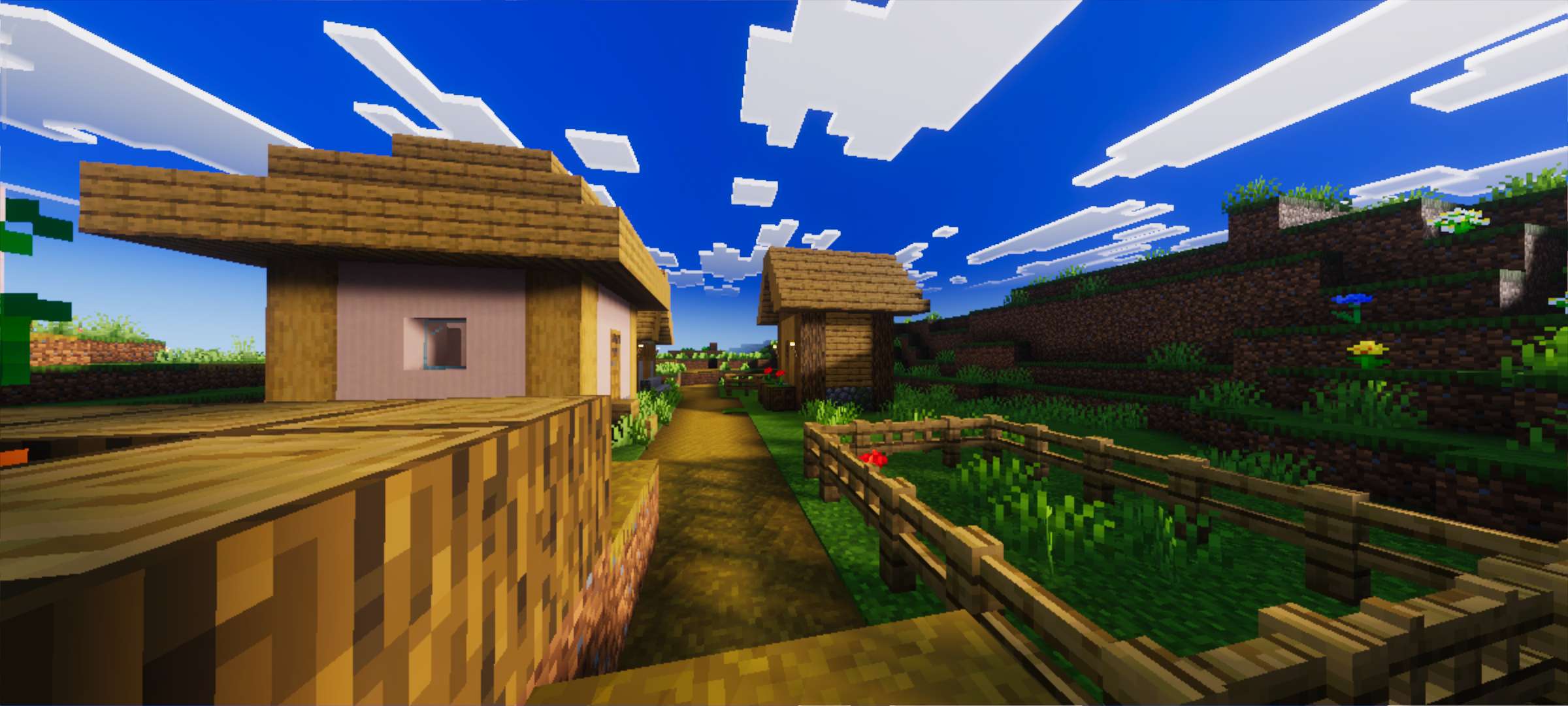
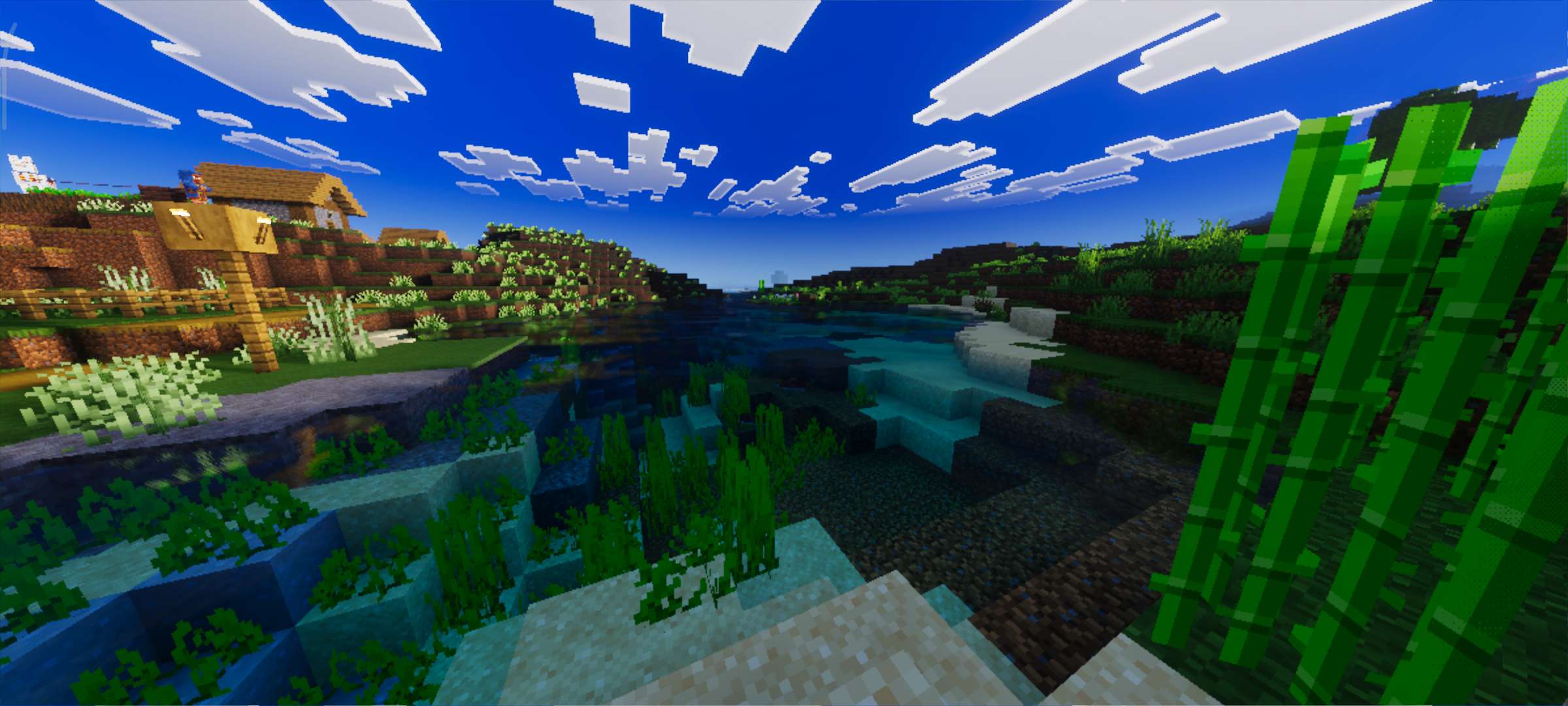
Realism Visuals elevates the Minecraft Bedrock Edition experience by introducing lifelike lighting, dynamic shadows, and smooth atmospheric effects. This shader pack enriches the sky's colors and environmental visuals, delivering a cinematic and immersive gameplay atmosphere without sacrificing performance.
Installation / How to Use
To install the Realism Visuals shader, import the shader pack file into Minecraft Bedrock Edition through the resource packs menu. Once imported, activate the shader in your world settings under the 'Video' or 'Global Resources' section. Ensure that the "Vibrant Visuals" option in the game settings is enabled to achieve the full effect of the shader.
Requirements / Compatibility
This shader is designed for Minecraft Bedrock Edition and works best on devices capable of handling enhanced graphical effects. It maintains smooth and stable performance across most modern hardware. For optimal results, keep your game updated and enable "Vibrant Visuals" in the settings.
Key Features
- Realistic lighting that mimics natural illumination
- Smooth gradients and vibrant sky colors for a natural look
- Improved shadow rendering for depth and realism
- Enhanced atmospheric effects creating a cinematic environment
- Optimized to balance graphical quality and game performance
Notes
Be sure to enable the "Vibrant Visuals" option within Minecraft's settings menu to allow the shader's effects to function correctly. If you encounter any graphical issues or bugs, consider checking your device compatibility or adjusting the shader settings for performance balance.

 1.00/5