
Mystica Shaders
Mystica Shaders enriches Minecraft Bedrock Edition by introducing ethereal fog effects, dynamic particles, and smooth animations that bring a magical ambiance to every environment. This lightweight resource pack enhances the game's visuals without sacrificing performance, transforming biomes into immersive, dreamlike landscapes.
Installation / How to use
To install Mystica Shaders, download the pack and import it into Minecraft Bedrock Edition. Enable it in the resource packs section of your game settings to experience the enhanced visuals and animations immediately.
Requirements / Compatibility
Mystica Shaders is designed for Minecraft Bedrock Edition and runs efficiently on most supported platforms. For the best experience, ensure your game is updated to the latest version. This pack works well alongside other compatible resource packs without conflicts.
Key features
- Biome-Specific Dreamy Fog: Adds subtle, atmospheric fog unique to each biome, creating immersive environments that feel alive and mysterious.
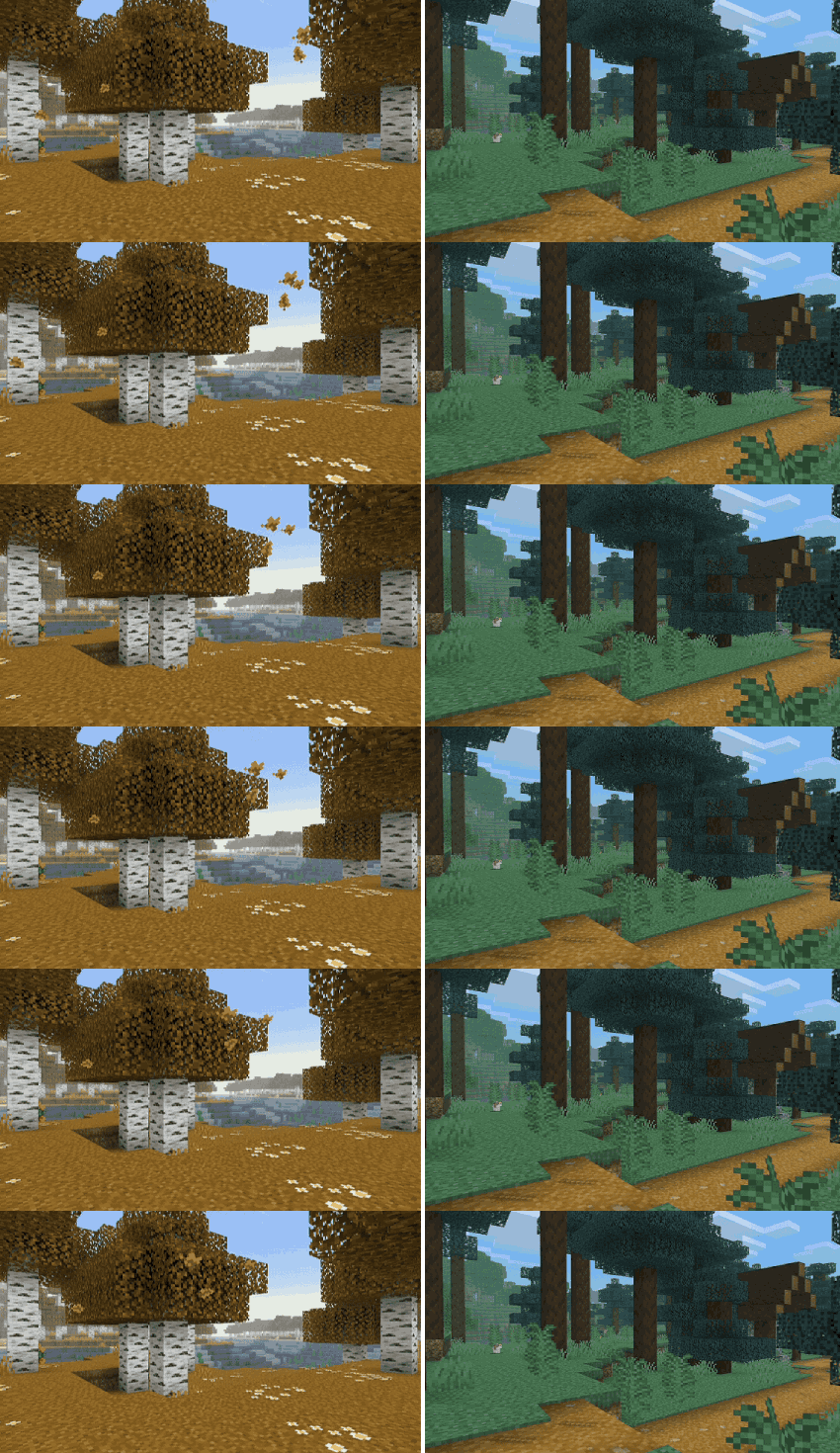
- Custom Particles: Introduces new particle effects that enhance the visual appeal of actions and environments.
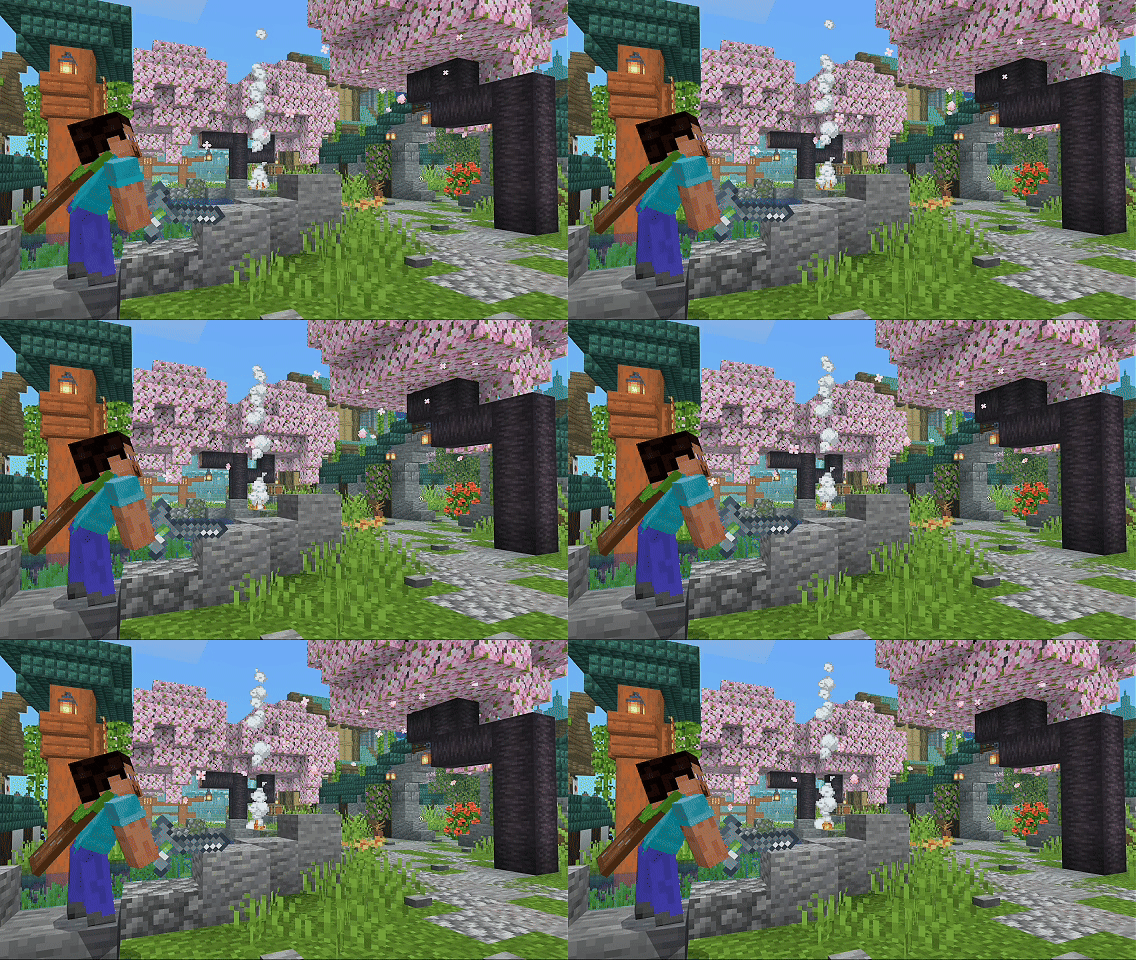
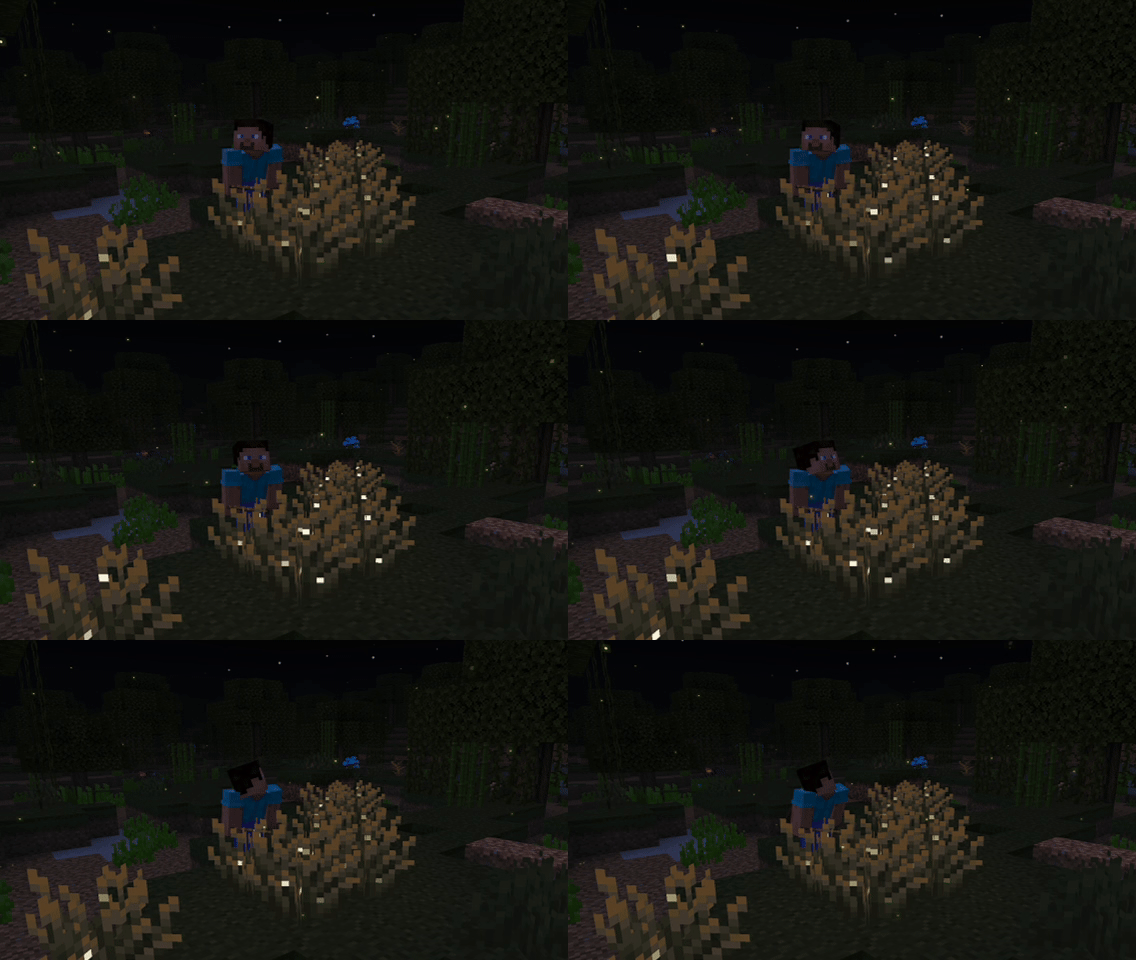
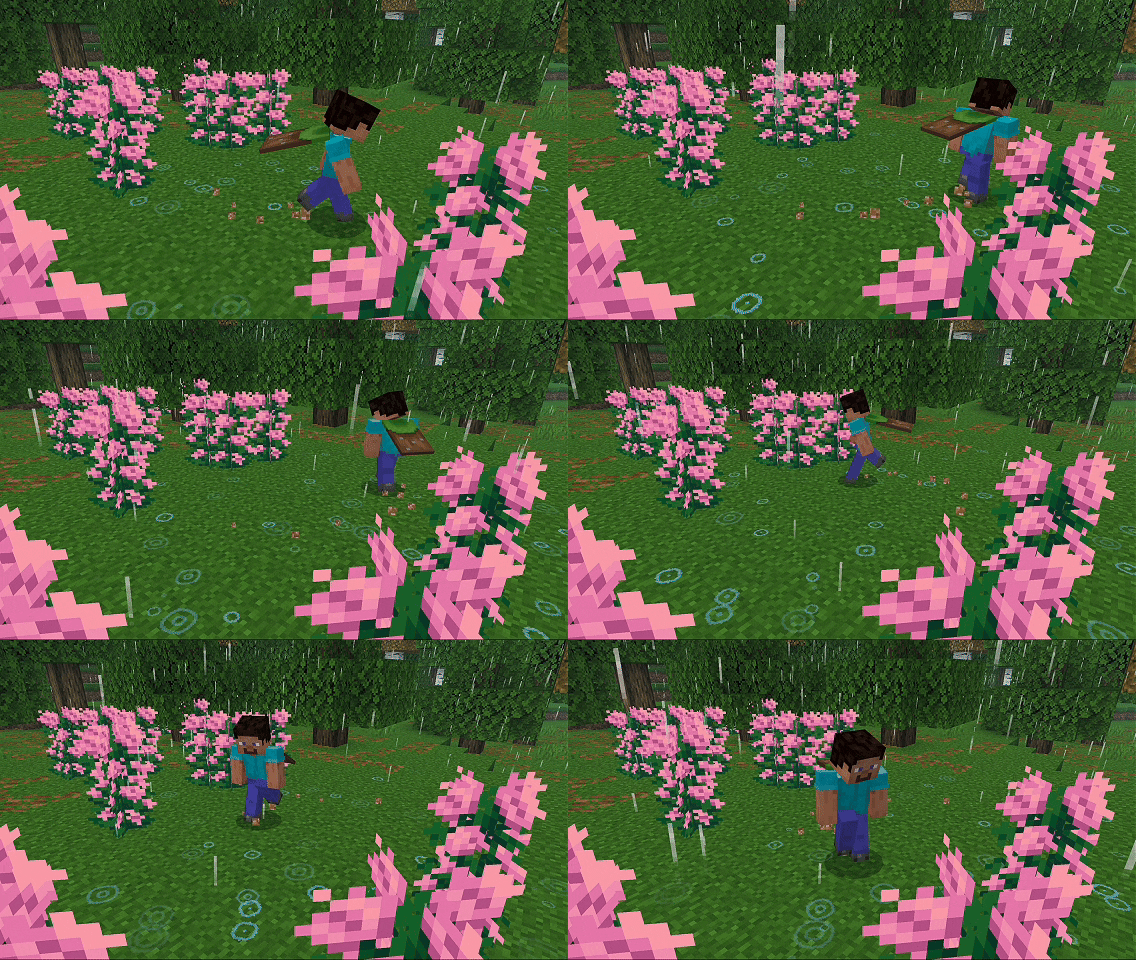
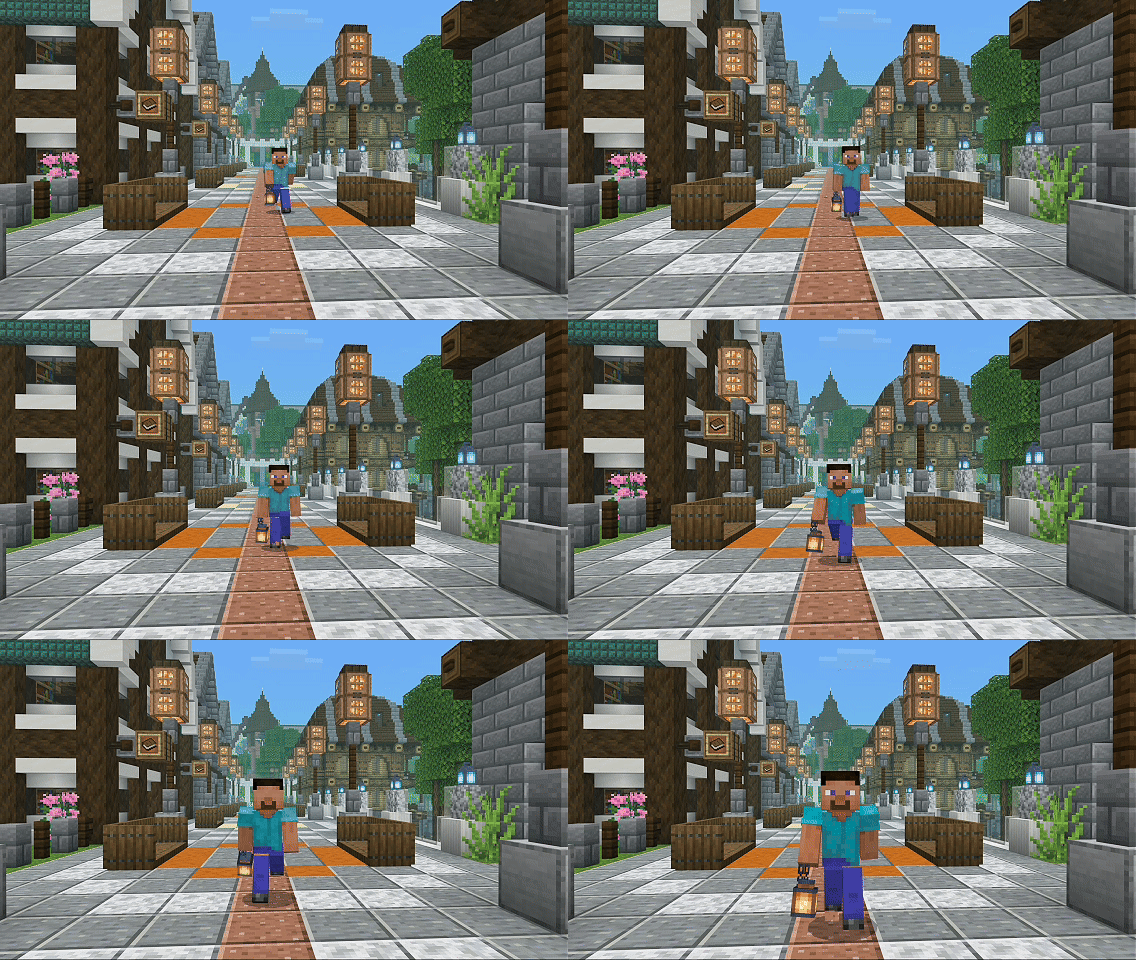
- Enhanced Player Animations: Smooth and refined player movements bring more life and fluidity to character interactions.
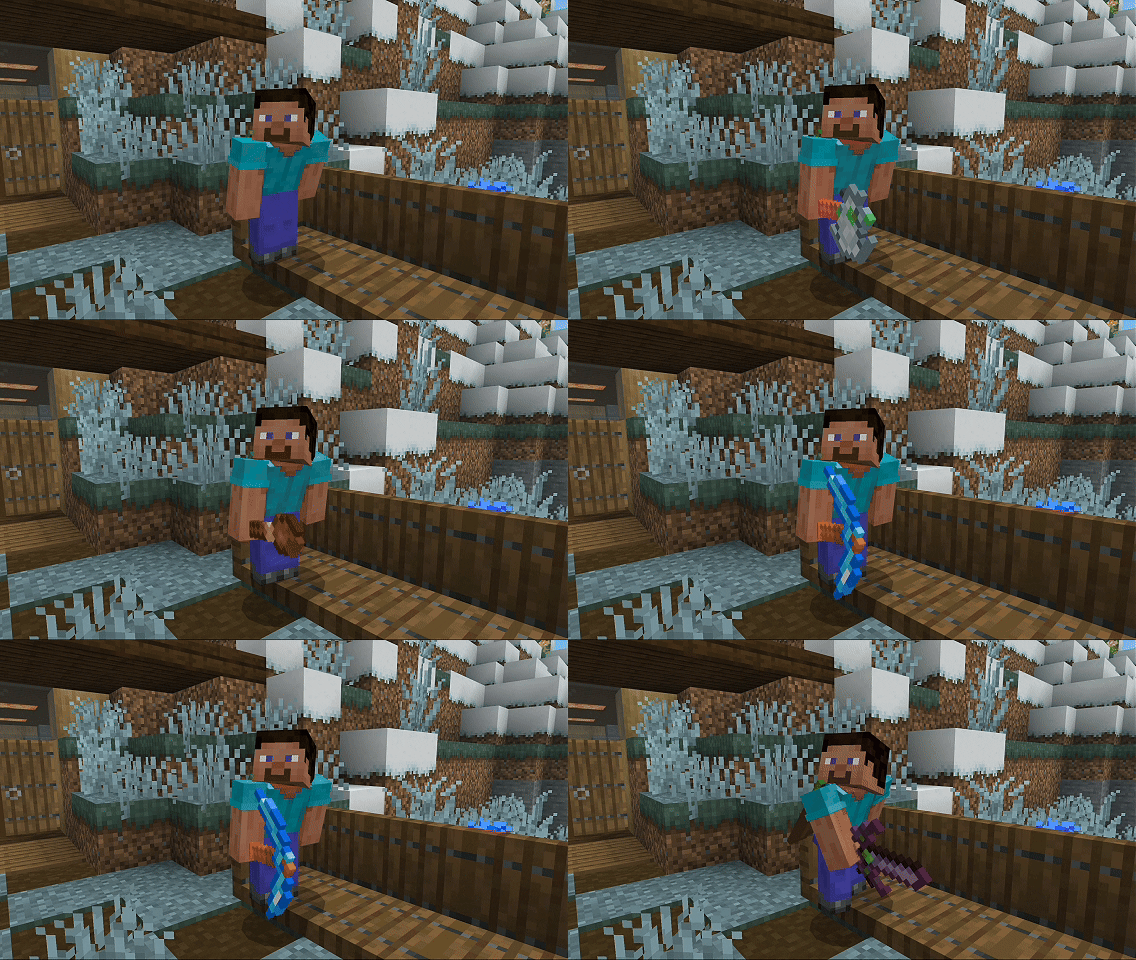
- Reimagined Tools: Every tool features a cleaner design with sharper pixel details for a fresh look.
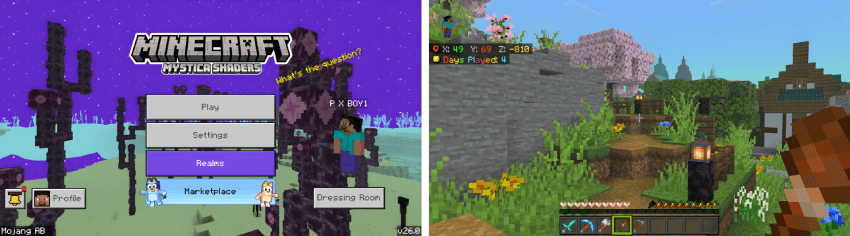
- Improved User Interface: A refined UI layout offers clearer visuals and better usability.
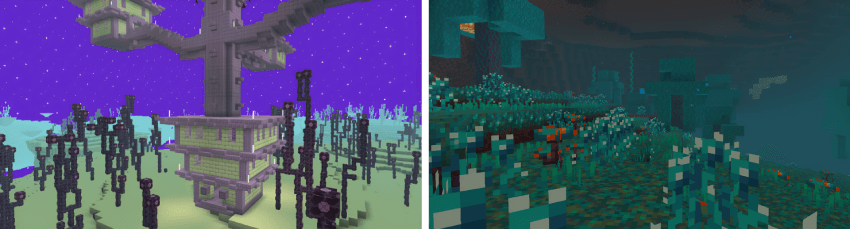
- Enhanced Dimension Effects: The End and Nether realms receive visual upgrades that deepen their unique atmospheres.
Notes / Troubleshooting
Performance may vary depending on your device specifications. If you experience lag, consider adjusting graphic settings or combining Mystica Shaders with fewer other resource packs. Keep an eye out for updates as new features and optimizations are continually added.

 4.50/5
La peace