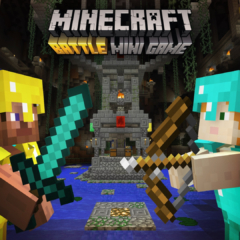
Battle Mini Game
Battle Mini Game is an exciting multiplayer experience originally created for console editions and now adapted for Minecraft Bedrock. Gear up with enchanted fishing rods and diamond helmets as you prepare to compete in intense last-player-standing matches. Explore various maps, customize your gameplay, and enjoy a nostalgic trip with classic settings.
How to Use
Upon entering the Battle mini game lobby, you can explore the area filled with hidden secrets while waiting for matches to begin.
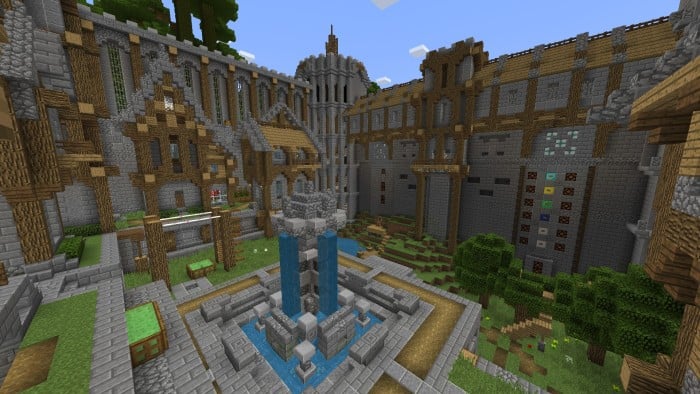
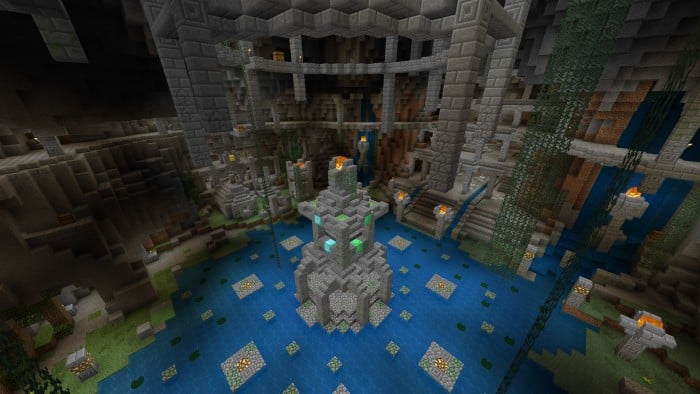
Vote for your preferred map by selecting the map item in your hotbar, which opens the voting menu. The base game includes three maps: Cavern, Crucible, and Cove.
Additional map packs are available for download, categorized by their required texture packs. Note that most map packs, except for the "Vanilla" set, need Marketplace texture packs to function properly.
After choosing your map, activate the red-dyed "ready" item to start the game.
Key Features
When the match begins, you spawn inside the selected map with the goal to be the last player alive. Scattered chests provide various loot to enhance your combat abilities.
Players can quickly collect all chest contents by clicking the barrier item in their inventory while a chest is open; this feature is not available on touchscreen devices.
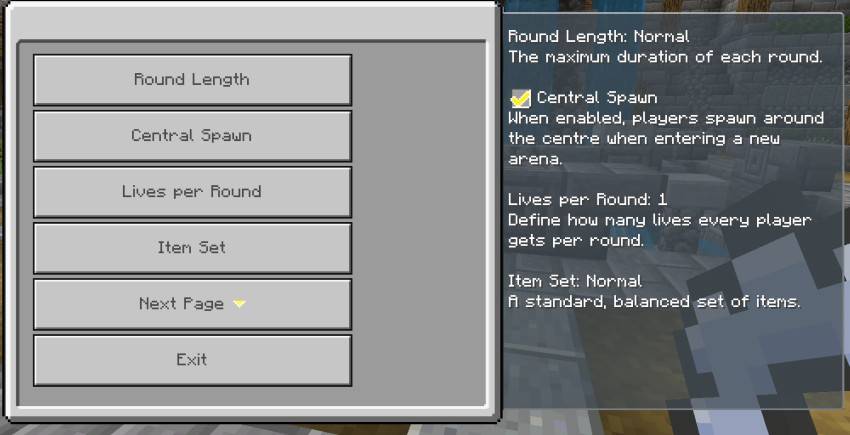
Customize your experience through the "Custom" game type in the Battle behavior pack settings. Adjust item sets, round duration, lives, number of rounds, and more.
Hunger settings are configurable via the behavior packs menu by disabling the current hunger pack and enabling another from the available options.
Nostalgic Mods
Revisit the original 2016 mini game lobby and classic gameplay elements such as the original chest loot, hunger mechanics, and user interface. These nostalgic modifications are accessible as alpha releases and require enabling "Show Alpha Files" in downloads.
The TU36 Parity mod restores the item set to include the Diamond Chestplate and reverts hunger and UI to the TU36 style. The 2016 Mini Game Lobby mod returns the experience to the pre-Glide era lobby, requiring a world reload after activation.
Ensure these mods have higher priority in both Behavior and Resource Packs menus to function correctly.
Additional Support
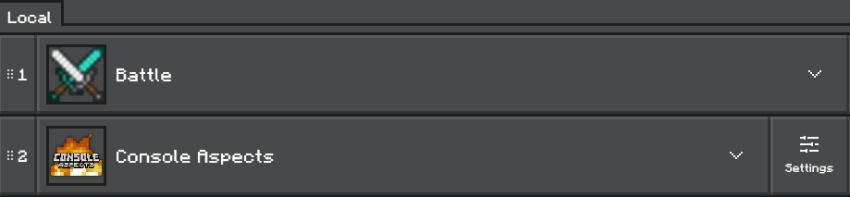
This Bedrock port supports Console Aspects. Place the Console Aspects resource pack below the main Battle pack in your resource pack priority list to enable this feature.

 4.33/5