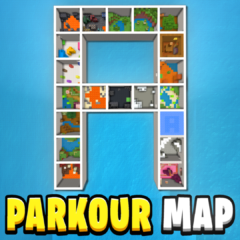
Parkour A Map
Parkour A Map presents 20 engaging parkour levels designed to challenge your skills and provide hours of entertainment. Each level features unique layouts with timed runs, checkpoints, and quick restart options to enhance your experience. Whether playing solo or with friends, this map offers fun for all skill levels.
Installation / How to Use
Download the map file and import it into your Minecraft Bedrock edition worlds folder. Launch the game and select the Parkour A Map from your world list. Use the provided UI buttons to start, restart levels, and track your progress. The checkpoint system saves your location at the beginning of each level, allowing you to retry without losing progress.
Requirements / Compatibility
This map is compatible with Minecraft Bedrock Edition on all supported platforms. It requires the ability to load custom worlds and use command blocks or built-in map features for timers and checkpoints to function properly.
Key Features
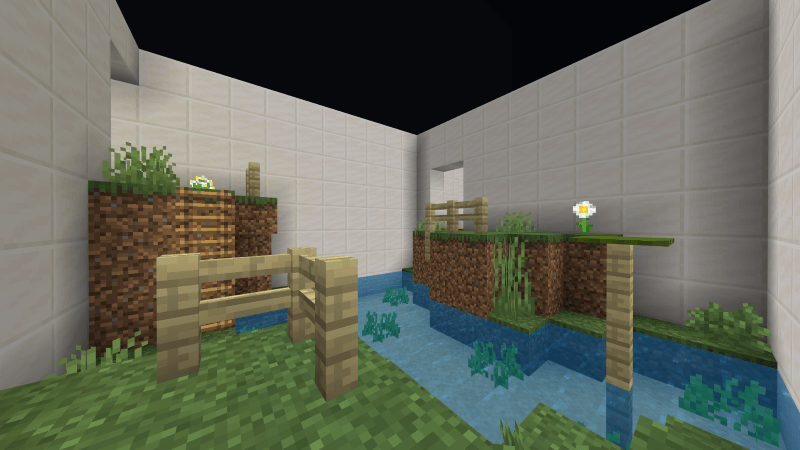
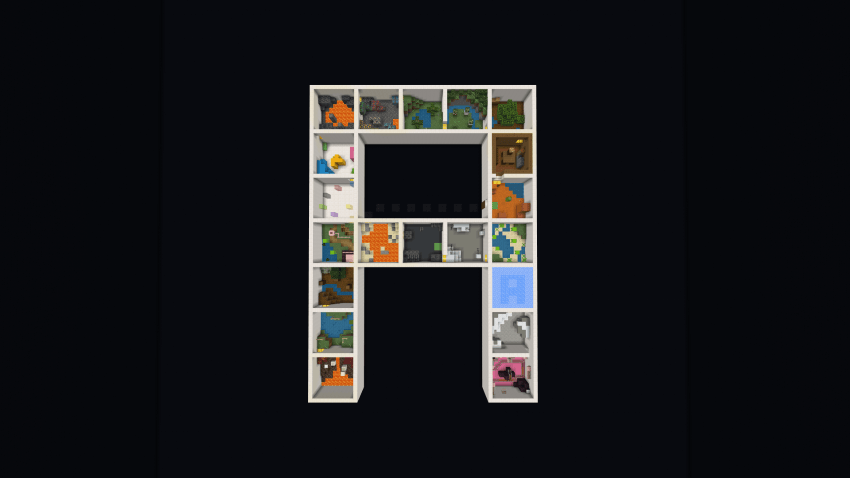
- 20 Distinct Levels: Each level is a 10x10 block parkour box with varied jumps, obstacles, and surprises to keep gameplay fresh.
- Themed Challenges: Every stage offers a different visual and parkour style for a diverse experience.
- Checkpoint System: One checkpoint per level allows quick respawns without restarting the entire map.
- Timer Function: Track your completion times to race against yourself or friends.
- Restart Button: Quickly reset the current level to improve speedruns without backtracking.
- Multiplayer-Friendly: Suitable for solo play or competitive races with friends.
Notes
To get the most out of this map, practice the jumps and use the restart feature to refine your runs. The timer encourages replayability, so challenge yourself to improve your best times!
The map layout is inspired by the shape of the letter "A," with each section offering a unique set of parkour challenges.
Usage Guidelines
 5.00/5