Newb Tropisphere Shader
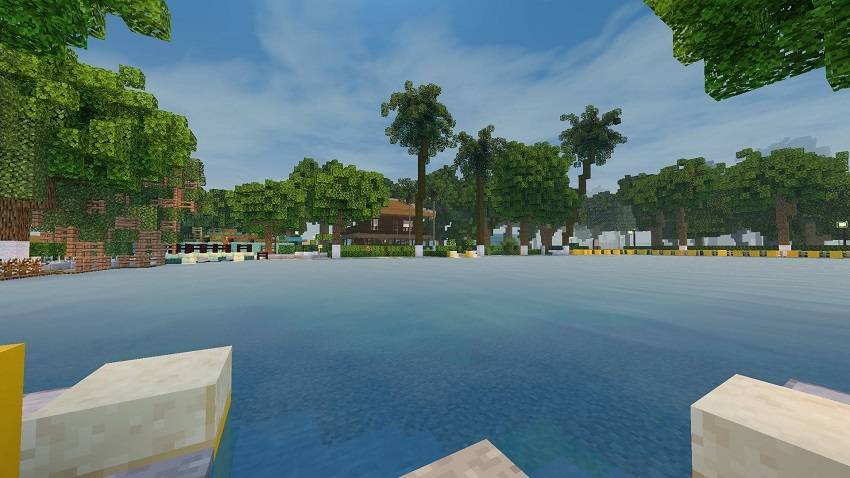
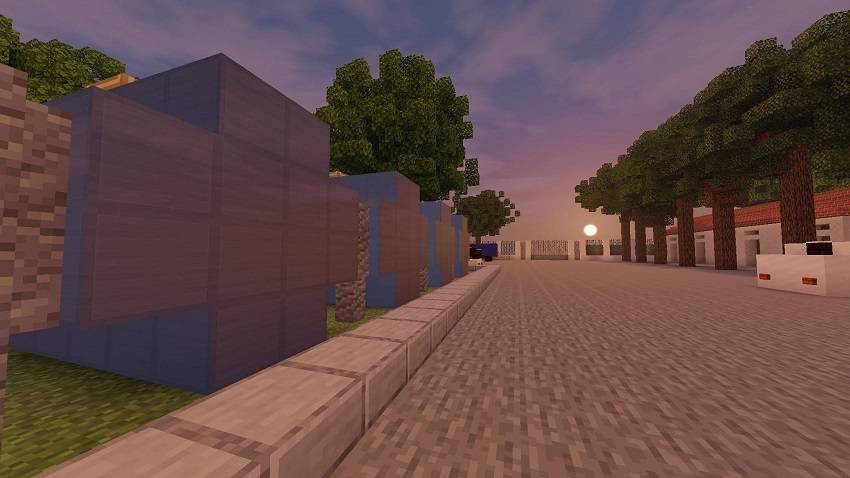
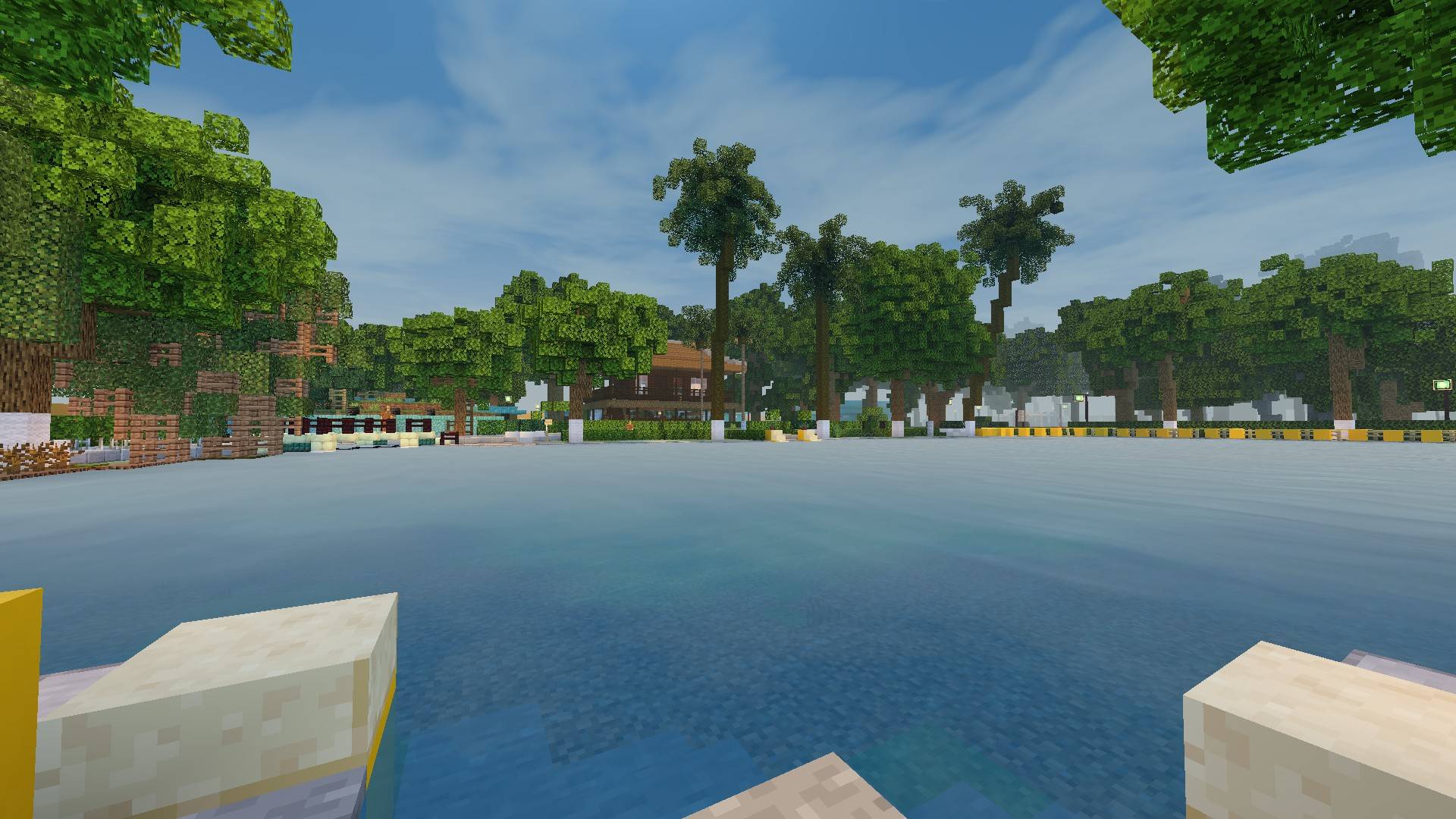
Newb Tropisphere Shader enhances Minecraft Bedrock Edition with a semi-realistic, warm, and inviting visual style inspired by summer vibes. Designed for low to mid-end devices, this shader brings gentle lighting, soft clouds, and calm water effects to enrich your gameplay. Please note that this shader requires specific patches to function properly and is not supported by Minecraft's official shader system.
Installation
Important: Minecraft Bedrock does not officially support custom shaders, so the installation involves unofficial methods tailored to your platform.
Android
- Download and install the "MB Loader" app from Google Play Store.
- Launch Minecraft through MB Loader to enable shader support.
- Import the Newb Tropisphere Shader resource pack into Minecraft and activate it under global resources.
Windows
Recommended Method: Wyvern Loader
- Download Wyvern Loader and install it on your PC.
- Launch Wyvern, then open Minecraft and click "Inject" to enable shader support (Minecraft's title screen will indicate success).
- Activate the shader in Minecraft's global resource packs (activating only in a world will not work).
Alternative Method: BetterRenderDragon
- Use BetterRenderDragon to enable MaterialBinLoader for shader compatibility.
- Import and enable the shader pack under global resources.
Fallback Method: Matject
- If Wyvern and BetterRenderDragon are unsupported on your version, use Matject to install the shader pack (avoid enabling material-updater).
iOS
Use Hynis and HyniSign tools to install the shader. IPA files and further instructions are available through community support channels.
Key Features
- Warm, simple lighting effects enhancing the vanilla Minecraft aesthetic.
- Soft, gentle cloud formations including multiple styles: classic, legacy realistic, and hyper-realistic clouds.
- Subtle galaxy star backgrounds for night skies.
- Calm, blue-tinted water with smooth reflections.
- Glowing ores and atmospheric fog effects.
- Adaptive cubemaps that match the sky color dynamically.
- Improved sunset terrain colors and enhanced lighting on mountable mobs such as horses and llamas.
There are additional experimental features available in a subpack, including refined water waves, accurate metal block reflections, morning fog, and optimized plant animations.
Usage Recommendations
Optimize your Minecraft graphics settings for the best experience with this shader pack:
- Enable "Beautiful Sky"
- Turn on "Smooth Shading"
- Keep "Clouds" enabled unless performance issues arise
- Activate "Fancy Graphics"
- Set brightness to 50%
Use the "Lite" subpack for improved performance or "Old sun/moon direction and lighting" subpack for a more authentic experience.
Ensure the shader resource pack is positioned at the top of your resource pack list to prevent conflicts with other visual packs.
Known Issues
- Glow effect on item frames may not render correctly.
- Fog effects are currently missing in the Nether and underwater environments.
Support
For feedback, suggestions, or troubleshooting, please utilize community forums or comment sections where the shader is available. Your input is valuable for ongoing enhancements.


 3.33/5