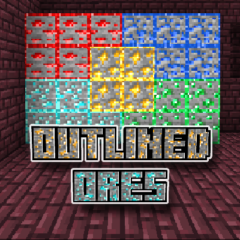
Outlined Ores
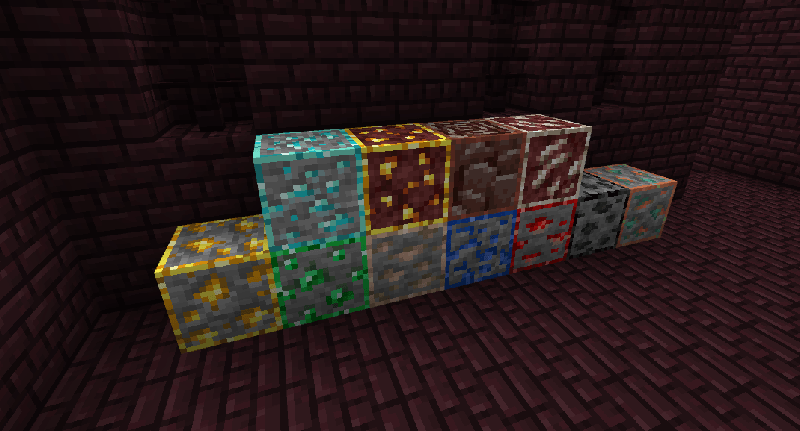
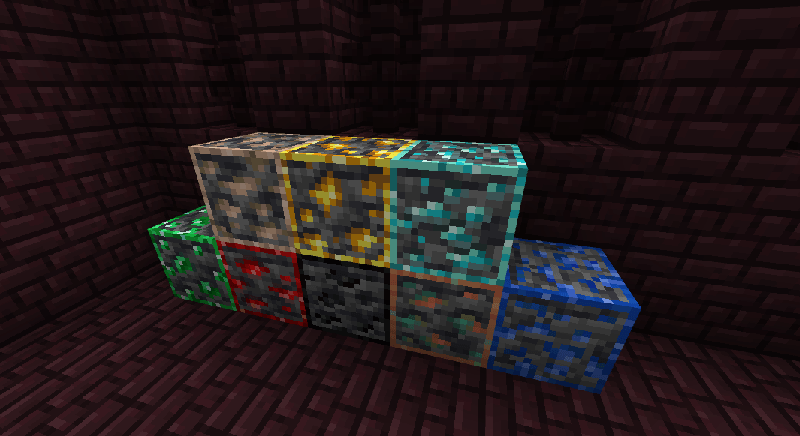
Outlined Ores is a texture pack designed to enhance your mining experience by clearly highlighting ore blocks. It adds distinct outlines around ores, improving their visibility and making exploration more engaging and efficient. This simple visual enhancement helps you spot valuable resources quickly as you dig.
Installation / How to Use
To install the Outlined Ores texture pack, download the pack file and import it into your Minecraft Bedrock Edition resource packs folder. Then, activate the pack from the game's settings menu under Resource Packs. Once enabled, the ores in your world will display with a clear outline, making them easier to identify during mining.
Requirements / Compatibility
This texture pack is compatible with the latest versions of Minecraft Bedrock Edition. It works seamlessly alongside most other resource packs, but for best results, avoid using conflicting packs that modify ore textures or outlines.
Key Features
- Outlines added to all standard ore blocks for improved visibility.
- Clear differentiation between ores and surrounding blocks to speed up resource gathering.
- Simple installation and minimal impact on game performance.
Notes / Troubleshooting
If ore outlines do not appear, ensure the texture pack is properly activated and prioritized in your resource pack list. Check for any conflicting packs that might override ore textures. Restarting the game after enabling the pack can also help apply the changes.


 2.33/5