The Best Resource for Minecraft Bedrock Edition on Android

Lumenix Shader

Lumenix Shader

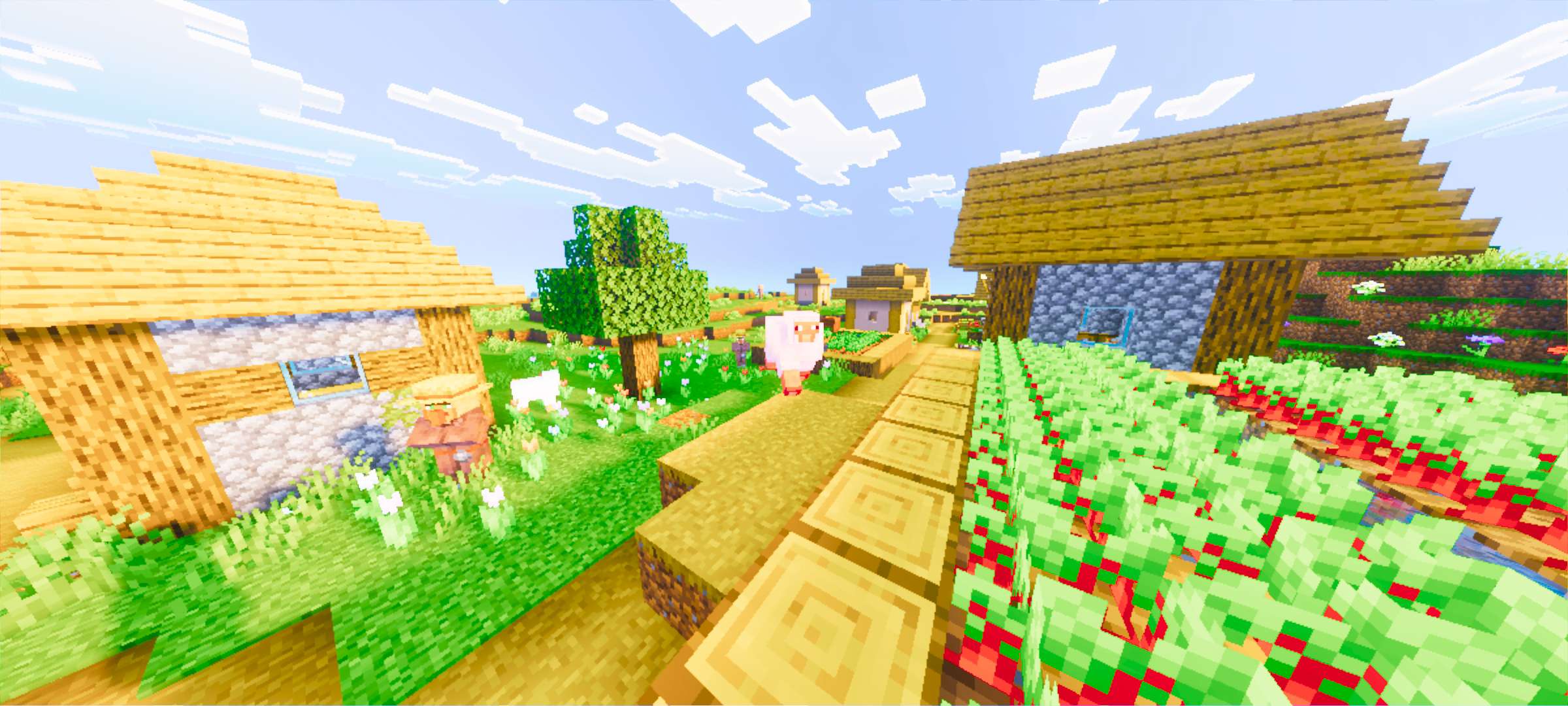
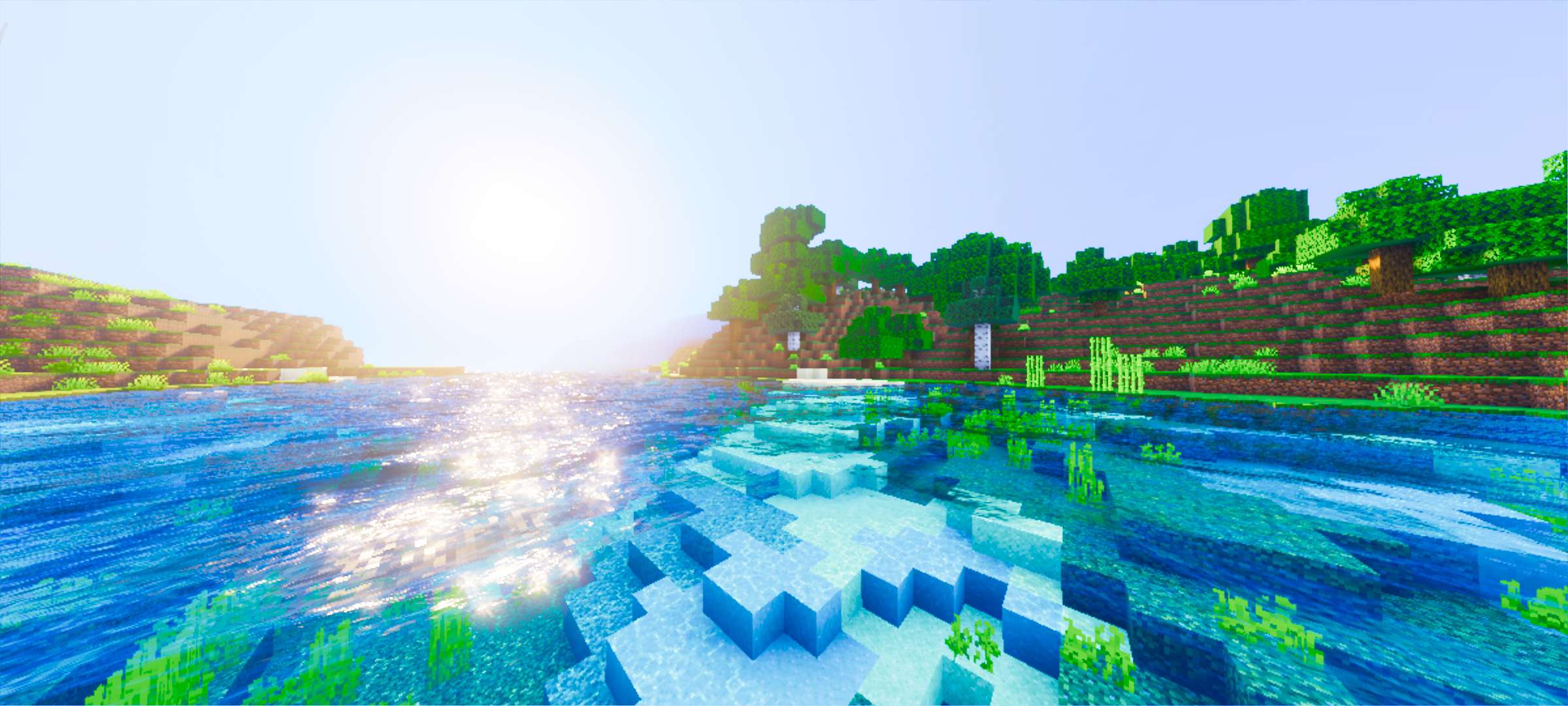
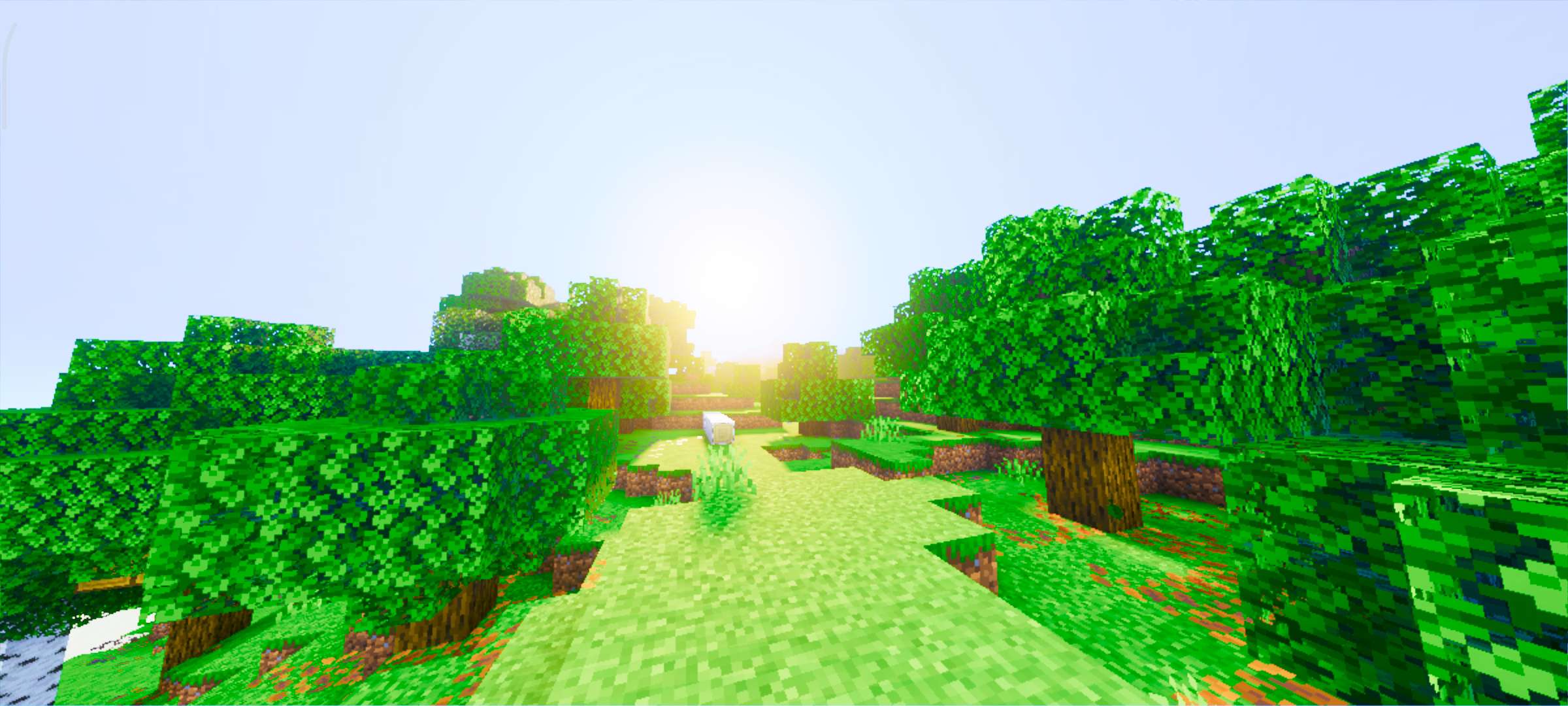
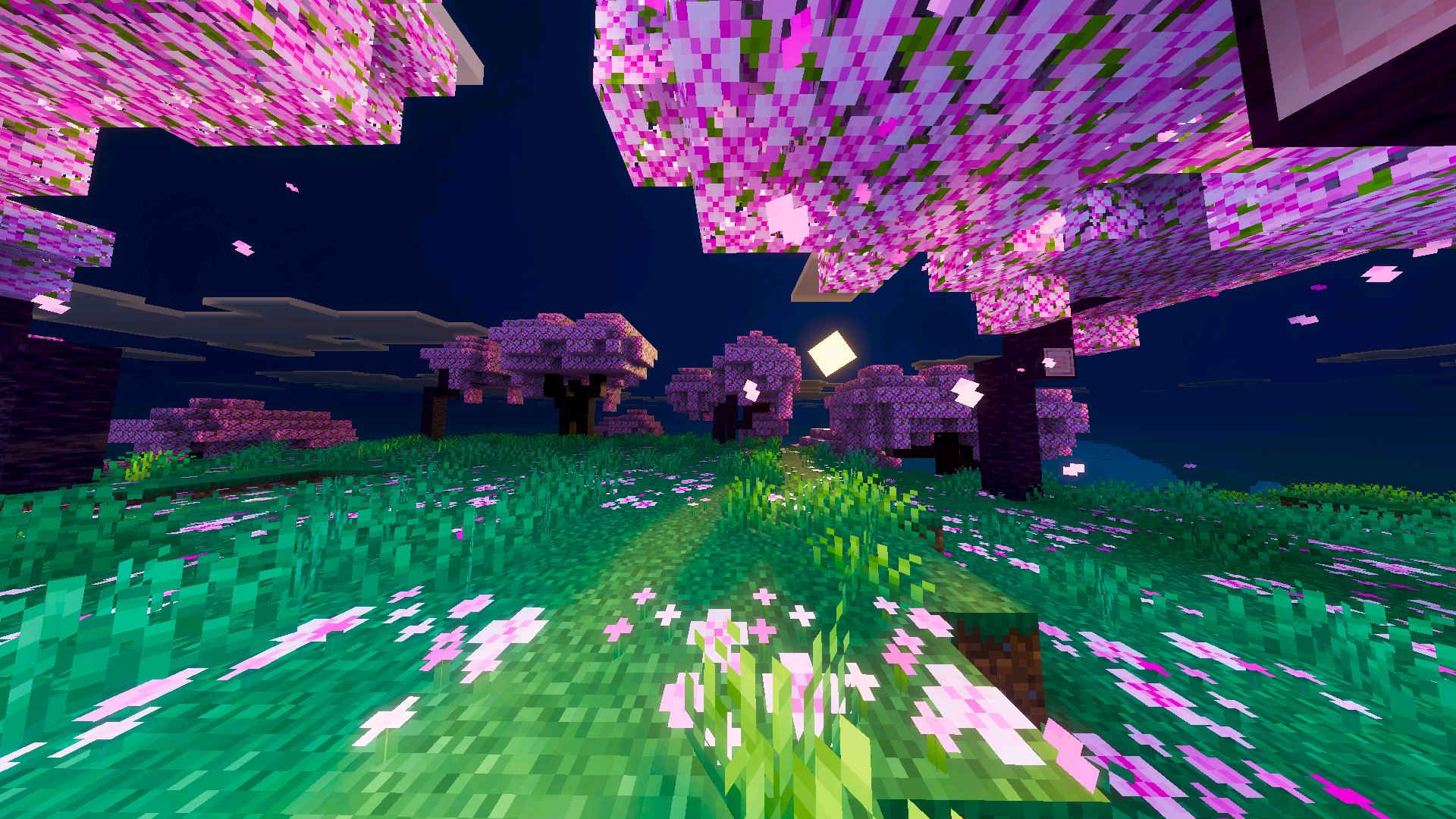
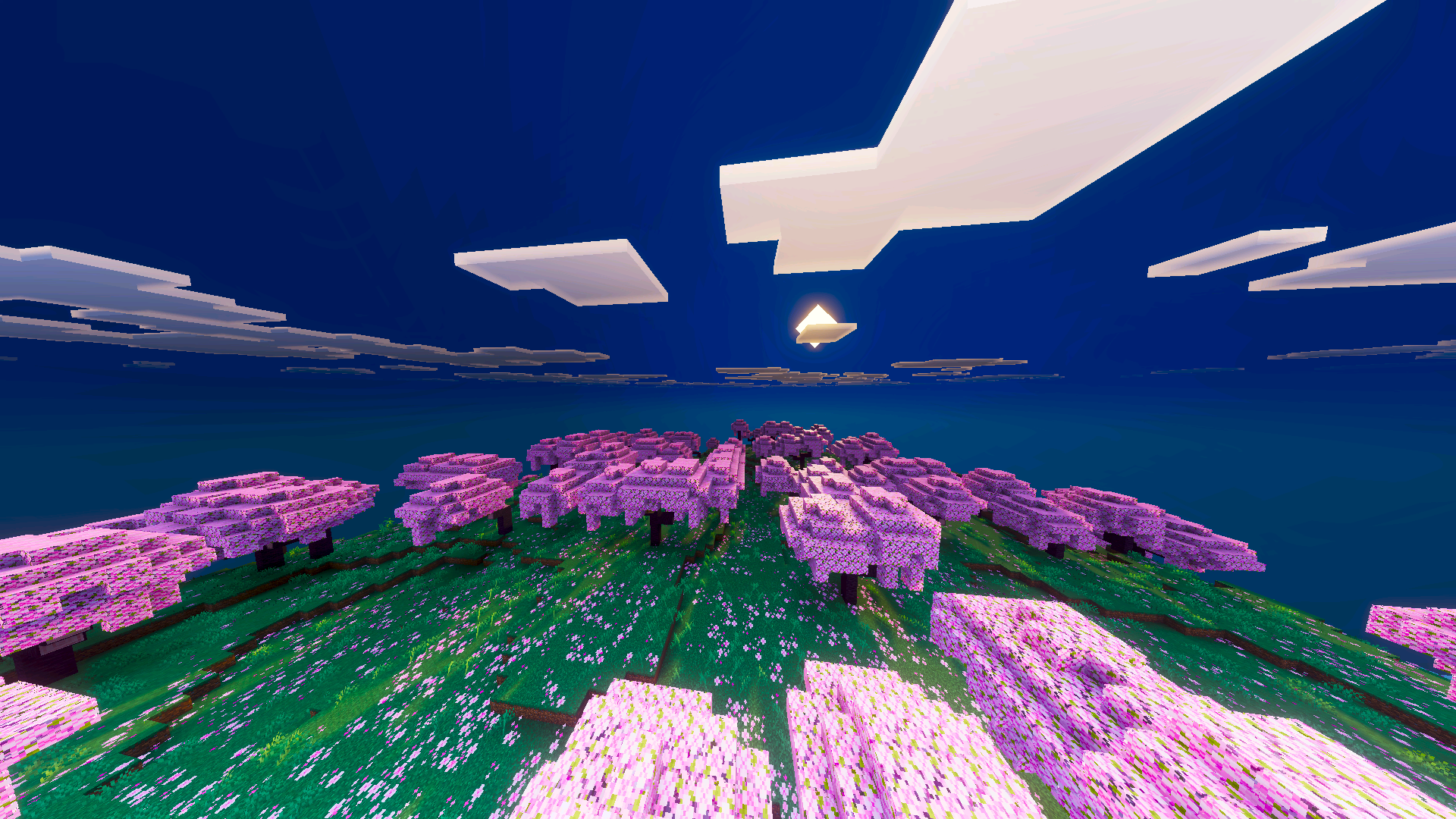
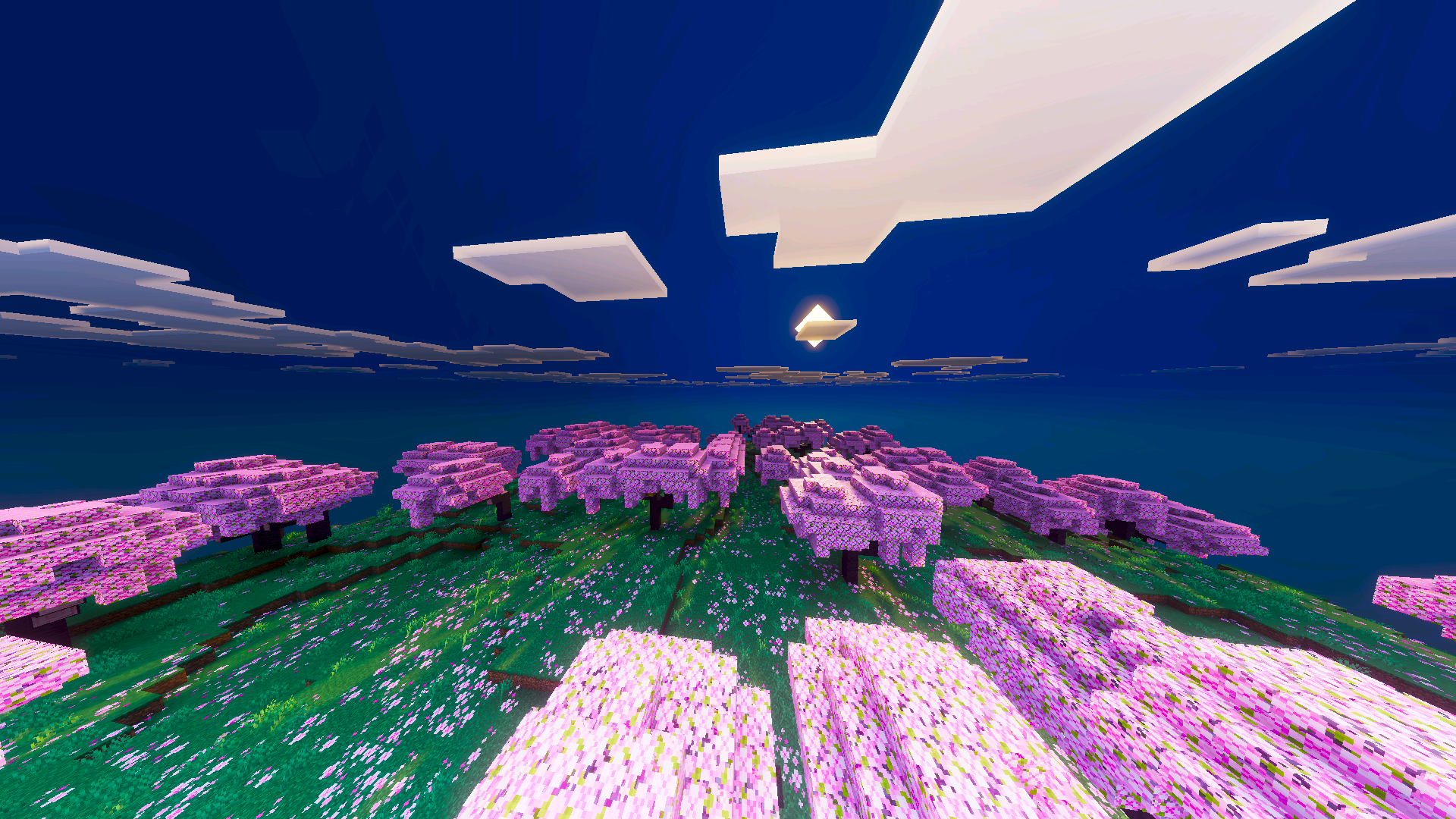
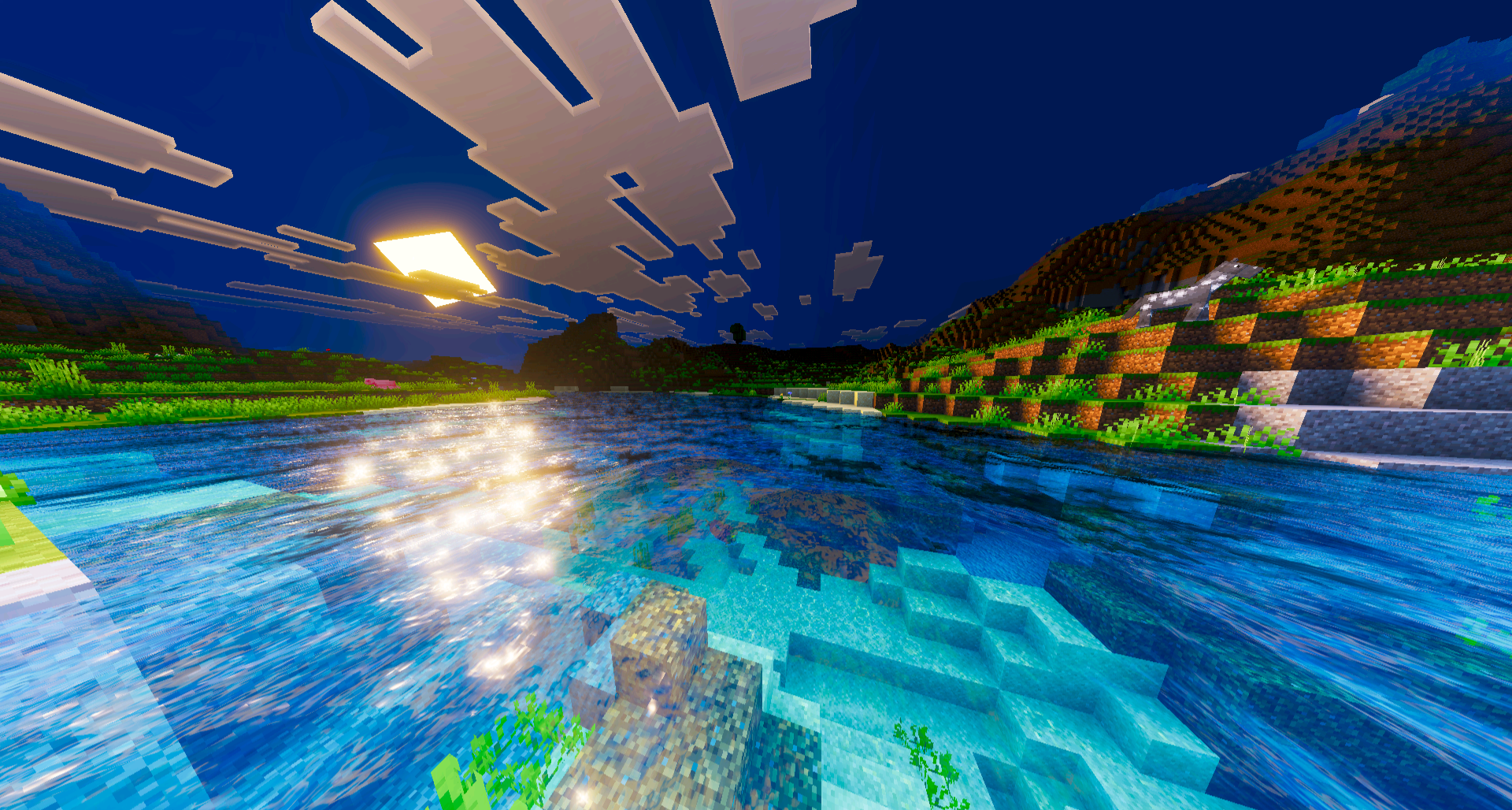
Lumenix Shader introduces a warm and vibrant aesthetic to your Minecraft Bedrock world by enriching colors, lighting, and overall atmosphere for a more immersive and visually pleasing experience. This shader applies a smooth, saturated glow that brings the environment to life with soft tones and enhanced detail.

Installation / How to Use

To install Lumenix Shader, download and import the shader pack into your Minecraft Bedrock edition resource packs folder. Activate the shader through the game's settings under the Resource Packs menu. For optimal results, ensure that the "Vibrant Visuals" setting is enabled in your video or graphics options.

Requirements / Compatibility

Lumenix Shader is compatible with Minecraft Bedrock Edition on devices that support custom resource packs and shaders. It requires the "Vibrant Visuals" option to be turned on for full effect. Performance may vary depending on your device's graphics capabilities.

Key Features

  • Enhanced color saturation that creates a lively and warm atmosphere.
  • Soft lighting that smooths out harsh edges and adds depth to scenes.
  • Improved environmental tones that make biomes and structures stand out.
  • Subtle vibrancy that maintains game performance while upgrading visuals.

Notes / Troubleshooting

If the shader does not display correctly, verify that "Vibrant Visuals" is enabled in the game settings. Some devices may require restarting Minecraft after activating the shader for changes to take full effect. Report any bugs or suggestions through the game’s comment system.
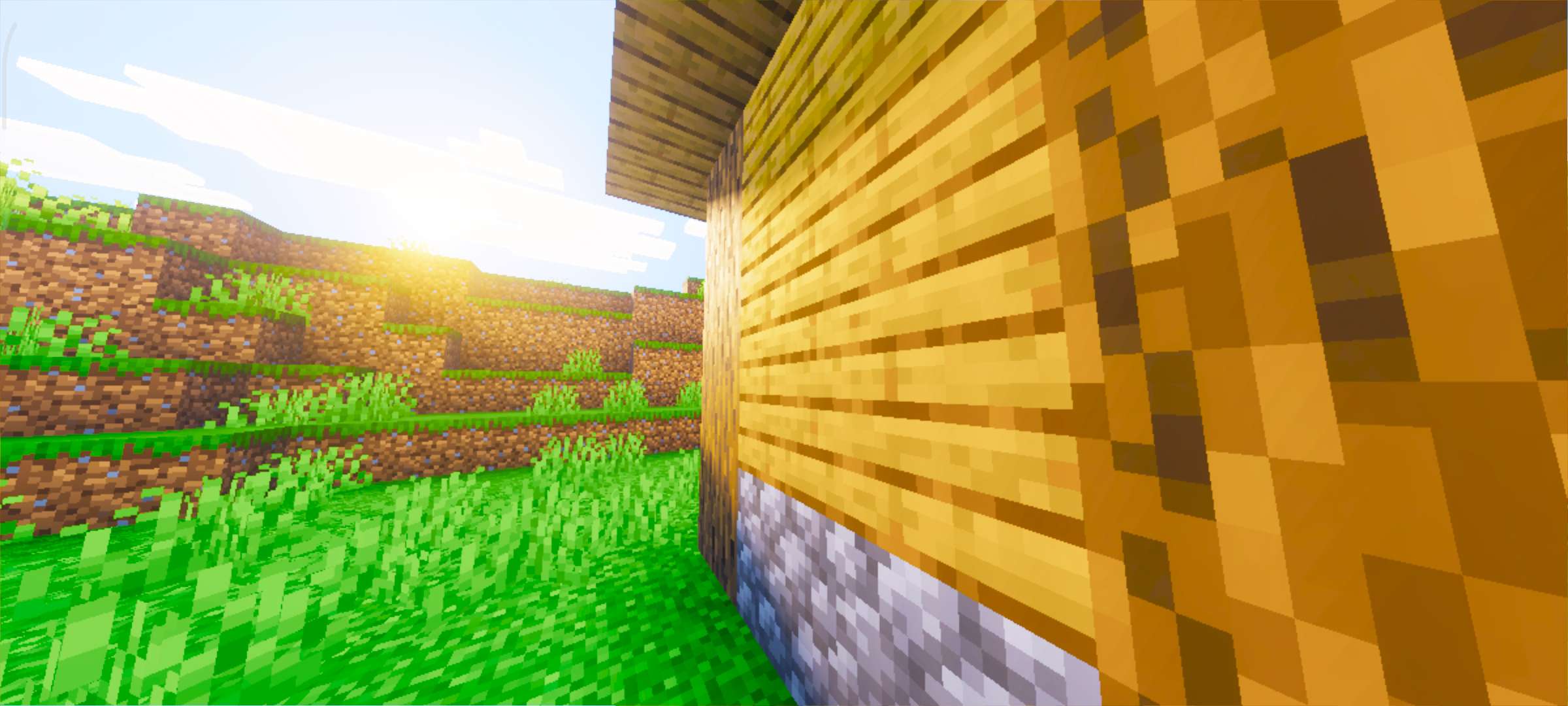
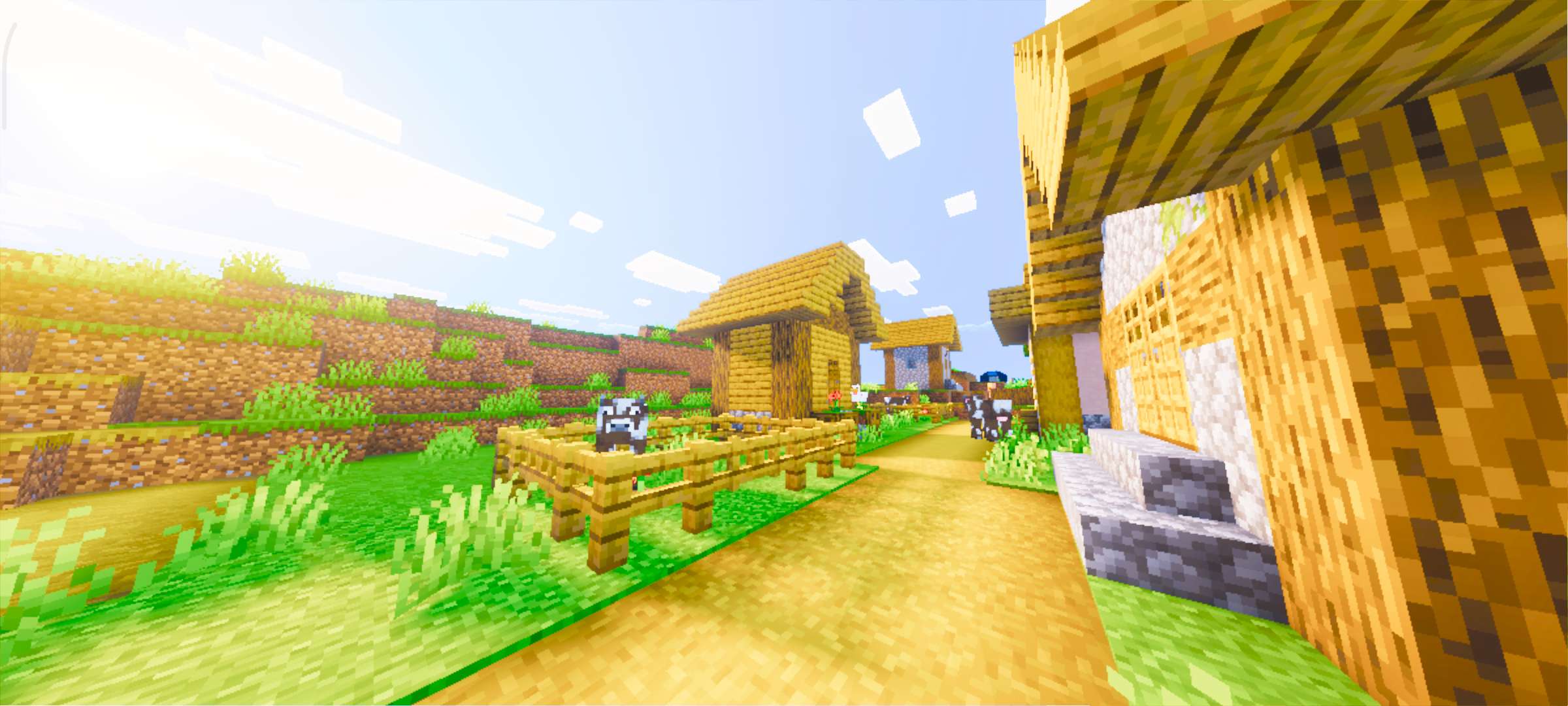
Lumenix Shader vibrant landscape example

Enhanced lighting and colors with Lumenix Shader

Warm tones applied to Minecraft environment

Smooth atmospheric effects using Lumenix Shader

Vibrant visuals highlighting Minecraft biomes

Detailed textures enhanced by the shader

Color enhancement showcasing Minecraft structures

Lumenix Shader lighting effects in gameplay

Soft, saturated atmosphere created by Lumenix Shader

Screenshots & Video
1 / 1Swipe to browse · tap to zoom
Download Lumenix Shader

Supported versions
26.20
2.74 MB4 downloads
Download
Supported versions
26.20
2.74 MB3 downloads
Download
Supported versions
26.20
2.74 MB0 downloads
Download
Supported versions
26.20
4.06 MB0 downloads
Download
Supported versions
26.20
2.74 MB0 downloads
Download
Supported versions
26.20
2.74 MB0 downloads
Download
Supported versions
26.20
2.75 MB0 downloads
Download
Supported versions
26.20
2.76 MB0 downloads
Download
Supported versions
26.20
2.76 MB0 downloads
Download
Supported versions
26.20
2.76 MB0 downloads
Download
Supported versions
26.10
2.76 MB0 downloads
Download
Supported versions
26.10
2.76 MB0 downloads
Download
Supported versions
26.10
2.76 MB0 downloads
Download
Supported versions
26.10
2.76 MB0 downloads
Download
Supported versions
26.10
2.76 MB0 downloads
Download
Supported versions
26.3
2.75 MB1 downloads
Download
Supported versions
26.0
2.75 MB0 downloads
Download
Supported versions
26.0
2.75 MB0 downloads
Download
Supported versions
26.0
2.75 MB0 downloads
Download
Supported versions
26.0
2.75 MB0 downloads
Download
Supported versions
26.0
2.75 MB0 downloads
Download
Supported versions
1.21.132 1.21.131 1.21.130 1.21.124
2.75 MB0 downloads
Download
Supported versions
1.21.132 1.21.131 1.21.130
2.75 MB0 downloads
Download
Supported versions
1.21.132 1.21.131 1.21.130 1.21.124
2.75 MB0 downloads
Download
Supported versions
1.21.132 1.21.131 1.21.130 1.21.124
2.75 MB0 downloads
Download
Supported versions
1.21.132 1.21.131 1.21.130 1.21.124
2.75 MB0 downloads
Download
Supported versions
1.21.132 1.21.131 1.21.130
2.75 MB0 downloads
Download
Supported versions
1.21.130
939.53 KB0 downloads
Download
Supported versions
1.21.130 1.21.124 1.21.123 1.21.122 1.21.121 1.21.120
832.7 KB0 downloads
Download
1.01 vote

Rate this content

1.00/5
0 Comments

Search MCPELIFE