
Lumenix Shader Ultra
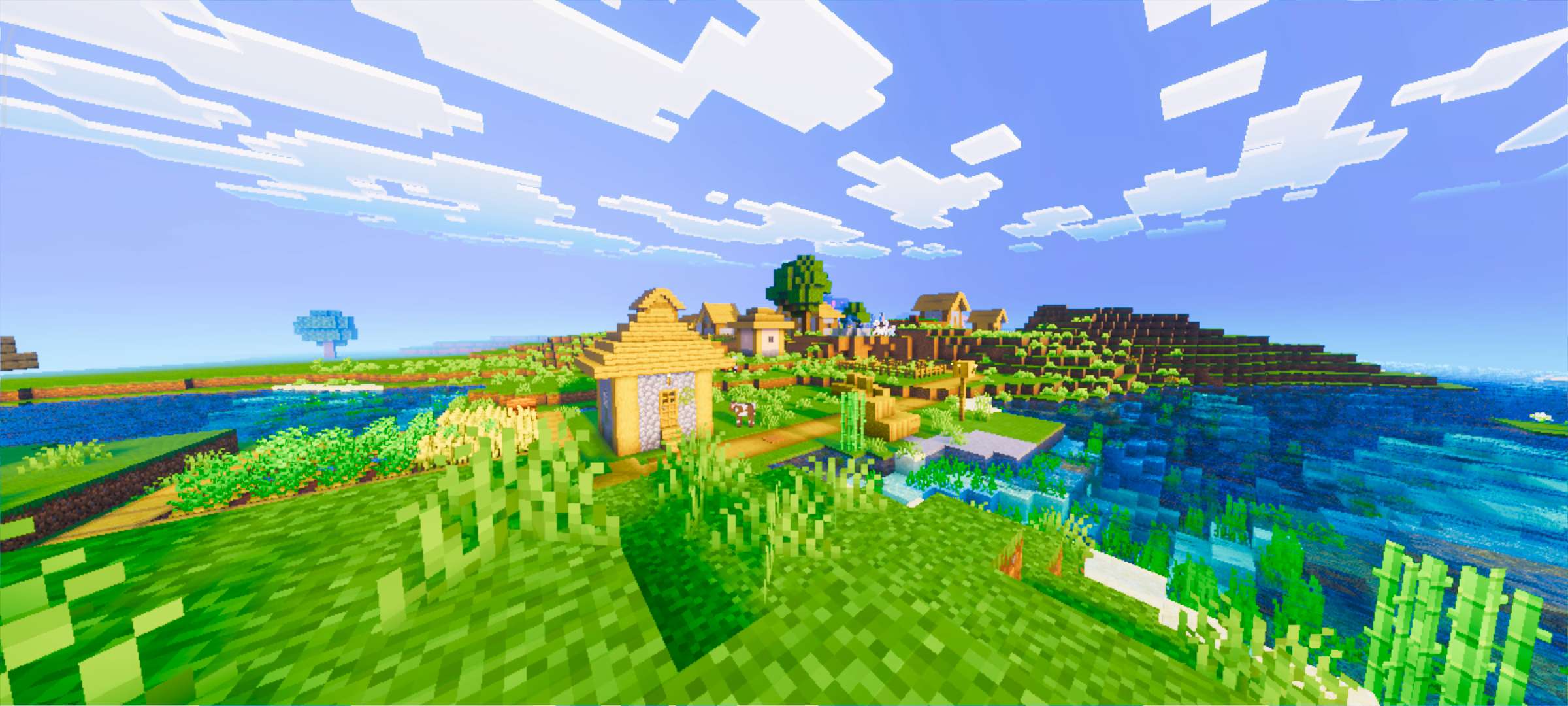
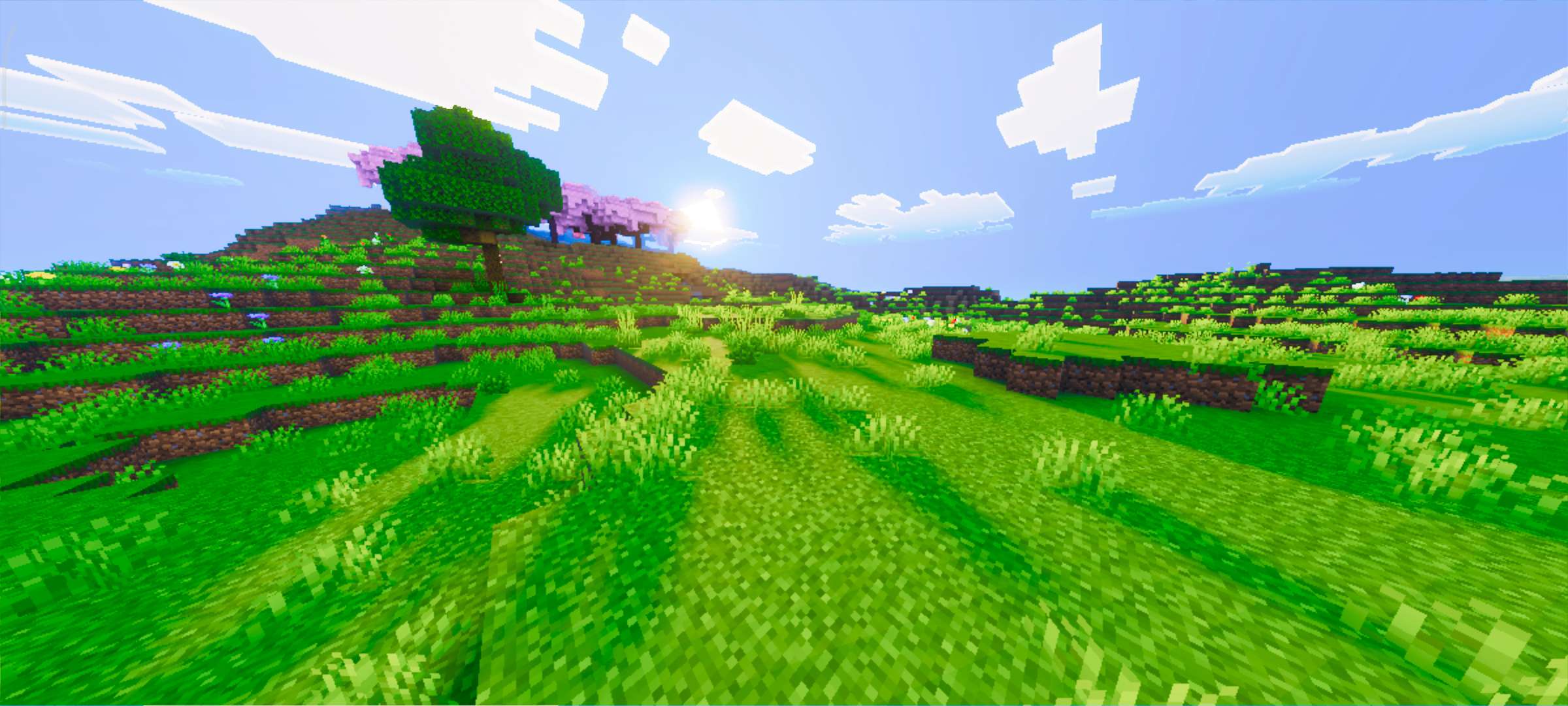
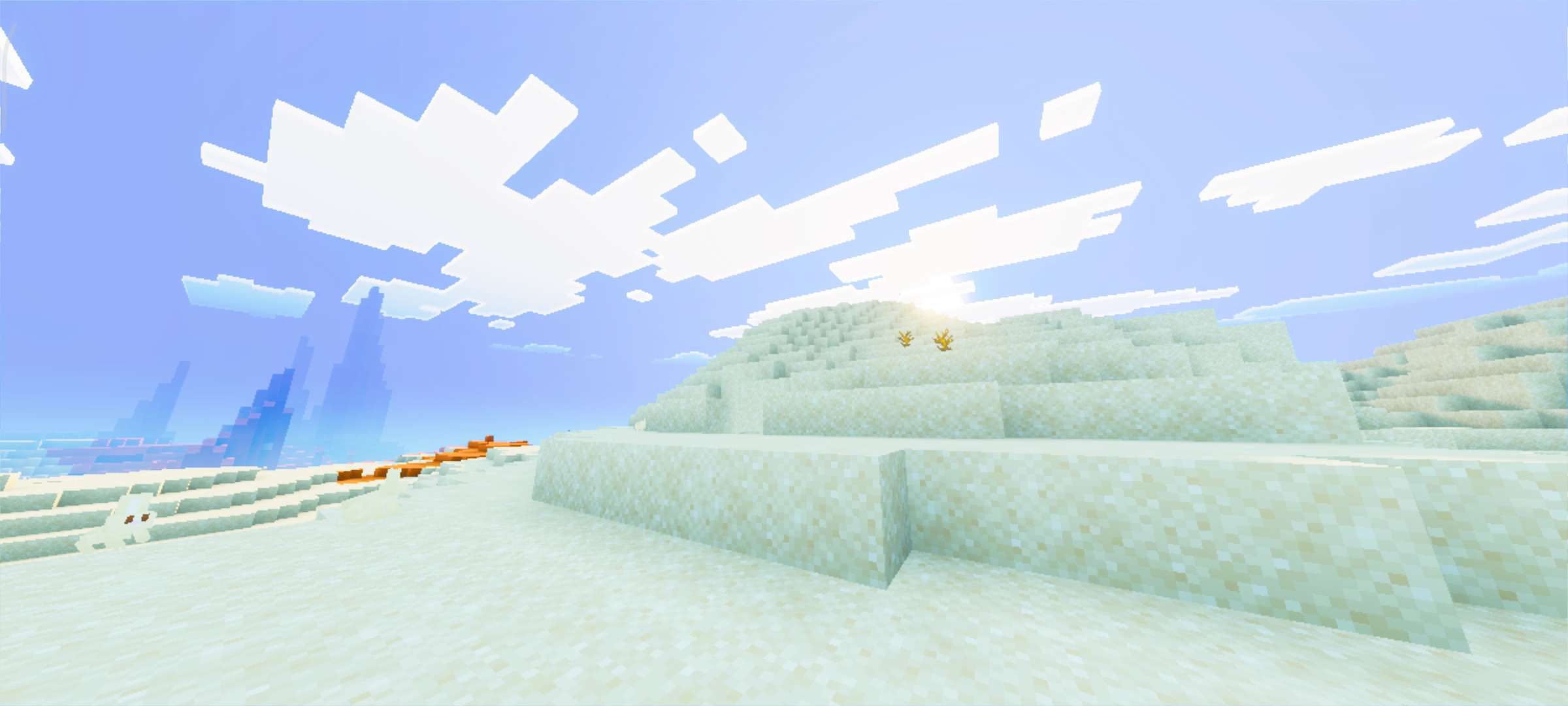
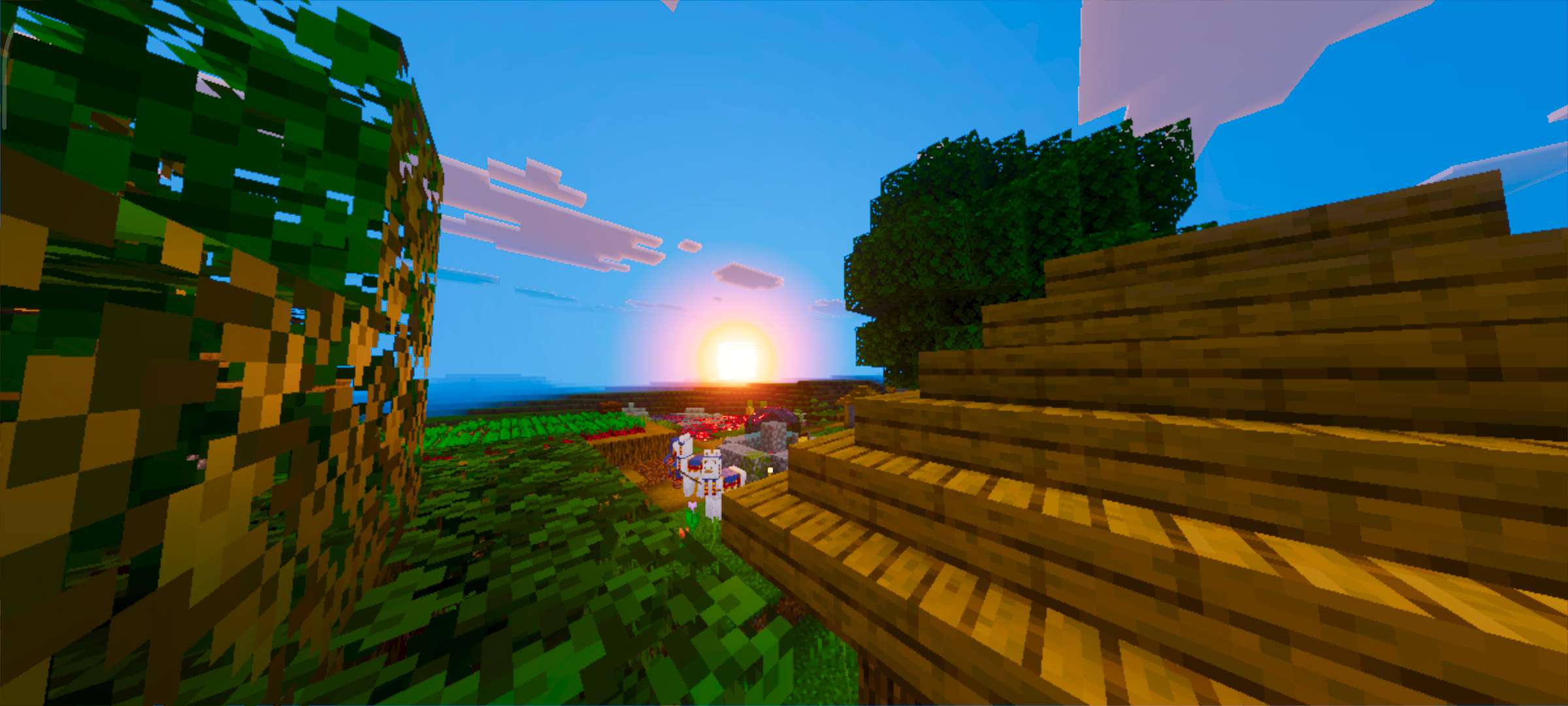
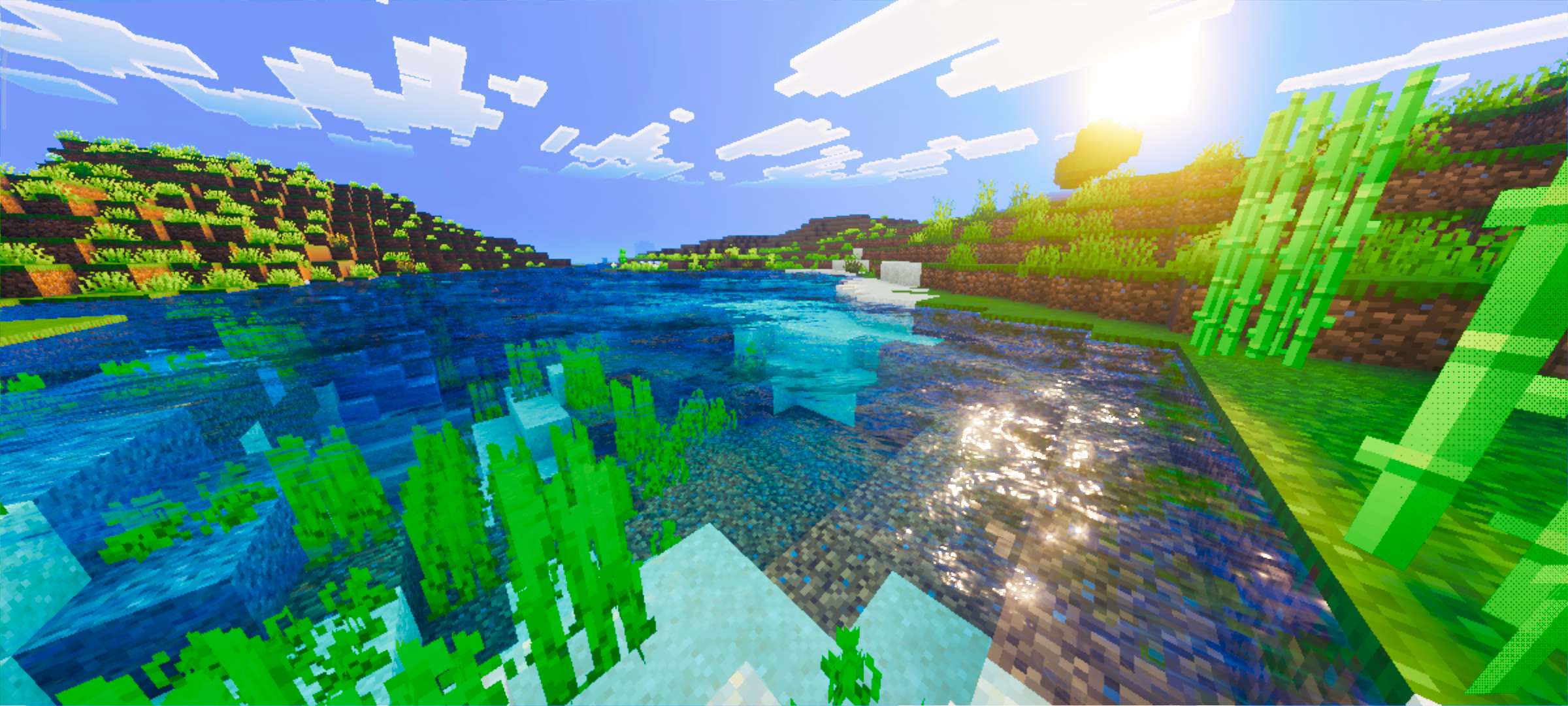
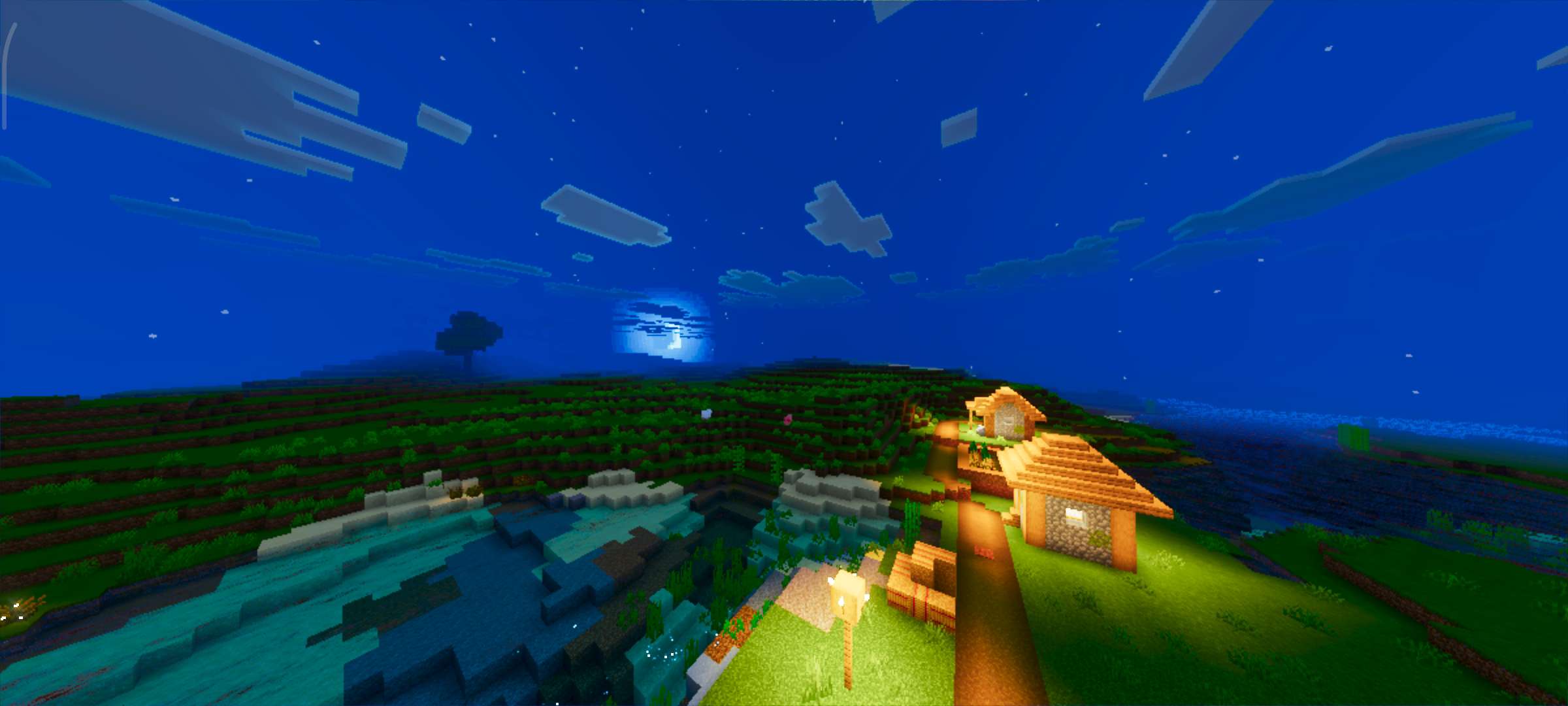
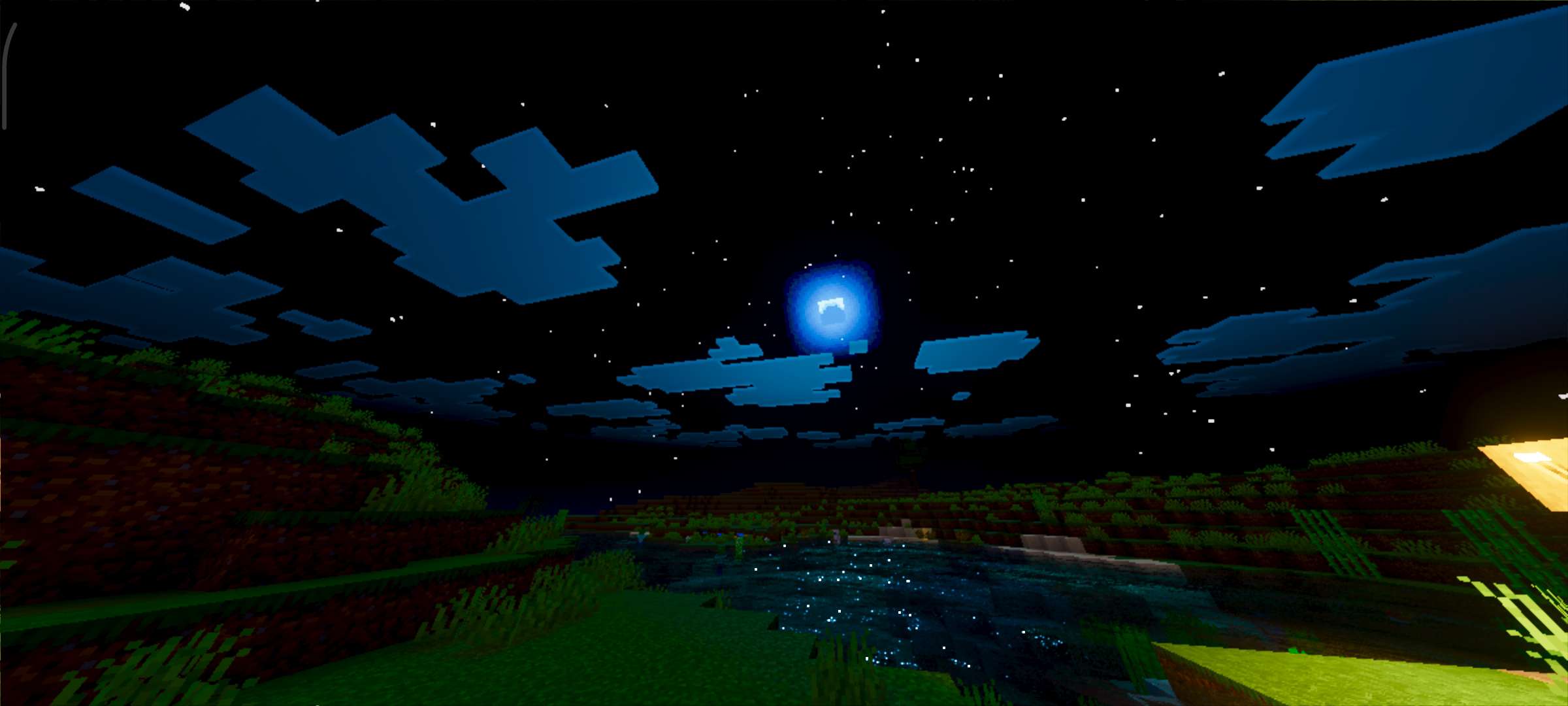
Lumenix Shader Ultra transforms the visual experience of your Minecraft Bedrock world by introducing enhanced lighting, lifelike shadows, and rich, vibrant colors. This shader pack ensures smooth gameplay while bringing a cinematic and immersive atmosphere to your game environment.
Installation / How to Use
To apply Lumenix Shader Ultra, download the shader pack and import it into your Minecraft Bedrock Edition. Once imported, activate the shader in your world’s Video Settings under the Shader Packs section. For the best visual output, make sure to enable the "Vibrant Visuals" option within your game settings.
Requirements / Compatibility
Lumenix Shader Ultra is compatible with Minecraft Bedrock Edition on supported devices. It requires a device capable of handling enhanced graphical effects without compromising game stability. Enabling "Vibrant Visuals" is essential to fully utilize the shader’s capabilities.
Key Features
- Improved lighting that adds depth and realism to your world.
- Dynamic and realistic shadow rendering for immersive environments.
- Brightened and vivid color palette that enhances visual appeal.
- Optimized for smooth performance without lag.
Notes / Troubleshooting
If you experience any visual inconsistencies, verify that "Vibrant Visuals" is enabled in your settings. For performance issues, consider adjusting your video options or running the shader on a device with higher graphical capability.
Gallery


 1.00/5