Full Grass Texture Pack
Full Grass Texture Pack enhances Minecraft Bedrock by applying the top grass texture to the sides of grass blocks and similar blocks like snow, dirt, and paths. This pack improves the visual blend of green and brown colors in distant views, offering a more natural and polished look for your game environment.
Installation / How to Use
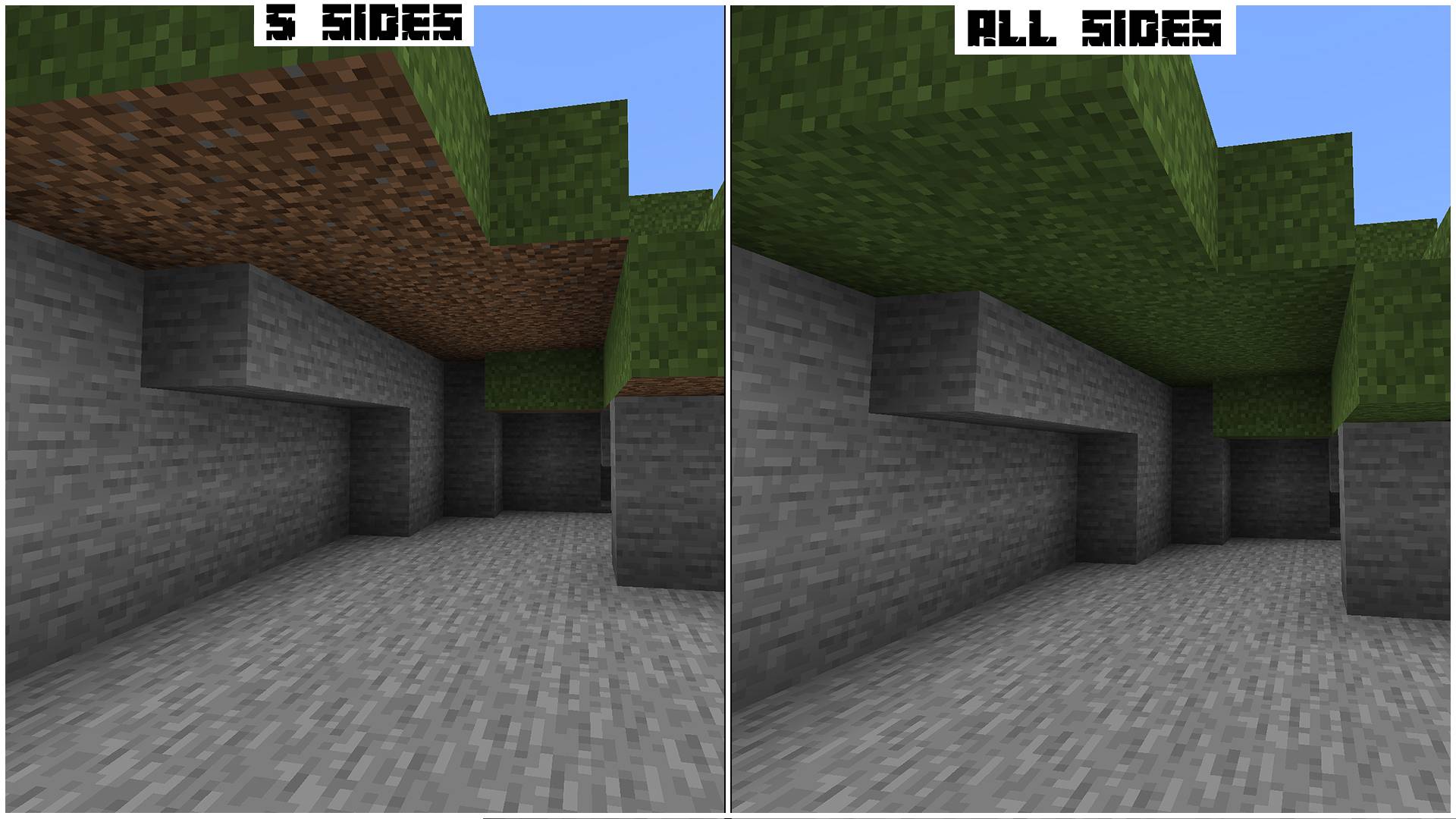
Install the texture pack as a global resource pack to ensure it functions across all worlds and multiplayer servers. In the resource pack settings, you can switch between two modes under the subpacks section:
- All Sides Mode: Applies the same texture to every side of the block, including the bottom.
- 5 Sides Mode: Applies the grass texture to all sides except the bottom, which keeps its original texture.
To achieve the best results, place this texture pack at the top of your resource pack list to override other textures as intended.
Requirements / Compatibility
This texture pack is lightweight and does not require additional system resources. It is compatible with Minecraft Bedrock Edition on all platforms, including Android, iOS, and Windows. It can be used alongside other texture packs without conflicts, provided it remains the highest priority in your active packs.
Key Features
- Transforms the side textures of grass blocks, dirt, podzol, mycelium, and grass paths to create a cohesive full-grass appearance.
- Offers two texture modes: "All Sides" for uniform look including the bottom, and "5 Sides" to keep the bottom texture unchanged.
- Improves the color blending between green and brown tones for enhanced visual appeal at long distances.
- Works seamlessly without impacting game performance or requiring extra resources.
Additional Information
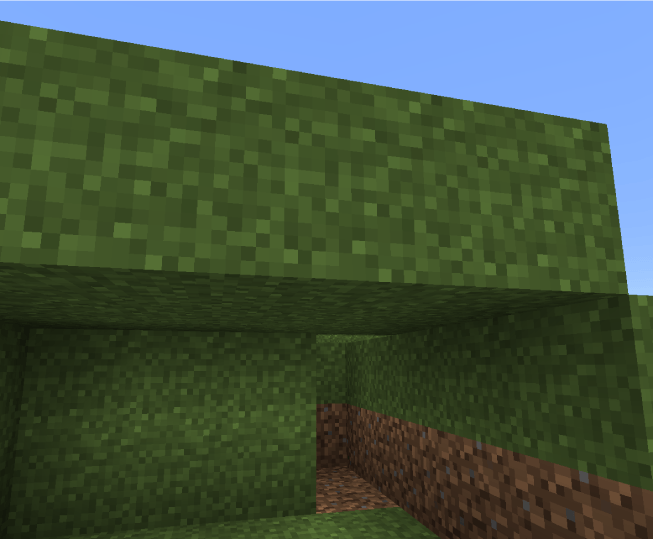
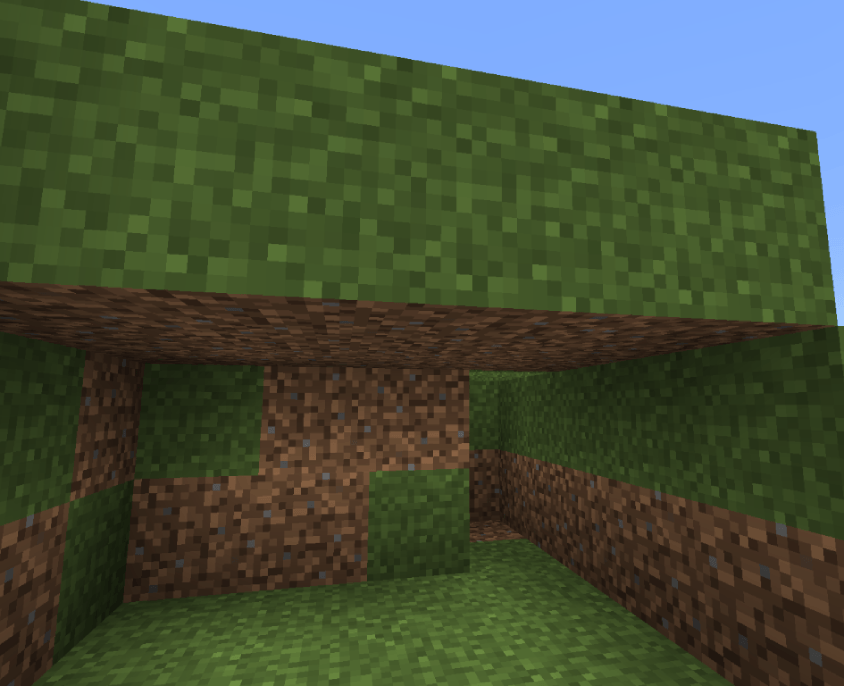
Enjoy a fresh visual experience in your Minecraft worlds with this classic full grass texture pack!

 1.00/5