Farmer’s Delight Bedrock
UPDATED: 26.07.2026
Farmer’s Delight Bedrock is a detailed unofficial adaptation of the Farmer’s Delight mod originally made for Minecraft Java Edition, now recreated for Bedrock Edition. It preserves the core gameplay elements and content from the original mod, offering new crops, cooking blocks, and food recipes to enhance farming and culinary experiences in Minecraft Bedrock.
Installation / How to Use
To add Farmer’s Delight Bedrock to your Minecraft Bedrock Edition, import the addon files into your game. Once installed, you can access all new items, blocks, and crops in your creative inventory or through crafting. Interact with new functional blocks like the Cutting Board, Stove, Cooking Pot, and Skillet for cooking and food preparation.
Requirements / Compatibility
This version of Farmer’s Delight Bedrock requires Minecraft Bedrock Edition and is not compatible with previous versions of the Delight mod below V4.0.0. It supports extension and crossover mods such as Bedrock Delight Addons and Realistic Food (version 4.1.1+). Compatibility mods like Crunch can be used alongside it for additional features.
Key Features
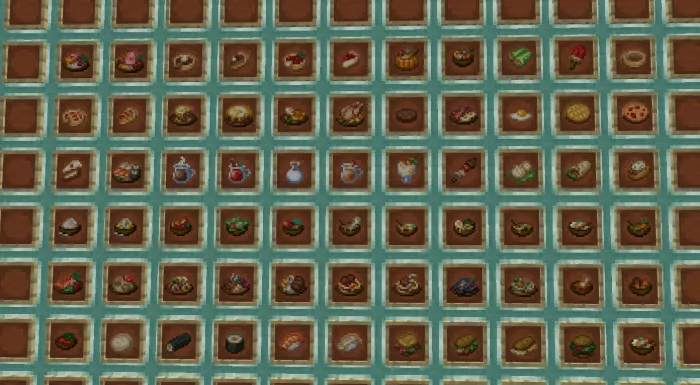
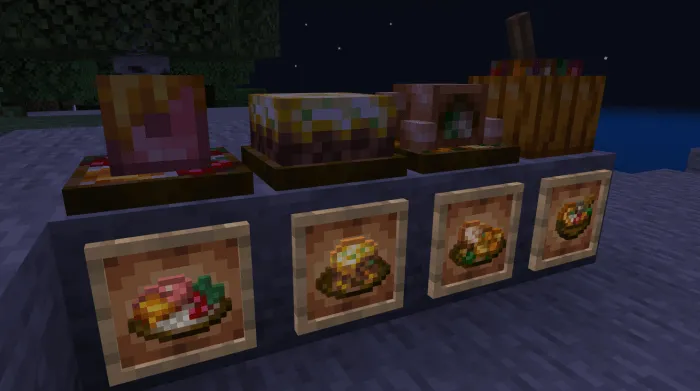
New Foods and Drinks
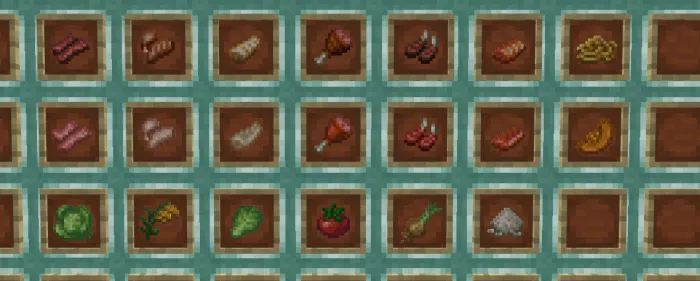
The mod introduces many new food and beverage items, enriching your culinary options in-game.
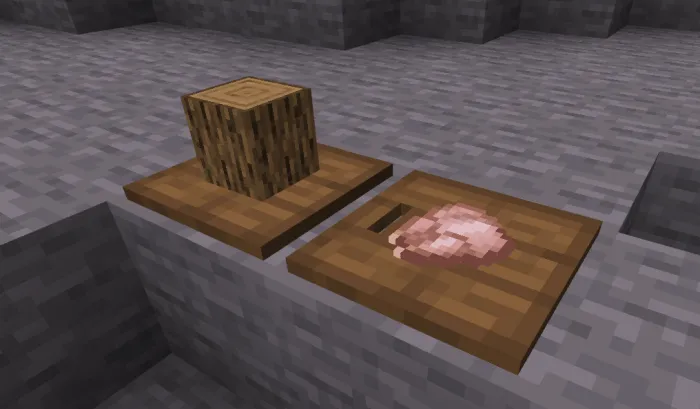
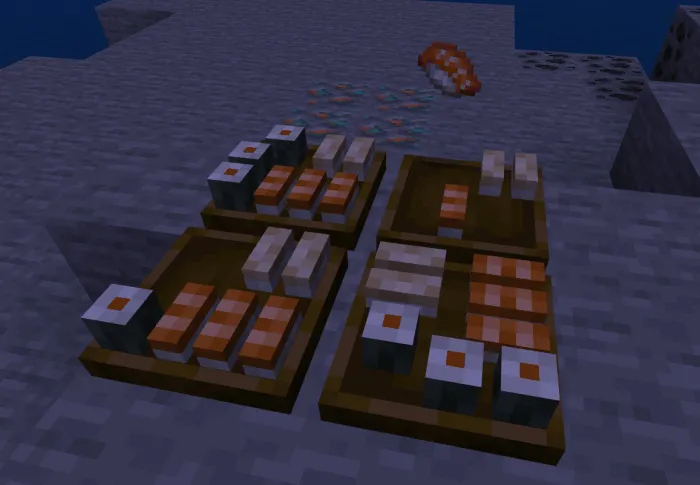
Cutting Board
A functional block without a graphical interface, the Cutting Board can hold specific blocks and items for processing using tools.
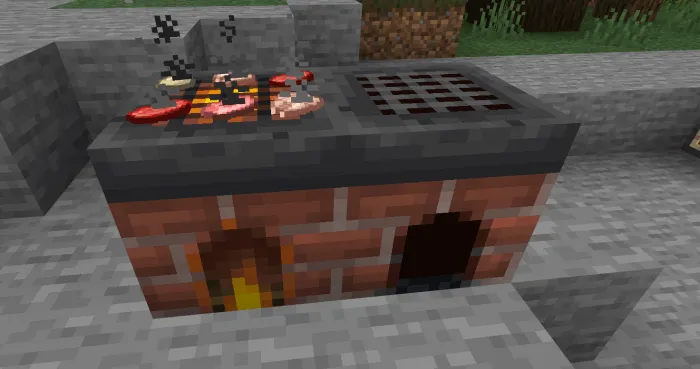
Stove
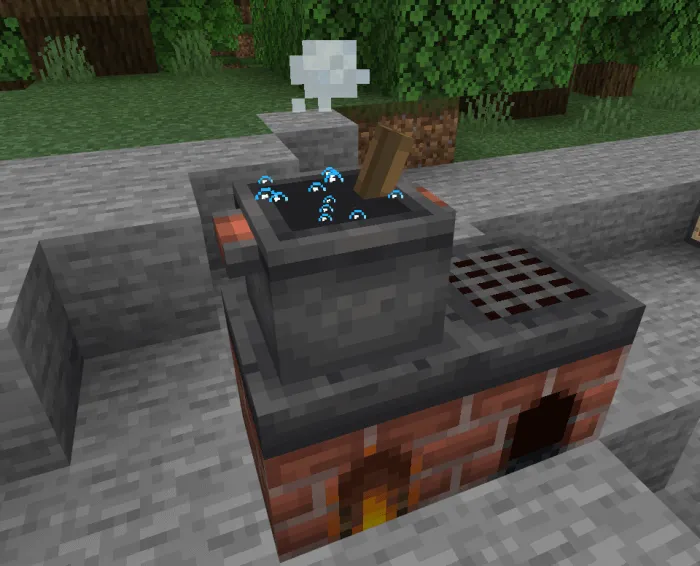
The Stove acts as a heat source for cooking blocks like the Skillet and Cooking Pot. It can smelt up to six items simultaneously and can be extinguished with a shovel or water and reignited with flint and steel.
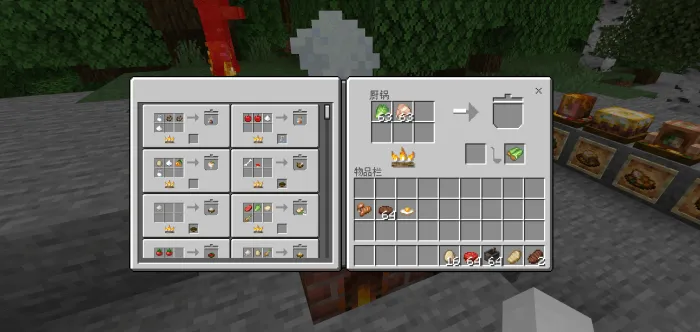
Cooking Pot
This block features a GUI for cooking and storing food. It requires a heat source beneath it, such as fire, campfires, lava, or lit stoves, to function. The Cooking Pot has six input slots, one display slot, one container slot, and one output slot. Recipes are shapeless and begin cooking automatically when ingredients are placed and heat is present. Items in the display slot require a suitable container to transfer them to the output slot before retrieval.
Skillet
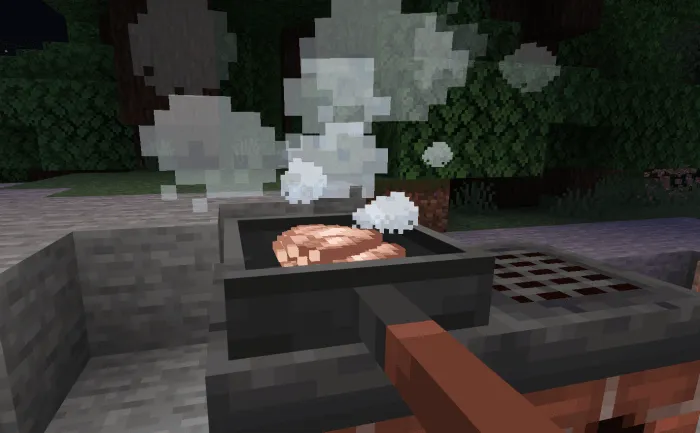
The Skillet block can cook food with a heat source beneath it and holds one set of ingredients. As an item, it also provides additional attack damage.
Crops
Four new crops are added: Tomatoes, Onions, Cabbages, and Rice. These crops and vanilla crops can spawn naturally as wild plants across various biomes.
- Tomatoes: Harvested from tomato crops or wild tomato shrubs found in hot biomes. Tomatoes grow on ropes up to two blocks in height when no rope is above the crop.
- Cabbages: Obtained by breaking cabbage crops or wild cabbages, which generate in beach biomes.
- Onions: Gathered from onion crops or wild onions found in temperate biomes.
- Rice: Collected from rice crops or wild rice, present in river biomes. Rice panicles can be processed on the Cutting Board.
Knife
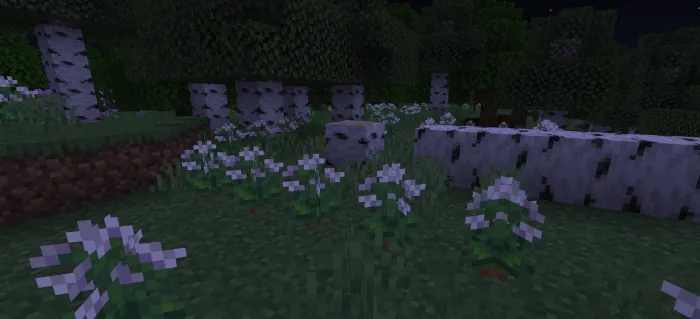
- Using a knife on grass or tall grass drops additional straw.
- Knives speed up digging of cakes, pies, wool blocks, leaves (without dropping leaves), webs, and wheat-related blocks.
- Killing animals with a knife increases the quantity of certain drops, such as feathers from chickens and leather from various livestock.
- Killing hoglins or pigs with a knife has chances to drop ham or smoked ham, with increased drop rates from the looting enchantment.
- Knives also improve drops of string from spiders and cave spiders and increase shulker shell drops.
Notes
This mod is a faithful port of the original Java mod under the MIT License, allowing its adaptation for Bedrock Edition. It is recommended to use it with compatible mods and to ensure you have the correct version to avoid conflicts.
FarmersDelightV5.0.4-26.0+.mcaddon
[2.29 MB]

 1.00/5
Comments are loaded on demand to improve page speed on mobile devices.
Show comments (0)