Dark Mode Ui
Dark Mode UI offers a sleek, modern interface makeover for Minecraft Bedrock Edition, enhancing visual comfort with a consistent dark theme and refined design elements. This texture pack introduces advanced chat features, redesigned buttons, and improved readability to elevate your in-game experience.
Key Features
- Advanced chat system designed to enhance user interaction and clarity.
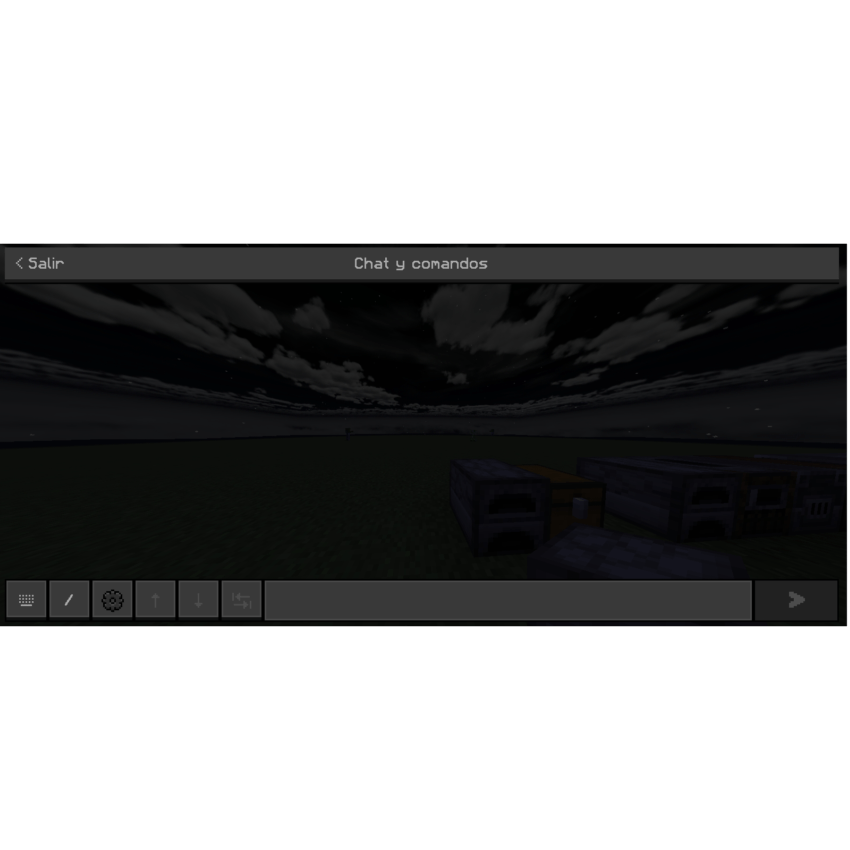
- Comprehensive dark theme applied throughout the entire user interface for visual consistency.
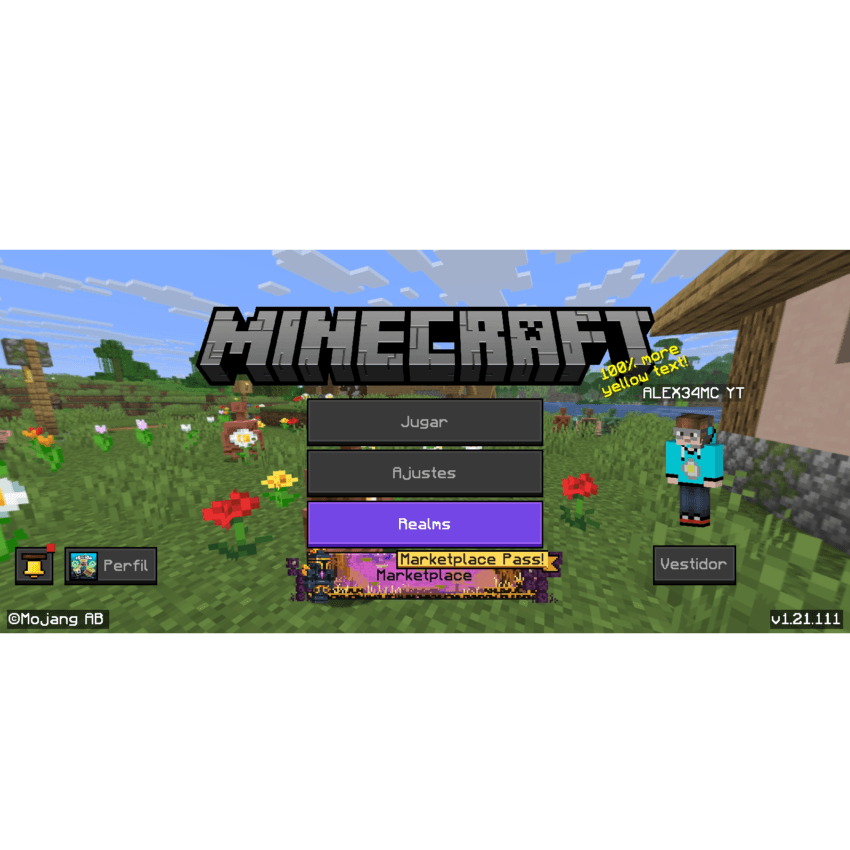
- Modernized buttons and panels featuring smooth, rounded edges for a contemporary look.
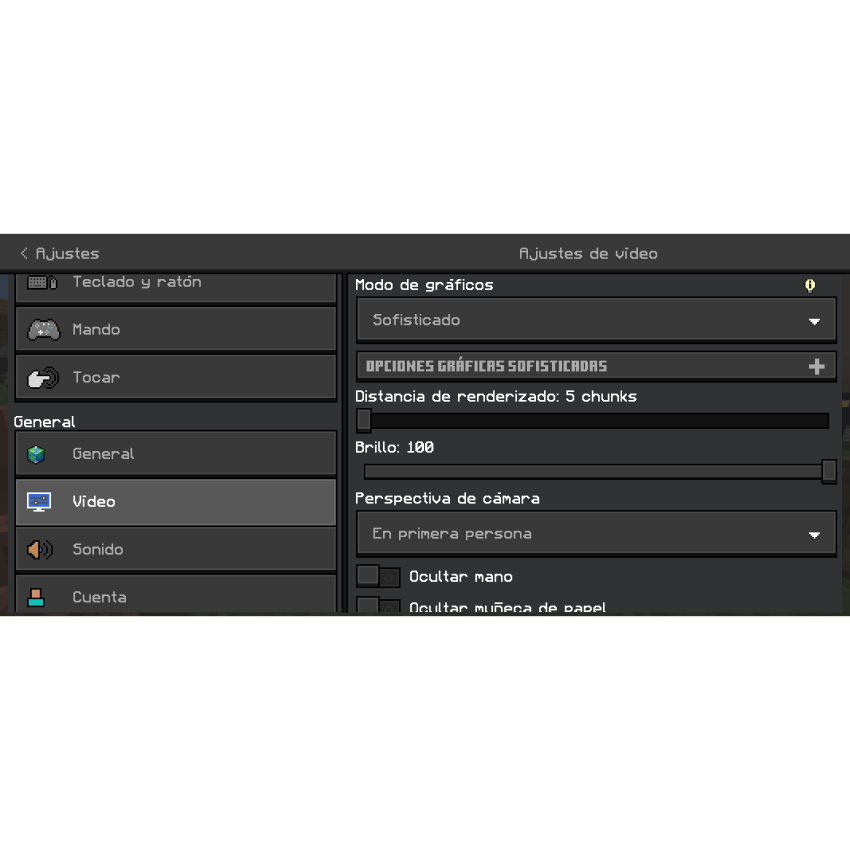
- Optimized text and background color combinations to improve readability and contrast.
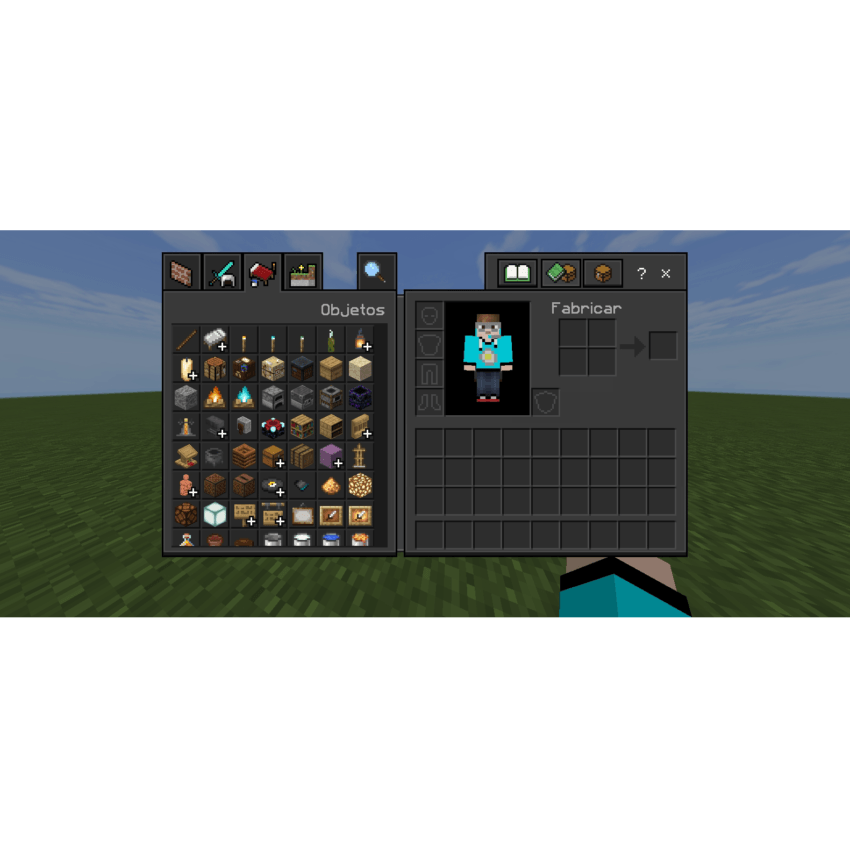
- Minimalist icon updates delivering a clean, sleek aesthetic.
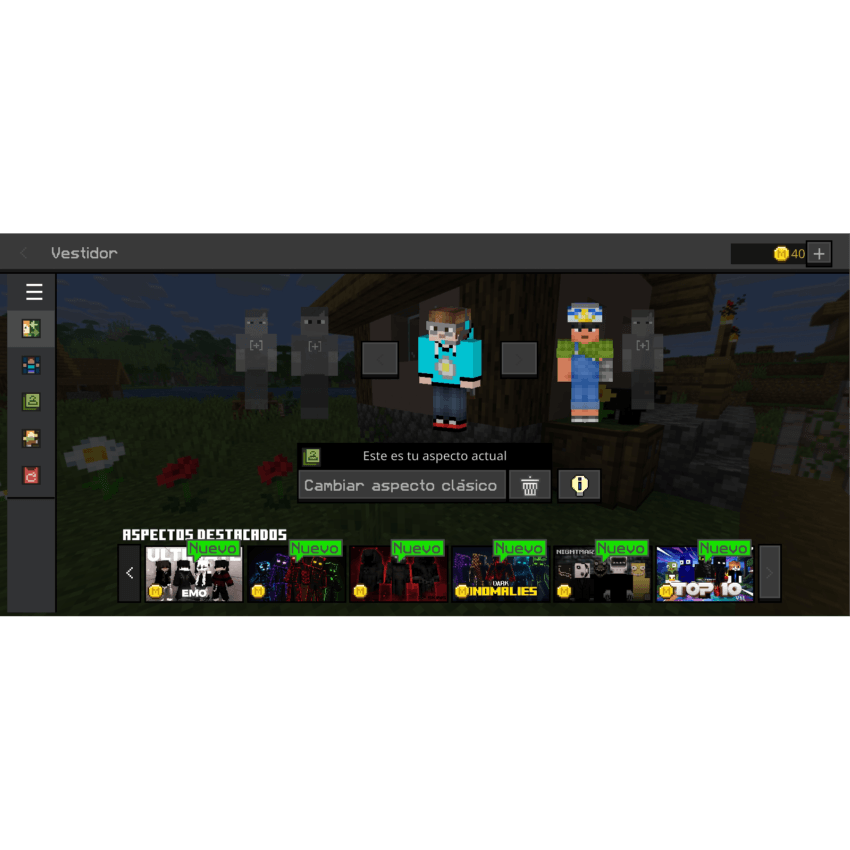
- Subtle transparency effects applied to windows and overlays, adding depth to the interface.
- Refined padding and margin adjustments for a balanced, polished layout.
Installation / How to Use
To apply the Dark Mode UI texture pack, download and import it into your Minecraft Bedrock Edition resource packs folder. Enable the pack within the game's settings under Resource Packs to activate the new dark-themed interface and enhanced features.
Requirements / Compatibility
This texture pack is compatible with the latest versions of Minecraft Bedrock Edition. For optimal functionality, ensure that your game is updated. Some features may require additional tweaks or mods to function fully.


