Brewing Guide UI
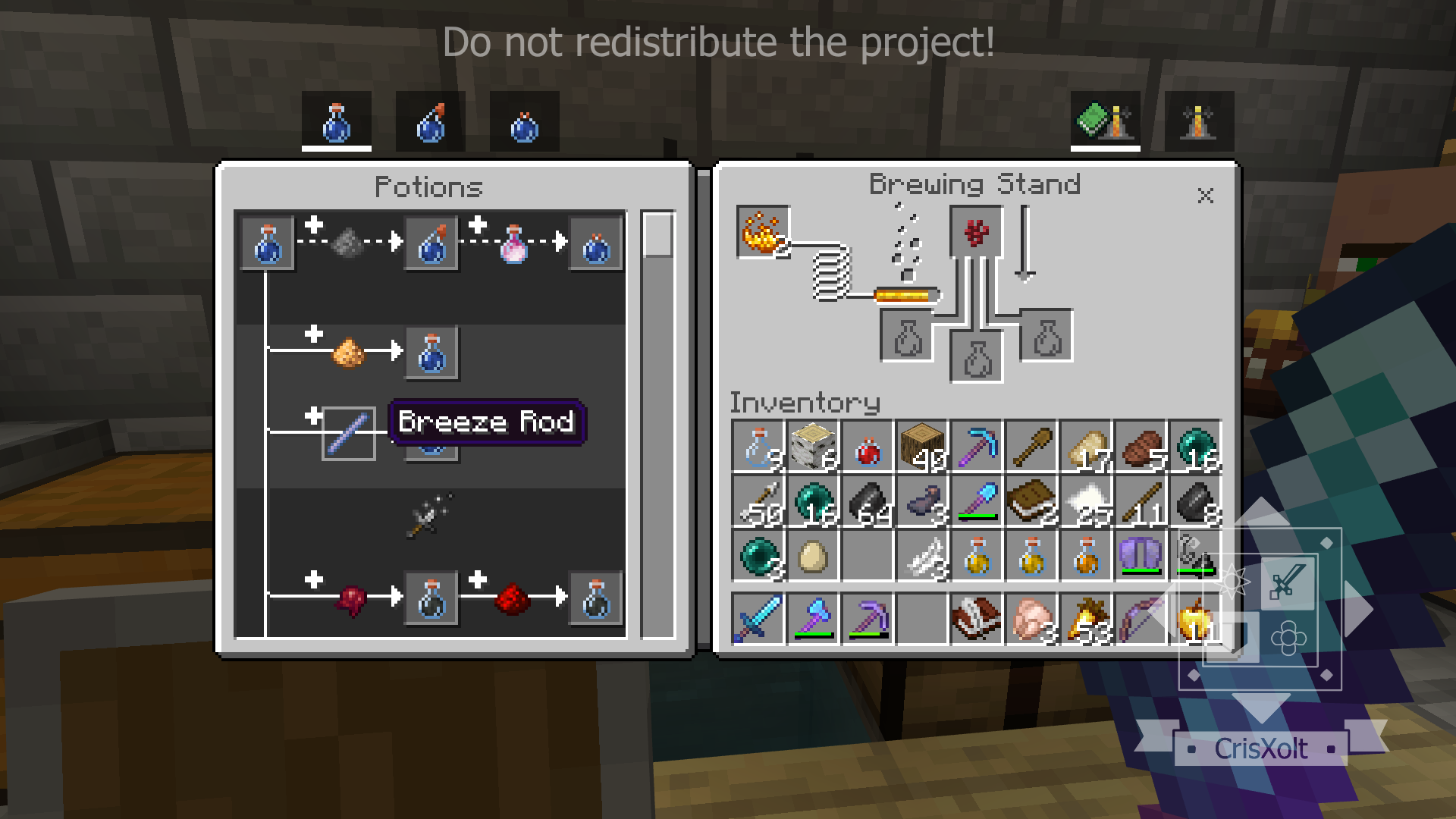
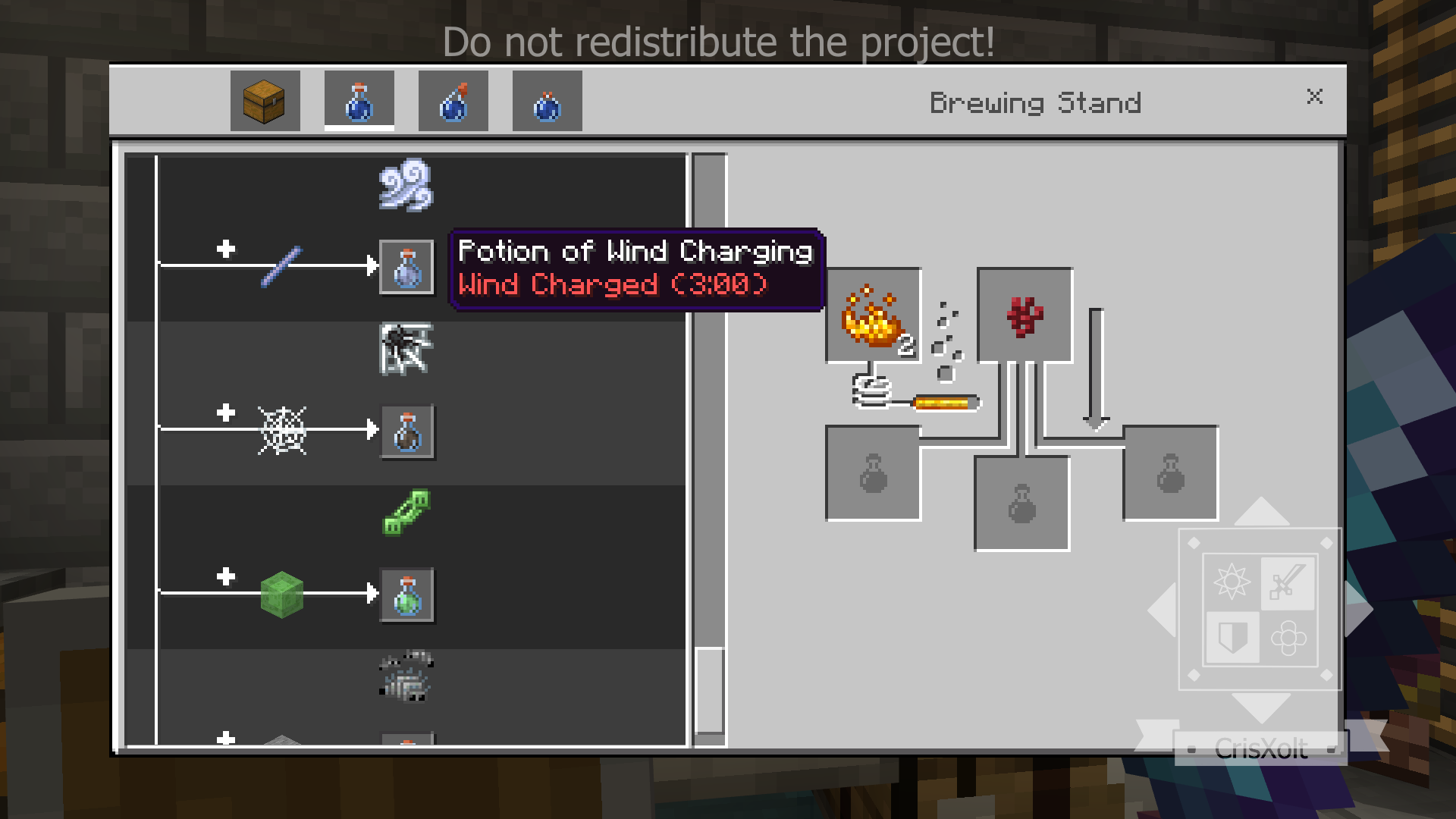
Brewing Guide UI v3.1.0 [v1.21.0] enhances your Minecraft Bedrock brewing experience by displaying a detailed potion recipe tree directly beside the Brewing Stand interface. This UI addition organizes potion recipes according to the official wiki and provides useful information for each potion, streamlining your brewing process.
Installation / How to use
After downloading, apply the resource pack to your game. The potion recipe hierarchy will appear automatically on the left side of the Brewing Stand panel. You can select different visual styles through the subpack options; remember to restart Minecraft after switching styles to ensure changes take effect.
Requirements / Compatibility
- Compatible with both Classic UI and Pocket UI layouts.
- Works alongside other resource packs, provided they do not modify the UI.
- Fully compatible with the latest version of the VDX UI resource pack.
Key features
- Displays a comprehensive potion recipe hierarchy derived from the official Minecraft Wiki.
- Provides additional details about each potion to assist with brewing decisions.
- Integrated seamlessly into the Brewing Stand interface for quick reference.
Notes / Troubleshooting
- Occasionally, the heart bar may disappear when browsing recipes. To fix this, simply reopen the Brewing Stand without selecting any recipes and then close it again. This workaround restores the heart bar, although a permanent solution is not yet available.
Screenshots
Classic UI:
Pocket UI:
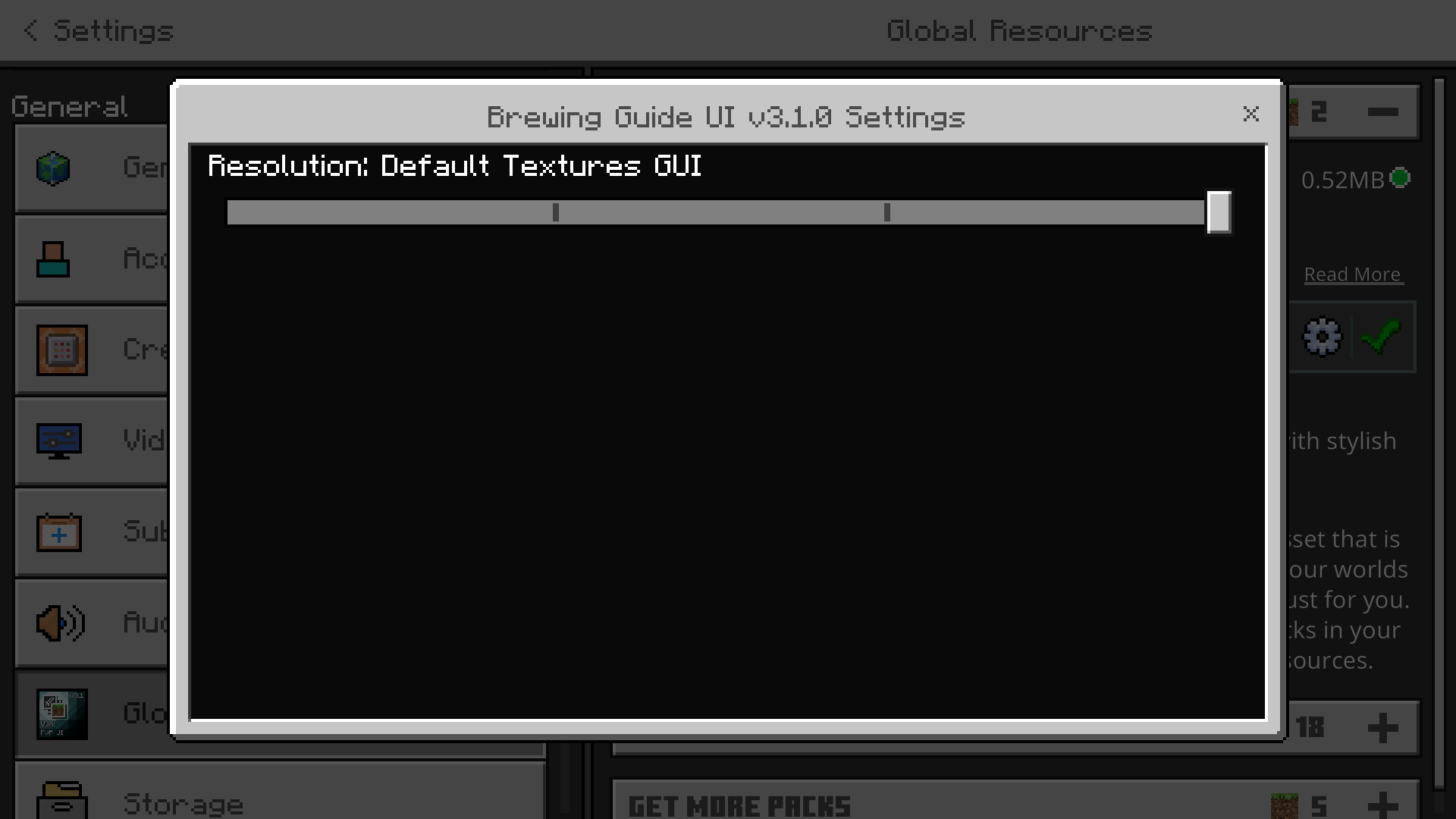
Style Selection: Change the UI style via subpack options and restart the game to apply.
Terms of Use
Additional Information
The default JSON UI data was originally created by Mojang and Microsoft. This pack modifies those designs for enhanced gameplay experience. Enjoy brewing with improved clarity and good luck!
