BL SHADER
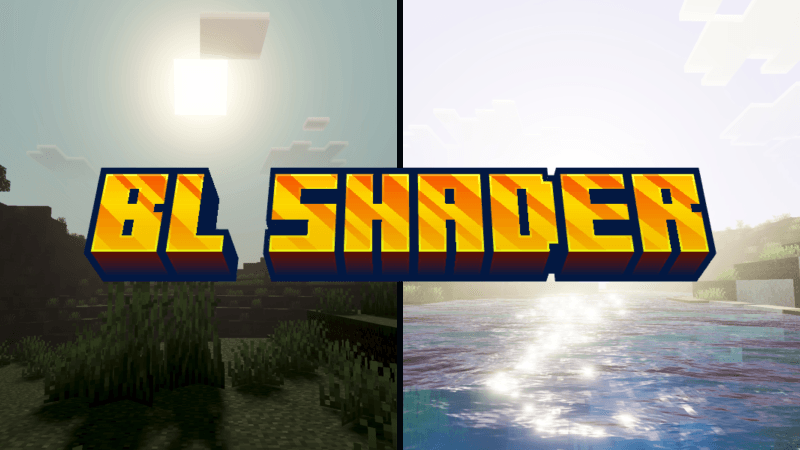
BL SHADER (Ferous) enhances Minecraft with vibrant and natural visuals that bring your world to life. This shader pack improves lighting, water reflections, and atmospheric effects without sacrificing game performance. It strikes a balance between visual quality and smooth gameplay, making your environment appear brighter and more immersive.
Installation / How to use
To install BL Shader, download the shader pack file and place it into your Minecraft resource packs folder. Activate it through the game's settings under the Resource Packs section. For best results, ensure you restart Minecraft after enabling the shader.
Requirements / Compatibility
BL Shader is designed for Minecraft Bedrock Edition and runs well on most devices supporting medium graphics settings. It works best on hardware capable of handling shaders without significant frame rate drops. This shader focuses on natural lighting and smooth visuals, so ensure your device supports these features.
Key features
- Enhanced natural lighting that brightens and cleans up the game world.
- Realistic, reflective water surfaces that respond dynamically to the environment.
- Dynamic atmospheric effects that add depth and realism without heavy performance cost.
- Lightweight to medium graphics impact, maintaining smooth gameplay.
Notes / Troubleshooting
If you experience performance issues, try lowering your graphics settings or disabling other resource-intensive packs. For optimal visuals, use the shader on worlds with moderate complexity.
(See the image below for an example of BL Shader’s visual enhancements.)

 3.00/5