
WorldEdit Addon
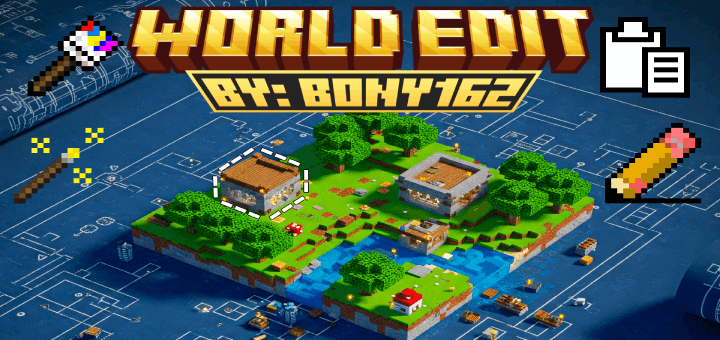
WorldEdit Addon enhances your Minecraft experience by enabling powerful building and editing tools inspired by WorldEdit. Quickly shape terrain, paint blocks, copy and paste structures, and automate complex tasks to build efficiently and creatively.
Installation / How to use
Download and enable both the Behavior Pack and Resource Pack included with the addon. No experimental features are required. Access the tools through commands like /give @s bn:selection_wand or find them in the Creative inventory. Sneak + Use actions often unlock additional options and functionalities.
Requirements / Compatibility
- Compatible with Minecraft version 1.21.50 or newer.
- Does not require enabling experimental gameplay features.
- Both Behavior and Resource Packs must be activated for proper functionality.
Key features
Core Tools
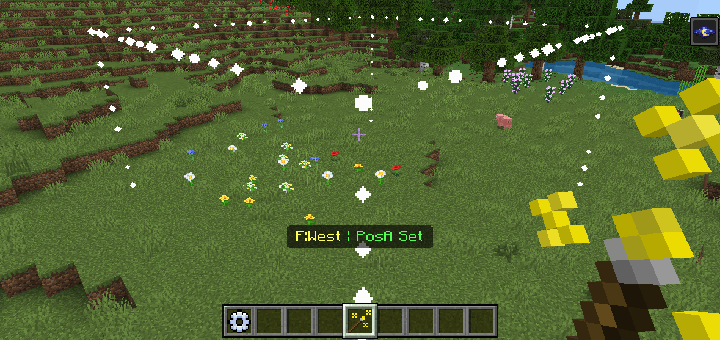
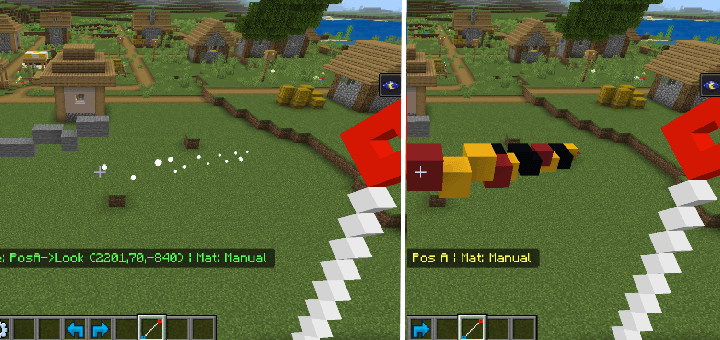
- Selection Wand (bn:selection_wand): Mark two points to define a 3D selection area. Sneak + Use lets you resize, check information, or clear the selection.
- Clipboard Tools:
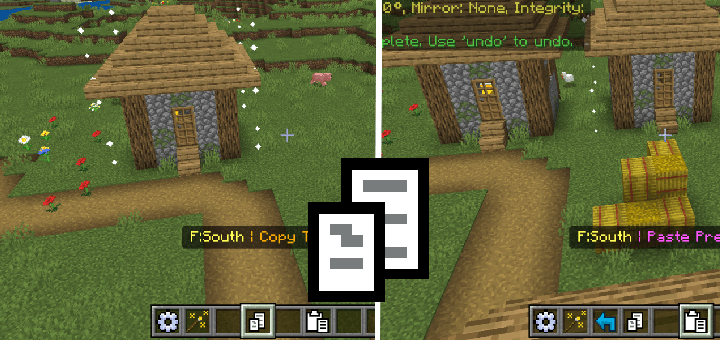
- Copy (bn:copy): Save the selected area and optionally included entities to the clipboard.
- Cut (bn:cut): Copy then remove the selected blocks from the world.
- Paste (bn:paste): Paste clipboard contents with options for original position, rotation, mirroring, and entity handling by sneak + using the tool.
- History Tools:
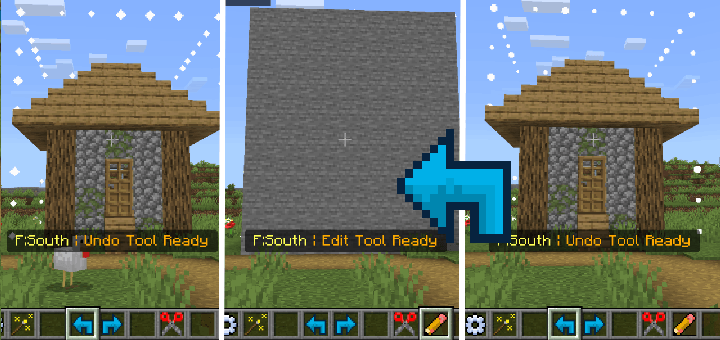
- Undo (bn:undo): Revert the last editing operation.
- Redo (bn:redo): Reapply the most recently undone action.
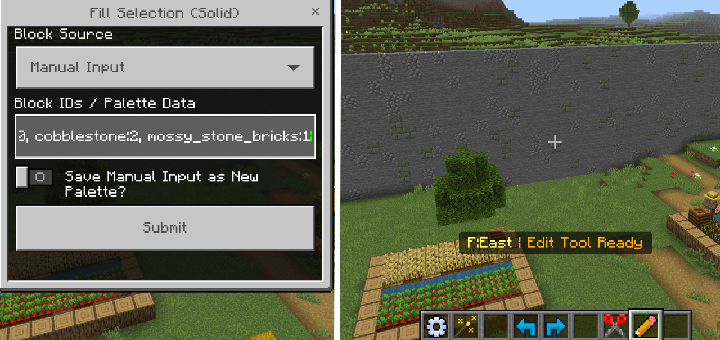
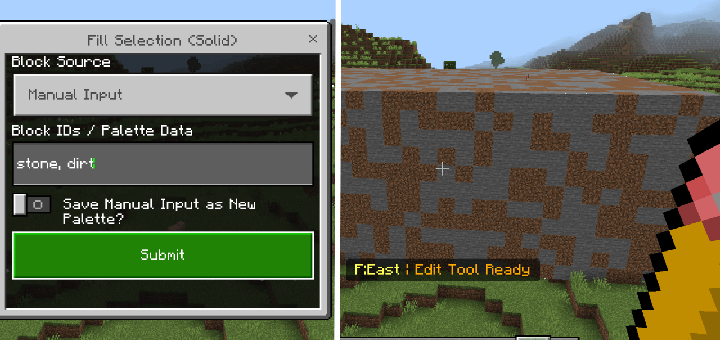
Edit Tool (bn:edit)
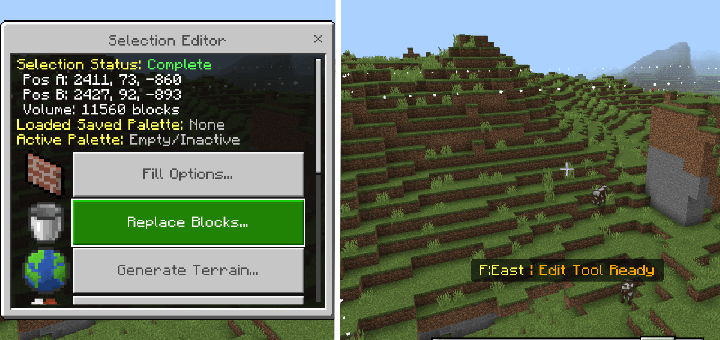
Open a menu providing multiple selection-based operations such as:
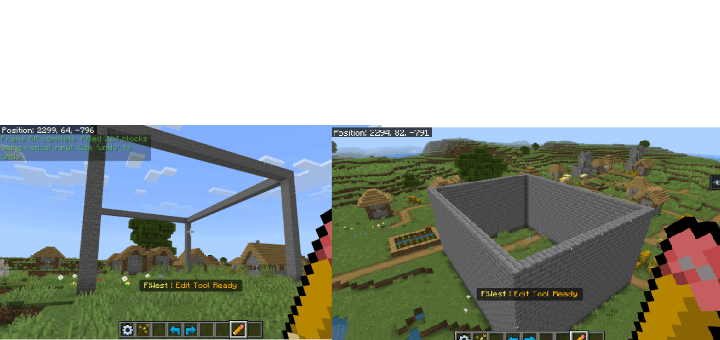
- Fill the selection solid, hollow, as frames, or walls.
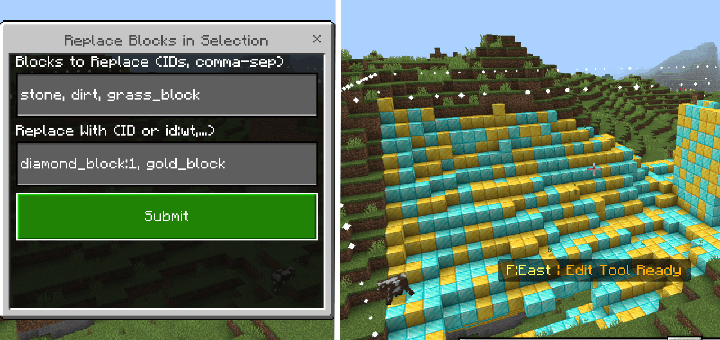
- Replace blocks by specifying what to swap.
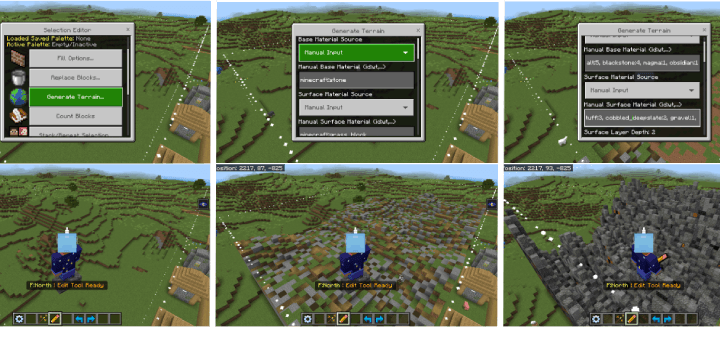
- Generate terrains procedurally using noise algorithms with customizable parameters.
- Count block types within the selection.
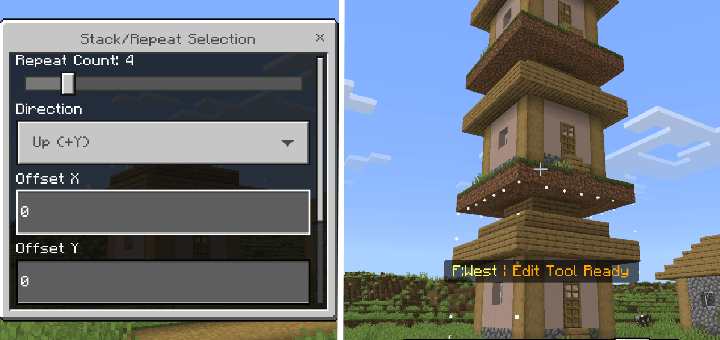
- Stack or repeat the selection multiple times in chosen directions.
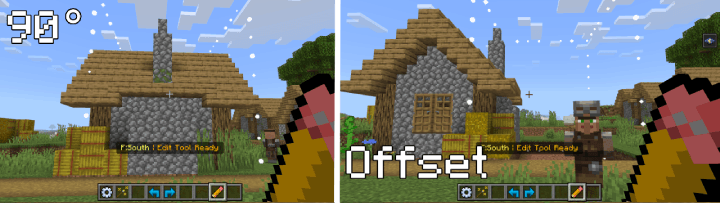
- Rotate, mirror, or offset blocks within the selection area.
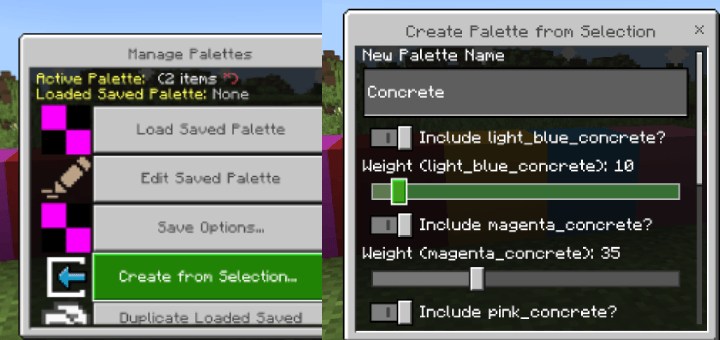
- Manage block palettes: load, save, and create palettes for reuse.
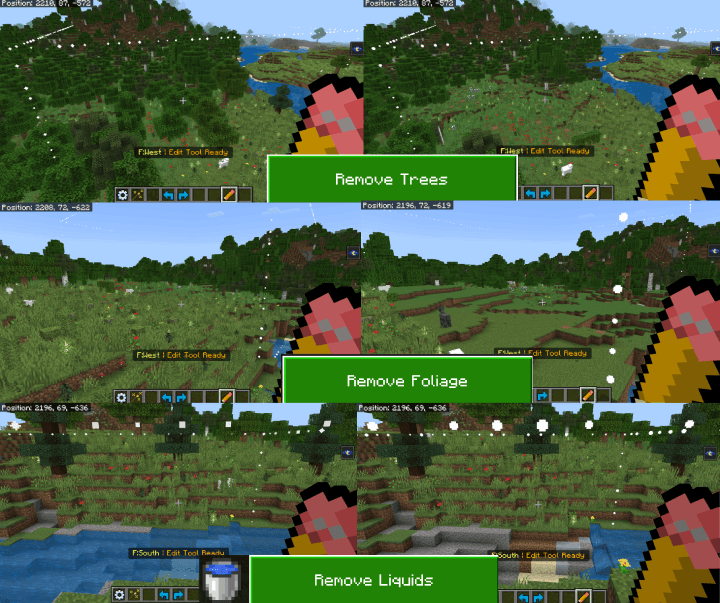
- Quick preset actions like removing trees, liquids, or flattening terrain.
Brush Tools for Creative Building and Landscaping
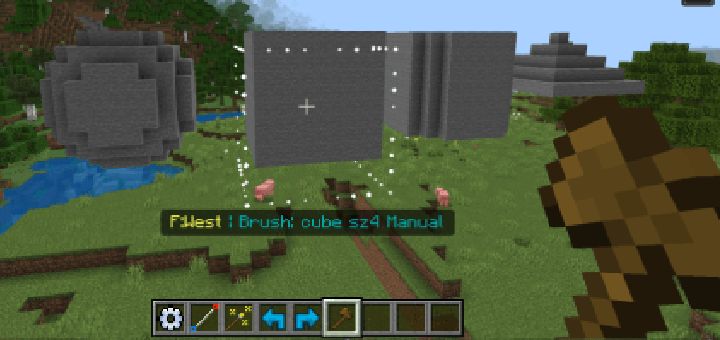
- Brush (bn:brush): Place blocks in customizable shapes (sphere, cube, cylinder) with options for hollow and feathered edges.
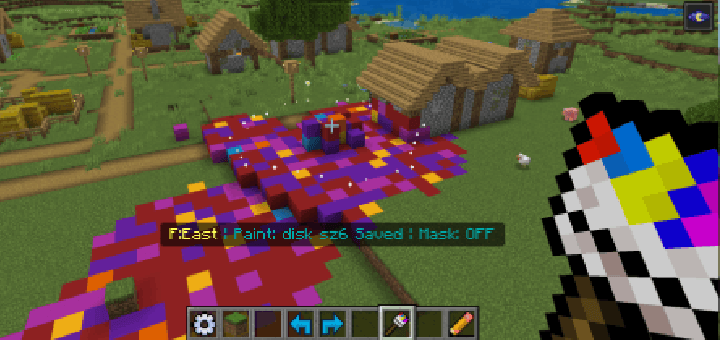
- Paint Brush (bn:paint_brush): Replace existing blocks selectively; use a mask to target specific block types. The Mask Picker tool helps modify this mask.
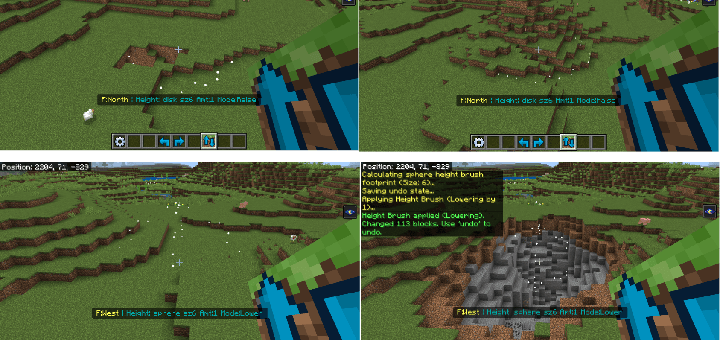
- Height Brush (bn:height_brush): Raise or lower terrain inside the brush area.
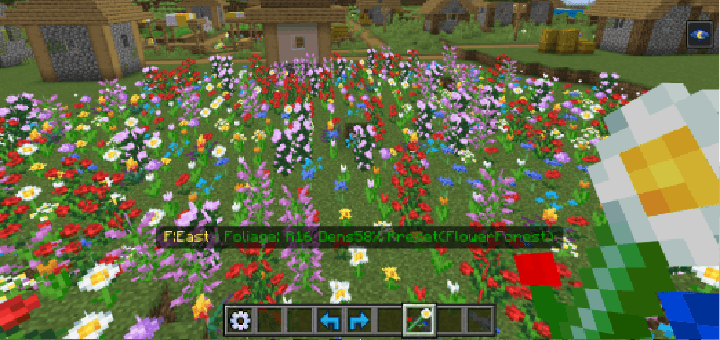
- Foliage Brush (bn:foliage_brush): Scatter plants using presets or customized lists.
Line & Path Tools
- Line Tool (bn:line_tool): Draw a single-block-thick line between two points.
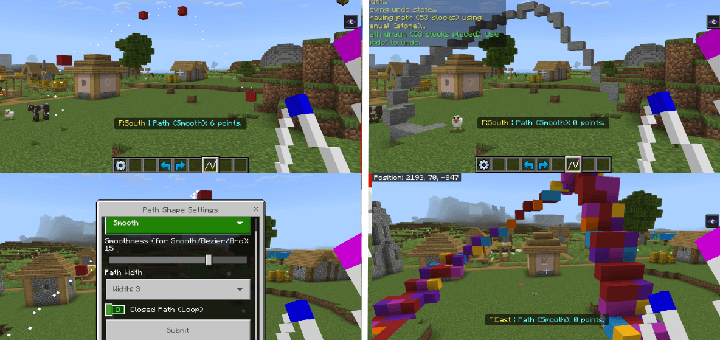
- Path Tool (bn:path_tool): Create connected paths with multiple points, adjustable width, and shapes including linear, smooth, Bezier, and arc curves. Sneak + Use to finalize or edit paths.
Advanced Features
- Terrain Generation: Use procedural noise algorithms like Simplex, FBM, and Worley to generate realistic landscapes within a selection. Customize materials, height, scale, seed, and other advanced noise parameters.
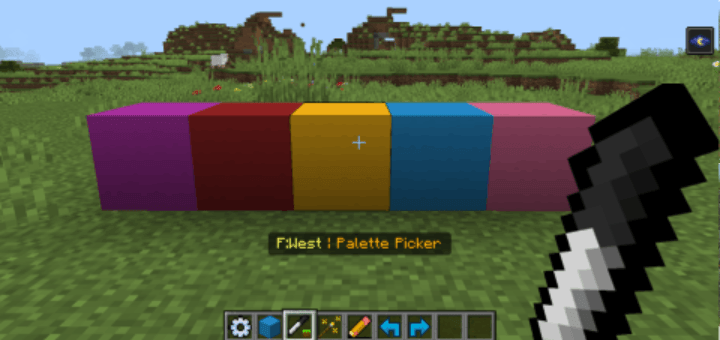
- Palette System: Build block collections with weights for randomized placement.
- Use the Palette Picker to modify your active palette.
- Manage saved palettes for easy reuse and create palettes directly from selections.
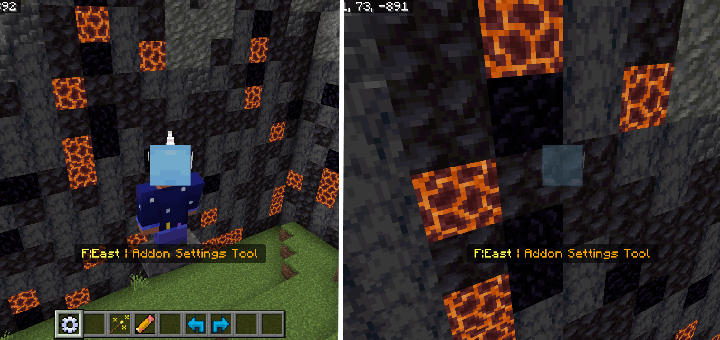
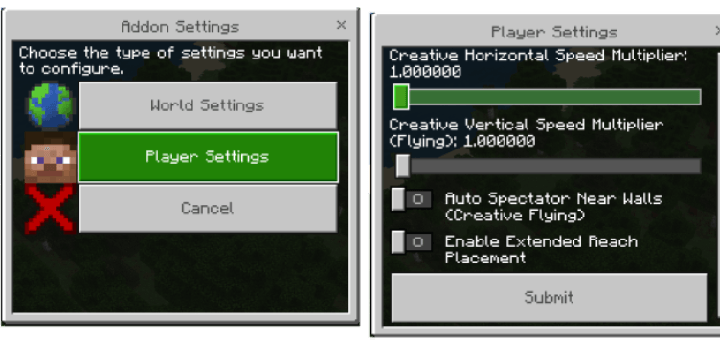
- Auto Spectator Mode: When enabled in the Settings Tool, flying players in Creative mode automatically switch to Spectator mode upon colliding with blocks to avoid getting stuck.
Additional Information
Undo and redo operations freely to experiment with your creations. For comprehensive details on all features, settings, and usage tips, refer to the in-addon guide book included with the pack.



 3.67/5
Comments are loaded on demand to improve page speed on mobile devices.
Show comments (0)