Wall Sizer
Wall Sizer is a handy tool designed to help you quickly construct walls of any size with ease. Using the Resizer item, you can create or remove walls rapidly by simply holding and releasing the build button. This addon streamlines building and editing walls, making your construction process much more efficient.
Installation
Install the addon by adding it to your Minecraft Bedrock Edition world or behavior packs. Ensure the addon is enabled in your world settings before starting the game.
How to Use
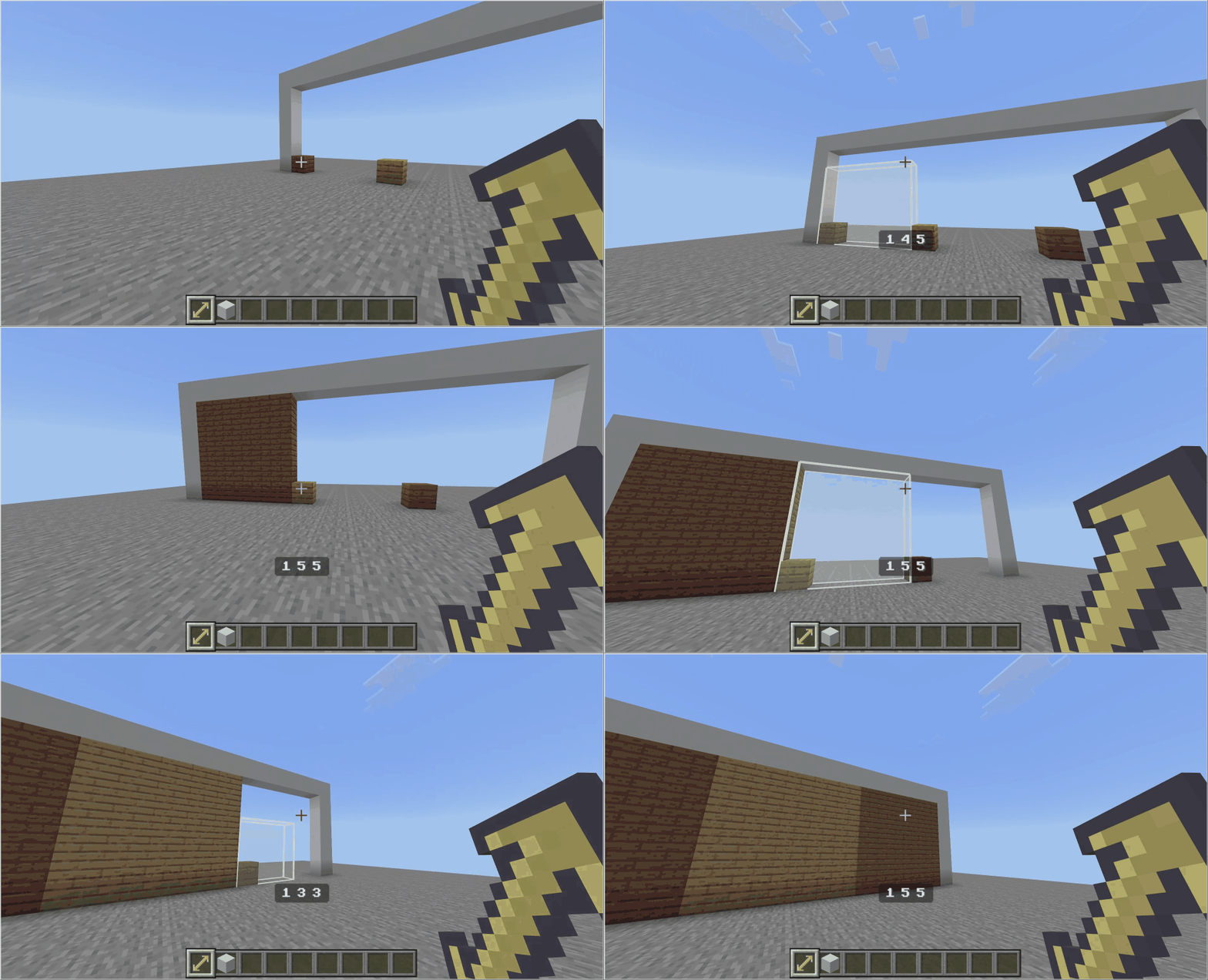
- Equip the Resizer tool.
- Select a single block to serve as your starting point.
- Choose the side of the block that will determine the wall's stretching direction.
- Hold down the build/interact button.
- Move your view to the desired endpoint of the wall.
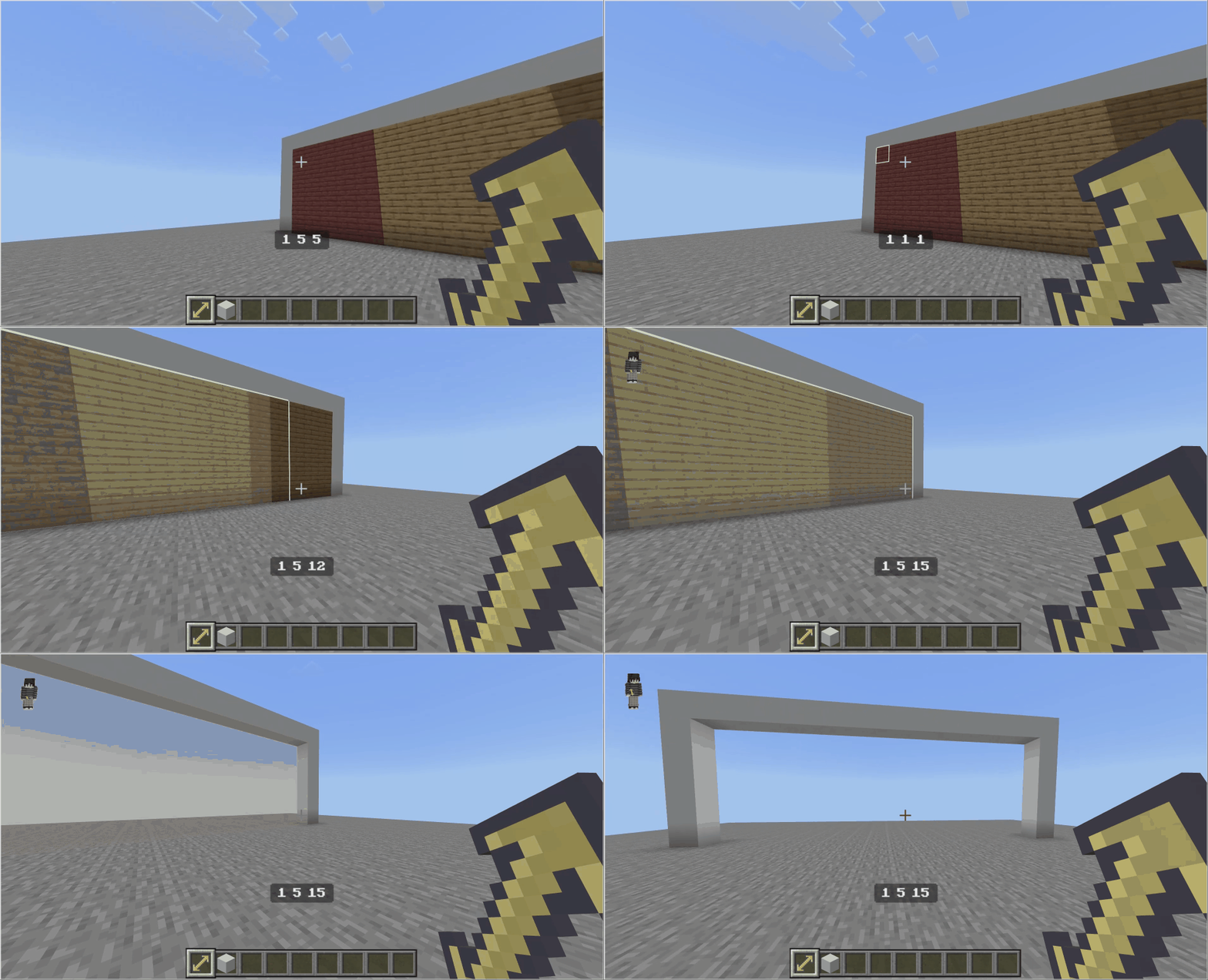
- To delete an existing wall instead, hold the shift key while performing the action.
- Release the build/interact button to complete the building or deletion process.
Requirements / Compatibility
This addon is compatible with Minecraft Bedrock Edition supporting custom addons and behavior packs. No additional mods are required.
Key Features
- Rapid wall creation and removal at any size.
- Simple controls using the build/interact button and optional shift key.
- Visual feedback during building and deleting actions.
Notes
Be sure to select the correct block side before holding the build button to ensure the wall stretches as intended. Using shift while building will switch to delete mode.
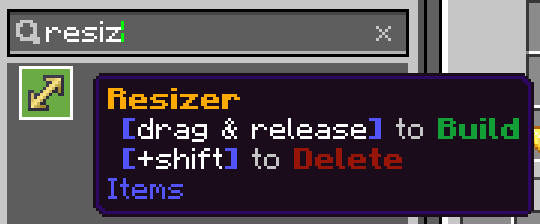
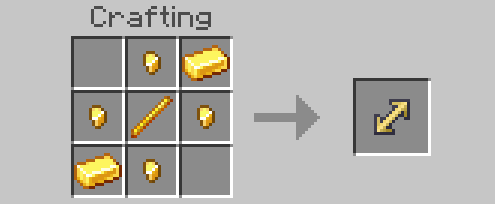
Below are images showing the Resizer item, crafting recipe, and examples of building and deleting walls.