Tombs!
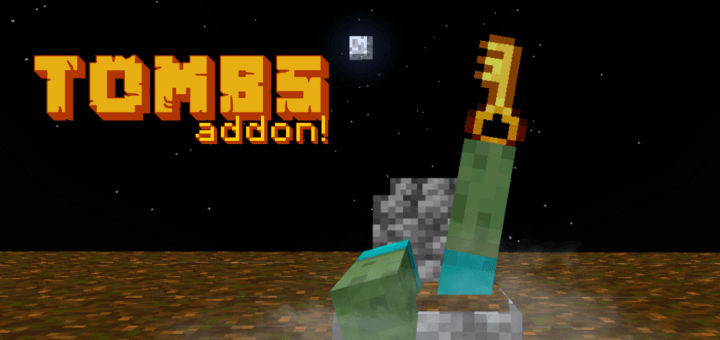
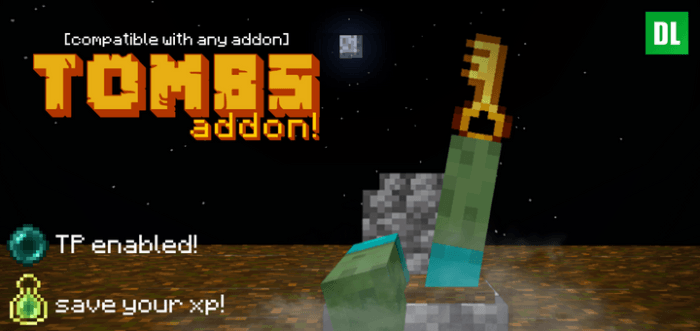
Tombs! enhances your Minecraft Bedrock experience by creating a tomb at your death location, allowing easy recovery of your dropped items. This add-on offers various tomb designs that serve both decorative and functional purposes, adding a personal touch to each grave.
How to Use
- Upon death, a message displays the coordinates where your tomb has been placed.
- A glowing tomb will appear at your death spot, identifiable by the key containing your death information.
- Right-click the key to automatically equip items from your tomb.
- Teleport Feature: To teleport to your tomb, interact with the key while having an Ender Pearl in your inventory to enchant it.
Key Features
- Ten unique tomb designs to choose from, allowing you to customize the appearance of your grave.
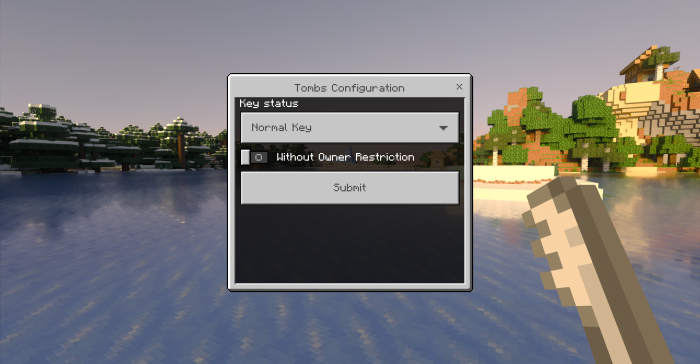
- Access the selection menu by right-clicking the configuration key to pick your preferred tomb style.
- World-wide configuration settings accessible by operators who sneak and interact with the configuration key simultaneously.
- Configurable key status options: receive the key unenchanted, always enchanted, or randomly enchanted upon death.
- Option to allow tombs to be opened by any player without requiring the key.
Installation
Enable the add-on in your Minecraft Bedrock world settings. The add-on automatically activates the "Keep Inventory" option to function correctly—do not disable this setting after world creation.
Compatibility and Requirements
- The add-on does not require experimental gameplay options; feel free to keep them disabled.
- Operators must have permission to access configuration features.
Crafting
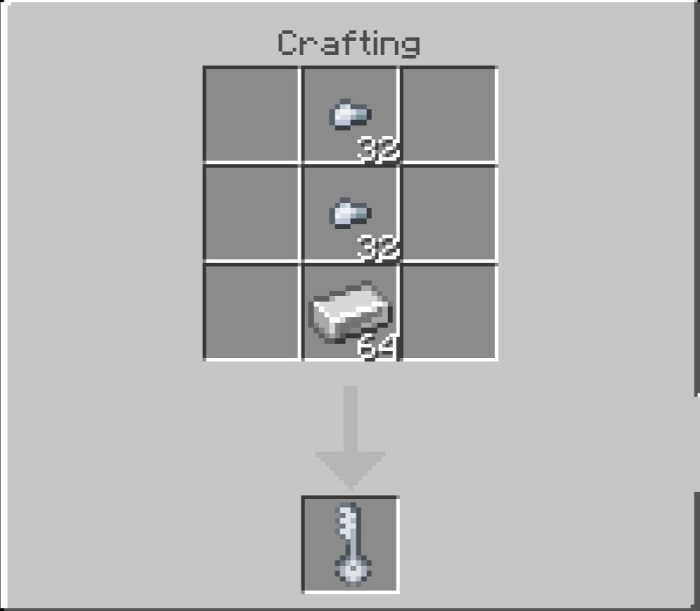
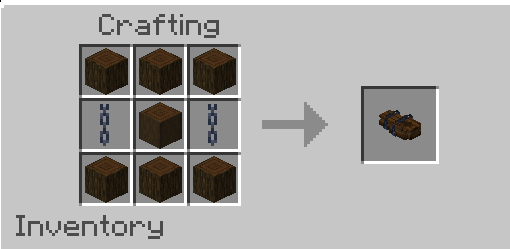
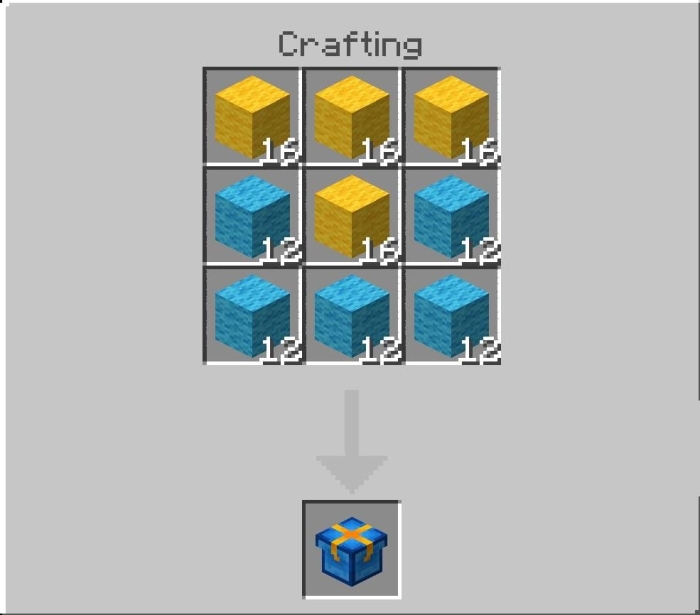
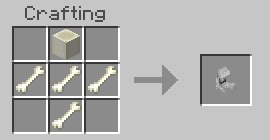
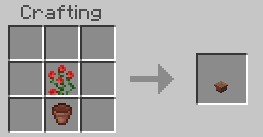
The configuration key can be crafted to customize tomb styles and settings.
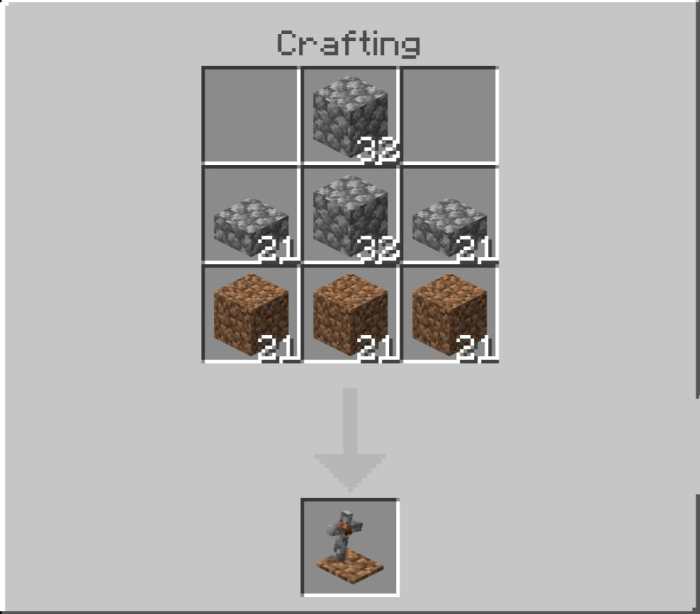
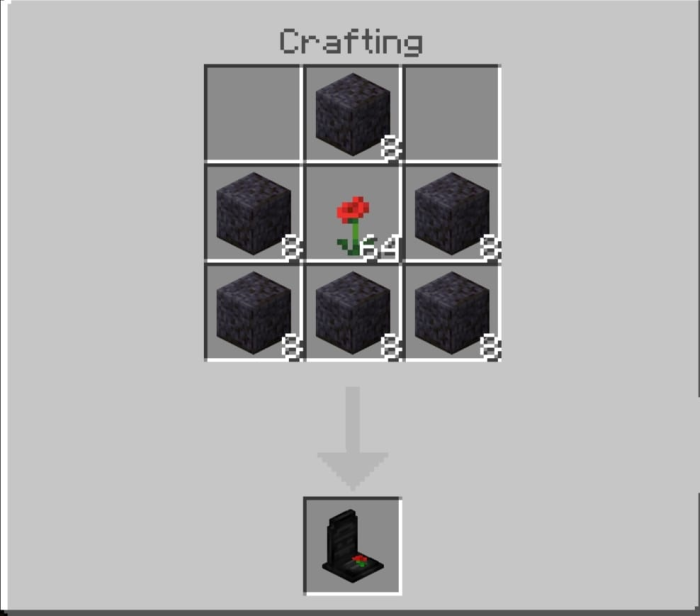
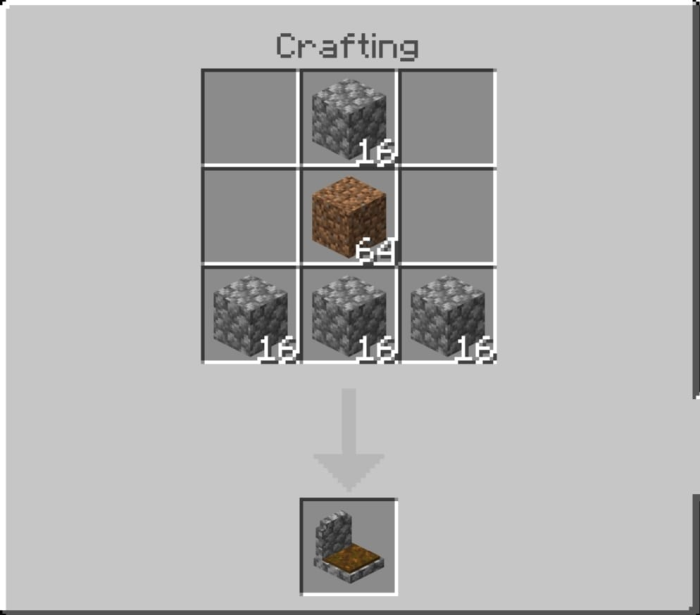
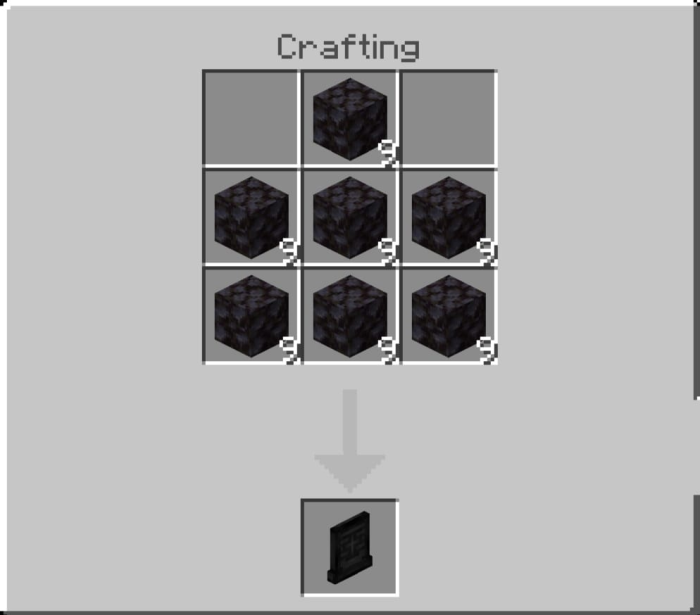
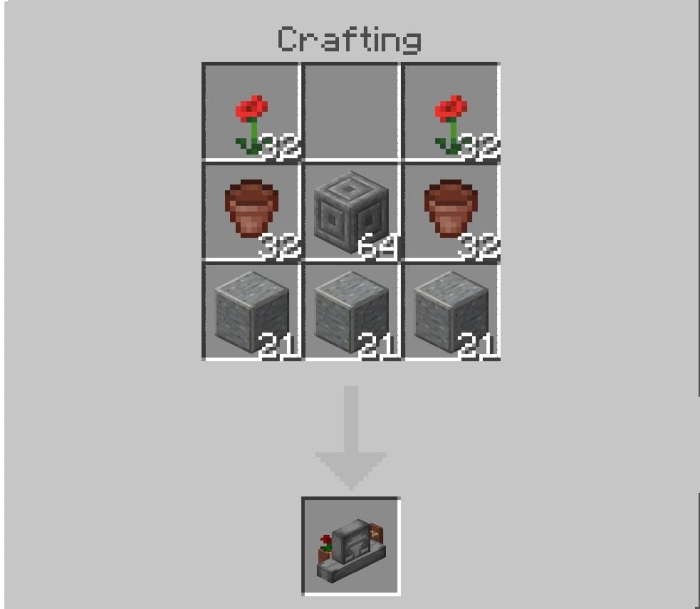
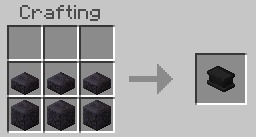
Various decorative tomb models are craftable for added personalization.

Screenshots & Video

0 Comments