Simplicity
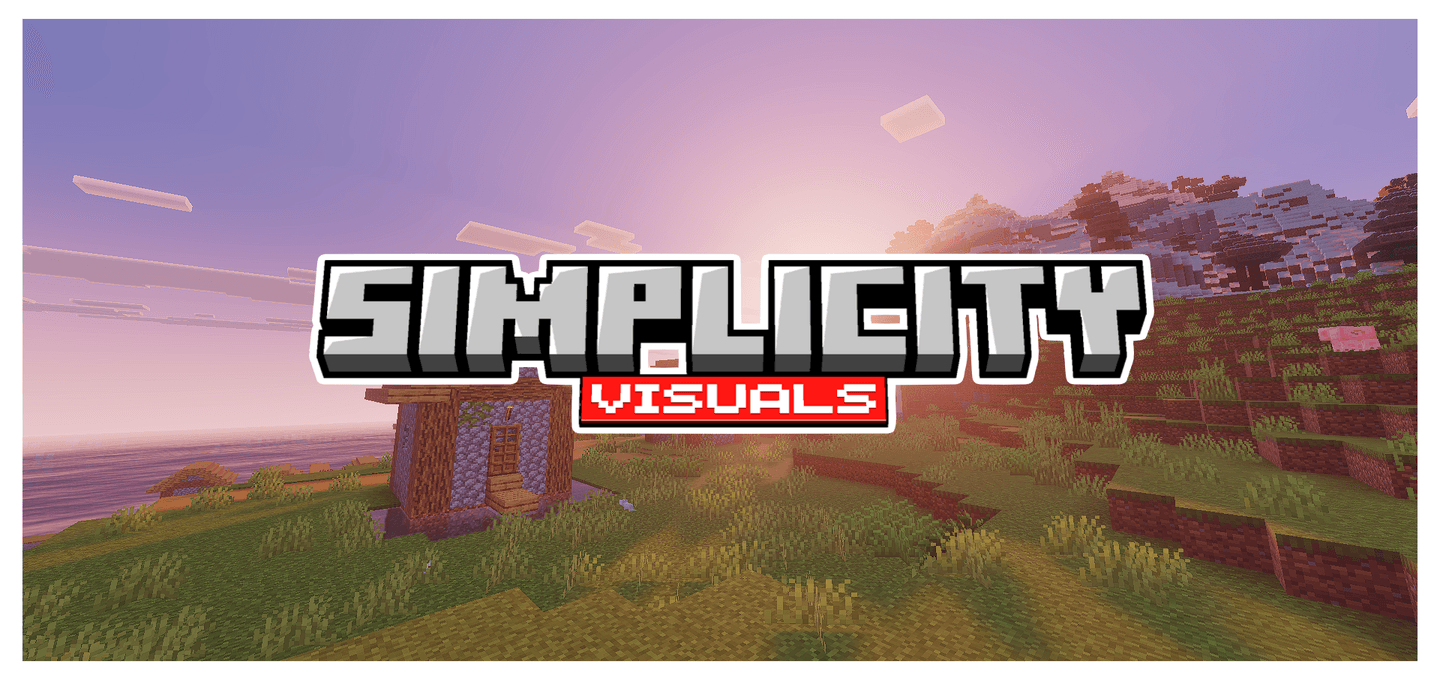
Simplicity is a lightweight texture pack designed for Minecraft Bedrock Edition that enhances the game's appearance with bright and warm colors while maintaining a mostly vanilla aesthetic. This pack offers a clean, polished look that refreshes the visual experience without overwhelming the original style.
Installation / How to Use
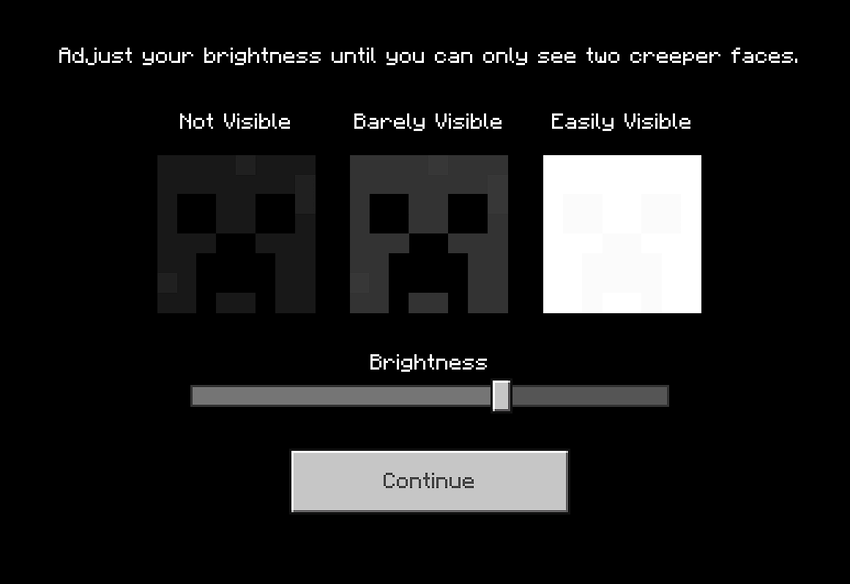
To install Simplicity, download the pack file and import it into your Minecraft Bedrock Edition resource packs folder. Then, activate the pack through the game's settings under the "Global Resources" section. Adjust your in-game brightness to the recommended level or customize it according to your preference for optimal visuals.
Requirements / Compatibility
This texture pack is actively developed for Minecraft Preview, so some features are still evolving. It works best with the latest versions of Minecraft Bedrock Edition and may not be fully compatible with older releases. Ensure your game is updated to experience all visual improvements.
Key Features
- Lightweight design for smooth performance.
- Vibrant and warm color palette that enhances natural tones.
- Maintains a semi-vanilla look to preserve original Minecraft feel.
- Ongoing development with regular updates expected.
Notes
The pack is under active development, so textures and features may change over time. Some visuals may be placeholders or subject to refinement as updates are released.
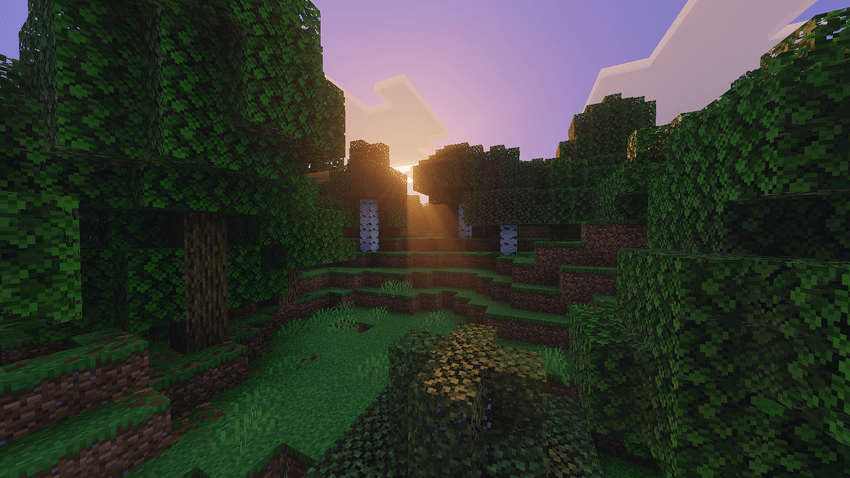
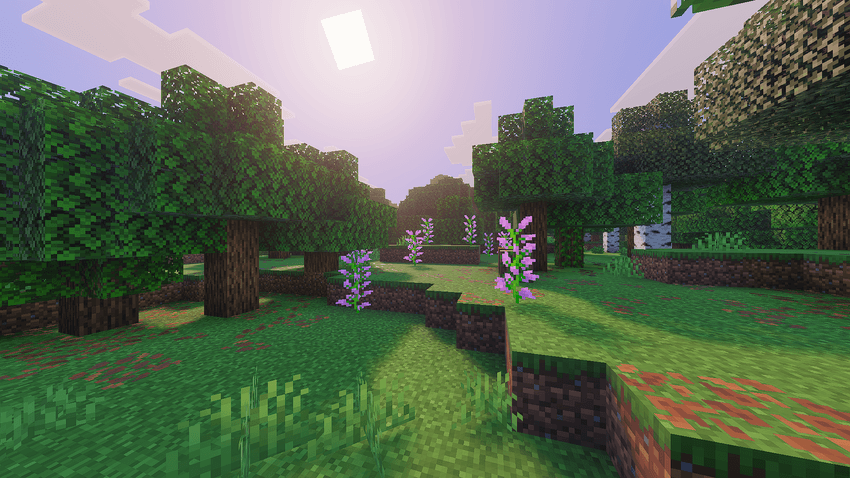
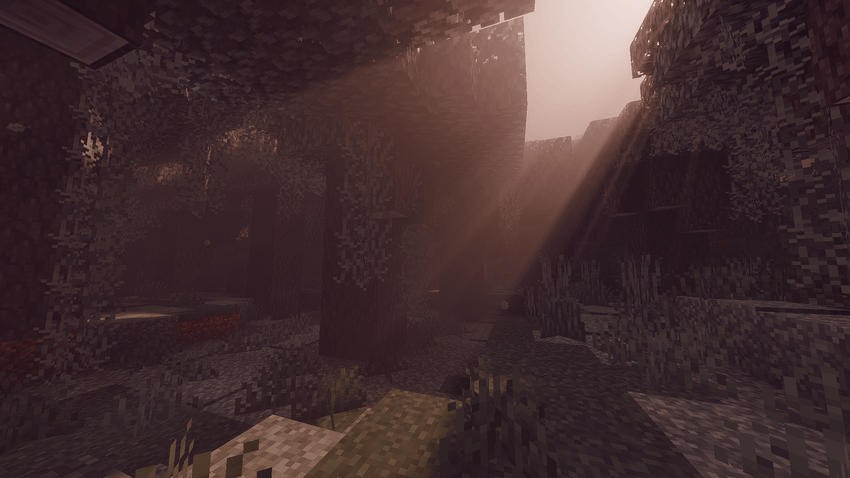
Recommended brightness setting for best visual experience: