Simple Note
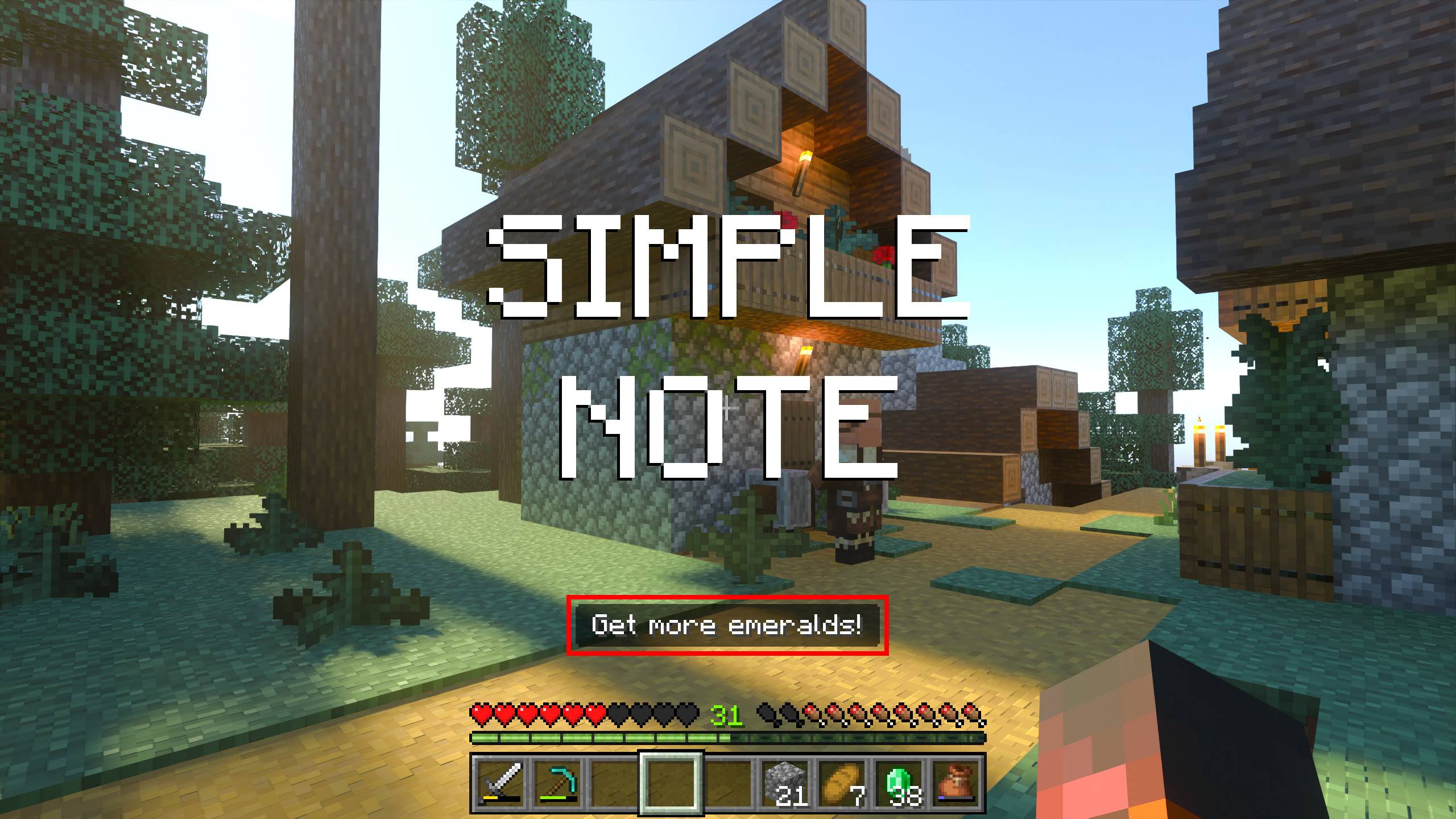
Simple Note is a lightweight script designed to display a custom note above your hotbar in Minecraft Bedrock Edition. It helps you keep track of important reminders or coordinates without repeatedly checking the chat. This tool is perfect for players who want a constant visual cue during gameplay.
Installation
Import the add-on file into your Minecraft Bedrock Edition. Once imported, apply the behavior pack to your world. Ensure you enable the necessary settings to allow the script to function correctly.
How to Use
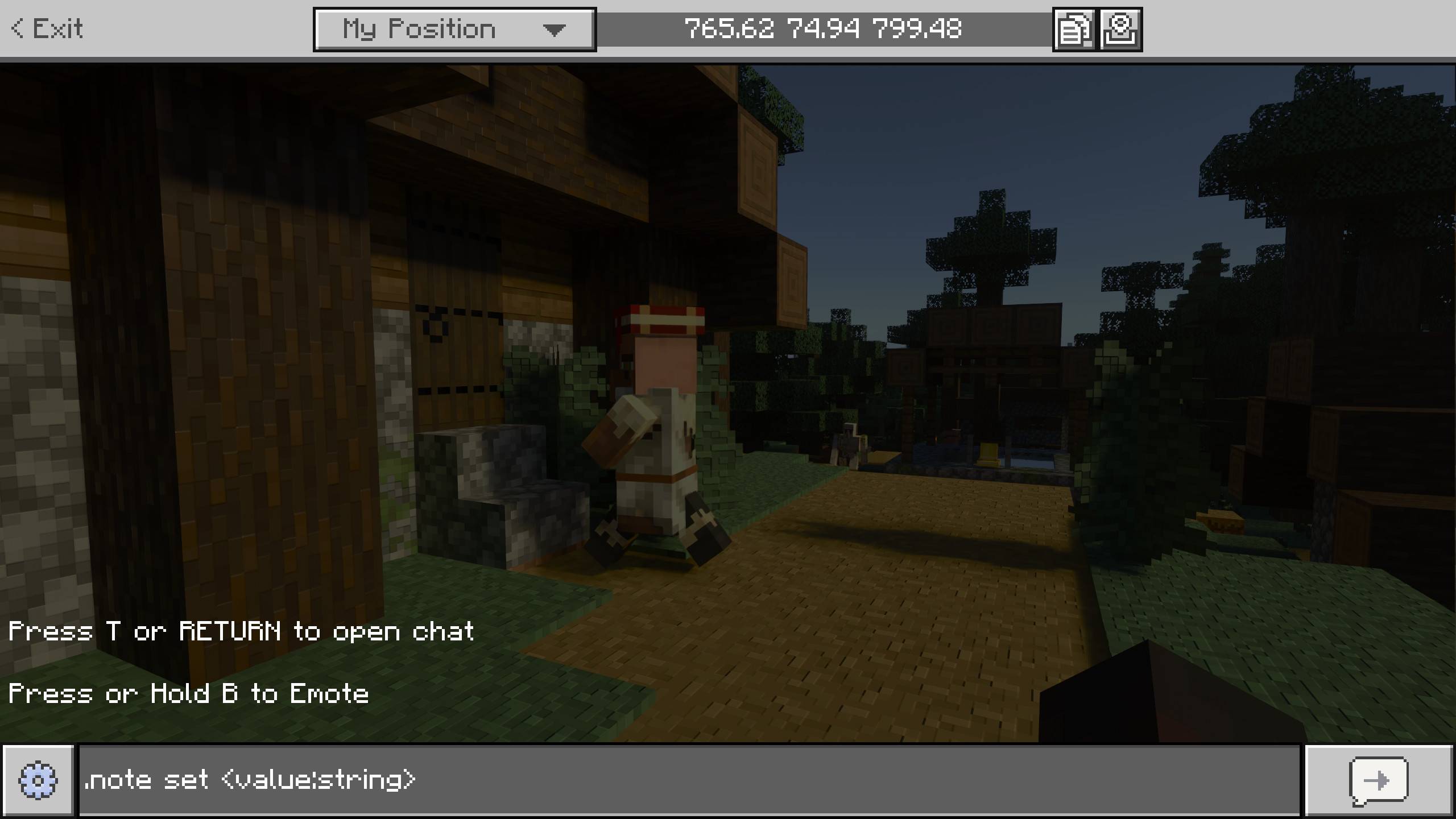
To set a note, open the chat and type .note <your message>. The message you enter will appear prominently above your hotbar.
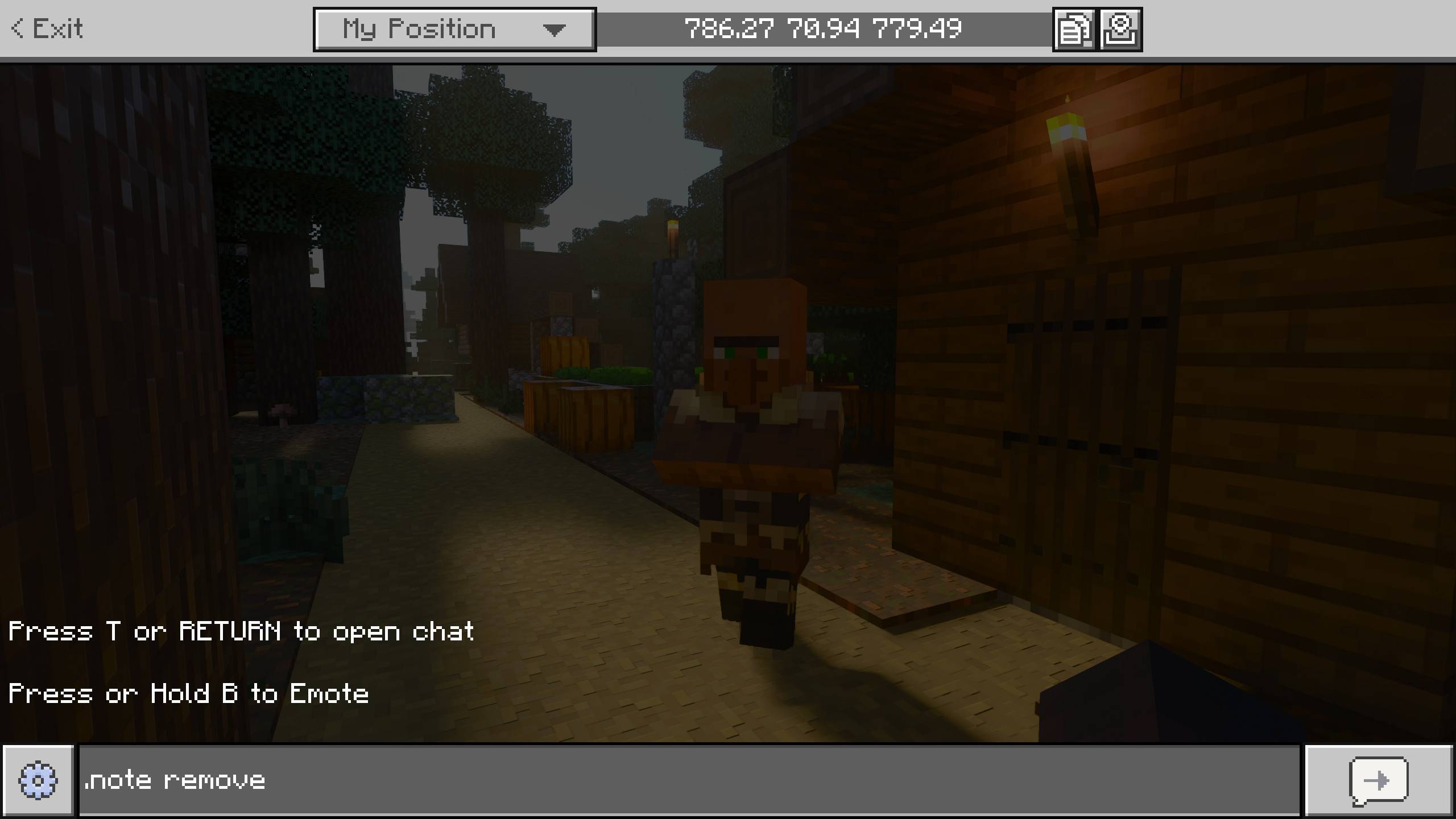
To clear the note, type .note remove in the chat. This command will immediately remove the displayed note.
Requirements / Compatibility
This script requires the Minecraft Beta-API feature to be enabled. You can activate this by navigating to the game settings and turning on the Beta-API toggle.
Key Features
- Displays custom text above the hotbar for easy reference.
- Supports quick editing and removal of notes via simple chat commands.
- Lightweight and unobtrusive, maintaining gameplay immersion.
Notes / Troubleshooting
If the note does not appear, verify that the Beta-API is enabled in your settings. Also, ensure the behavior pack is properly applied to your active world.