Seraphic Glowing Ores
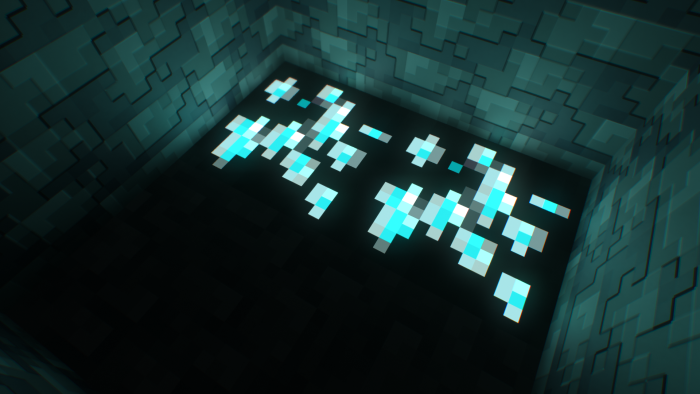
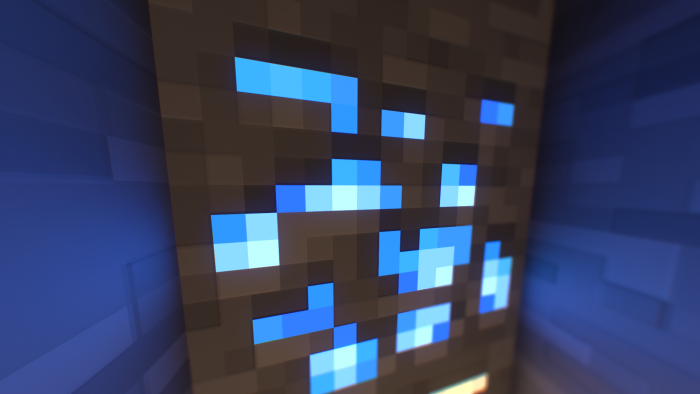
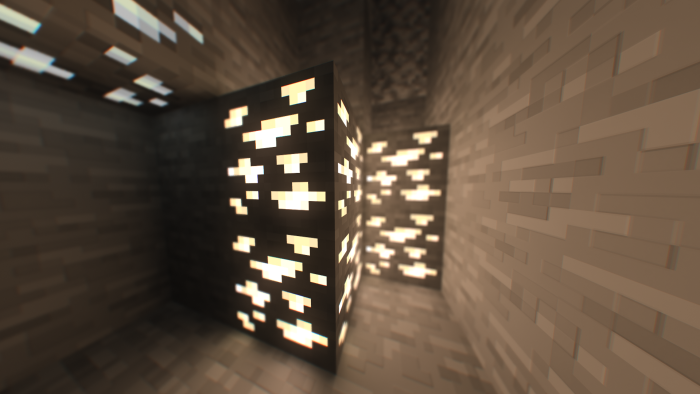
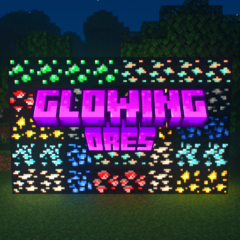
Seraphic Glowing Ores enhances your Minecraft Bedrock experience by adding beautifully luminous ores designed for RTX-enabled gameplay. This addon integrates seamlessly with Elys PBR to provide stunning glowing effects that come alive with ray tracing technology.
Installation
After downloading the Elys PBR resource pack, simply load it into Minecraft Bedrock to activate the glowing ores. For manual installation, rename the downloaded .mcpack file to .zip and extract its contents. Then, place the extracted folder into the following directory on your PC:
AppData\Local\Packages\Microsoft.MinecraftUWP_8wekyb3d8bbwe\LocalState\games\com.mojang\resource_packs
Launch Minecraft, open settings, locate Elys PBR under resource packs, and enable it.
Requirements
To fully enjoy the glowing ores with RTX effects, you need a compatible GPU such as NVIDIA GeForce RTX 20 Series or newer, or AMD Radeon RX 6000 Series or newer. These graphics cards support the ray tracing features necessary for the addon’s visual enhancements.
Key Features
- Glowing ore textures that react realistically to light using ray tracing
- Integration with Elys PBR for enhanced Physically Based Rendering effects
- Improved immersive visuals for mining and exploration with RTX-enabled devices
Notes and Recommendations
For the best visual results, consider using the Better RTX Graphics mod alongside Elys PBR. This mod optimizes RTX performance and quality on Windows systems.
If you encounter issues running the Better RTX installer script, ensure you have appropriate PowerShell execution policies set by running Set-ExecutionPolicy -Scope CurrentUser with administrative rights. This can help prevent script execution from being blocked.
Avoid using other PBR texture packs simultaneously with Elys PBR to prevent conflicts and ensure stable performance.