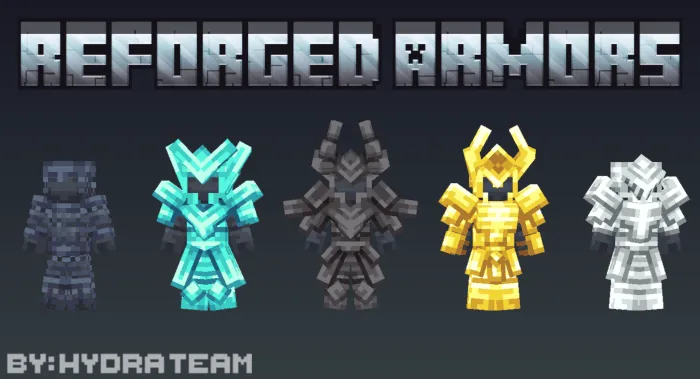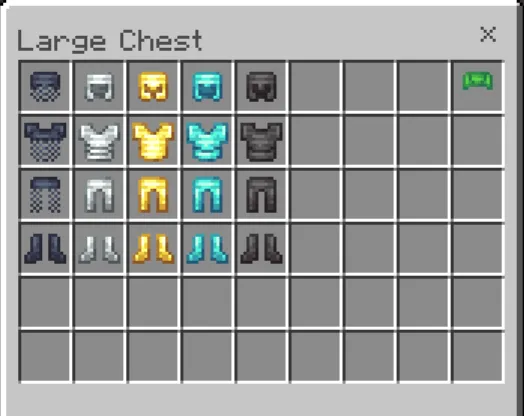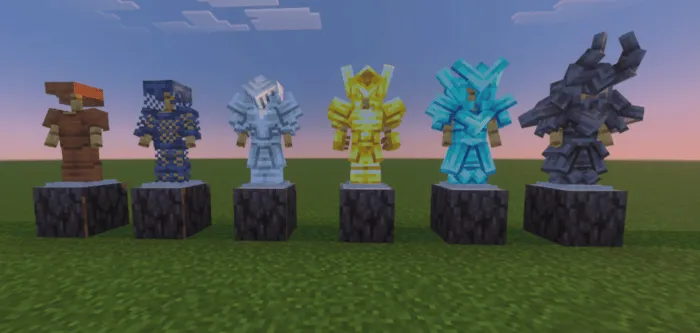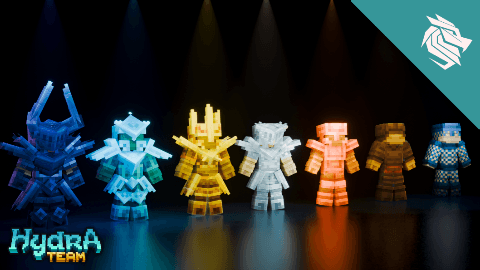
Reforged armors
To install the Reforged Armors texture pack, download and import it into your Minecraft Bedrock Edition resource packs folder. Activate the pack in your world or server settings under Resource Packs. Once enabled, the new armor textures will replace the default models in-game.
Note: This texture pack modifies the base armor models, so it is incompatible with armor trims. Armor trim decorations will not appear when using this pack.
Requirements / Compatibility
This pack is compatible with Minecraft Bedrock Edition and requires no additional mods. However, due to the custom model changes, it does not support the armor trim feature introduced in recent updates.
Key Features
- Seven unique armor sets, each with a matching helmet and items themed to their elemental style.
- Custom armor models that provide a distinct appearance compared to vanilla armor.
- Options to configure and customize the appearance within the pack settings.
- Designed for use in both singleplayer and multiplayer worlds.
Notes / Restrictions
Feel free to use this texture pack for creating videos, entertainment content, and within your own worlds or servers.
Redistributing the direct download links, monetizing downloads, or including this pack in modpacks without permission is prohibited and may result in legal action.
For the latest version and updates, check the official resource pack page.