Player Resizer
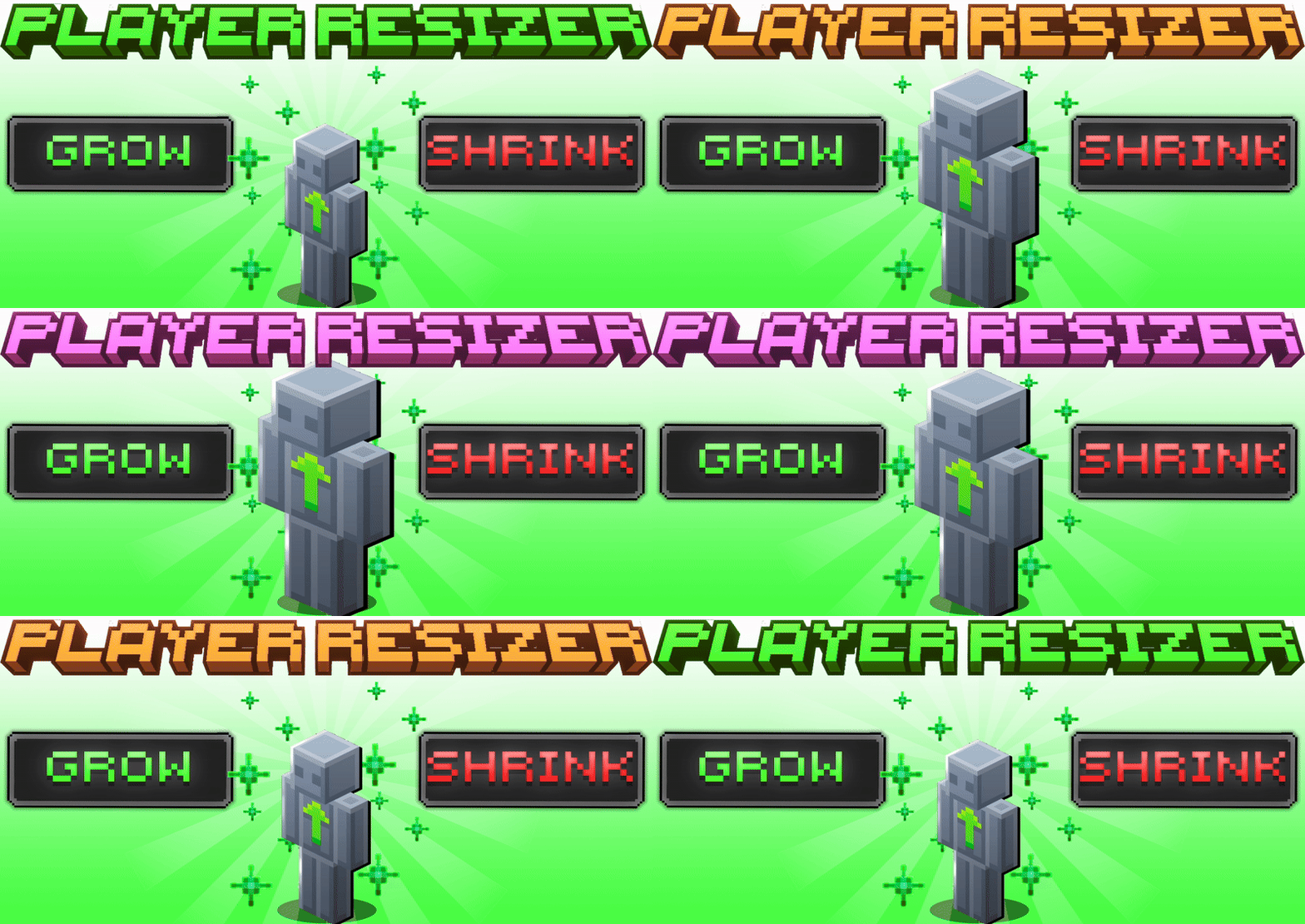
Player Resizer Transform your Minecraft character's size instantly with this addon. By entering simple chat commands, you can scale your player to any size or reset it back to normal. This tool adds a fun and customizable twist to gameplay.
Installation
First, ensure you have the addon installed and activated in your Minecraft Bedrock Edition world. Make sure you enable the necessary experimental features before starting.
How to Use
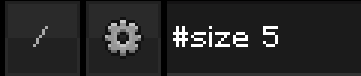
Once in the game, open chat and type #size <number> to change your player's size to the desired value. For example, #size 4 will increase your size to 4 times normal.
To revert to the default size, enter #size reset in chat.
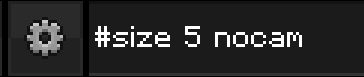
Appending nocam at the end of the command disables the third-person camera lock, allowing free camera movement. Be aware that the camera may clip into the player model when using this option.
You can target other players by adding their name after the size value, or use @a to resize all players simultaneously.
Requirements / Compatibility
- Bedrock Edition with experimental features enabled
- Beta API must be activated
Key Features
- Set player size to any numeric value through chat commands
- Reset size to default with a simple command
- Option to disable camera lock for freer viewing angles
- Supports resizing individual players or all players at once
Notes
Camera clipping may occur when using the nocam option. Use this feature with caution.