Outlined & Glowing Ores
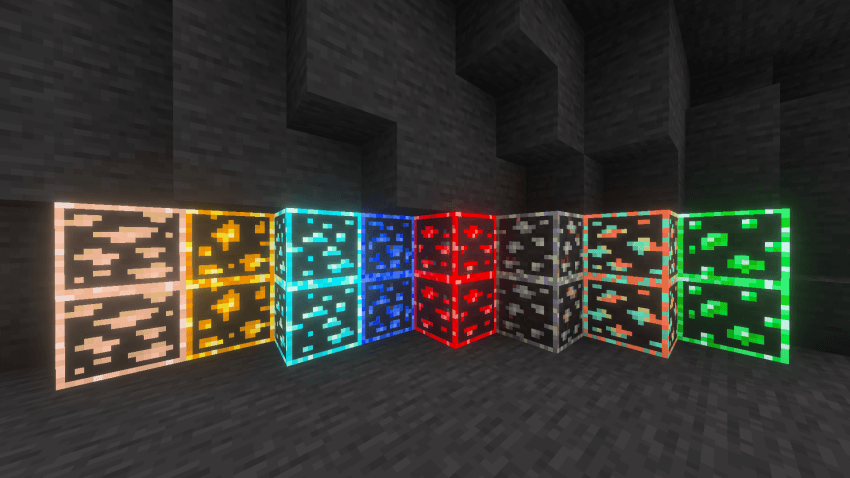
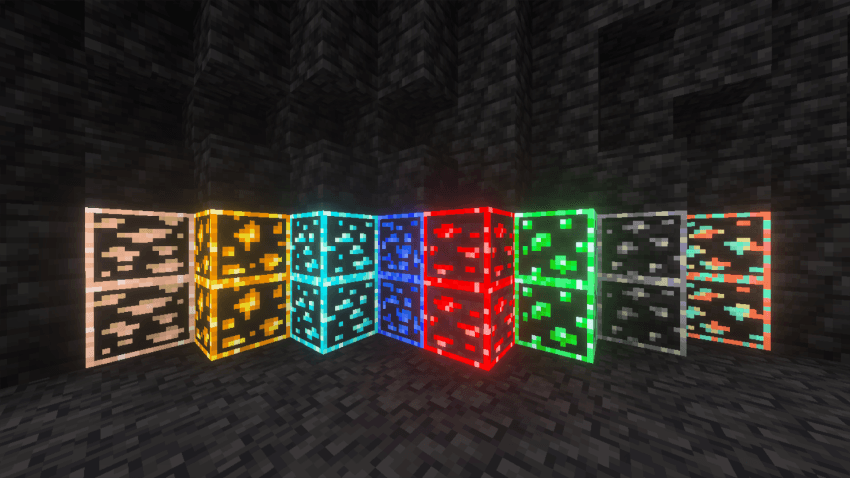
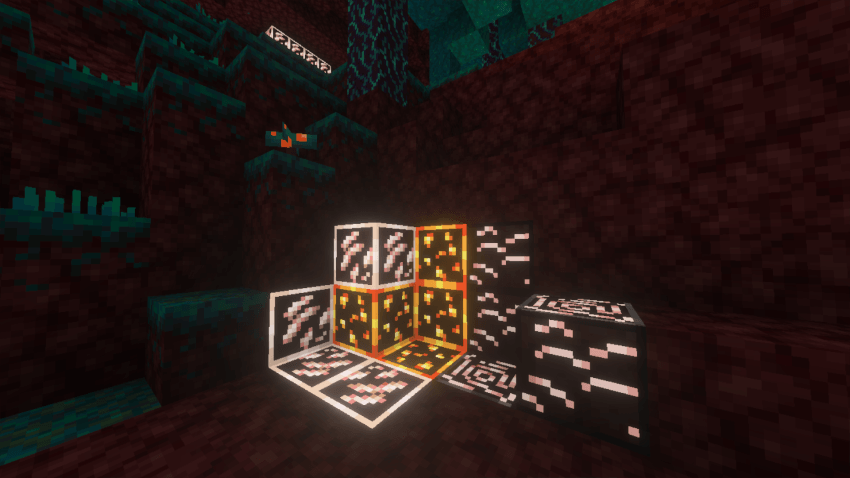
Outlined & Glowing Ores enhances your Minecraft experience by making ores stand out with glowing outlines, improving visibility during mining. This texture pack simplifies locating ores, ensuring your resource gathering is more efficient and visually appealing.
Installation / How to use
To use this pack, install it alongside your current resource or texture packs. Be sure to activate the Outlined & Glowing Ores pack above any other packs to ensure its effects apply correctly.
Requirements / Compatibility
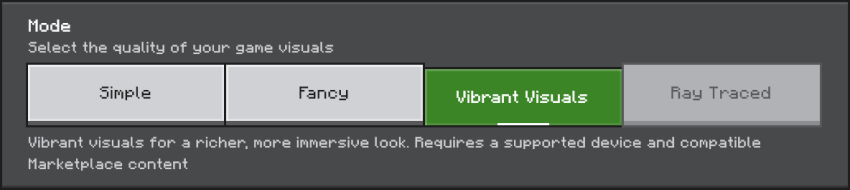
Before enabling this pack, turn on the "Vibrant Visuals" setting in your game options and disable "Reflections". These settings are essential for the glowing effect to display properly.

Key features
- Glowing effect applied to all ores for enhanced visibility.
- Outlined ores to easily distinguish them from surrounding blocks.
- Improves mining efficiency by making resource detection simpler.
Notes / Troubleshooting
- If using multiple resource packs, ensure this pack is positioned above others in your pack list.
- Keep the pack up to date by downloading the latest version for optimal performance.
Examples of ores with the glowing outline effect:


Screenshots & Video


0 Comments