The Best Resource for Minecraft Pocket Edition on Android

MorphX

MorphX

4.05.2026

0
By Kareo_Gamerz | Addon

MorphX is a versatile Minecraft Bedrock add-on that lets players morph into over 40 different creatures, machines, and fantasy beings. By using the unique Soul Stone item, players can unlock and instantly transform into various entities, each with distinct animations, sizes, and abilities. This add-on enhances survival gameplay, roleplaying, and creative adventures.

Installation

To properly install MorphX, follow these steps:

  1. Download the MorphX.mcaddon file.
  2. Open the file to automatically import it into Minecraft.
  3. Enable MorphX in both Behavior Packs and Resource Packs sections.
  4. Launch the world to start using the add-on.

How to Use

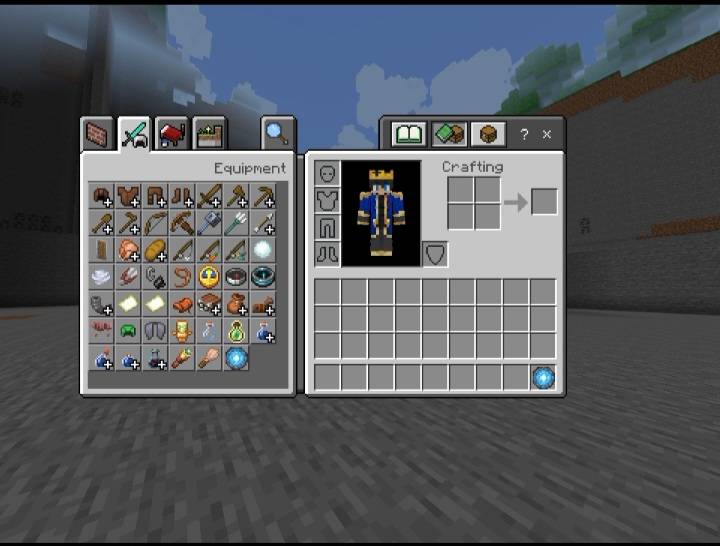
The Soul Stone is the core item for morphing. Obtain it in Creative Mode to open the morph menu. To unlock morphs, defeat supported entities in the game. Each successful kill adds that entity’s morph to your collection. Once unlocked, morph instantly into any available form with a single tap.

Requirements and Compatibility

MorphX works smoothly on Minecraft Bedrock Edition 1.21 and is compatible with most devices. It is optimized to provide lag-free morph models and a survival-friendly morph system.

Key Features

  • Instant transformation into any unlocked morph.
  • More than 40 unique morphs, including creatures, machines, fantasy beings, and aquatic life.
  • Each morph features unique animations, hitboxes, movement styles, and abilities.
  • Unlock-based progression encourages exploration and combat.
  • Designed for survival mode, roleplay, and content creation.

Categories and Examples of Morphs

Mechanical / Tech

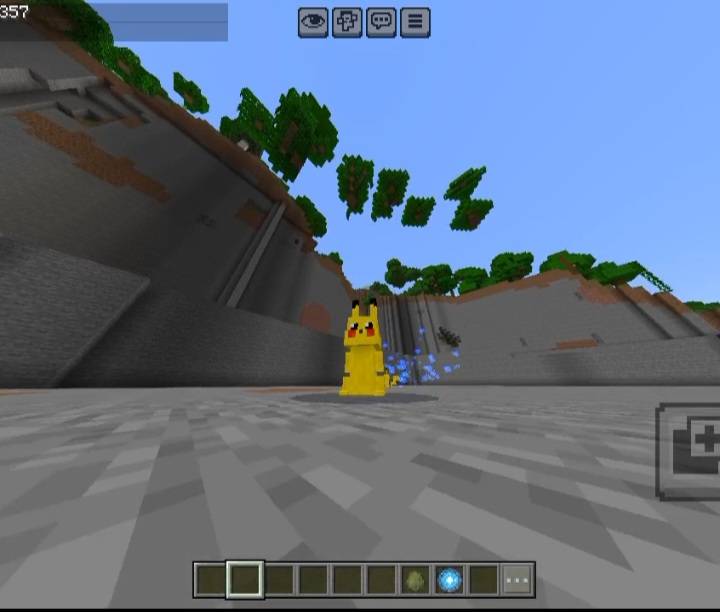
Pikachu

Fantasy / Mythical

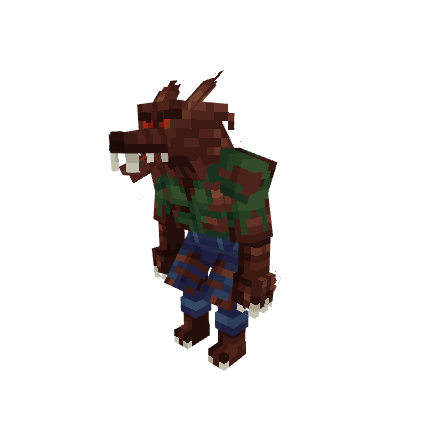
Werewolf

Aquatic Creatures

Narwhal

Animals / Reptiles

Crocodile

Additional Notes

Each morph offers a distinct gameplay experience thanks to its specific size, animation, and movement style. For best performance, ensure all required experimental features are enabled. The add-on is designed to work seamlessly on a wide range of devices without causing lag.

In-Game Visuals

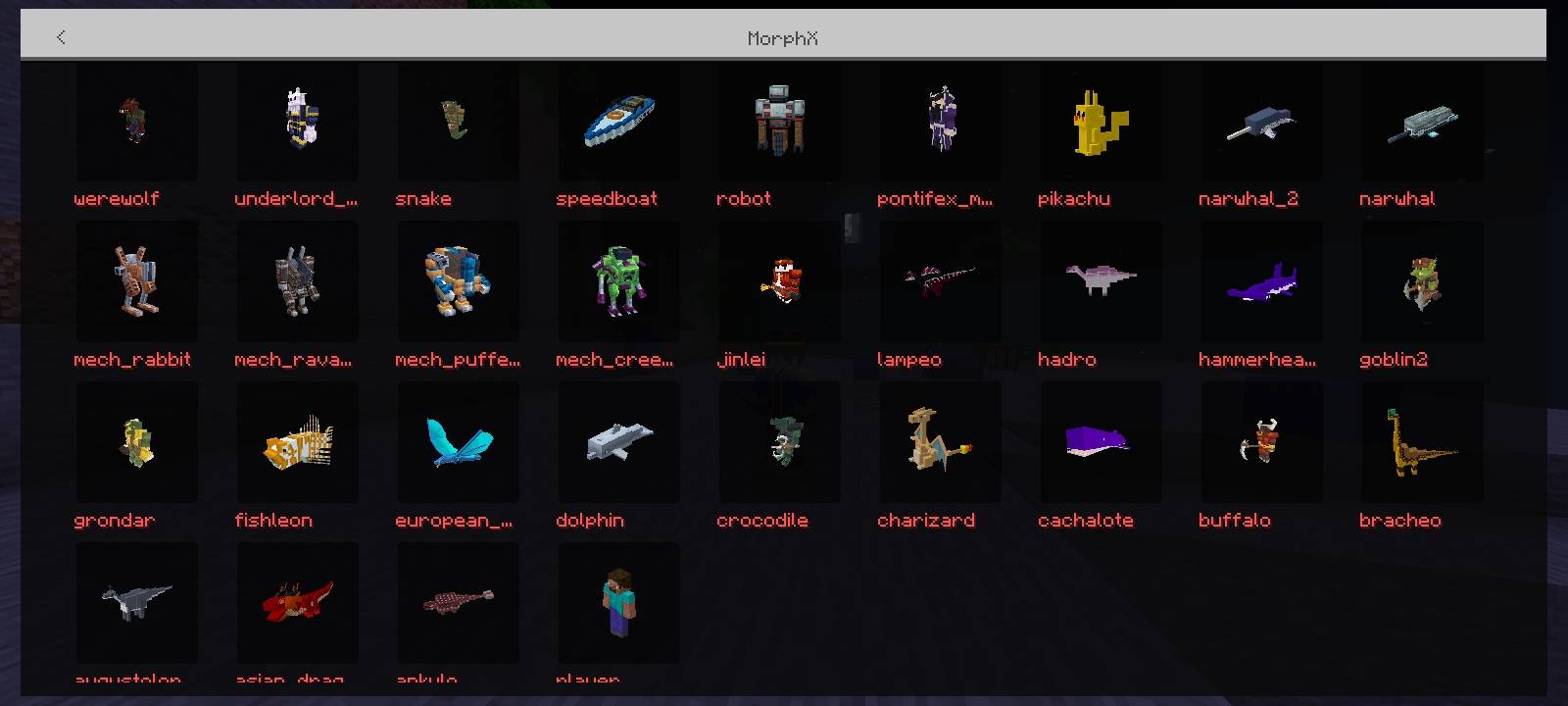
Menu interface

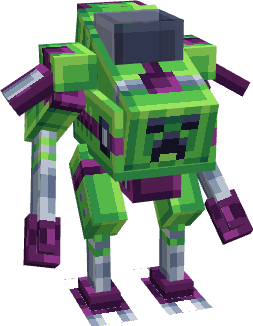
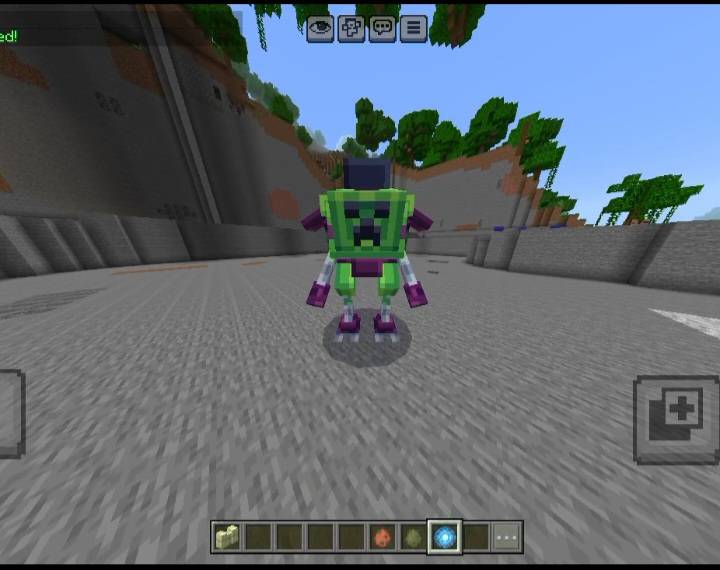
Morph example: Mech Creeper

Morph example: Pikachu

Soul Stone item

Pikachu

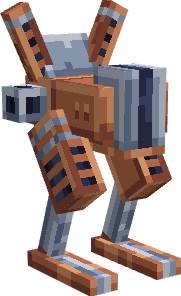
Mech Rabbit

Mech Rabbit

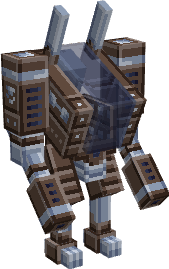
Mech Ravager

Mech Ravager

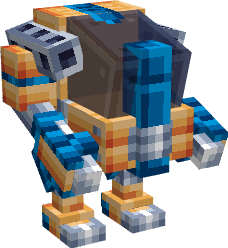
Mech Puffer

Mech Puffer

Mech Creeper

Mech Creeper

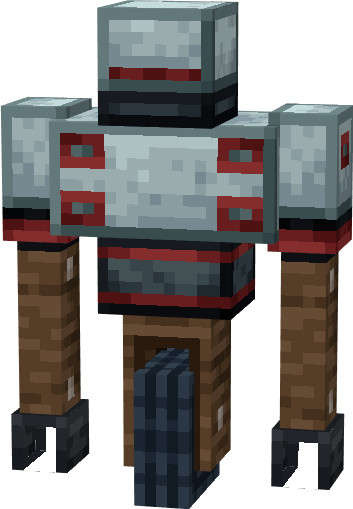
Robot

Robot

Speedboat

Speedboat

Werewolf

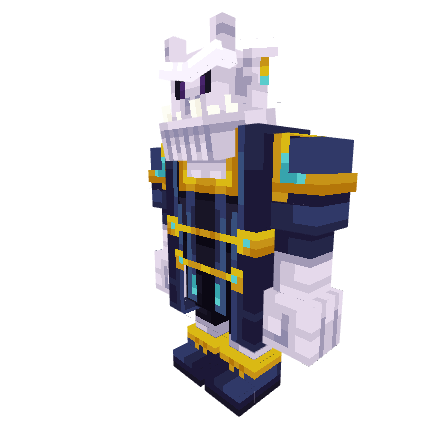
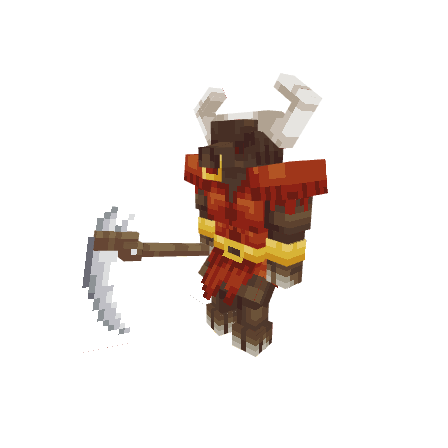
Underlord

Underlord

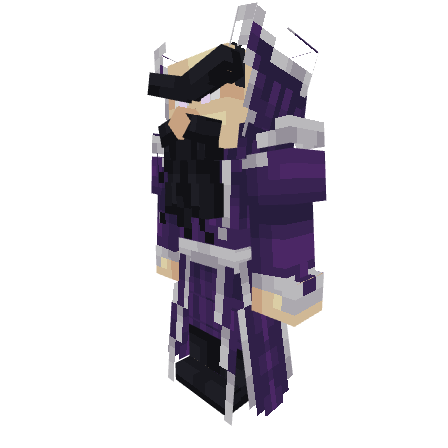
Pontifex Mage

Pontifex Mage

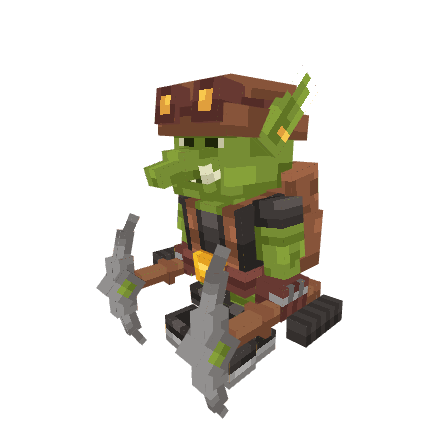
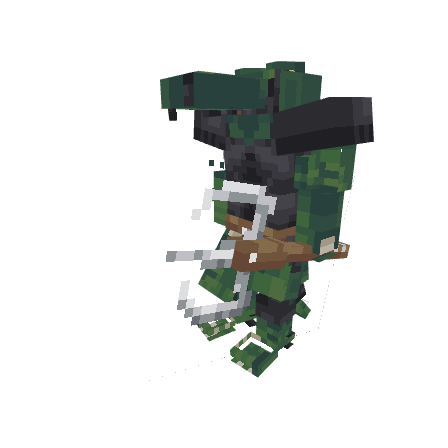
Goblin

Goblin

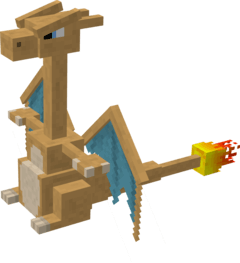
Charizard

Charizard

LampΓ©o

LampΓ©o

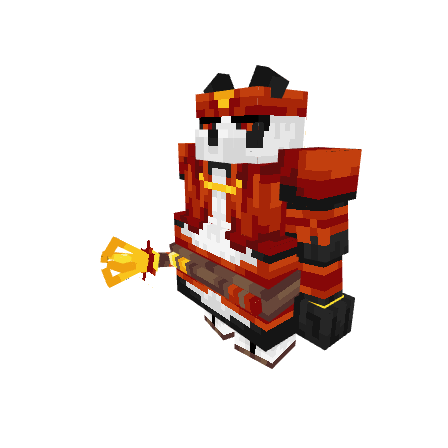
Jinlei

Jinlei

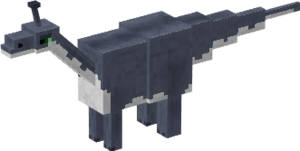
Bracheo

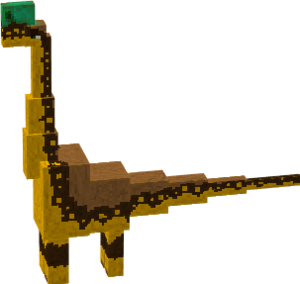
Bracheo

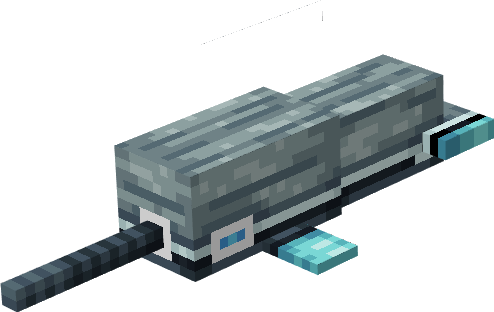
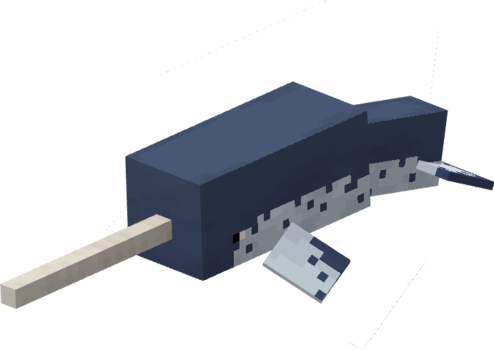
Narwhal

Narwhal 2

Narwhal 2

Hammerhead

Hammerhead

Cachalote

Cachalote

Fishleon

Fishleon

Arkulo

Arkulo

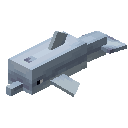
Dolphin

Dolphin

Crocodile

Buffalo

Buffalo

Hadro

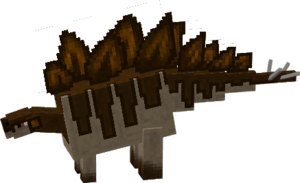
Hadro

European Butterfly

European Butterfly

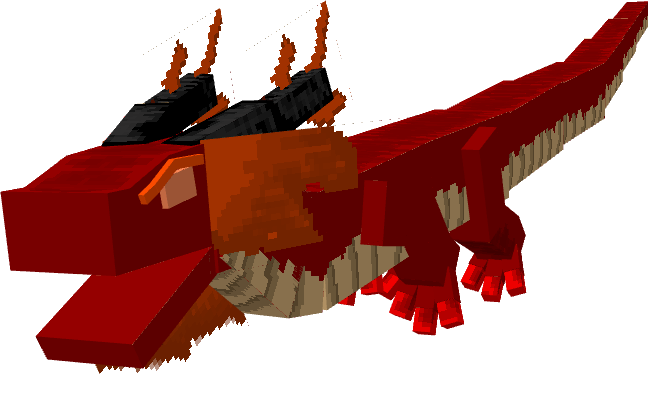
Asian Dragon

Asian Dragon

Augustoleon

Augustoleon

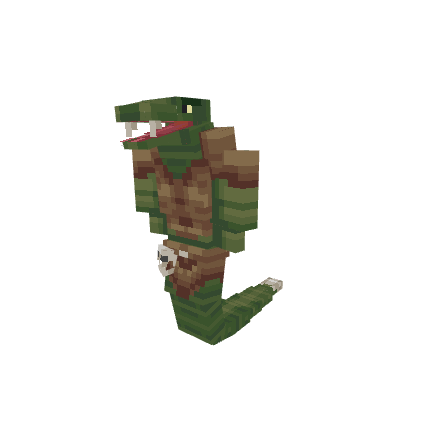
Snake

Snake

Morph menu

Mech Creeper morph

Pikachu morph

Soul Stone

Screenshots & Video
MorphX β€” screenshot 1
Download MorphX

MorphX V_1.0.4.mcaddon

Supported versions
26.3 26.0.02 26.0
Download

[1.55 MB]

MorphX V_1.0.3.mcaddon

Supported versions
26.0.02 26.0
Download

[1.55 MB]

MorphX V_1.0.2.mcaddon

Supported versions
1.21.132 1.21.131 1.21.130 1.21.124 1.21.123 1.21.122 1.21.121 1.21.120 1.21.114 1.21.111 1.21.101 1.21.100 1.21.94 1.21.93 1.21.92 1.21.90 1.21.82 1.21.81 1.21.80 1.21.73 1.21.72 1.21.71 1.21.70 1.21.61 1.21.60 1.21.51 1.21.50 1.21.44 1.21.43 1.21.41 1.21.40 1.21.30 1.21.21 1.21.20 1.21.2 1.21
Download

[1.55 MB]

MorphX V_1.0.1.mcaddon

Supported versions
1.21.130 1.21.124 1.21.123 1.21.122 1.21.121 1.21.120 1.21.114 1.21.111 1.21.101 1.21.100 1.21.94 1.21.93 1.21.92 1.21.90 1.21.82 1.21.81 1.21.80 1.21.73 1.21.72 1.21.71 1.21.70 1.21.61 1.21.60 1.21.51 1.21.50
Download

[1.56 MB]

MorphX V_1

Supported versions
1.21.122 1.21.121 1.21.120 1.21.114 1.21.111 1.21.101 1.21.100 1.21.94 1.21.93 1.21.92 1.21.90 1.21.82 1.21.81 1.21.80 1.21.73 1.21.72 1.21.71 1.21.70 1.21.61 1.21.60 1.21.51 1.21.50 1.21.44 1.21.43 1.21.41 1.21.40 1.21.30 1.21.21 1.21.20 1.21.2 1.21
Download

[1.56 MB]

Comments are loaded on demand to improve page speed on mobile devices.

Show comments (0)
MCPELIFE APP
MCPELIFE APP Our official app