
Mob Battle Wand
Mob Battle Wand - Creative mode with Achievement lets you pause time and select two mobs—whether from other addons or your own creations—to engage in combat with a single click. This addon simplifies creating mob battles, supporting even custom mob types for dynamic gameplay.
How to use
- Obtain three wands from Creative mode: Team A Wand, Team B Wand, and Battle Wand.
- Select the first mob by interacting with the Team A Wand (right-click on PC or long press on mobile).
- Select the second mob using the Team B Wand in the same manner.
- Note: The Team A and B Wands detect mobs within a 7-block radius.
- Once a mob is selected, you will receive confirmation feedback.
- After both mobs are recorded, activate the Battle Wand to start the fight.
Key features
- Time Freeze: Pause the world to set up battles without interference.
- Custom Mob Support: Works with standard mobs, custom mobs, and those from other addons.
- Game Changer Item: Switch game modes without losing achievements.
- 4v4 Battle Mode: Supports team battles with two rounds for added excitement.
- Mob Stop Clock: Temporarily immobilize mobs to position them easily, activated by holding the clock and tapping the screen.
Items
Mob Stop Clock
- Freeze individual mobs during setup to avoid losing control over their positions.
- Activate by holding the clock and tapping the screen; feedback confirms the action.

Screenshots
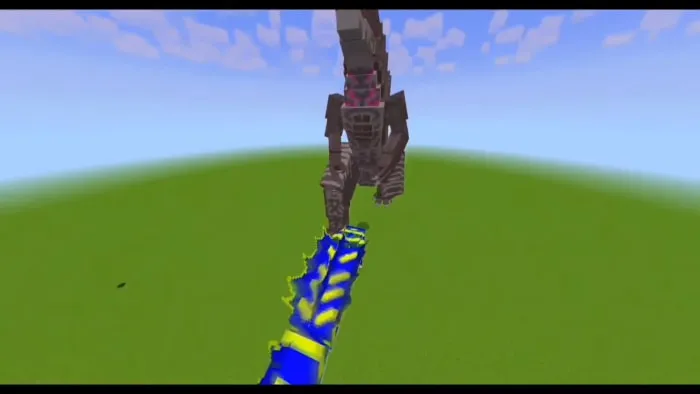
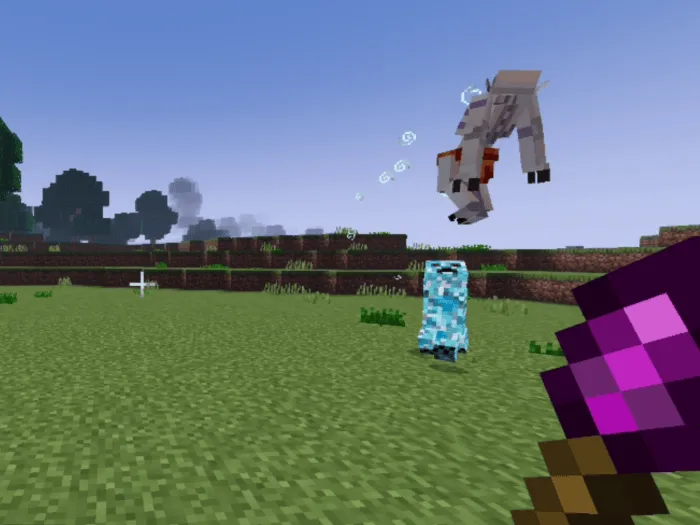
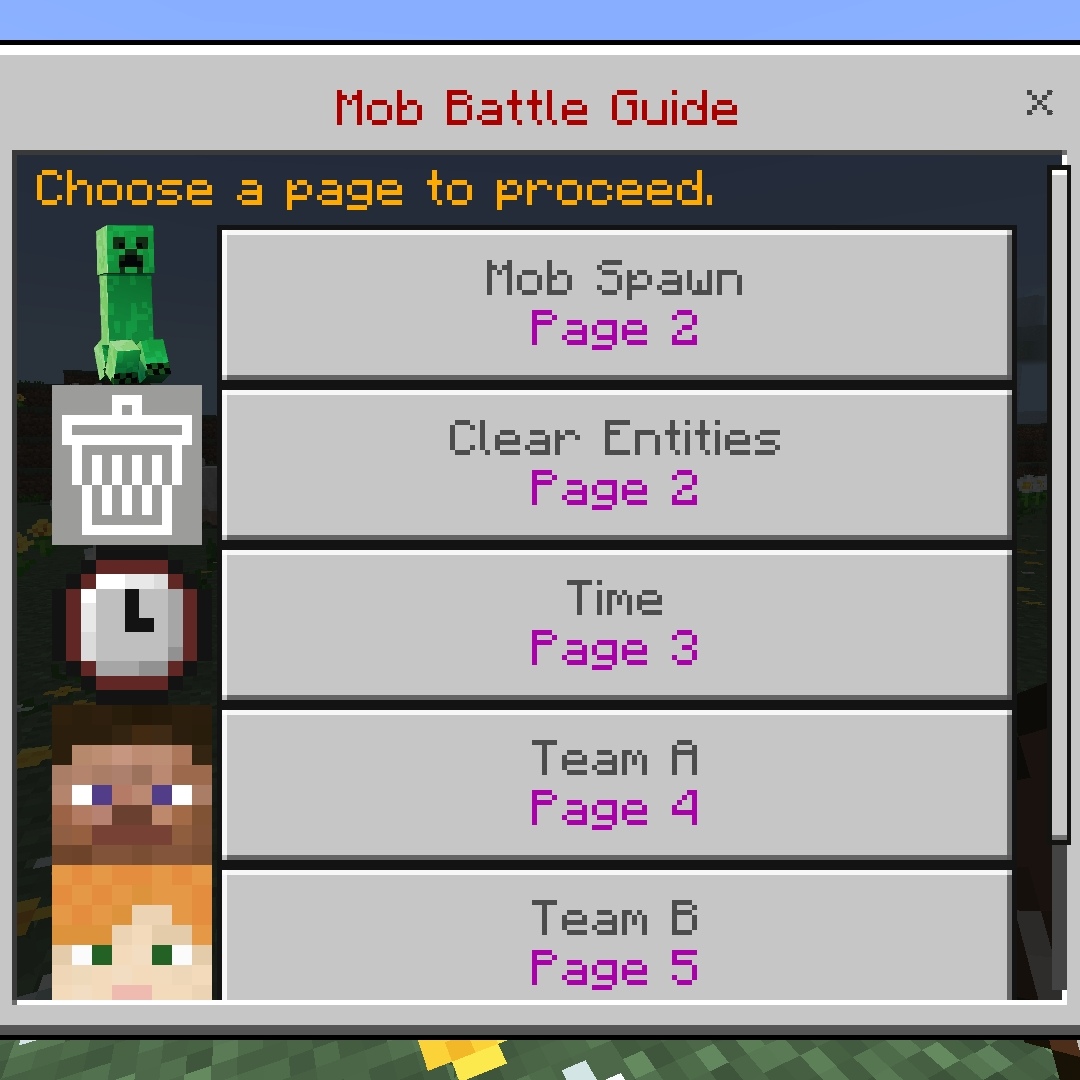
Screenshots & Video
Download Mob Battle Wand
Supported versions
1.21.80 1.21.111 26.0.02 26.0 26.3 26.10 26.11 26.12 26.20 26.13 26.30 26.40 26.50
Supported versions
1.21.80 1.21.111 26.0.02 26.0 26.3 26.10 26.11 26.12 26.20 26.13 26.30 26.40
Supported versions
1.21.80 1.21.111 26.0.02 26.0 26.3 26.10 26.11 26.12 26.20 26.13 26.30 26.40
Supported versions
1.21.80 1.21.111 26.0.02 26.0 26.3 26.10 26.11 26.12 26.20 26.13 26.30 26.40
Supported versions
1.21.80 26.0.02 26.0 26.3 26.10 26.11 26.12 26.20 26.13 26.30 26.40
Supported versions
1.21.80 1.21.132 26.0.02 26.0 26.3 26.10 26.11 26.12 26.20 26.13 26.30
Supported versions
1.21.80 1.21.111 26.0.02 26.0 26.3 26.10 26.11 26.12 26.20 26.13 26.30
Supported versions
1.21.80 1.21.111 1.21.132 26.0.02 26.0 26.3 26.10 26.11 26.12 26.20 26.13 26.30
Supported versions
26.30 26.20 26.13 26.12 26.11 26.10 26.3 26.0.02 26.0 1.21.111 1.21.80
Supported versions
26.3 26.0.02 26.0 1.21.132 1.21.131 1.21.111 1.21.80

 1.00/5
 0 Comments