
Minecraft Dungeons
UPDATED: 10.09.2026
Minecraft Dungeons APK is an unofficial Android port with touchscreen controls. Explore dungeons, battle familiar Minecraft mobs and collect equipment in an adventure that replaces sandbox building with action-focused missions.
The download is provided as a single APK file. There is no separate OBB archive to extract or copy into a game folder.
What Is Minecraft Dungeons?
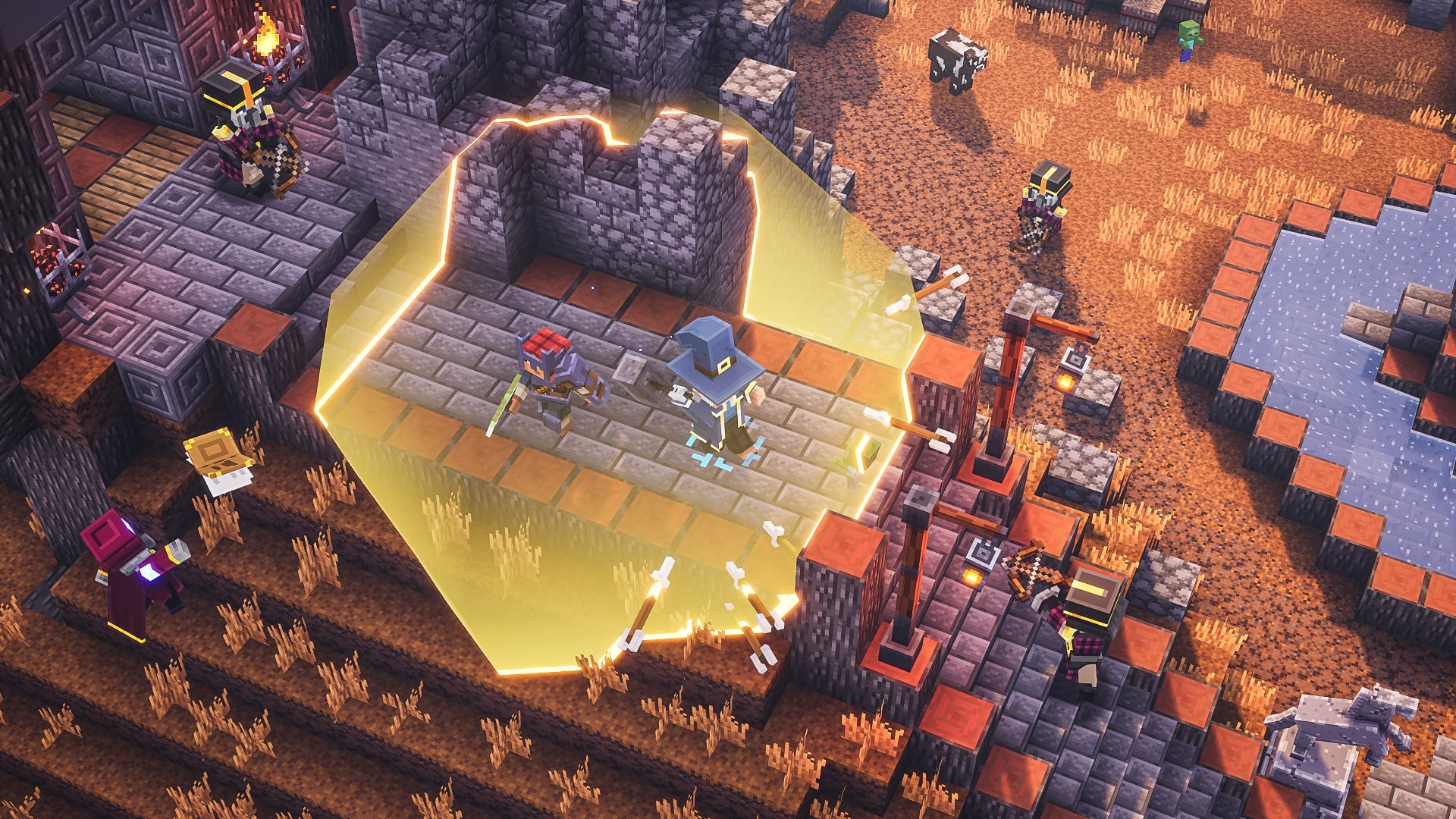
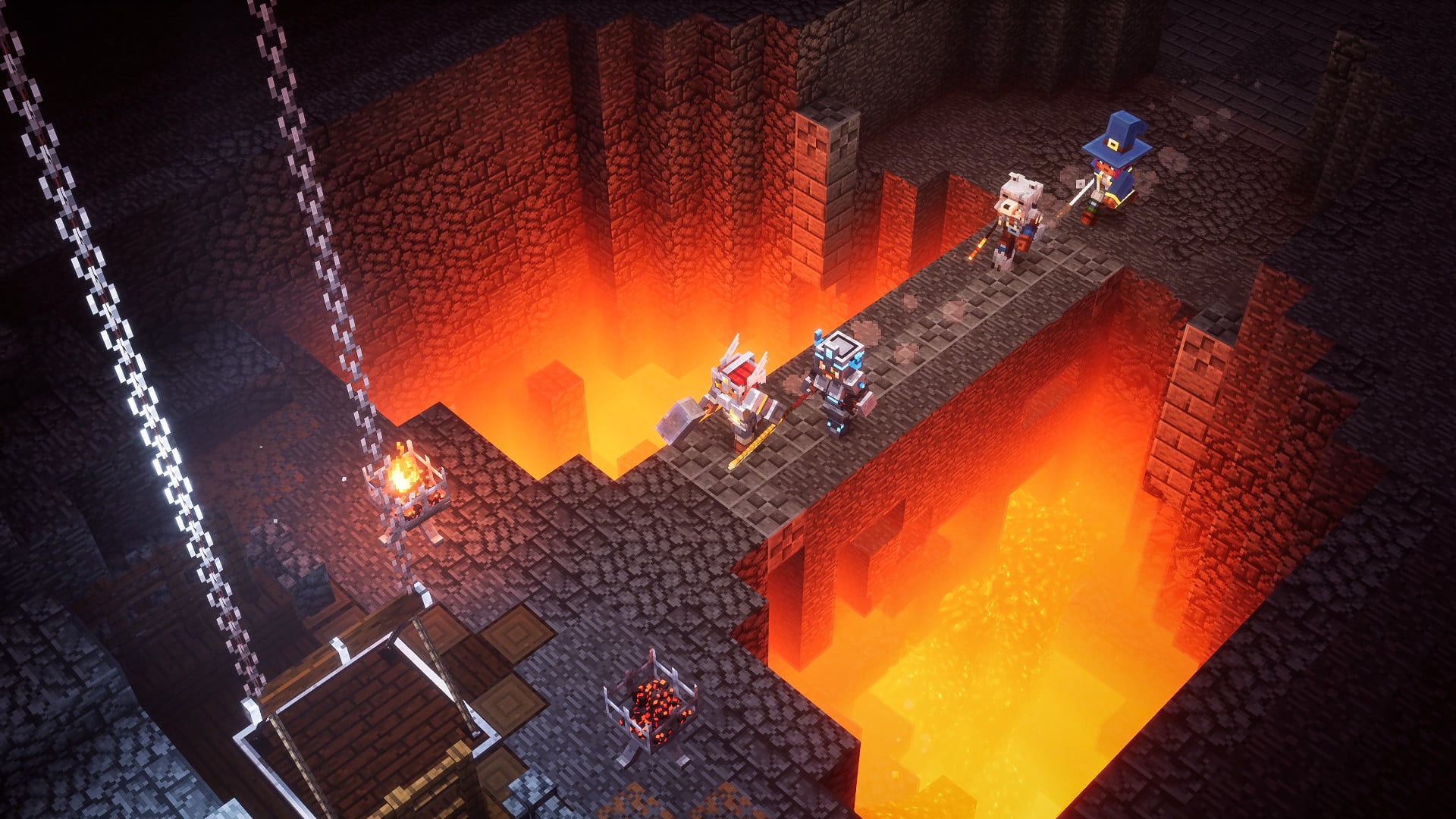
Minecraft Dungeons is an action-adventure game inspired by classic dungeon crawlers. Set in the Minecraft universe, it follows a quest to rescue villagers and stop the Arch-Illager.
Unlike Minecraft PE, the focus is not on mining blocks, crafting tools or building a home. Instead, you move through enemy-filled locations, search for treasure and improve your equipment as you progress. Each mission gives you a reason to explore, whether you are looking for another battle or a useful piece of loot.
This is a separate game, not a Minecraft PE mod or add-on. You do not need to import it into a Bedrock world.
Combat, Weapons and Equipment
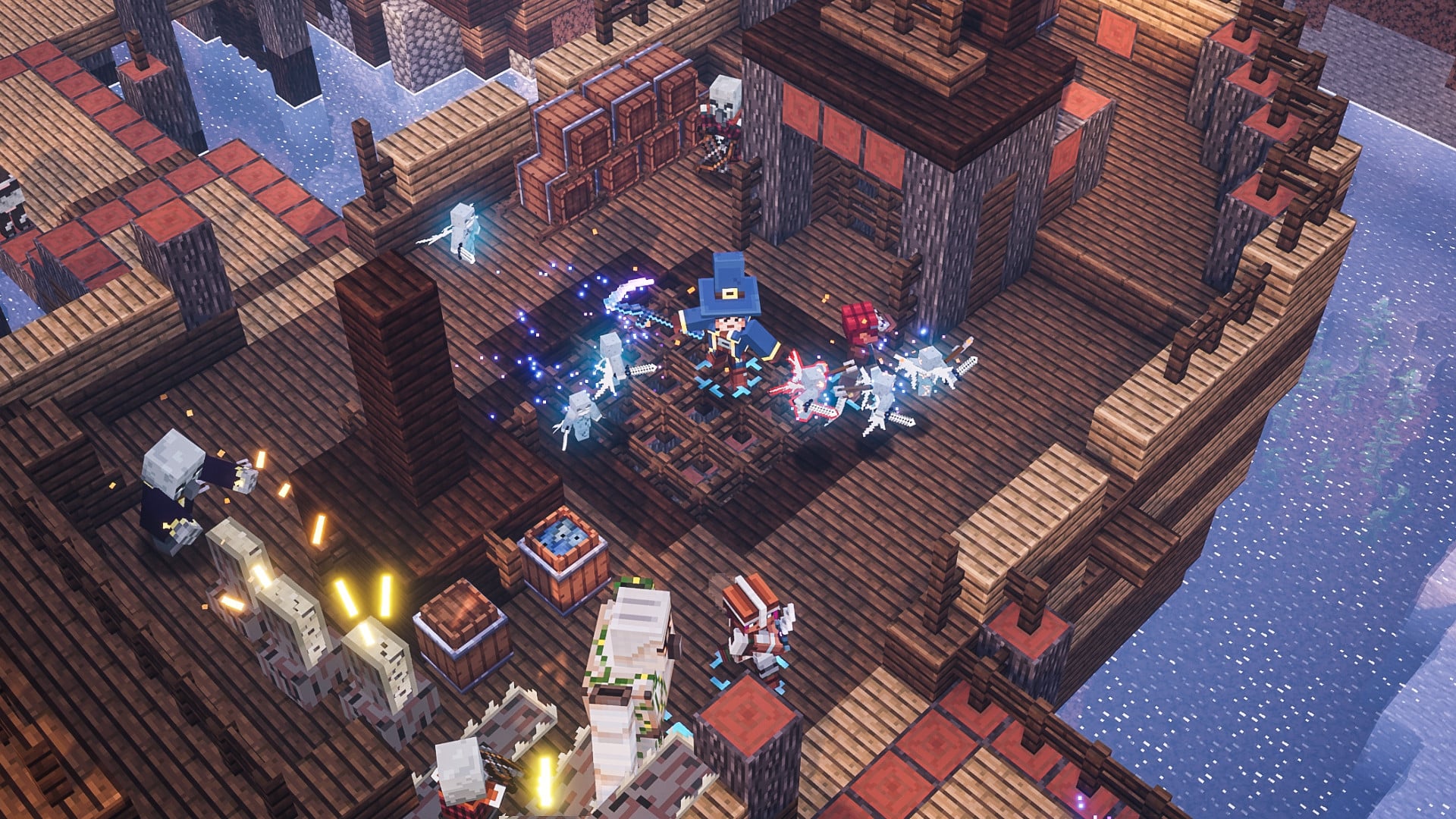
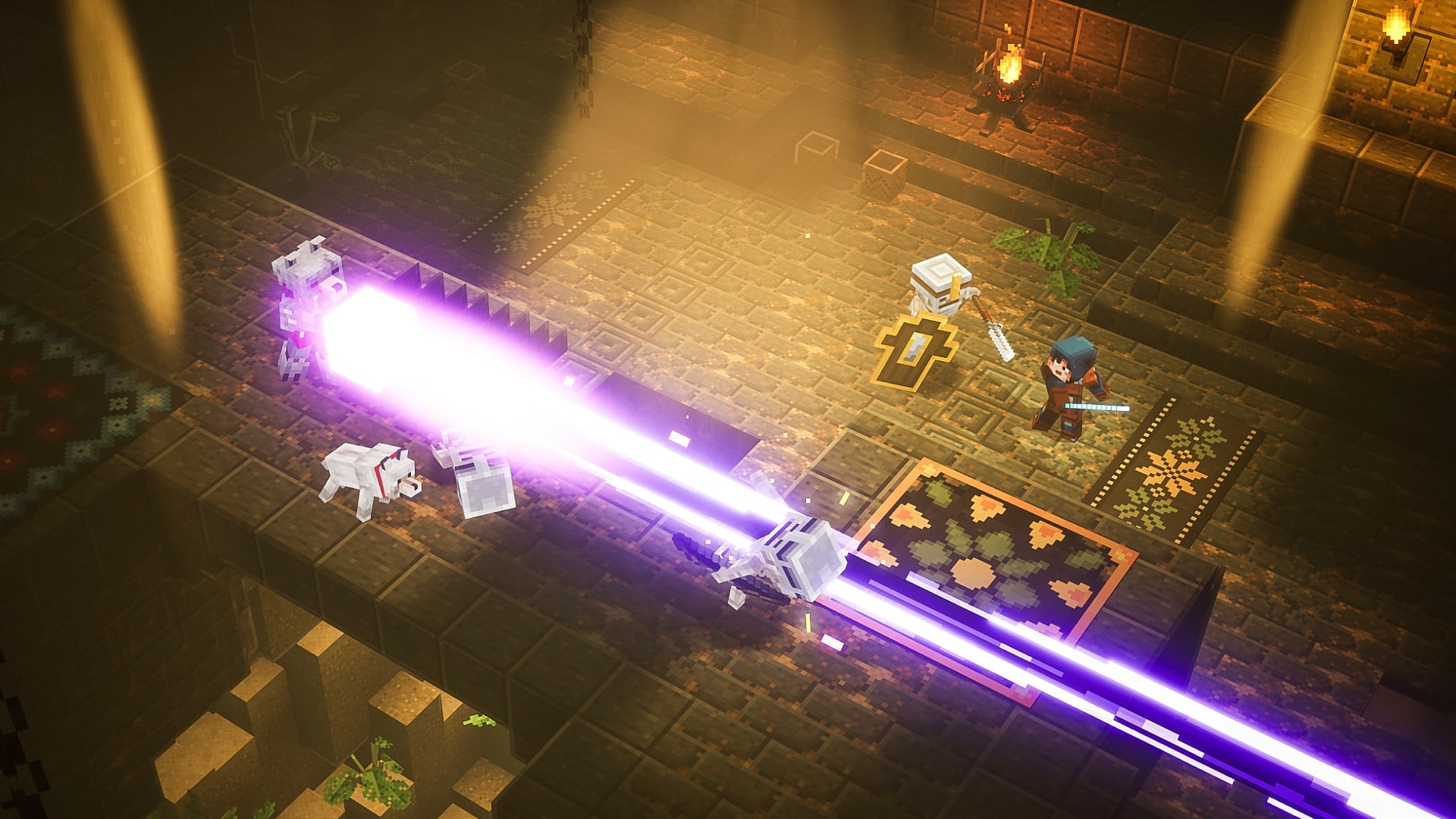
Combat is built around the equipment you choose. Melee weapons let you fight enemies up close, while ranged weapons help you attack from a distance. Armor provides protection, and artifacts give you special abilities to use during encounters.
Enchantments add another layer to your setup, allowing equipment to support different approaches to combat. Finding a new item can give you a reason to change your tactics rather than simply replace an older weapon.
The original game combines these systems with exploration and mission progression. The content and features available in the Android port may differ from the PC and console editions.
Touchscreen Controls on Android
This unofficial port includes touchscreen controls, allowing you to interact with the game directly from your phone or tablet.
The listed package uses arm64-v8a, which means your device and its Android system must support 64-bit ARM applications. Architecture support alone does not guarantee that the game will run correctly: performance and stability can vary between devices.
As this is an unofficial release, you may encounter crashes, graphical issues or other compatibility problems.
How to Install Minecraft Dungeons APK
- Download the APK file to your Android device.
- Open the downloaded file. If Android requests permission, allow your browser or file manager to install apps from that source.
- Complete the installation by following the on-screen prompts.
- Launch Minecraft Dungeons from your app drawer.
No manual OBB installation is required for this package. Make sure your device has enough free storage for installation, not just for the downloaded APK. After installing, you can turn off the installation permission you enabled for your browser or file manager.
Important Information About This Port
Minecraft Dungeons APK is not an official Android release from Mojang Studios or Microsoft.
Minimum Android and RAM requirements have not been verified for this build. Multiplayer, cross-play, offline play and DLC availability have also not been confirmed, so these features should not be assumed to match the original game.
If you don’t see the joystick, restart the app and tap anywhere on the left side of the main menu screen. Then you can start the game!

Minecraft Dungeons APK free for Android
Version v1.0
- This is an unofficial port of Minecraft Dungeons for Android with touchscreen controls. Enjoy the game! If you don’t see the joystick, restart the app and tap anywhere on the left side of the main menu screen. Then you can start the game!
[2.68 GB]

 4.50/5
Comments are loaded on demand to improve page speed on mobile devices.
Show comments (1)