Linxing’s Paper Doll
Linxing's Paper Doll enhances your Minecraft Bedrock Edition experience by allowing you to freely reposition the Paper Doll on your screen without affecting gameplay. This texture pack is straightforward to install and works seamlessly with Bedrock version 1.26 and above.
Installation
To add Linxing's Paper Doll to your game, download the pack and import it through your Minecraft Bedrock resource pack menu. Once activated, the Paper Doll will be ready to use immediately.
How to Use
- Press the crouch button to display the Paper Doll on your screen.
- Open the pause menu and select the customization button shown below to enter the configuration interface.
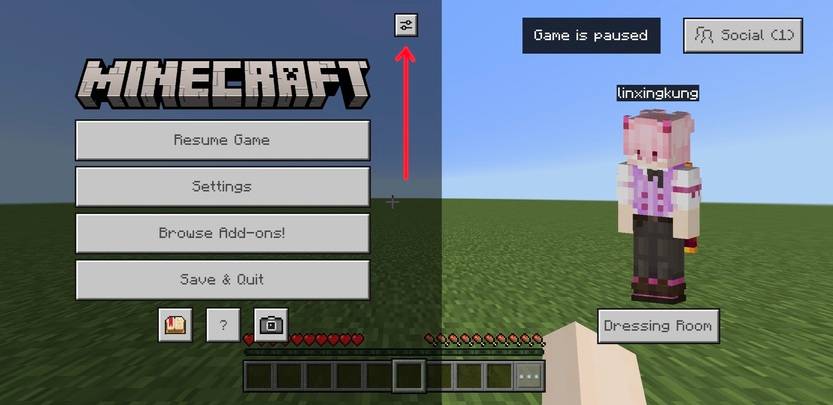
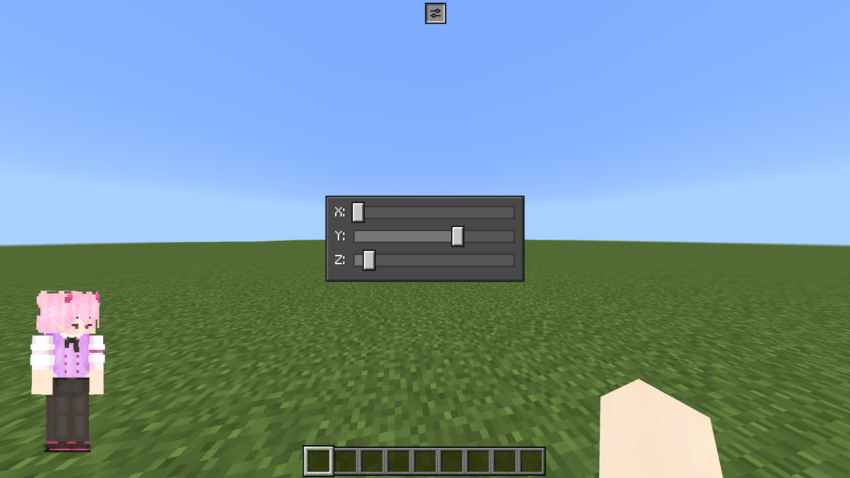
- Adjust the Paper Doll's position and settings as desired. After making changes, press the same button again to save and exit.
Requirements / Compatibility
This texture pack is compatible with Minecraft Bedrock Edition 1.26 and later versions. There are no gameplay changes, ensuring smooth integration with your existing worlds and setups.
Key Features
- Move the Paper Doll anywhere on the screen for a personalized HUD experience.
- Multiple default position subpacks to choose from:
Available Default Positions
- 1. Hotbar Left (default)
- 2. Hotbar Right
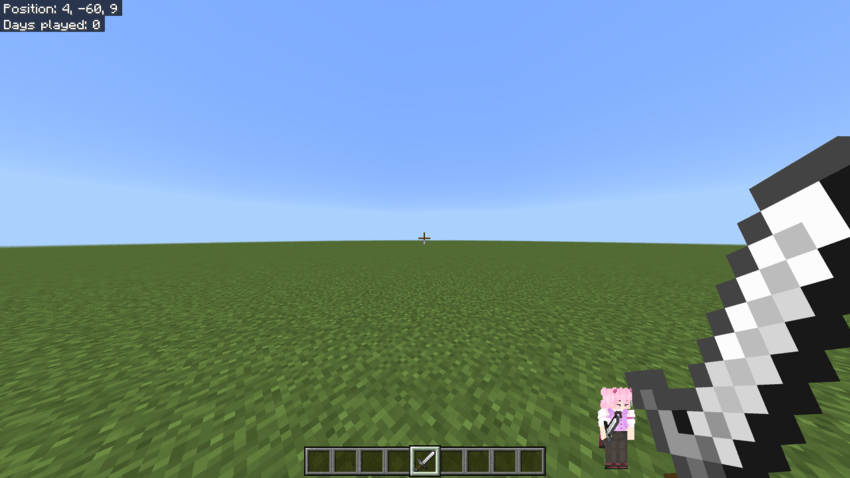
- 3. Center Left
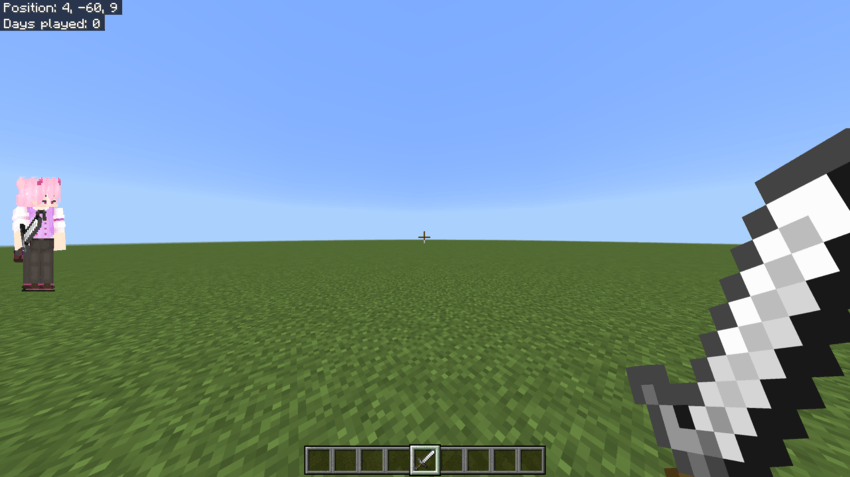
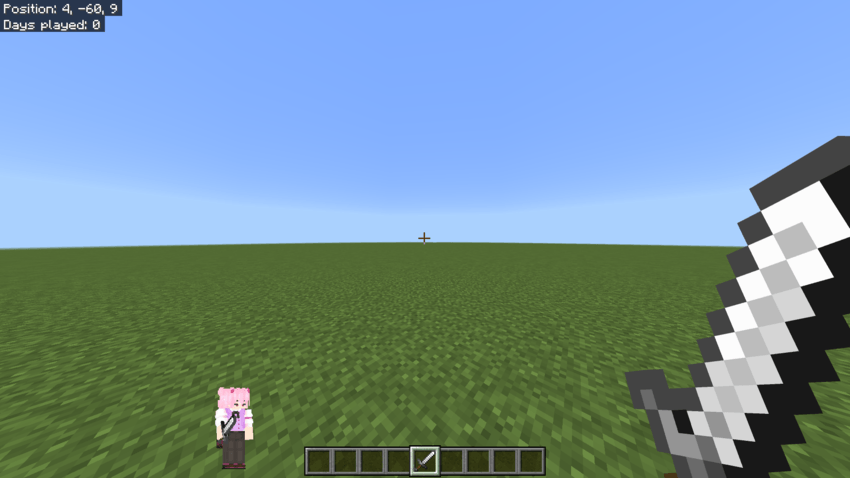
- 4. First-Person Shooter Mode (for Mobile and PC)
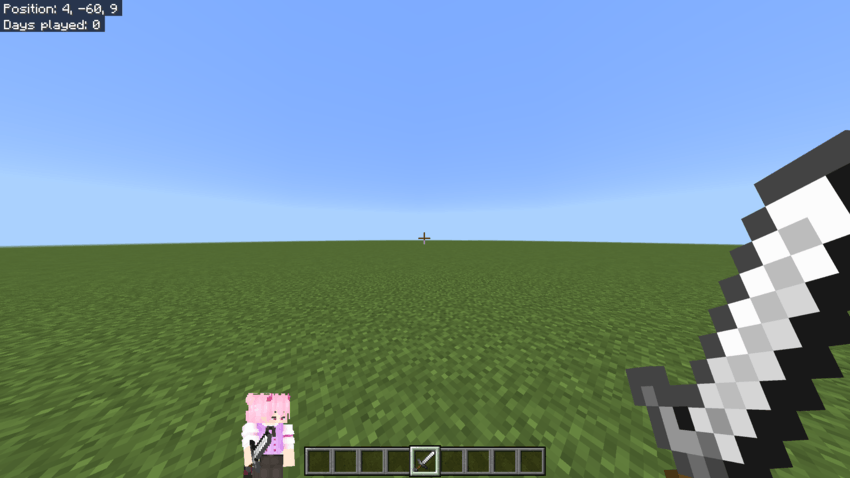
Notes
The Paper Doll display does not interfere with gameplay mechanics and can be toggled on or off with the crouch button at any time. Feel free to experiment with different positions to find what suits your play style best.
