GlowCraft Shader
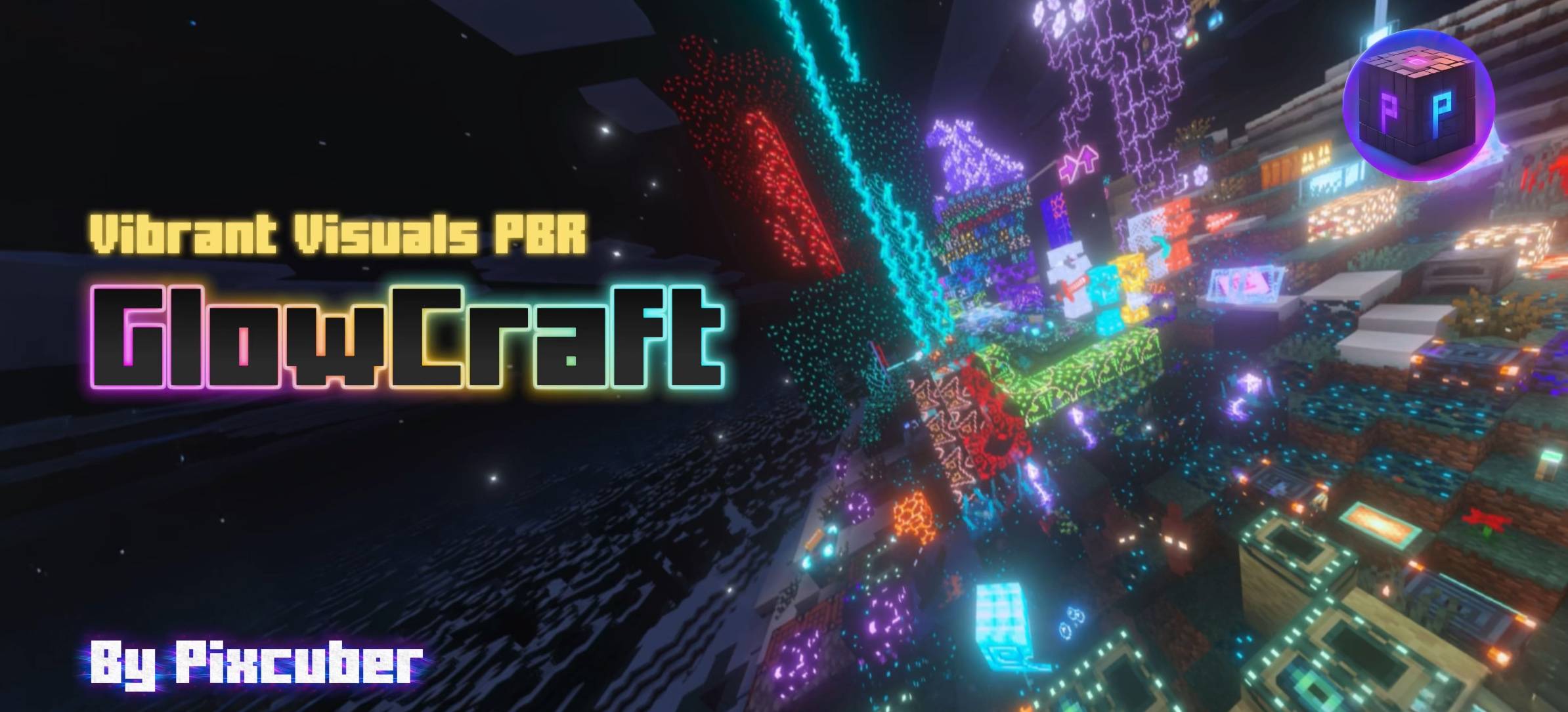
GlowCraft Shader enhances Minecraft Bedrock with vibrant, realistic lighting effects through the Vibrant Visuals shader feature. This shader pack introduces dynamic illumination that elevates the game's atmosphere while maintaining excellent performance. Experience a fresh level of visual depth and glow across many blocks and items.
Installation / How to use
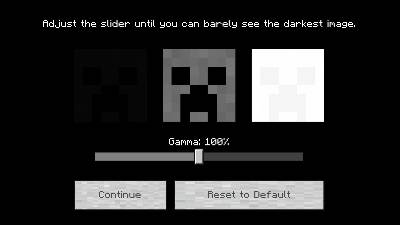
Ensure Vibrant Visuals is enabled in your Minecraft Bedrock settings, as GlowCraft relies on this feature (PBR) to function properly. After installing the GlowCraft shader pack, verify that your Vibrant Visuals gamma setting is at the default 100% for optimal lighting results. You can toggle the GlowCraft UI on or off within the pack's settings, with the UI enabled by default.
Requirements / Compatibility
GlowCraft requires Minecraft Bedrock version 1.21.90 or higher, with the recommended version being 26.13 or later to access all features and improvements. Confirm that your device supports Vibrant Visuals and that this feature is activated before using GlowCraft.
Key features
- Advanced colored lighting effects for blocks using the new static/local lighting system introduced in Minecraft 26.10.
- Extensive glow effects applied to a wide range of blocks, particles, armor (iron, gold, diamond, chain, copper), tools, and entities.
- Improved textures and lighting fixes for lava, quartz ore, crimson nylium, magma blocks, and more.
- Custom GlowCraft UI enhancements with embedded elements from Ty-El's UI, including a sleek interface and configurable options.
- Dynamic glowing particles and additional glowing items such as tridents, totems, and wind charges.
- Updated for major game updates including Copper and Mounts of Mayhem, featuring glowing Nautilus armor and spears.
- Background panorama inspired by The Bracken Pack for an immersive UI experience.
Notes / Troubleshooting
Certain elements cannot glow or bloom due to limitations in Vibrant Visuals, including glowing armor trims, horse armor, player skins, beacon beams, end crystal beams, portal blocks, firework particles, and others. Netherite armor and tools are intentionally not given a glow effect as it causes unwanted pink shading.
If upgrading from an older GlowCraft version, it is recommended to remove previous files to avoid conflicts. Some UI and glow effects have been refined across updates to fix bugs and improve performance.
Keep Vibrant Visuals gamma at 100% to prevent lighting issues. GlowCraft UI can be disabled if preferred via the pack settings.

 3.00/5