
Glow Em All Shader
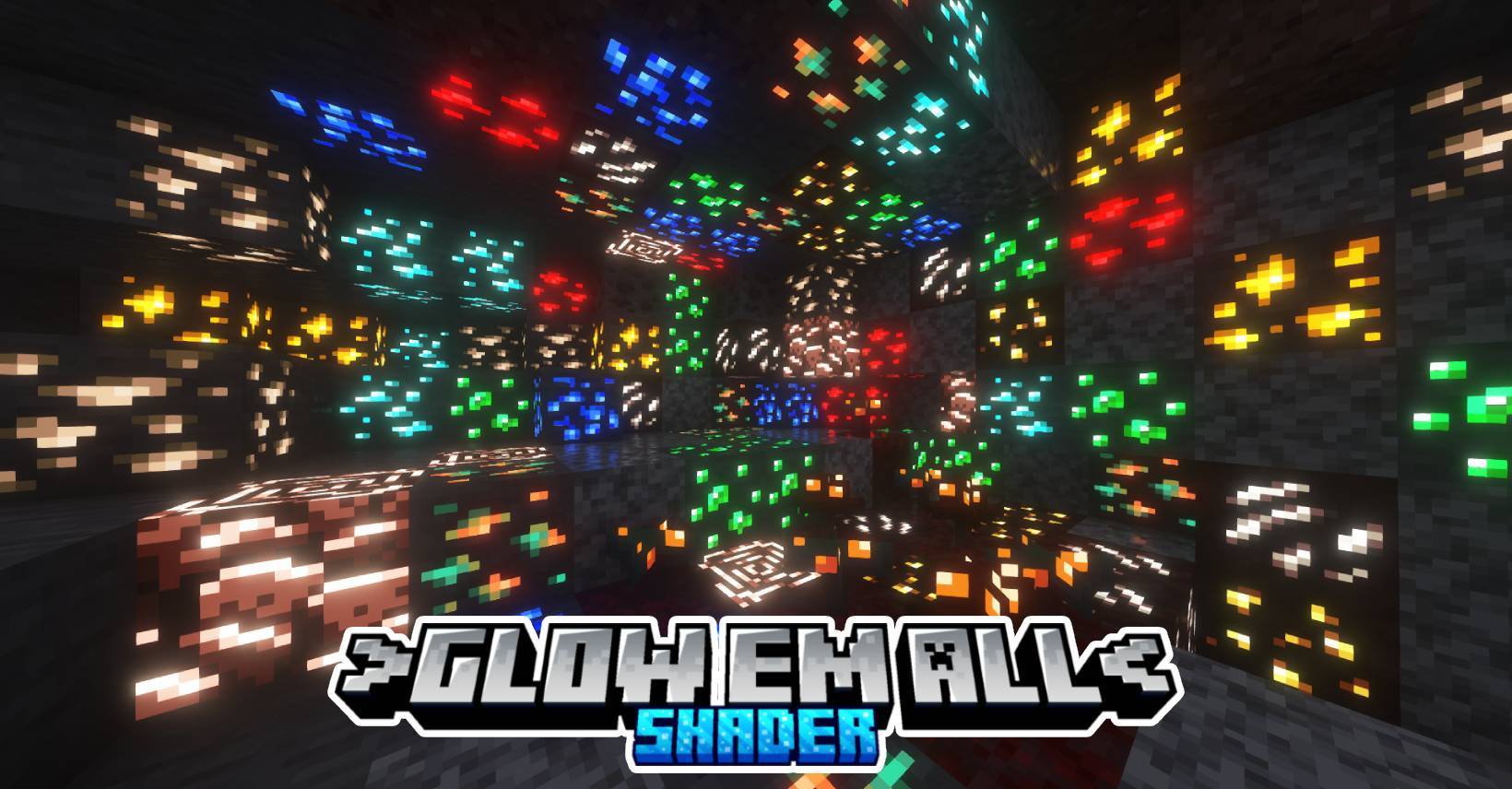
Glow Em All Shader | Glowing Ores enhances Minecraft Bedrock Edition by adding vibrant glowing effects to ores, blocks, and caves, making mining a visually exciting experience. Customize the style to suit your preference, whether you want a technical, gamer-inspired look or a sleek professional finish.
Key Features
- Illuminated ores that glow in the dark
- Extended texture support for various blocks
- Bloom glow effects on ores and torches
- Optional brighter cave lighting for improved visibility
Installation
Note: Minecraft Bedrock does not natively support custom shaders. These instructions outline unofficial methods to enable them.
Android
- Install the MB Loader application.
- Import the shader resource pack into Minecraft and activate it under global resource packs.
- Start Minecraft through the MB Loader app to apply the shader.
Windows
- Use BetterRenderDragon to activate MaterialBinLoader.
- Import the shader pack and enable it in your global resources.
If your Minecraft version isn’t supported by BetterRenderDragon, use an alternative tool called Matject to install shaders.
Linux (x86_64 architecture)
- For those using mcpelauncher-manifest, install the mcpelauncher-materialbinloader-mod.
- Import and activate the shader resource pack in global resources.
iOS
Currently, installing shaders on iOS requires jailbreaking or installing untrusted apps; no simple method exists.
Brightness Options for Caves
Minimum Brightness: Sets a base level of brightness in caves.
Common Brightness: Increases cave brightness by approximately 50%, improving visibility.
Insane Brightness: Boosts cave brightness by up to 80%, making exploration much easier.
Compatibility
This shader is compatible with Minecraft Bedrock Edition version 1.21.100 and above. Earlier versions use a different lighting system and will cause graphical issues with this shader.
The shader pack is offered as a merged file that includes support for iOS, Android, and Windows platforms in one resource pack.
Downloads
- afgea-3.8.0-merged.mcpack
- afgea-3.7.1-merged.mcpack
- afgea-3.7.0-merged.mcpack





 1.00/5