FirmamentCraft Shader | RenderDragon
FirmamentCraft Shader | RenderDragon for Minecraft Bedrock Edition
This shader pack enhances Minecraft Bedrock Edition (version 1.21.110 and above) with stylized rendering effects to create immersive visuals. Designed originally in China, it offers advanced lighting, reflections, and atmospheric effects that enrich the game environment.
Installation / How to Use
For Android devices, you can load the shader using utilities like MB Loader or Minecraft Patch. Alternatively, manually replace the shader files inside the game’s installation folder. On Windows, it is recommended to use BetterRenderDragon to apply the shader. Make sure to use the accompanying resource pack provided with the shader; otherwise, the sky visuals will not display correctly.
Requirements / Compatibility
- Compatible with Minecraft Bedrock Edition version 1.21.120 and later.
- Requires the specific resource pack that comes with the shader for full effect.
- Designed to work with the RenderDragon rendering engine.
Key Features
Terrain Rendering
- Standard diffuse lighting and shadow effects.
- Illumination from sky lighting.
- Specular highlights and bump mapping on surfaces.
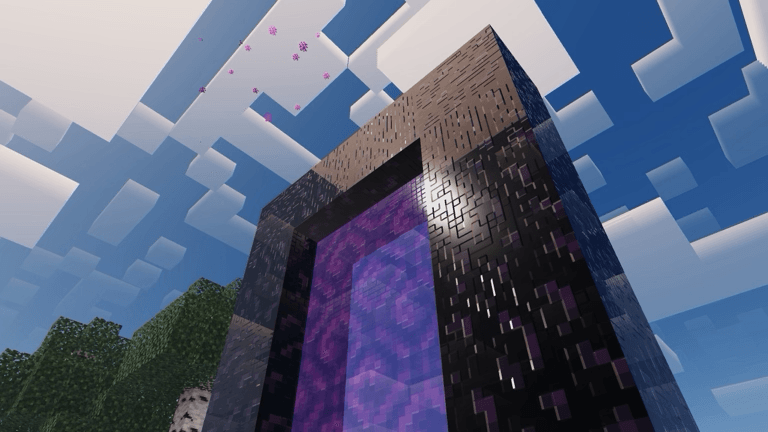
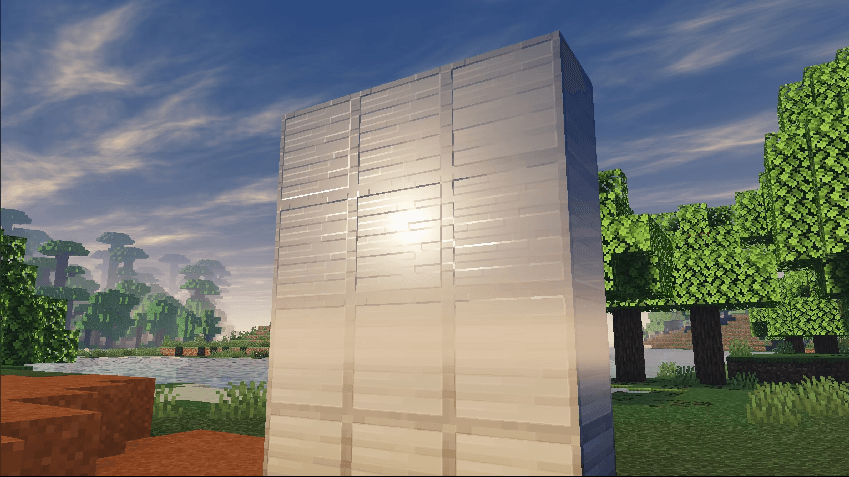
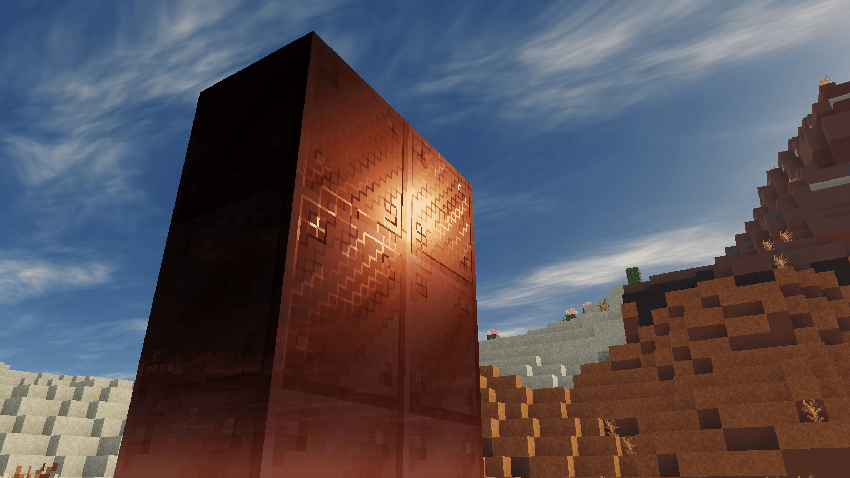
- Reflective effects on metallic blocks based on sky environment.
- Glow effects on ores.
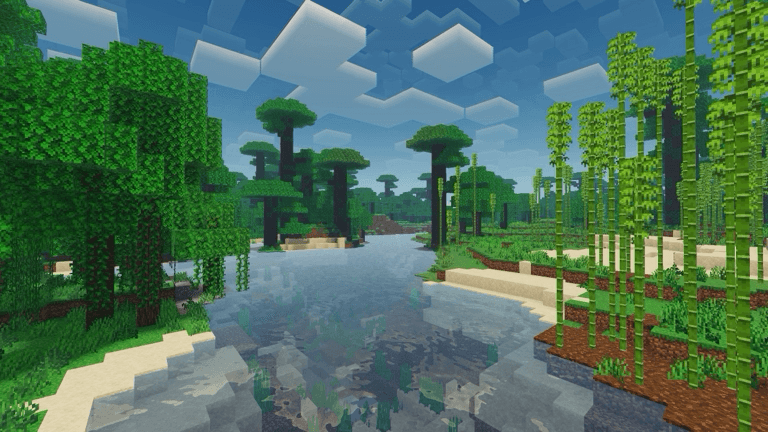
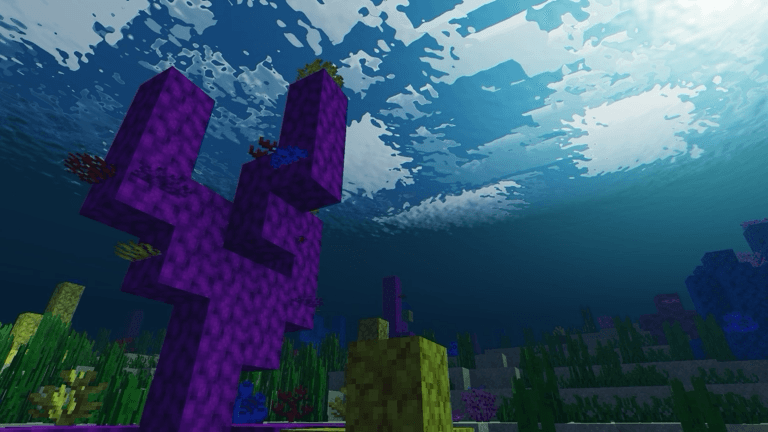
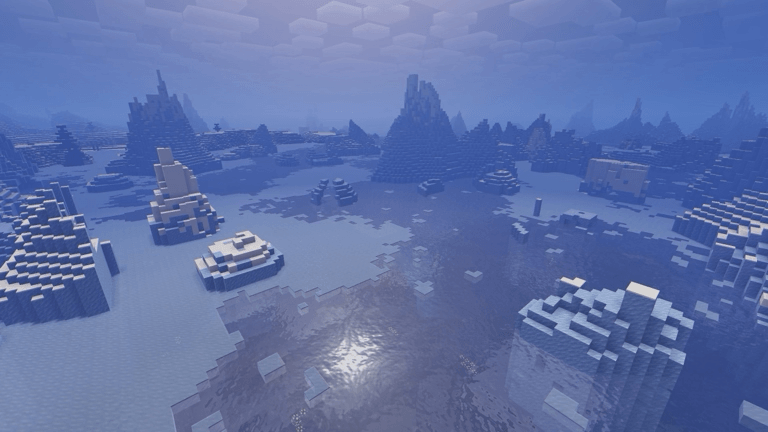
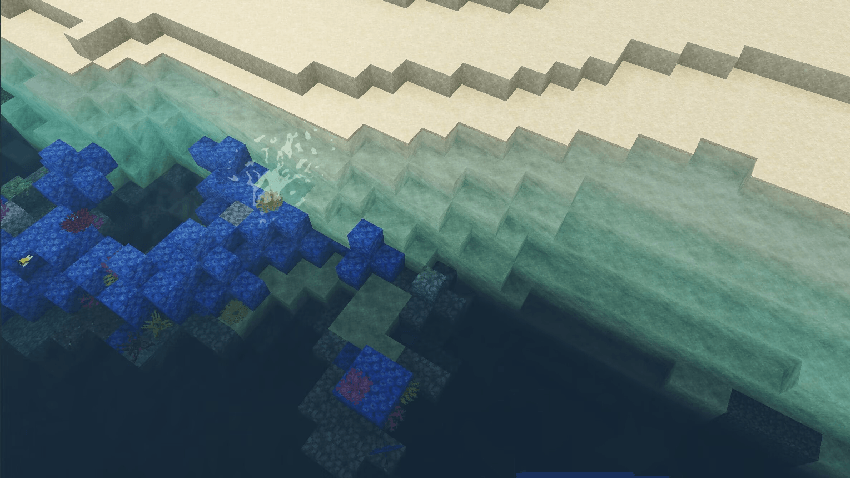
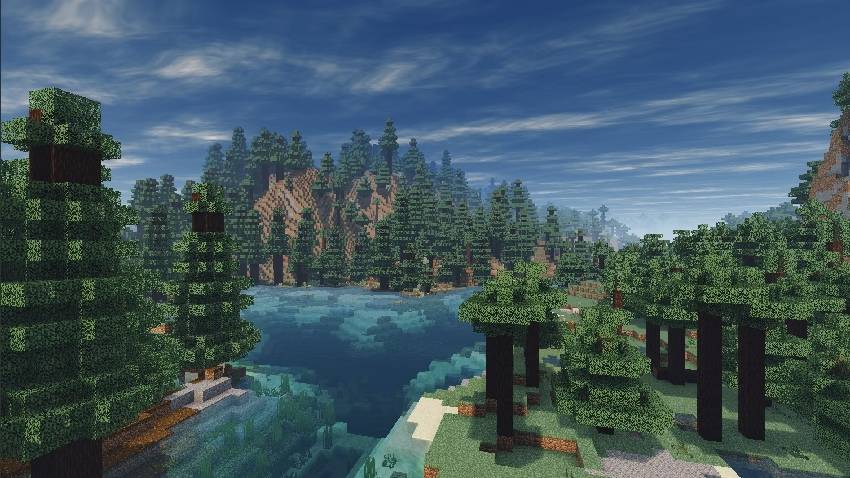
- Water surface waves and sky reflections.
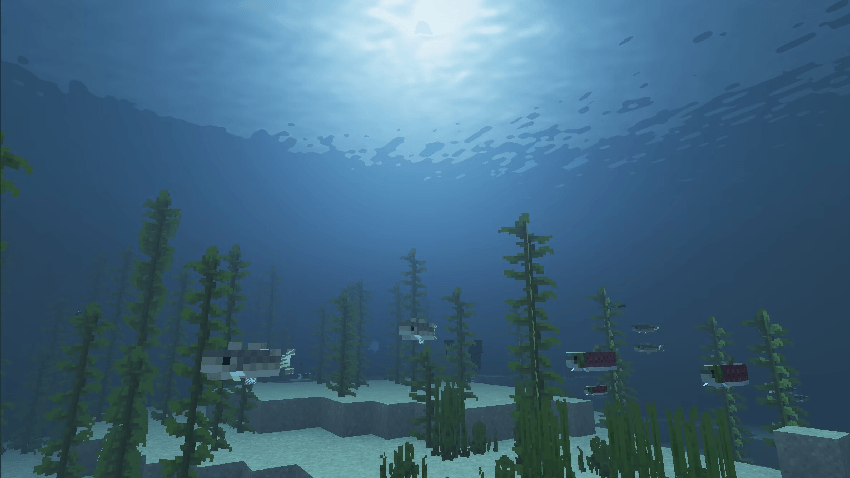
- Underwater lighting with realistic color absorption.
- Total internal reflection (TIR) effects underwater.
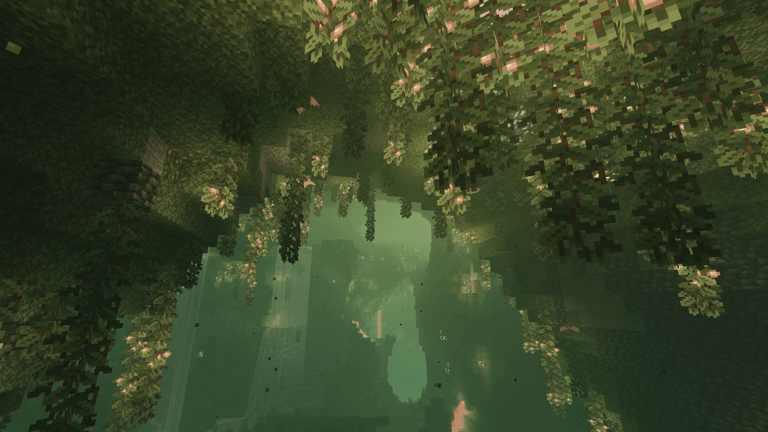
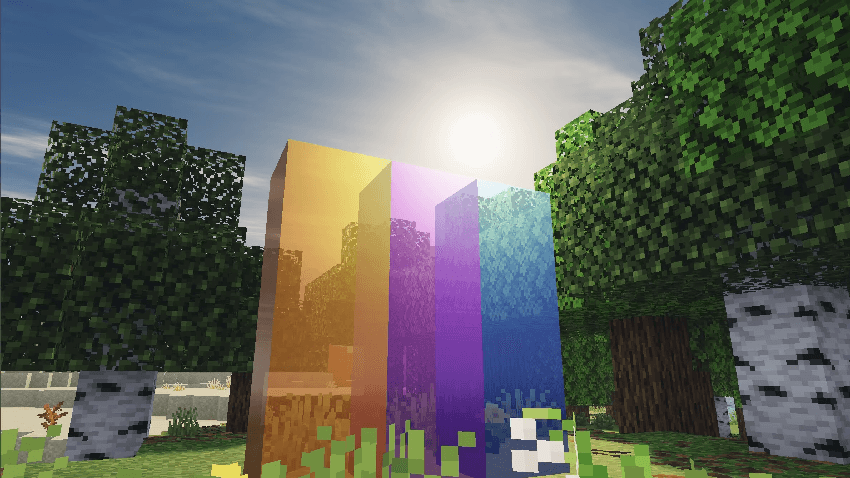
- Reflections and simulated subsurface scattering on translucent blocks.
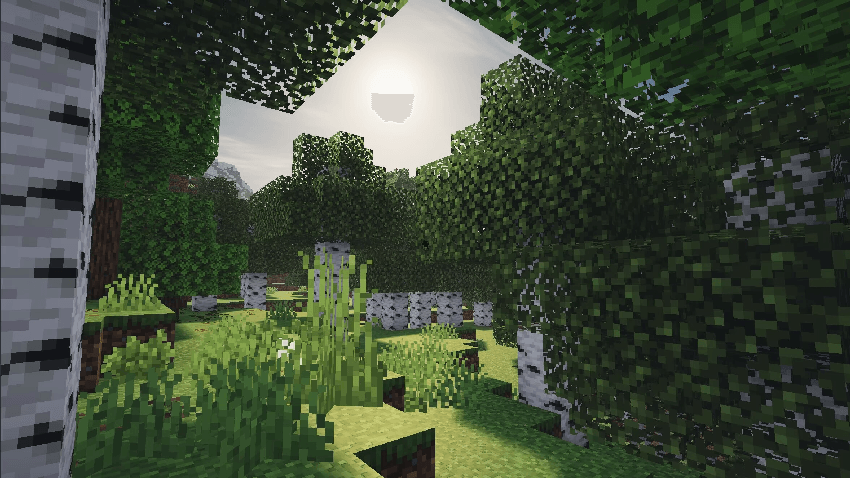
- Animated plant swaying with subsurface scattering simulation.
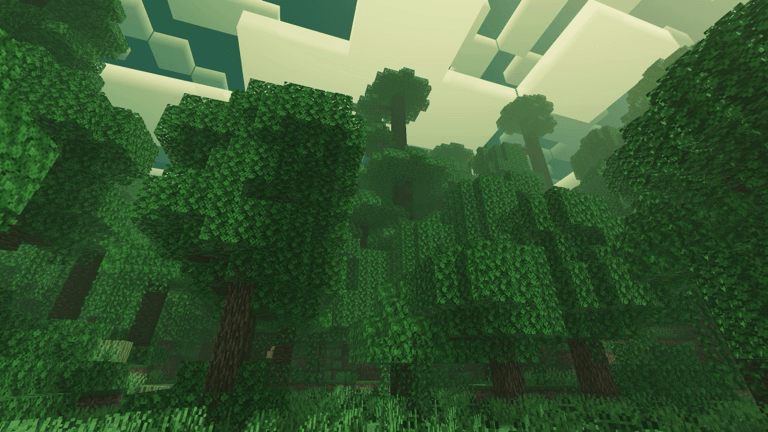
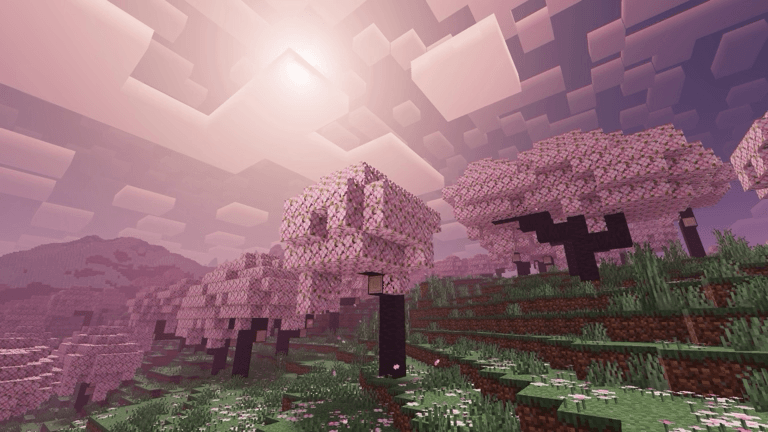
- Smooth fog transitions for atmospheric depth.
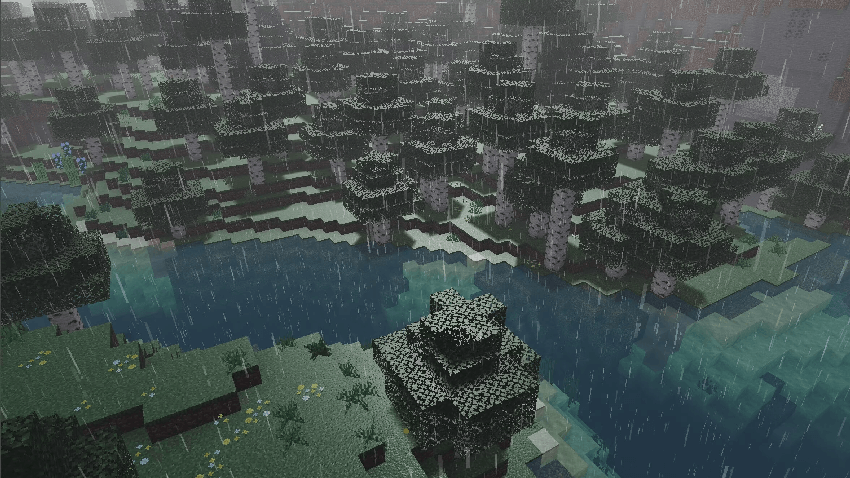
- Artistic rain effects on surfaces.
Sky Rendering
- Dynamic, animated clouds.
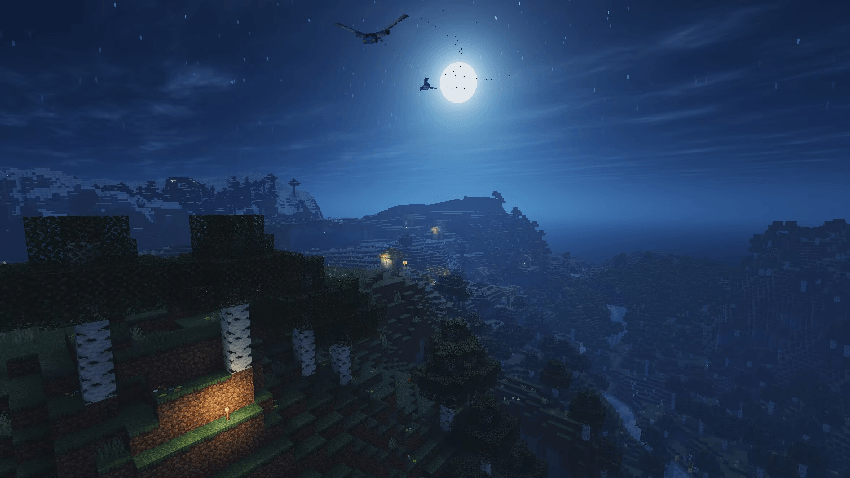
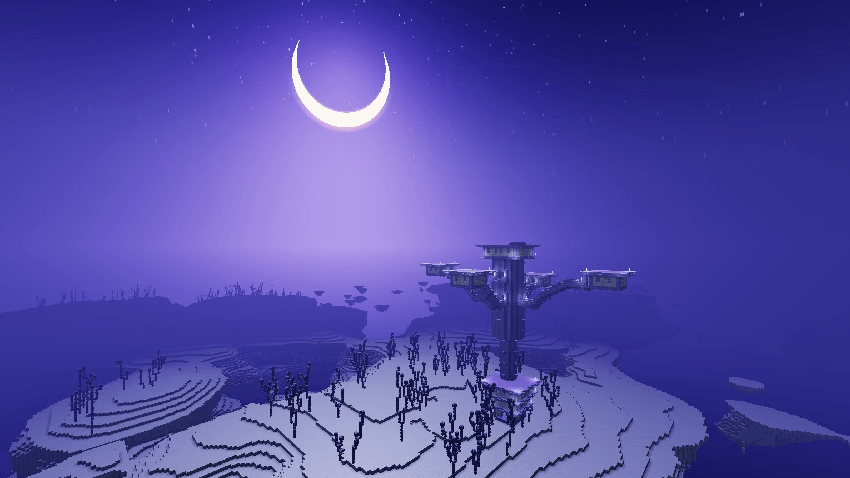
- Detailed sun, moon, and starfield rendering.
- Sky dome and horizon with Mie scattering simulation.
- Creative visual style for the End dimension sky.
- Rain-related sky effects that enhance atmosphere.
Entity Rendering
- Basic diffuse lighting applied to entities.
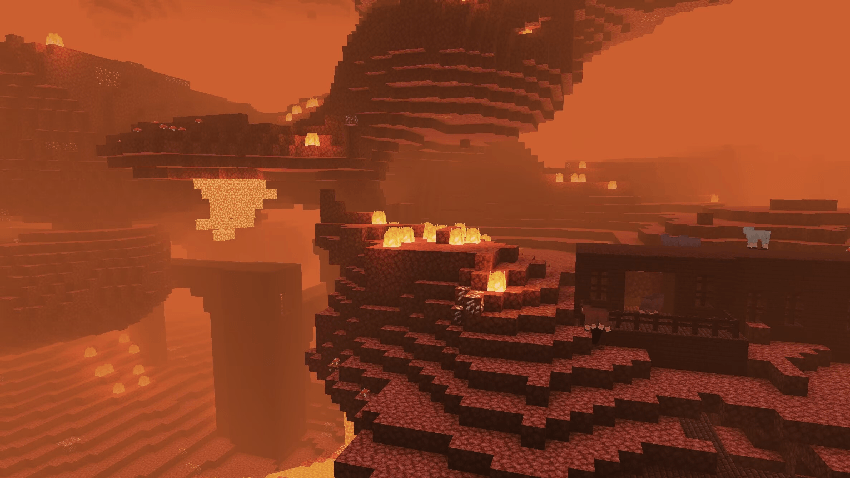
- Dynamic ambient light color shifts by biome, especially in the Nether.
Notes / Troubleshooting
Ensure the resource pack is activated alongside the shader; otherwise, sky features will not render. When installing manually, carefully replace shader files in the correct directories to avoid errors. For best performance and compatibility, use the latest version of Minecraft Bedrock Edition and RenderDragon.
Below are screenshots showcasing the shader effects in version 5.0:
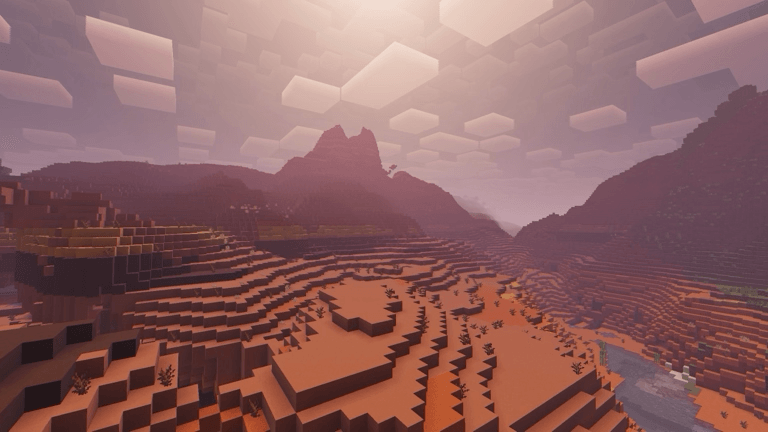
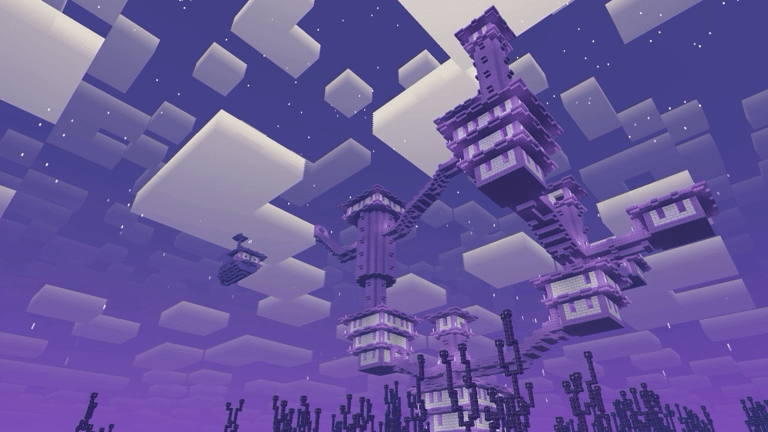
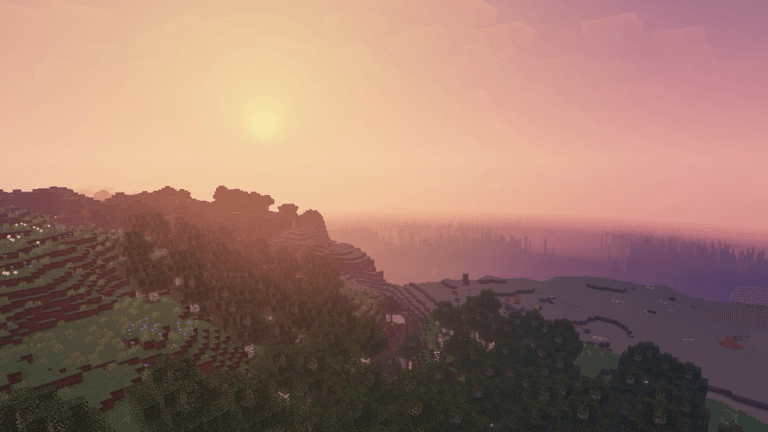
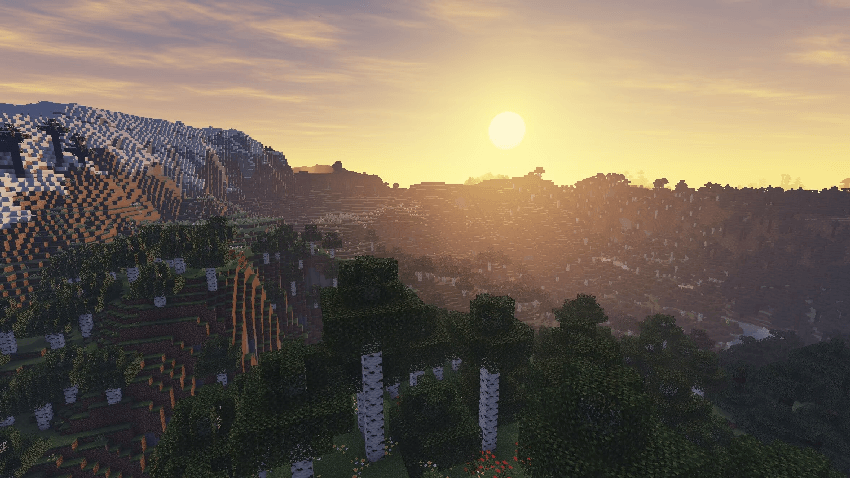
Additional images from version 4.0 are also available for reference:
 5.00/5