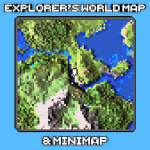
Explorer’s World Map & Minimap

Explorer's World Map & Minimap is a high-quality, feature-rich addon designed to enhance your Minecraft Bedrock experience. It offers a customizable minimap and world map, complete with achievements, presets, and language support. This addon is optimized for smooth performance and packed with tools like waypoints and entity locators to help you navigate your world with ease.
Installation / How to Use
Download the appropriate addon version compatible with your Minecraft Bedrock edition from the official hosting platform. For the latest full version, use version 1.3.0 designed for Minecraft 1.26.0. After installing, use the following commands in-game to access and customize the addon features:
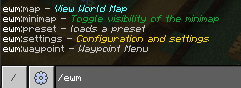
/settings- Customize personal and world settings./map- Open the shared world map showing unlocked areas./minimap <show / hide>- Toggle the minimap display./preset- Quickly switch between predefined settings presets./waypoint- Manage your waypoints.
Requirements / Compatibility
The latest version 1.3.0 is compatible with Minecraft Bedrock version 1.26.0. There is also an achievements-enabled version compatible with Minecraft versions from 1.21.100 up to 1.26.10, but it may have limitations like black display of new blocks on the minimap and static grass colors. Older full versions (1.2.9) support Minecraft 1.21.9X through 1.21.13X.
Key Features
- Customizable minimap and full world map with adjustable scale.
- Presets to quickly change settings for convenience and efficiency.
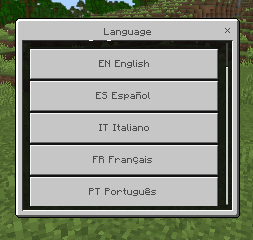
- Multilingual support for broader accessibility.
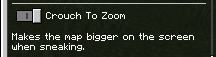
- Crouch-to-zoom functionality for detailed map views.
- Waypoints system for marking important locations.
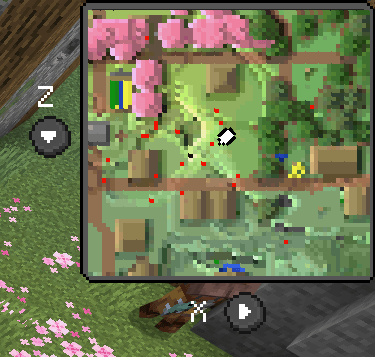
- Entity locator feature displaying nearby entities with a red dot.
- Support for far render distances requiring at least 12 chunks loaded.
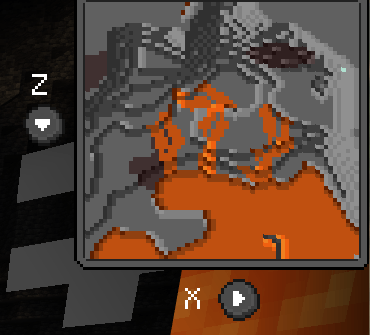
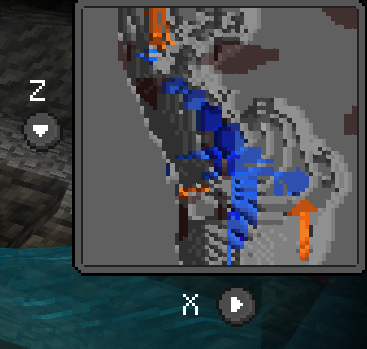
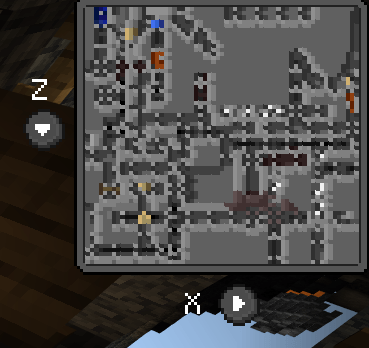
- Cave mode for enhanced underground navigation.
Notes / Troubleshooting
Please read all included descriptions carefully before installation and usage to ensure proper configuration and compatibility. If you experience issues or need assistance, consider joining the community discussion channels for support.
In-Game Screenshots
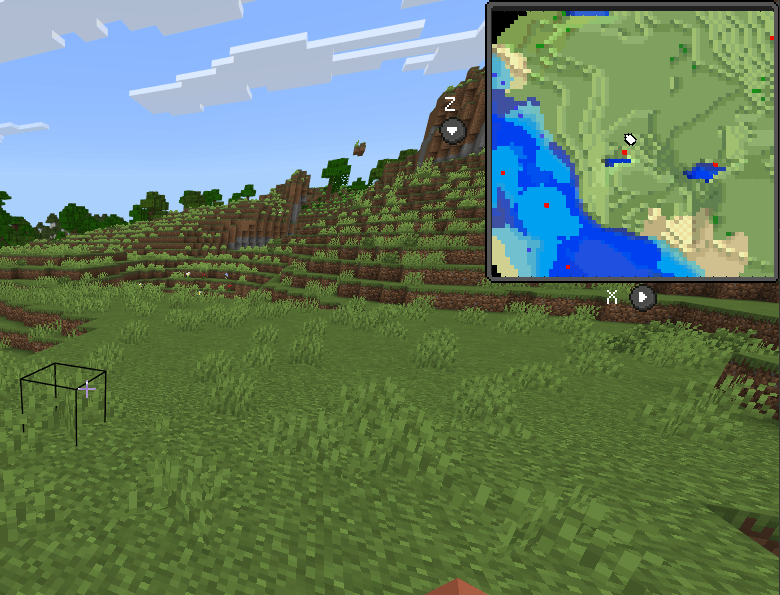
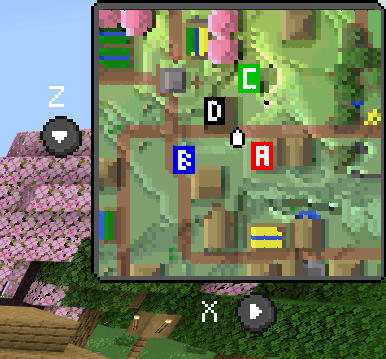
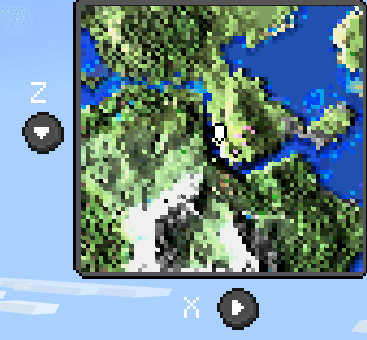
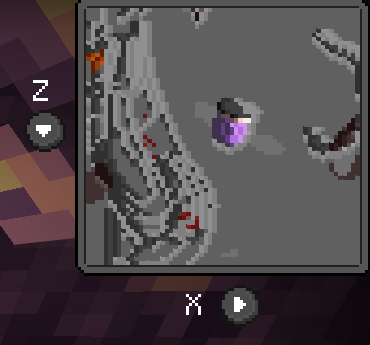
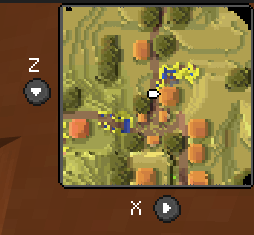
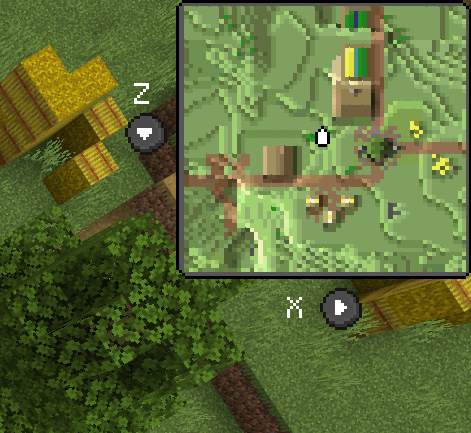
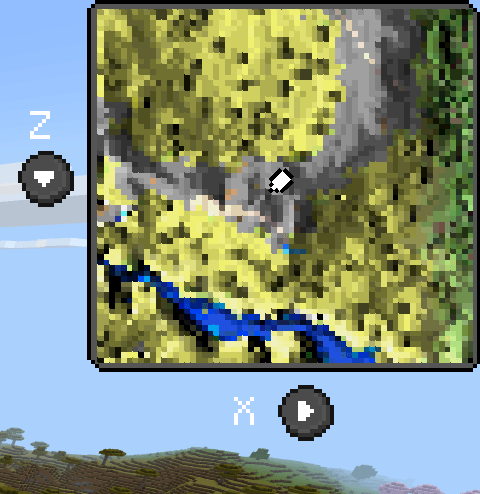
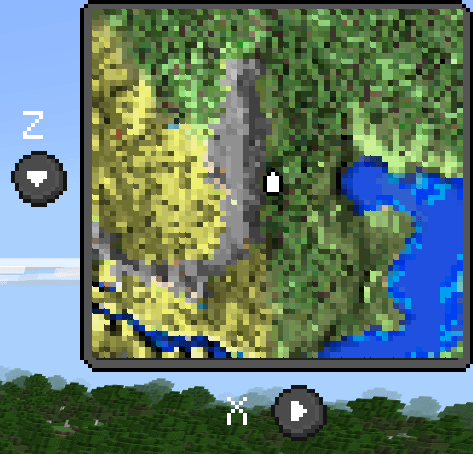
Minimap Views
Low scale examples:
High scale examples:
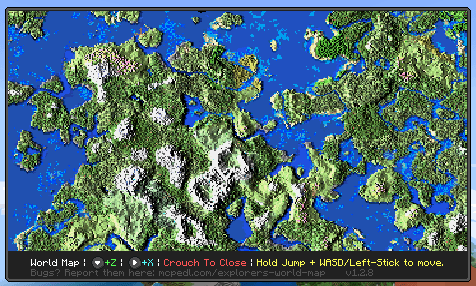
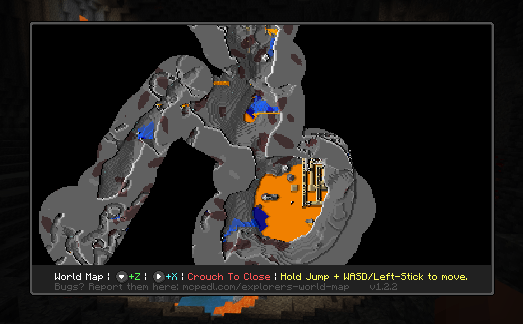
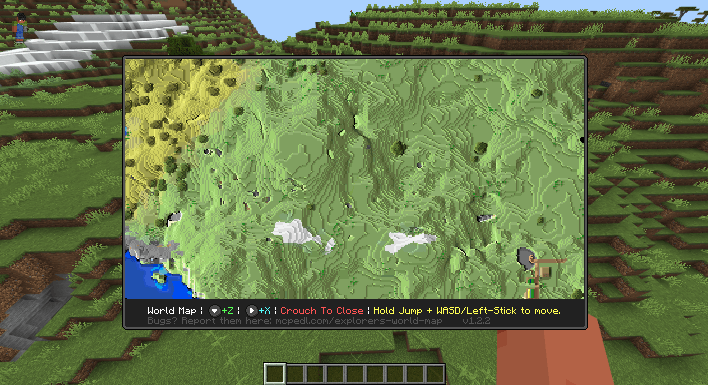
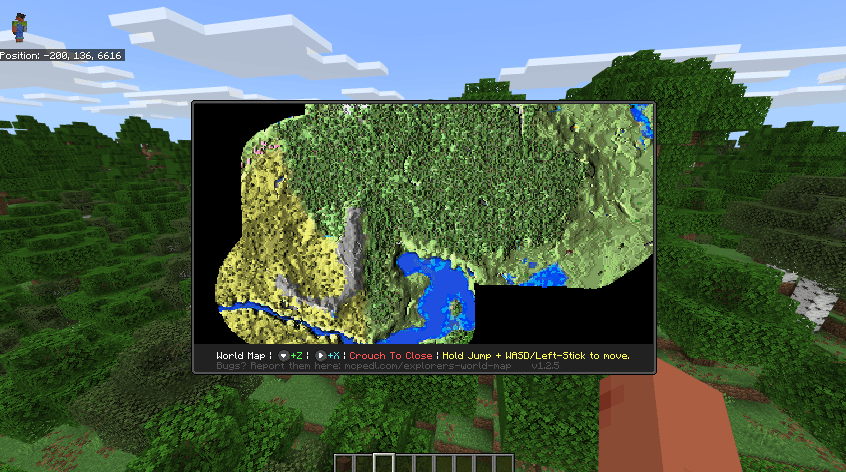
World Map Views
Low scale:
High scale:
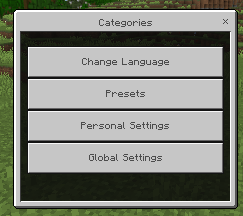
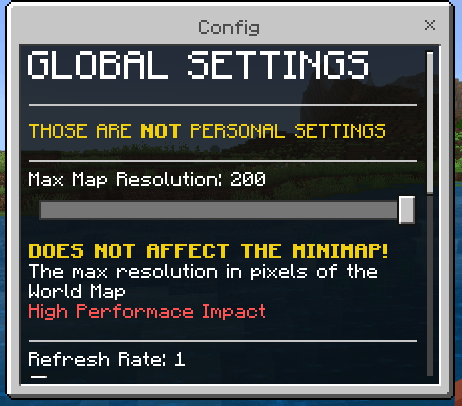
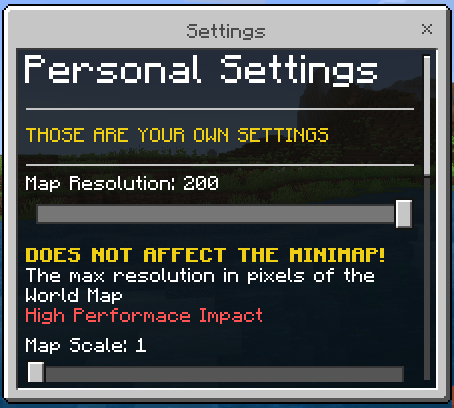
Settings Interface
Customize addon behavior and appearance through an intuitive settings menu.
Important Reminder
Always consult the addon descriptions for detailed information and updates.


 3.50/5