Disenchanter Table Addon
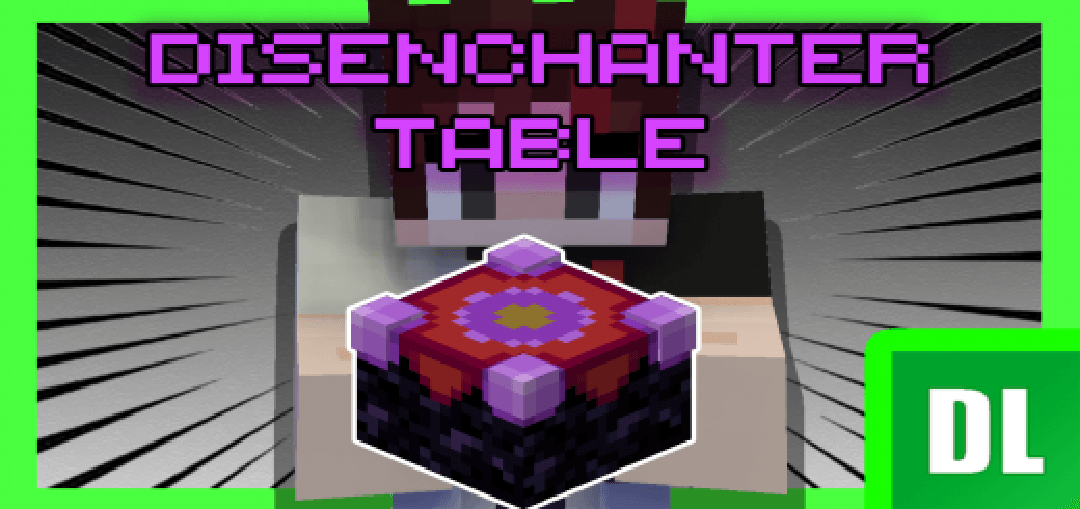
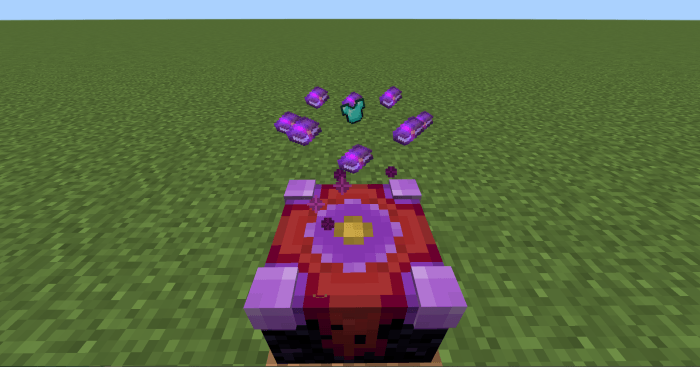
Disenchanter Table Addon introduces a new block called the Disenchanter Table, bringing an innovative disenchanting mechanic to Minecraft Bedrock Edition. This block allows players to remove enchantments from equipment and books using a unique crafting interface.
Installation
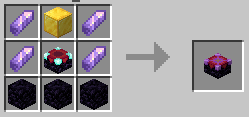
To begin using the Disenchanter Table, first craft the table with the specified recipe. Once crafted, place it in your world to start disenchanting.
How to Use
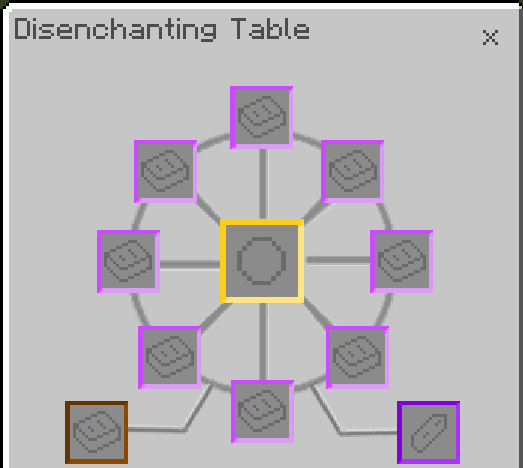
- Place the enchanted item or enchanted book in the center slot of the Disenchanter Table.
- Surround the center slot with regular books, adding only one book per slot.
- Insert an amethyst shard into the bottom right slot to activate the disenchanting process.
Key Features
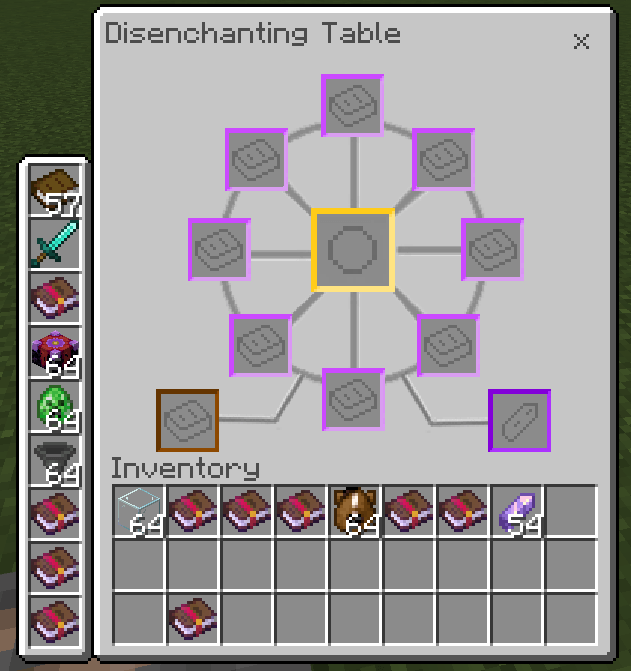
The Disenchanter Table offers a specialized user interface tailored for both mobile and PC users. The interface adjusts to fit mobile screens by repositioning the hotbar to the left side, improving accessibility on smaller devices.
Classic UI Profile
Pocket UI Profile
Notes / Troubleshooting
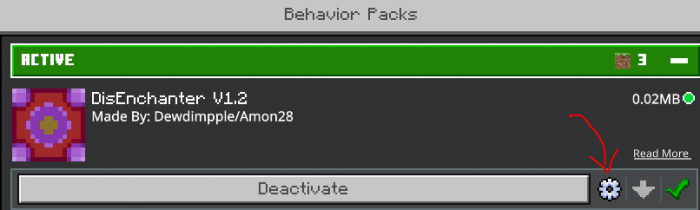
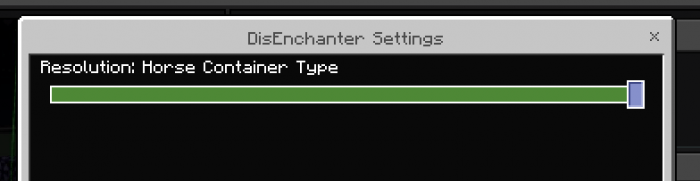
If the Disenchanter Table’s interface appears broken—displaying as a chest UI—this can be resolved by adjusting container settings within the behavior pack configuration. Two container options are available:
- Chest Container: The default setting, but may cause UI conflicts when used alongside other addons.
- Horse Container: Less likely to cause UI issues, recommended if you experience interface problems.
Modify these options to ensure compatibility with your current setup.