
Dinosaur Valley
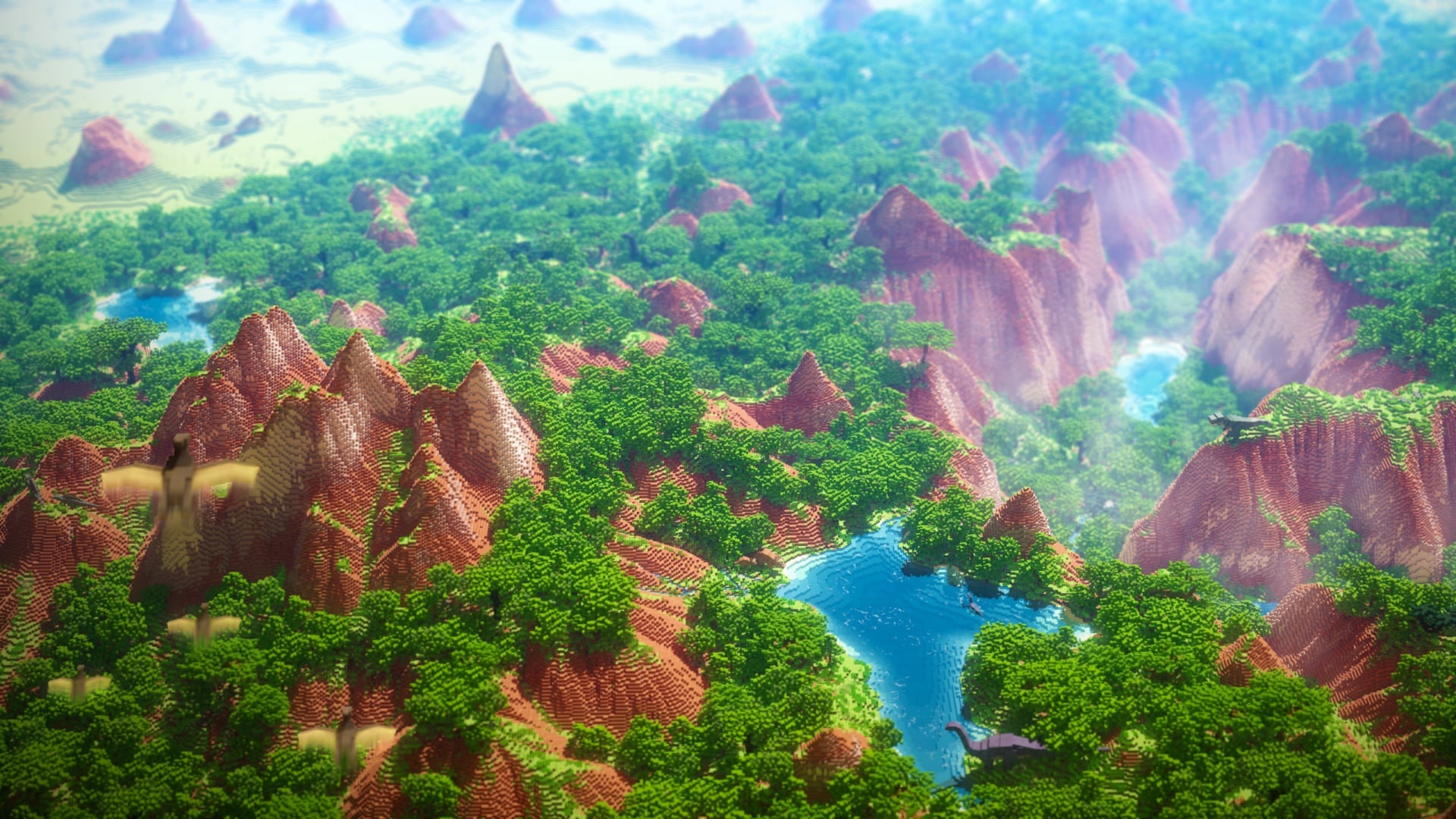
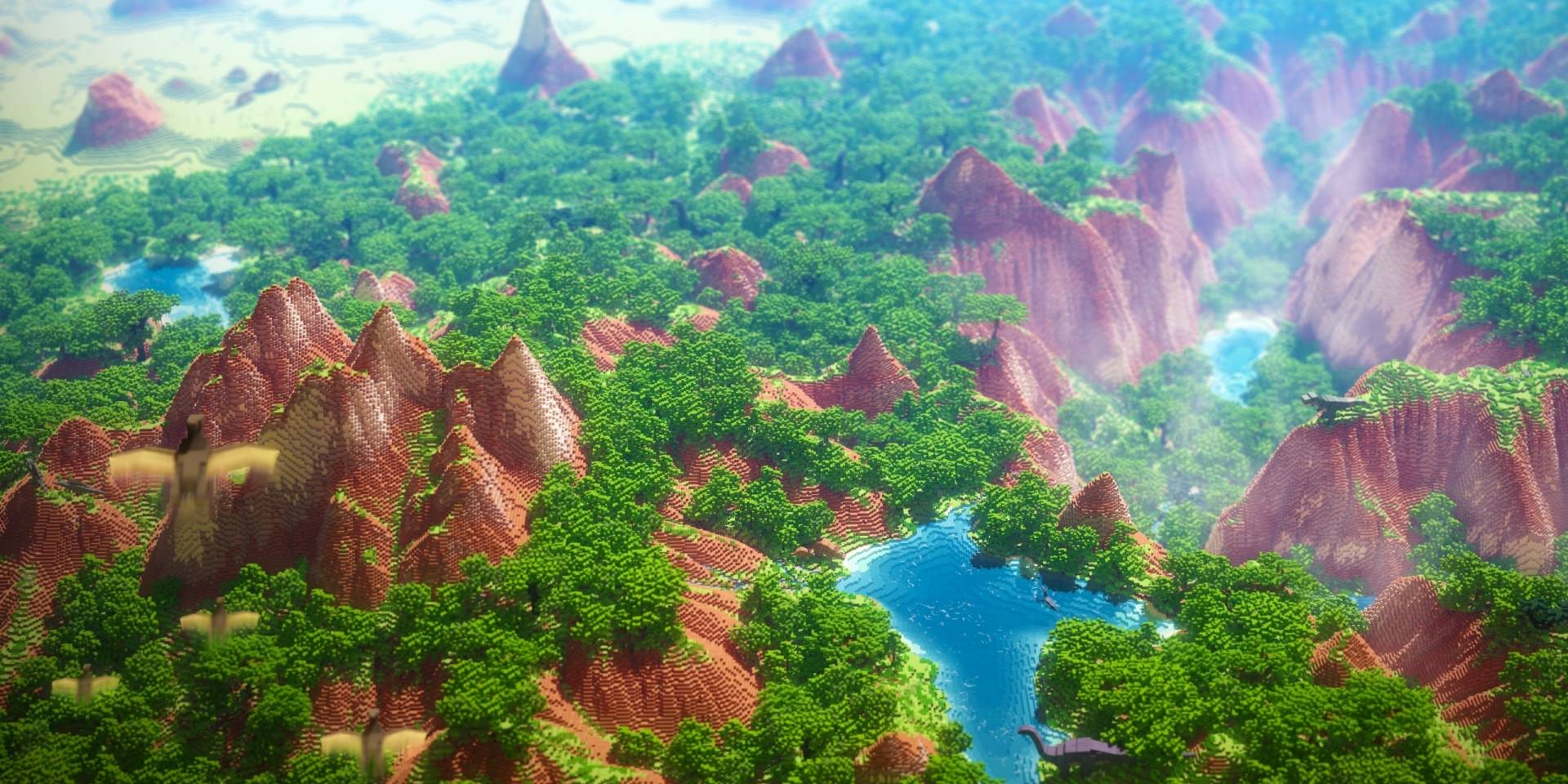
Dinosaur Valley - Custom Landscape transforms your Minecraft world with a unique mesa canyon set amid a vast jungle filled with specially designed trees. This prehistoric-style environment features no caves, ores, or vanilla structures beneath the custom terrain, yet it integrates seamlessly into a classic vanilla world, allowing for full survival gameplay. Originally created in 2019, the map has been updated to support the latest game versions, offering a fresh exploration experience.
Installation / How to use
Download the map file and import it into your Minecraft Bedrock Edition worlds folder. Once imported, select the world from your game menu and start playing. The custom terrain is pre-pasted into the world, so no additional setup is needed. Survival mode is fully supported, as the custom landscape sits atop a standard vanilla world.
Requirements / Compatibility
This map is compatible with the latest versions of Minecraft Bedrock Edition. No additional resource packs or mods are required to experience the custom terrain and trees. Ensure your game version is up to date to avoid any compatibility issues.
Key features
- Custom mesa canyon terrain embedded within a large jungle biome.
- Unique custom trees designed to enhance the prehistoric atmosphere.
- No caves, ores, or vanilla-generated structures beneath the custom landscape.
- Built on top of a classic vanilla world to support survival gameplay.
- Updated for the latest Minecraft Bedrock Edition versions.
Notes
Since the custom terrain is pasted onto a vanilla world, underground resources and caves remain consistent with standard worlds outside the custom area. Explore carefully and enjoy the new environment while maintaining typical survival challenges.
Custom prehistoric mesa jungle landscape with no caves or ores below the terrain.


 3.00/5