Better Water
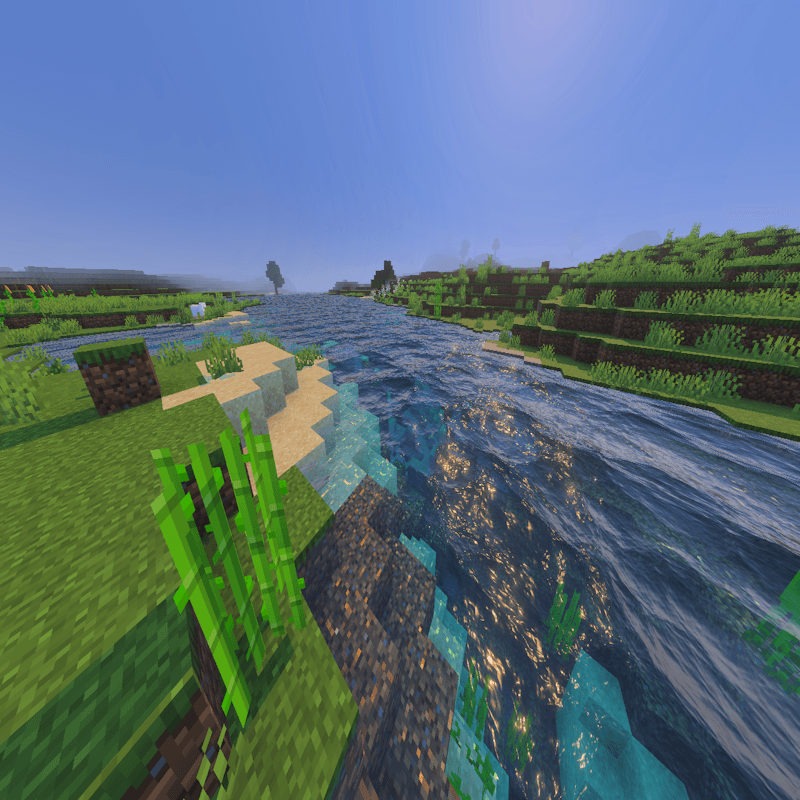
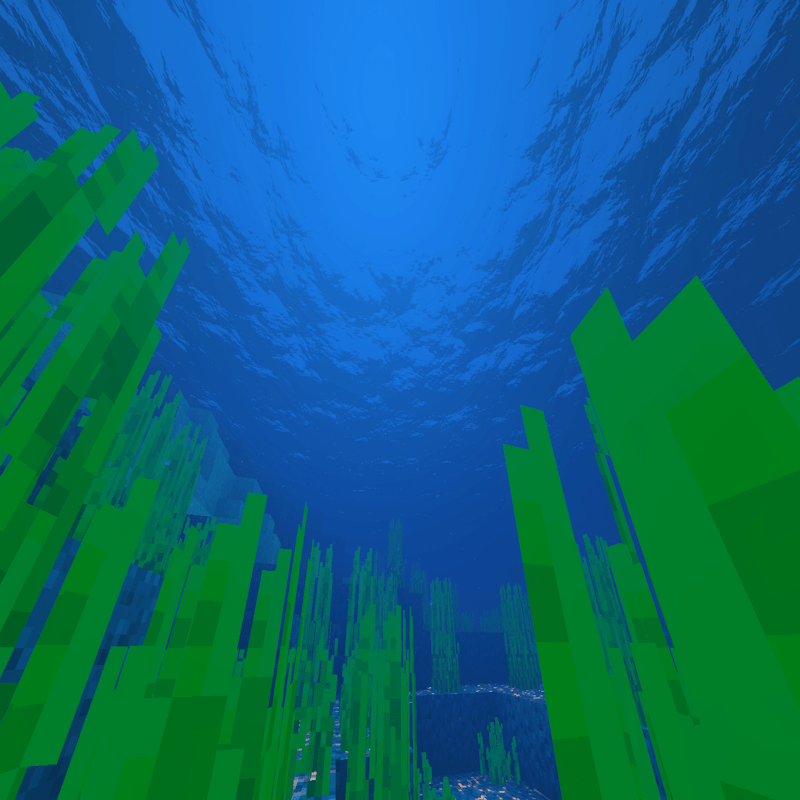
Better Water enhances your Minecraft Bedrock Edition by introducing more lifelike water visuals through advanced vibrant effects. This resource pack adds subtle wave animations and improved reflections, creating a dynamic and immersive aquatic environment.
Installation / How to use
To apply the Better Water resource pack, download and install it within your Minecraft Bedrock client. Ensure that the Vibrant Visuals feature is activated in your video settings to experience the full effect. Once enabled, load your world with the resource pack active to see the enhanced water animations and reflections.
Requirements / Compatibility
This pack requires the Vibrant Visuals setting to be enabled for best results. It is compatible with the latest versions of Minecraft Bedrock Edition that support resource packs and the vibrant visual feature.
Key features
- Realistic water movement with gentle wave animations
- Enhanced water reflections for a more immersive look
- Optimized for use with the Vibrant Visuals setting enabled
Notes / Troubleshooting
If the water does not appear animated or reflective, verify that Vibrant Visuals is turned on in your video options. Restart the game after enabling the feature if necessary.