World Copies Everything
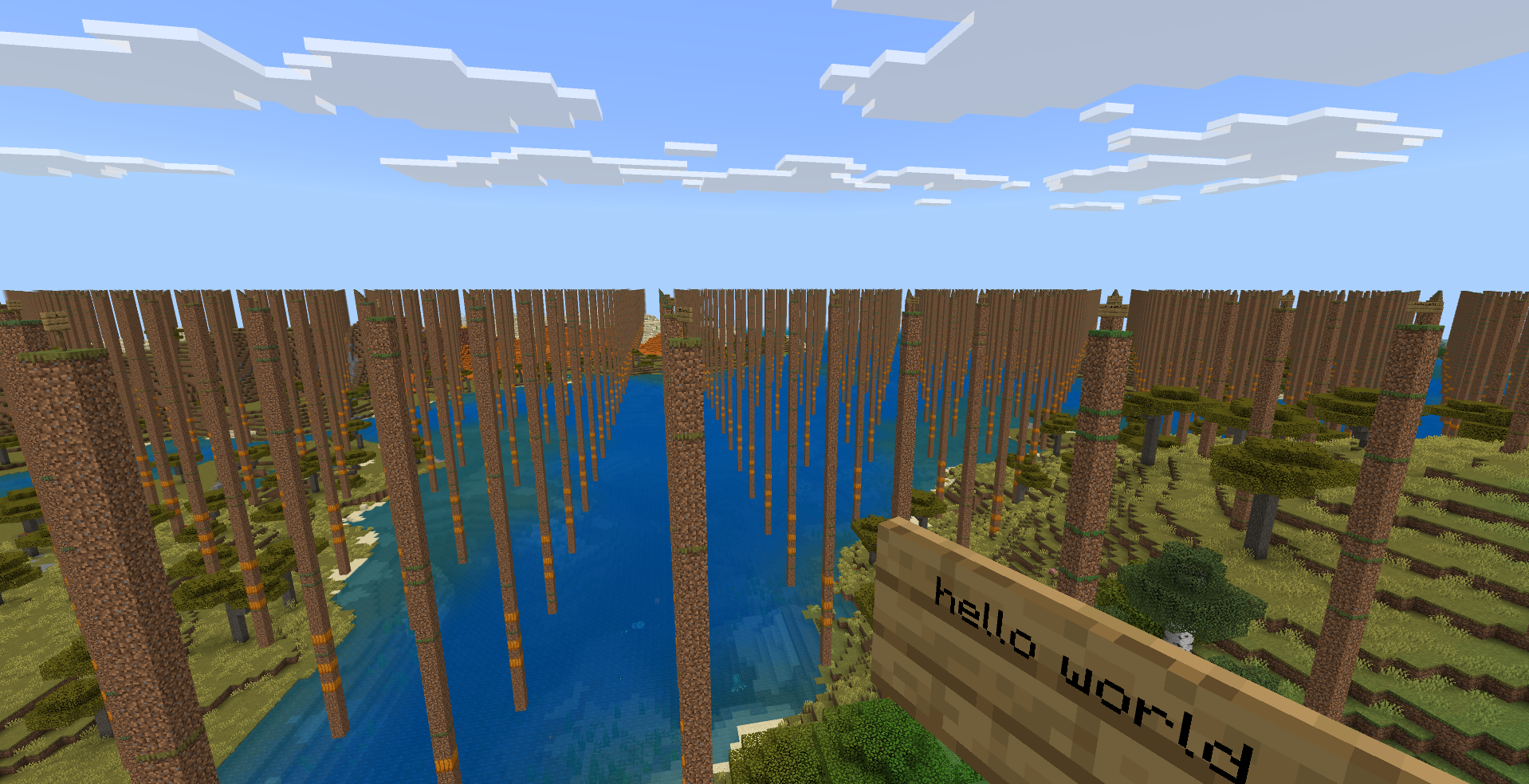
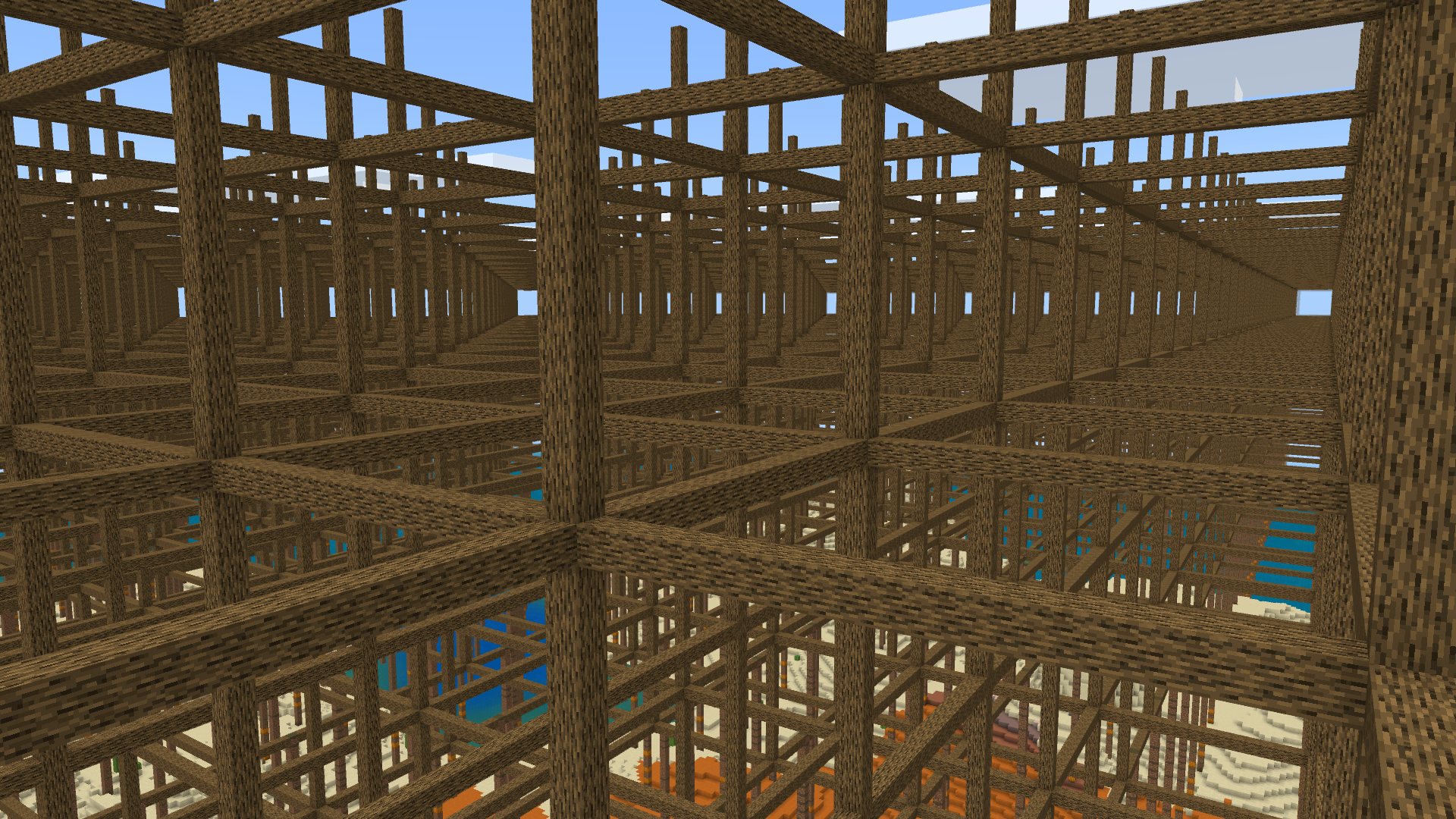
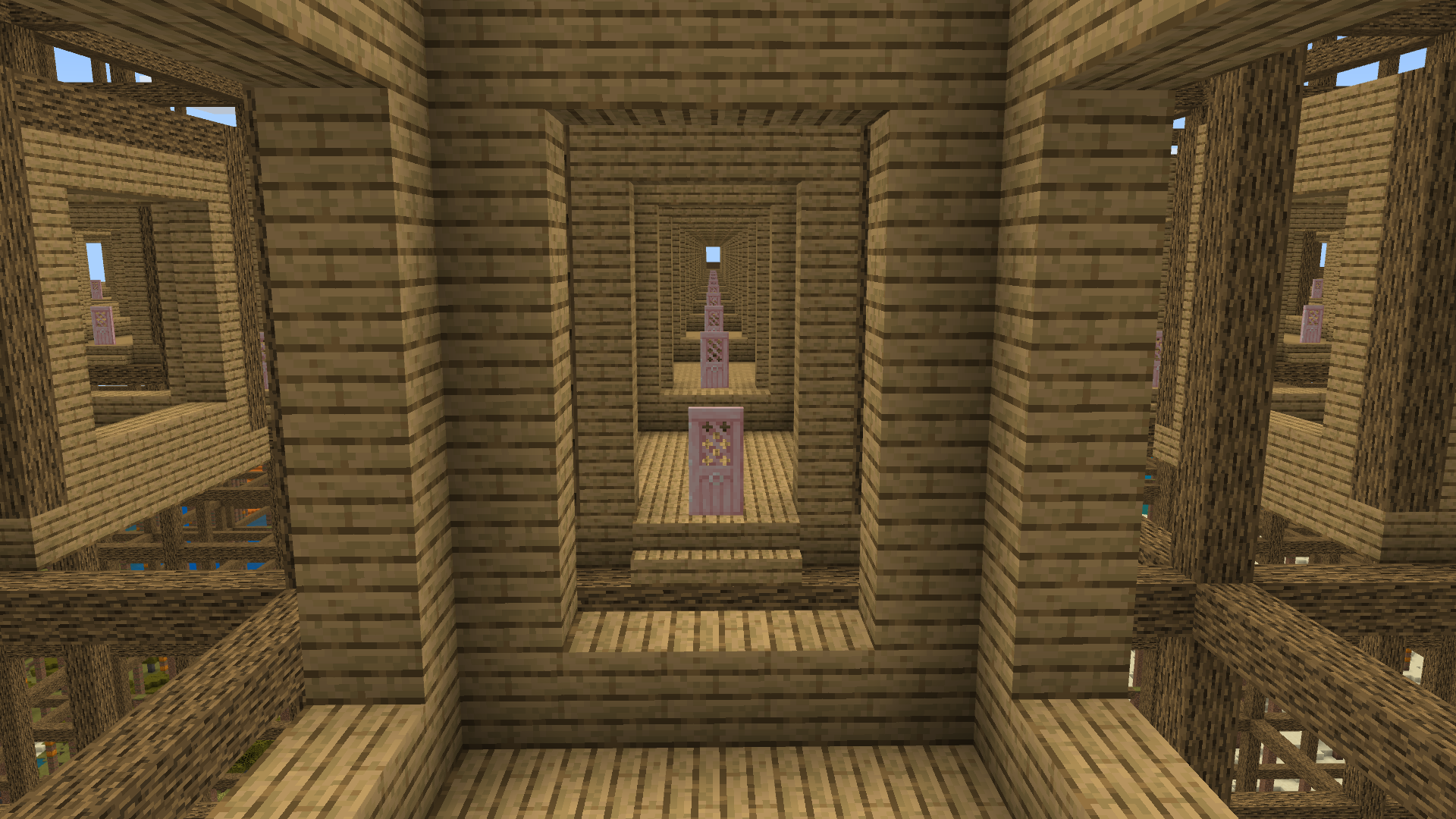
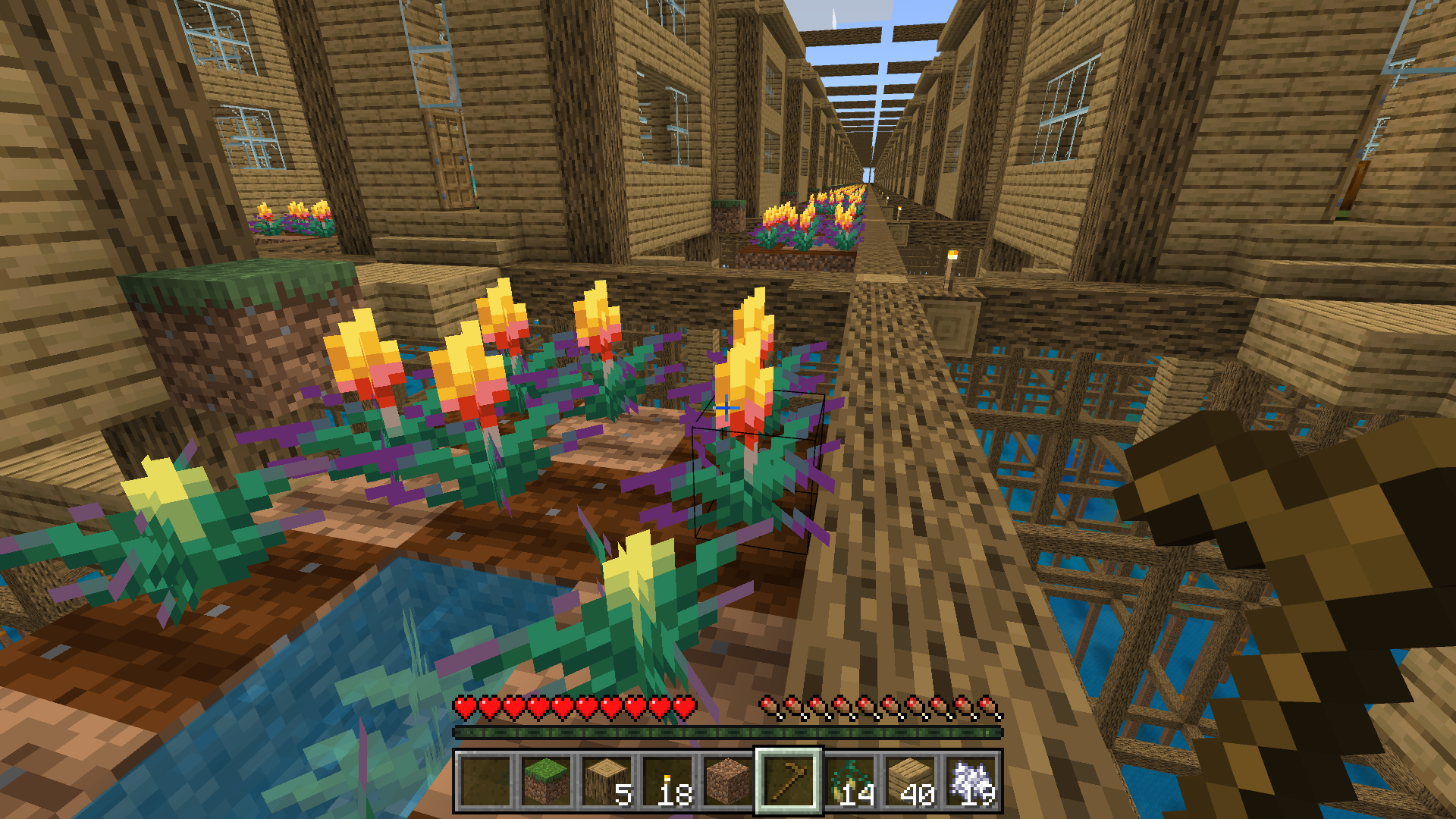
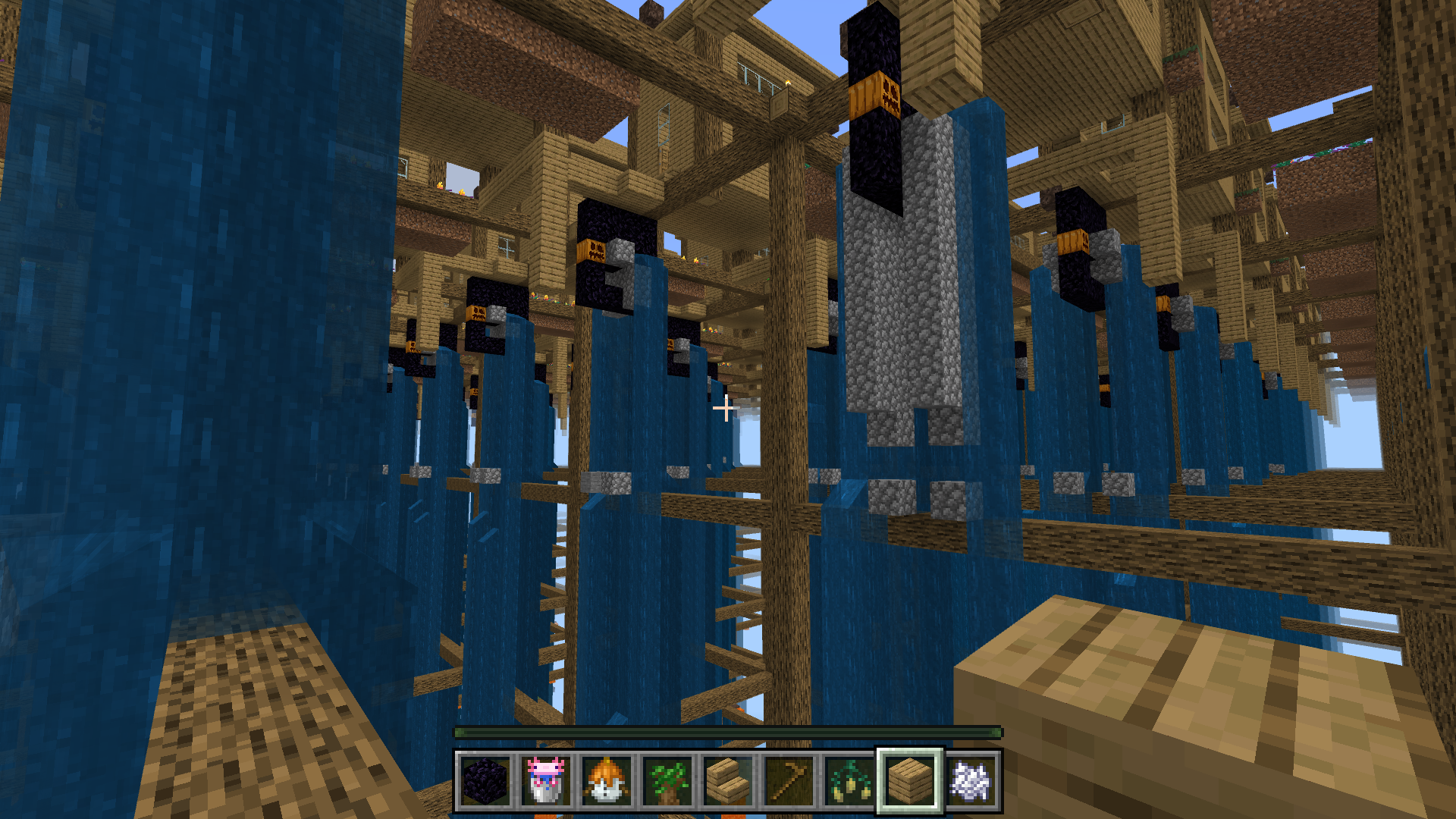
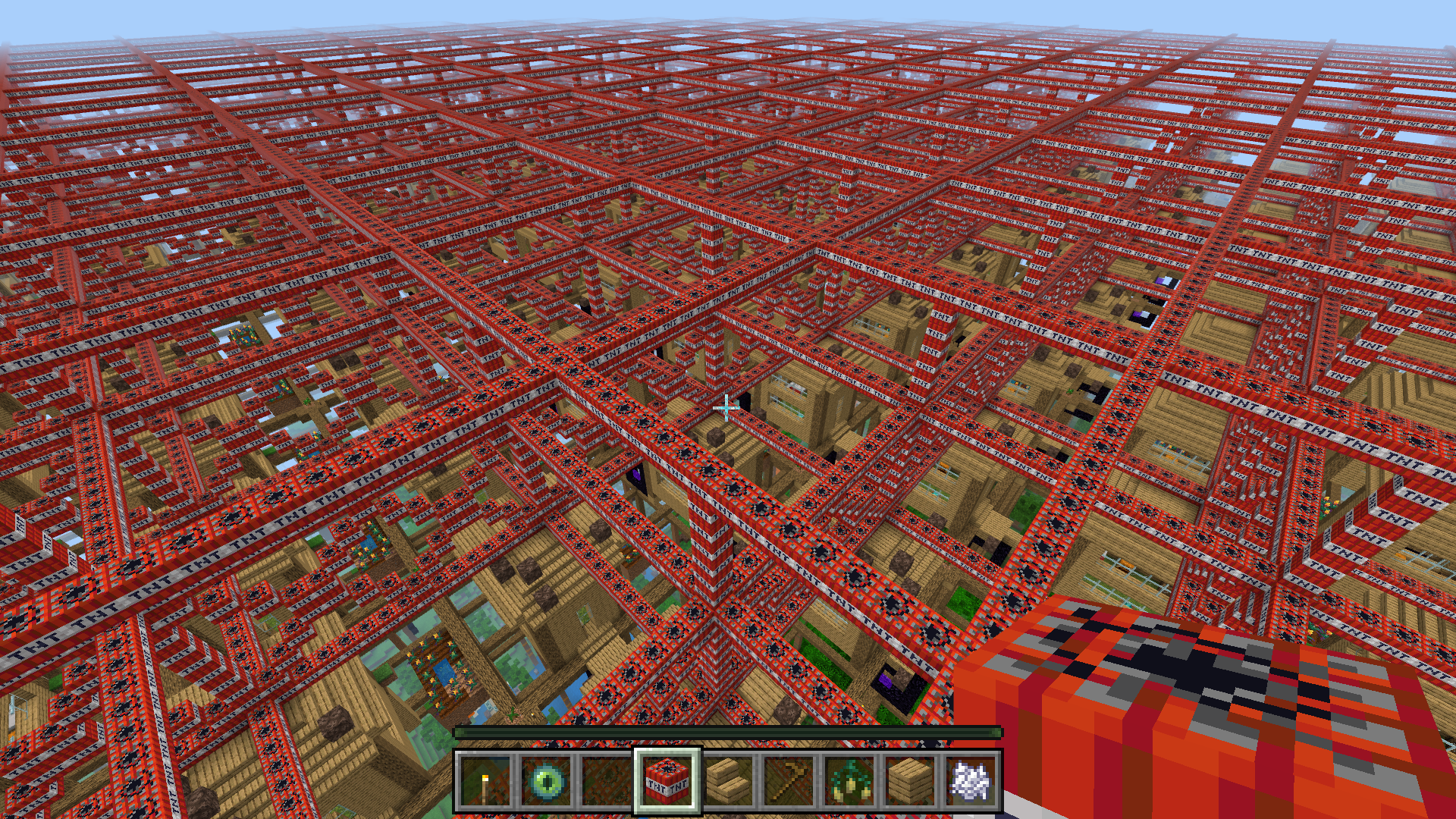
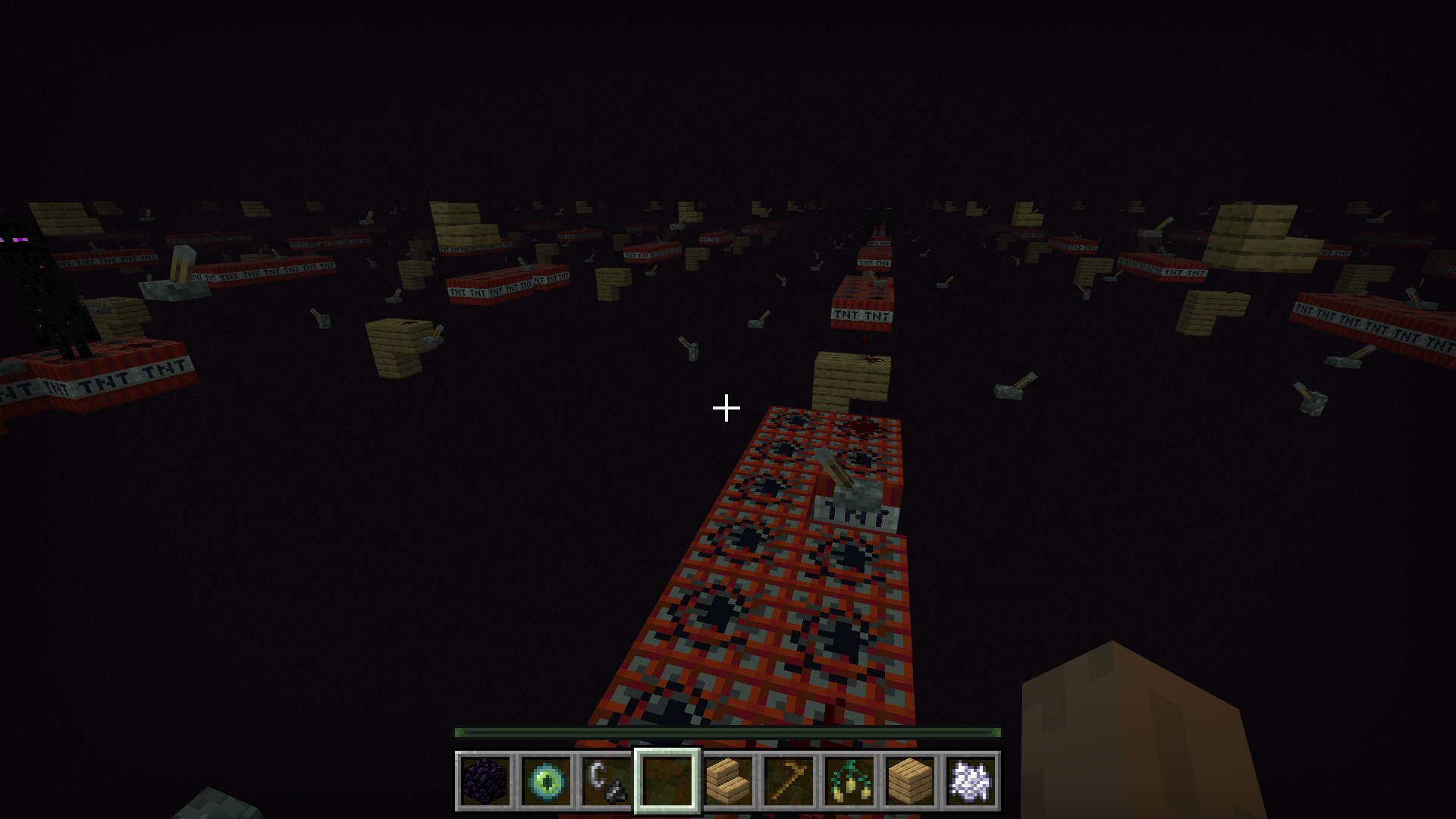
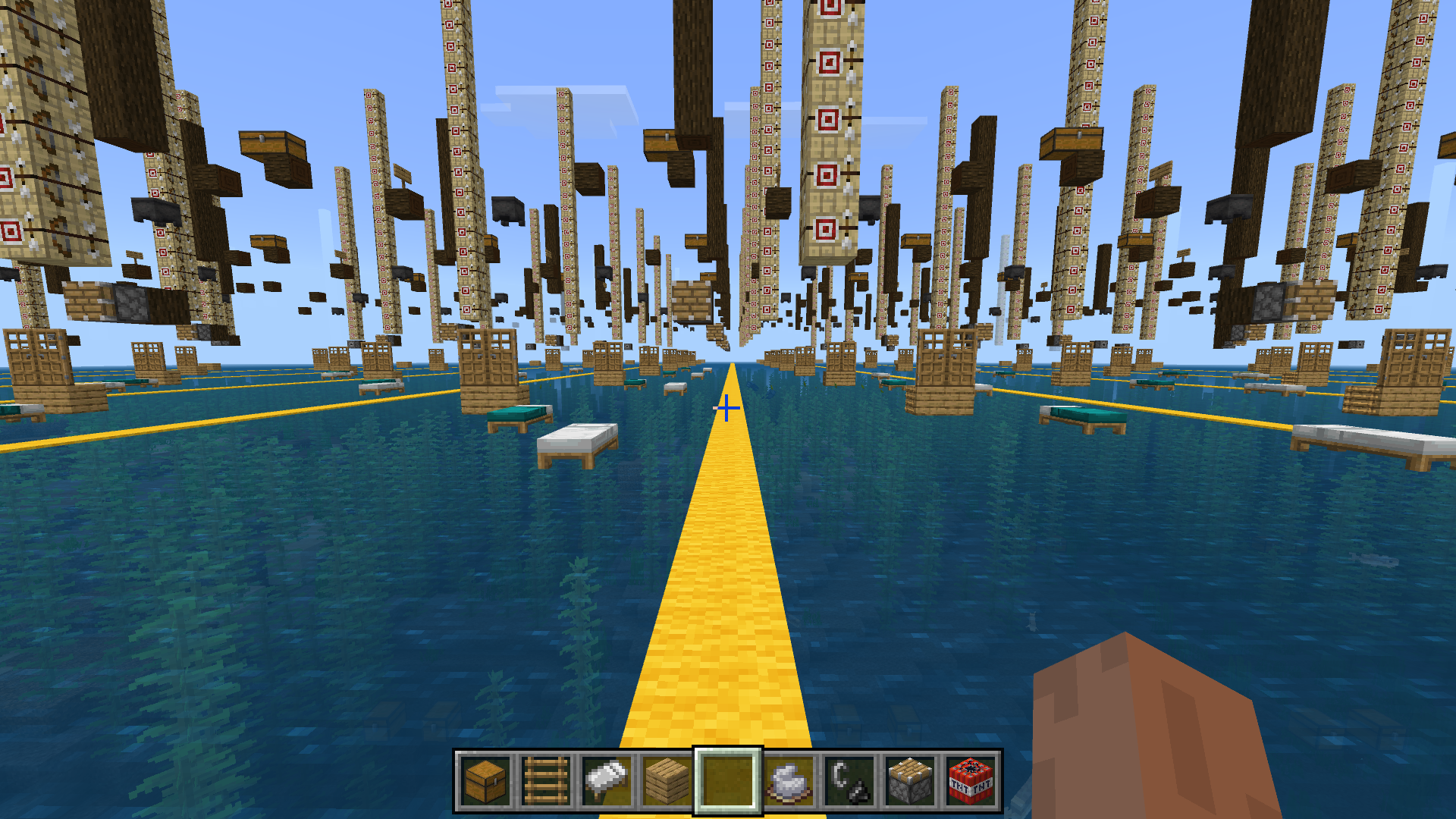
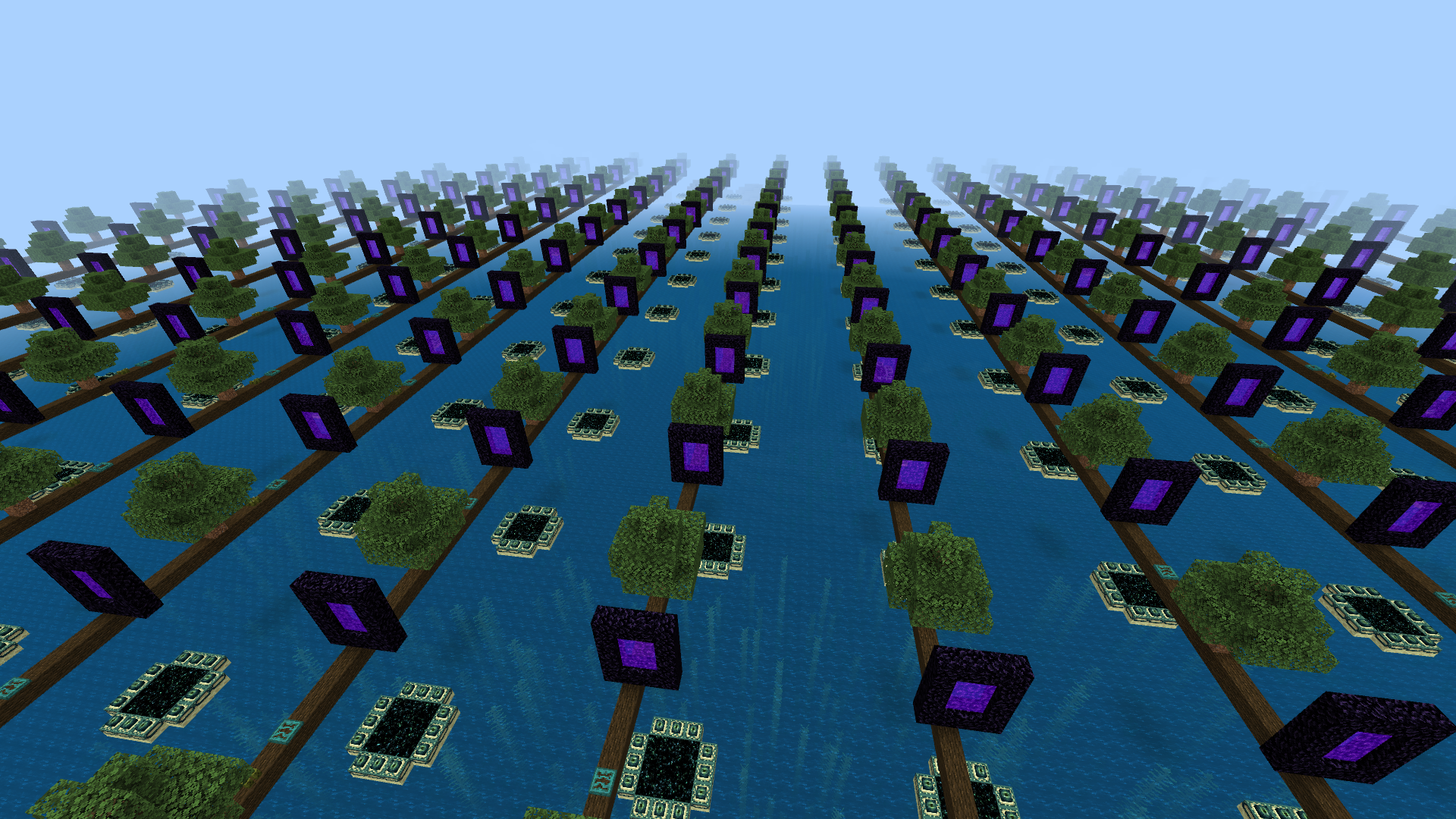
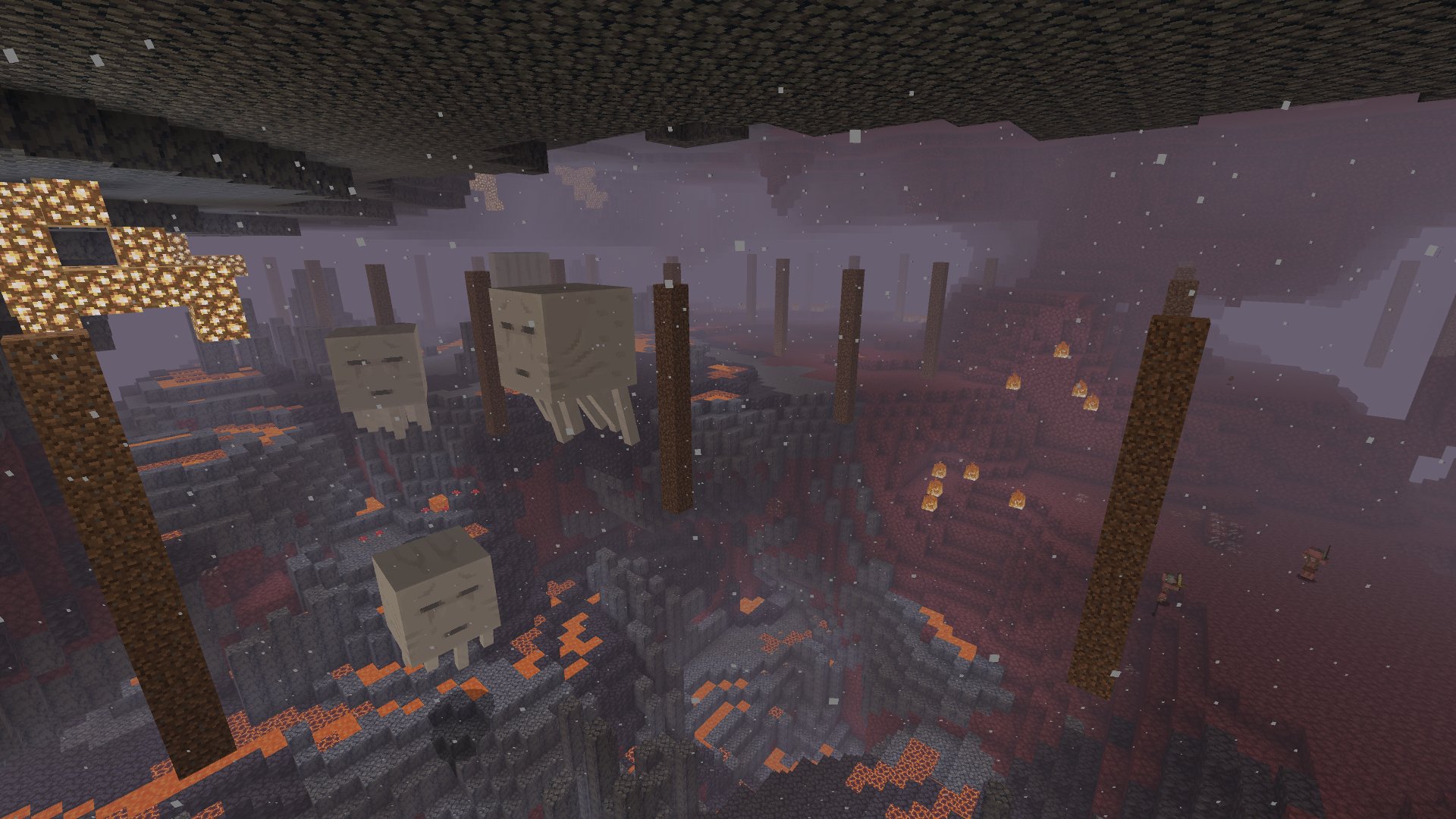
World Copies Everything transforms your Minecraft world so that any block you place, break, or modify instantly duplicates across all chunks in an infinite world. This means a single action like mining or building is replicated endlessly, reshaping the entire landscape simultaneously.
How to Use
Set the Simulation Distance in your world settings to between 8 and 12 for optimal performance and visible replication. The higher the setting, the more chunk copies update around you, though very high settings may impact device performance.
Every block change within a 16-block radius is mirrored throughout the world. As you explore new areas, the changes you made earlier appear instantly in those distant chunks.
You can control the script using these commands (ensure cheats are enabled):
/scriptevent wce:status - Shows how many changes are stored
/scriptevent wce:pause - Temporarily stop the copying effect
/scriptevent wce:resume - Resume copying
/scriptevent wce:verify - Cleans up outdated records near you
/scriptevent wce:reset - Clears all stored changes but keeps blocks already placed
Requirements
This pack requires Minecraft Bedrock Edition with cheats enabled to use commands. It is recommended to adjust your Simulation Distance to ensure chunks load properly for replication. High-end devices can use maximum simulation distance for the best experience.
Key Features
- Instantly duplicates any block you place, break, or alter across all chunks infinitely.
- Changes persist forever and appear in every direction.
- Only the chunk you are currently in drops items; other chunks do not drop duplicates.
- Chest inventories are not replicated to avoid item duplication issues; chests appear empty in copies.
- Natural structures and generated chests remain unaffected; only player-made changes copy.
- Tracks up to 12,000 recent changes; older actions are discarded.
- Entities like paintings and armor stands are not duplicated since they are not blocks.
Additional Notes
- Chunks load copies as you travel; this is a limitation of Minecraft's engine, not the pack.
- The pack cannot be exploited for item duplication as only your current chunk returns dropped items.
- If you encounter any issues, use the verify command to clean stale data around your location.
Gallery