Wan’s X-Ray Goggles
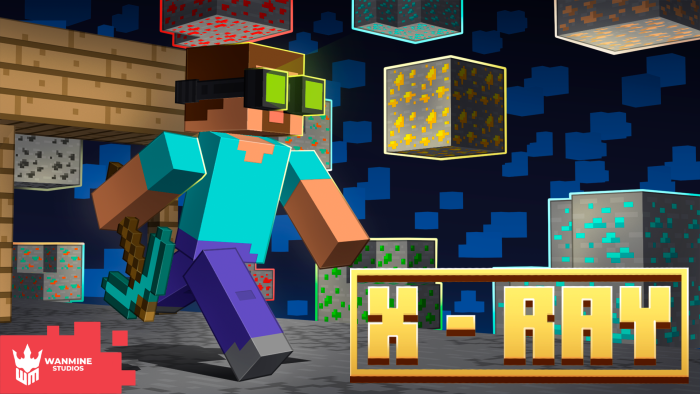
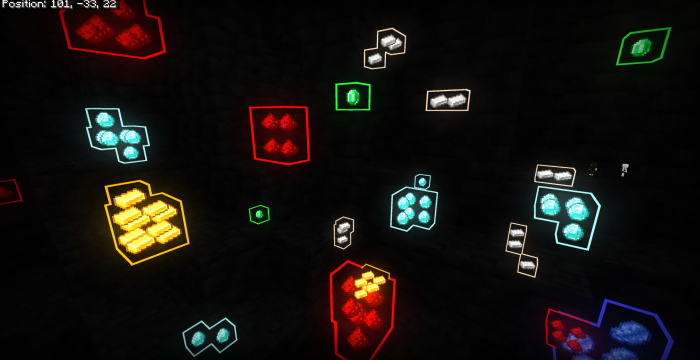
Wan's X-Ray Goggles [TOGGLEABLE] let you craft special goggles to reveal hidden objects around you in Minecraft Bedrock Edition. Once equipped, you can toggle upgrades to see ores, chests, mob spawners, mobs, and even other players through walls. This add-on offers a dynamic and customizable x-ray vision experience right inside the game.
Installation / How to Use
Install the add-on file compatible with your game version. There are two versions available:
- External Add-On Compatible: Works alongside most other add-ons but excludes the mob and player x-ray features.
- Standalone Version: Includes mob and player x-ray upgrades but may conflict with some other add-ons.
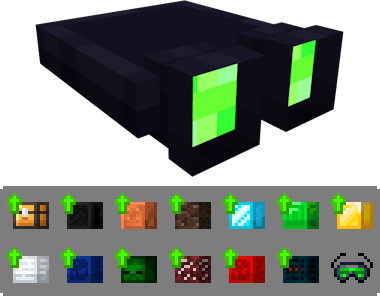
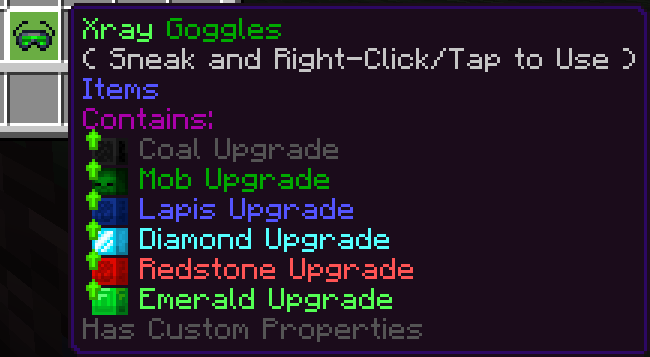
After installing, craft the X-Ray Goggles and wear them. Initially, the goggles have no effect until you craft and apply specific upgrades. Each upgrade enables x-ray vision for different types of blocks or entities.
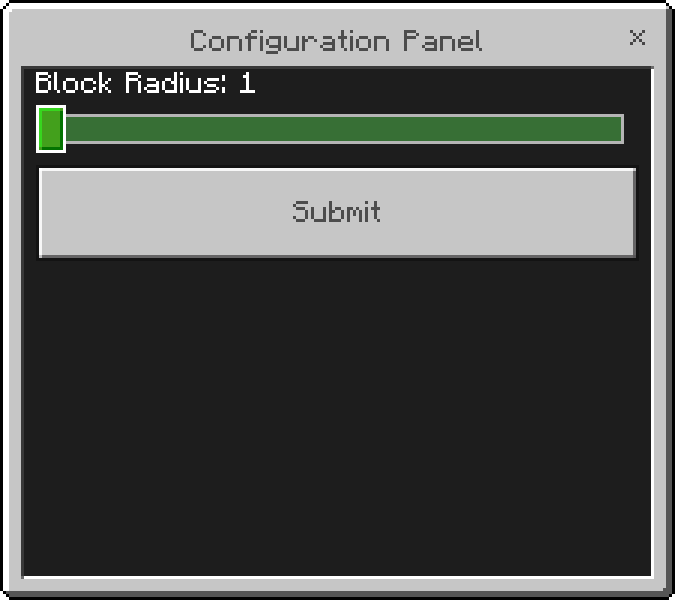
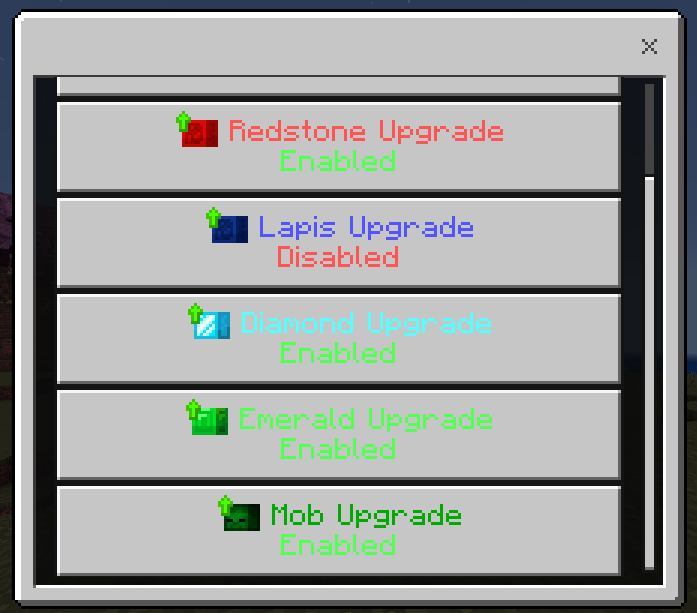
Use the in-game toggle to switch each upgrade on or off. A newly added Configuration Panel allows you to adjust the detection radius of the x-ray effect to your preference.
Requirements / Compatibility
This is an in-game toggleable add-on, not a texture pack, and requires Minecraft Bedrock Edition. Choose the version that best fits your existing add-ons and desired features.
Key Features
- Toggle x-ray vision for ores, chests, spawners, mobs, and players.
- Craftable upgrades for each type of x-ray vision, using glow ink sacs to outline and highlight targets.
- Configuration panel lets you customize the x-ray block detection radius.
- Two versions to suit compatibility needs: external add-on compatible and standalone with full mob/player detection.
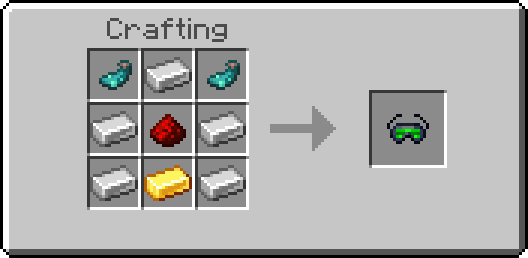
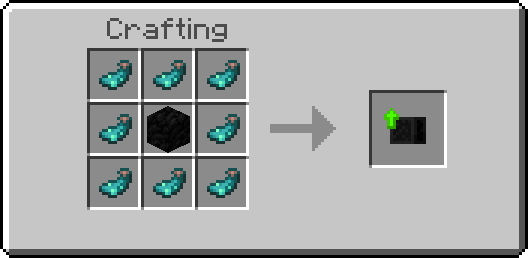
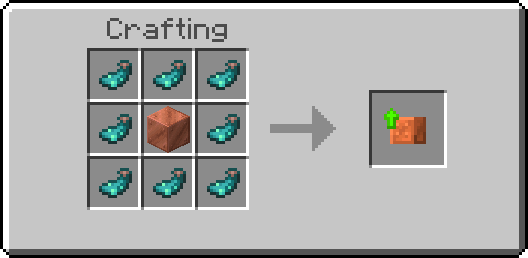
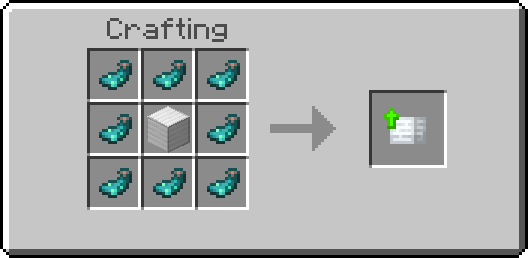
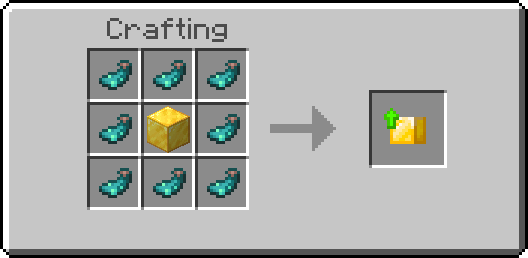
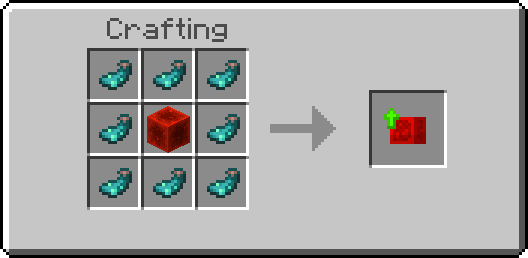
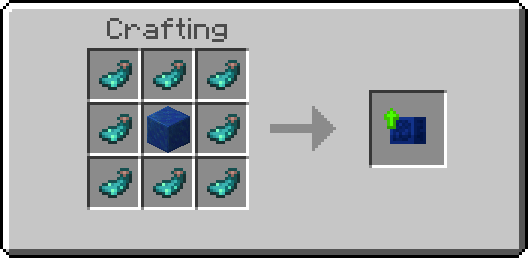
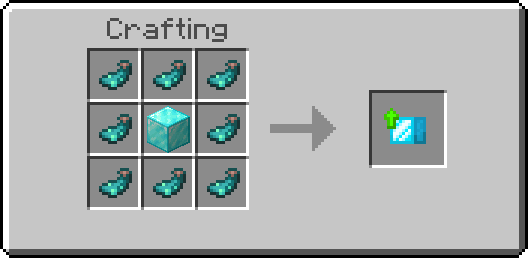
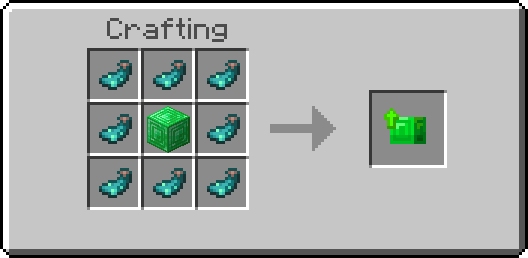
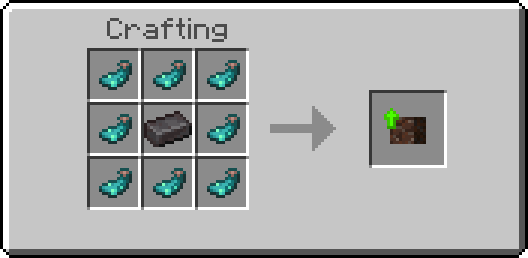
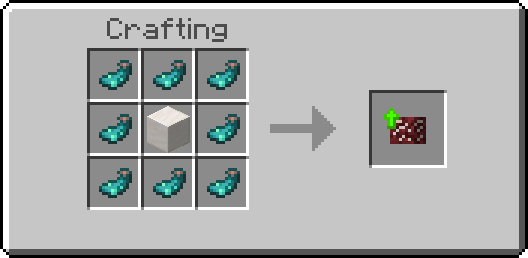
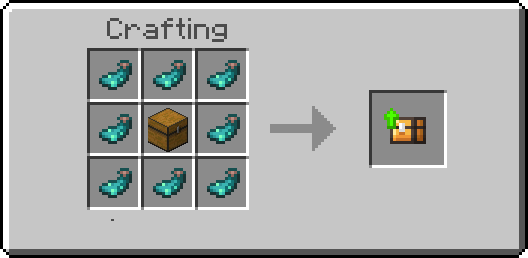
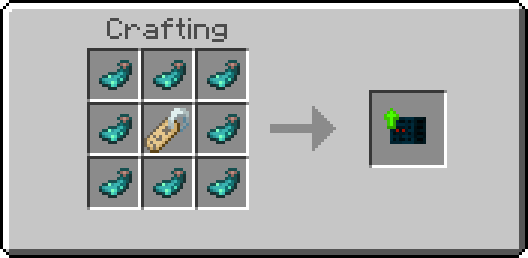
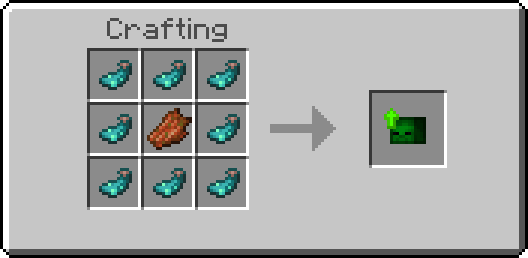
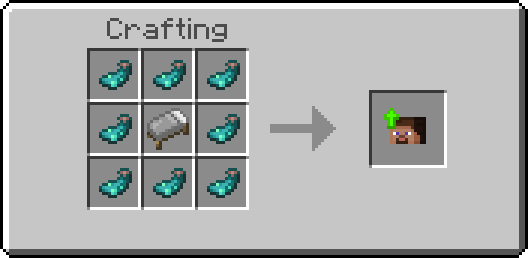
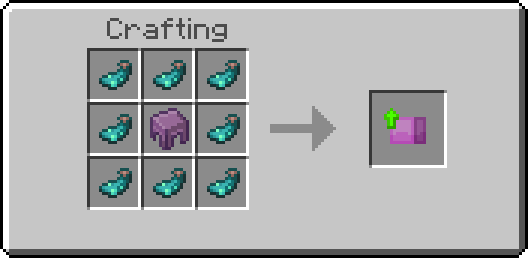
Below are the crafting recipes for the goggles and all upgrades:
- Base X-Ray Goggles
- Coal Upgrade
- Copper Upgrade
- Iron Upgrade
- Gold Upgrade
- Redstone Upgrade
- Lapis Upgrade
- Diamond Upgrade
- Emerald Upgrade
- Netherite Upgrade
- Quartz Upgrade
- Chest Upgrade
- Spawner Upgrade
- Mob Upgrade (Standalone version only)
- Player Upgrade (Standalone version only)
- Shulker Upgrade
Notes
The glow ink sac is essential in crafting upgrades to create a visual outline effect similar to the in-game glowing effect. This highlights blocks and entities clearly through walls.
The standalone version includes extra features like mob and player detection but might not be compatible with all other add-ons, so choose accordingly.
Images
Example goggles in use
Configuration panel for adjusting block radius
Wearing the goggles and crafting upgrades