Multi Backpack
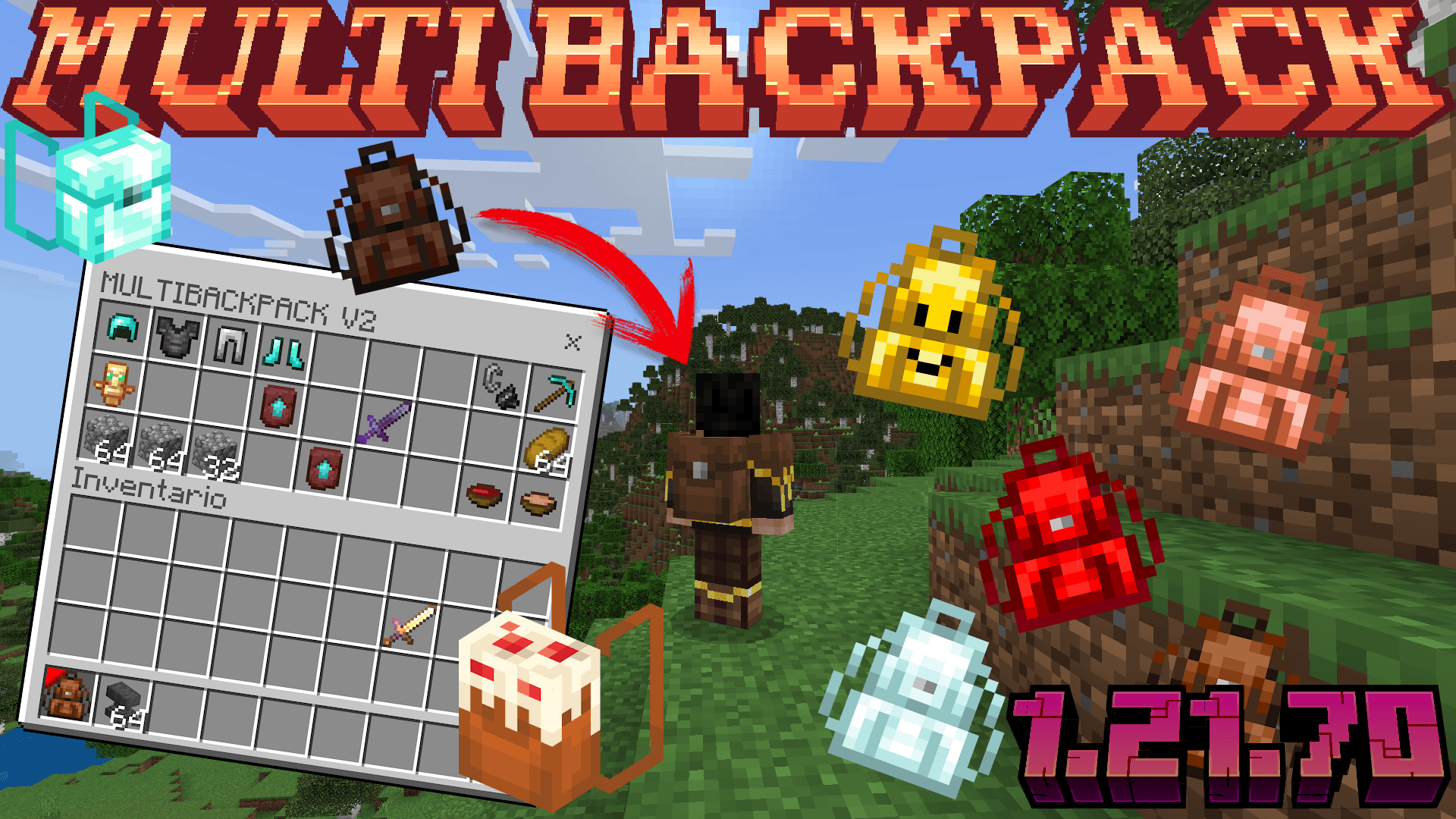
Multi Backpack brings a convenient and colorful backpack system to Minecraft Bedrock Edition, allowing players to carry extra storage right in their hands. This addon includes a variety of backpack colors and designs to suit your style, and the backpacks now feature an expanded inventory of 45 slots. Experience the new interface and enjoy the enhanced storage capabilities compatible with Minecraft 1.21.71.
Installation
To install Multi Backpack, add the addon files to your Minecraft Bedrock resource and behavior packs folders. Then, activate both packs in your world settings before launching your game. This ensures all features and new interface elements work correctly.
How to Use
Backpacks are crafted using a specific recipe shown below:
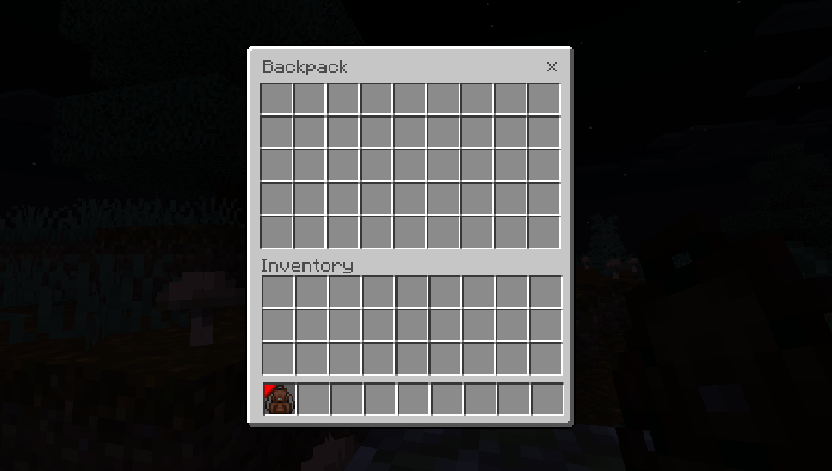
Place the backpack item in your inventory (avoid placing it in the hotbar) to see it displayed on your character's back. If the backpack remains selected in your hand, deselect it by switching to another item or temporarily putting it away, then place it into your inventory. Once in your inventory, the backpack will be visible on your avatar.
Try different designs by crafting or acquiring various colored backpacks to customize your look. The addon includes many color options such as red, blue, green, yellow, orange, purple, and more.
Requirements / Compatibility
This addon is compatible with Minecraft Bedrock Edition version 1.21.71. Ensure your game is updated to this version or newer to avoid any issues.
Key Features
- Backpacks with 45 inventory slots for increased storage space.
- Wide variety of backpack colors and themes, including:
Notable backpack designs include:
- Default, Black, Blue, Cyan, Gray, Green, Light Blue, Lime, Magenta, Orange, Pink, Purple, Red, Silver, White, Yellow
- Material-themed backpacks: Iron, Amethyst, Gold, Diamond, Copper, Blaze, Emerald, Snow, Sculk, Redstone
- Special themed backpacks: Noteblock, Cherry Leaves, Turtle (crafted using turtle shell pieces), Pumpkin, Soul Pumpkin, Cake, Crimson, Warped, Full Dark, Smile, Dark Brown, Dark Red, Light Red
Each design offers a unique appearance visible on your character's back when the backpack is in your inventory.
Notes / Troubleshooting
If the backpack does not appear on your back, double-check that it is placed in your inventory and not in the hotbar. Temporarily stop holding the backpack item if it remains selected to enable the visual effect.
For content creators reviewing this addon, please respect distribution guidelines by using official download sources and avoiding direct rehosting or unauthorized links.