Lucky Blocks Parkour
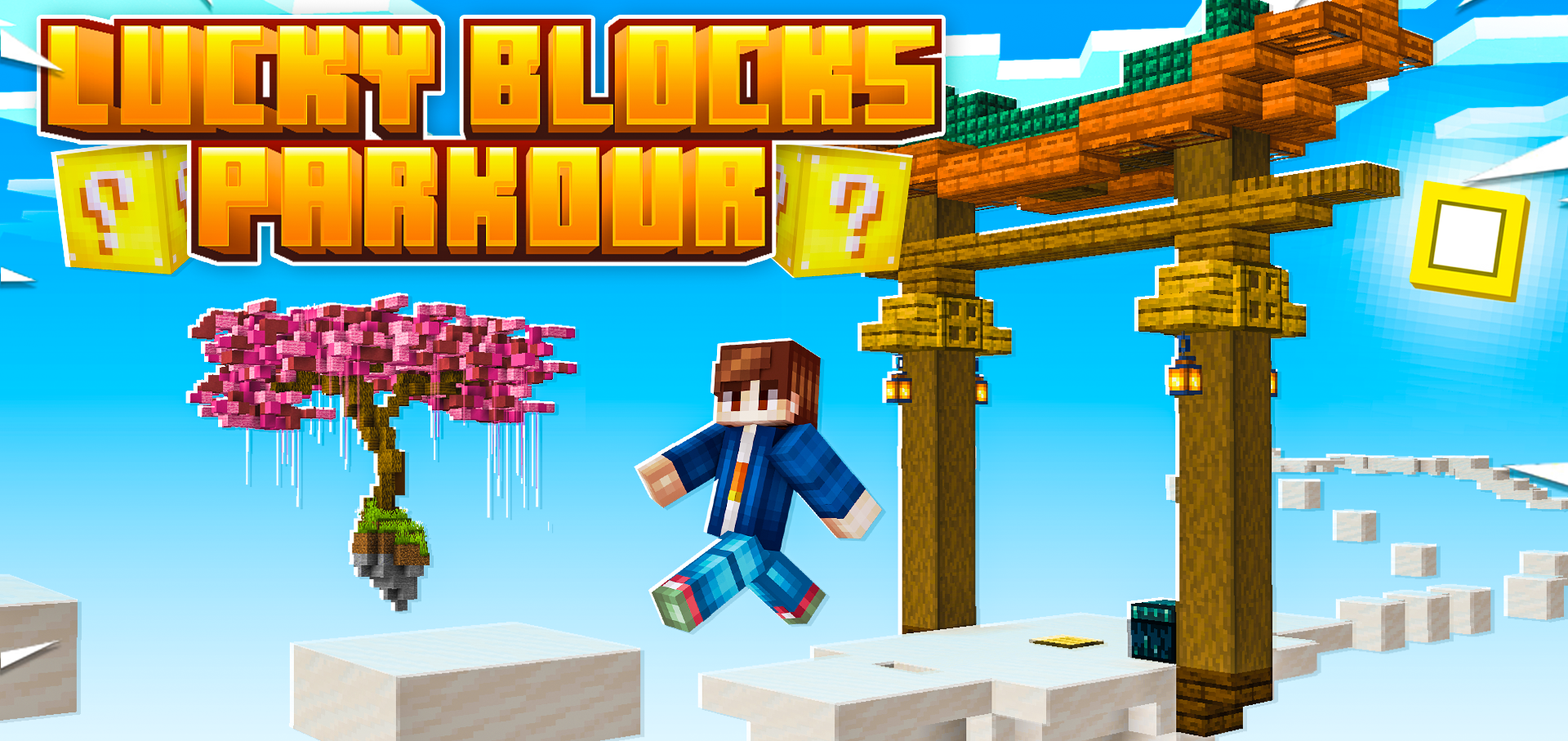
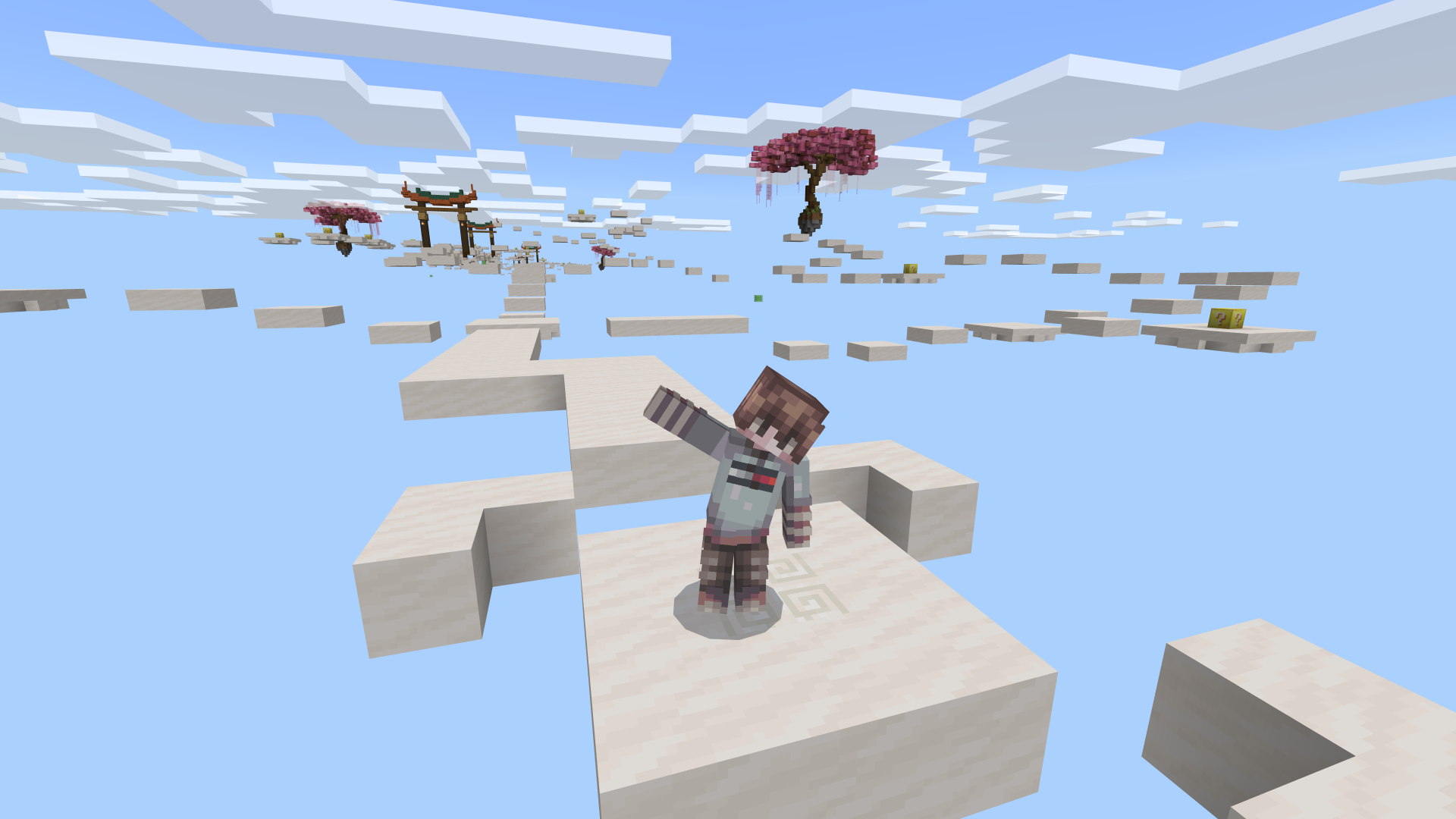
Lucky Blocks Parkour challenges you to navigate a thrilling parkour course while smashing lucky blocks along the way. Each block holds unpredictable surprises that can either help or hinder your progress. Test your agility and luck as you aim to reach the final stage and face the ultimate boss battle.
Installation / How to Use
Download the map file and place it into your Minecraft Bedrock "Downloads" or "Worlds" folder. Launch Minecraft, then select the Lucky Blocks Parkour map from your world list. Follow the in-game instructions to start the adventure, jumping through parkour segments and breaking lucky blocks to trigger random events.
Requirements / Compatibility
This map is designed for Minecraft Bedrock Edition on Windows 10, Xbox, and mobile devices. Ensure your game is updated to the latest version for optimal compatibility and performance.
Key Features
- Exciting parkour challenges combined with the unpredictability of lucky blocks.
- Randomized effects from blocks that can aid or obstruct your progress.
- A boss fight at the end that tests your skills and luck.
- Colorful and engaging level design that keeps the gameplay fresh.
Notes / Troubleshooting
If you encounter any issues loading the world, verify that the map file is correctly placed in the appropriate folder and that your game version supports custom maps. For best results, play in Creative mode initially to familiarize yourself with the mechanics before attempting in Survival mode.