Health Indicator 38
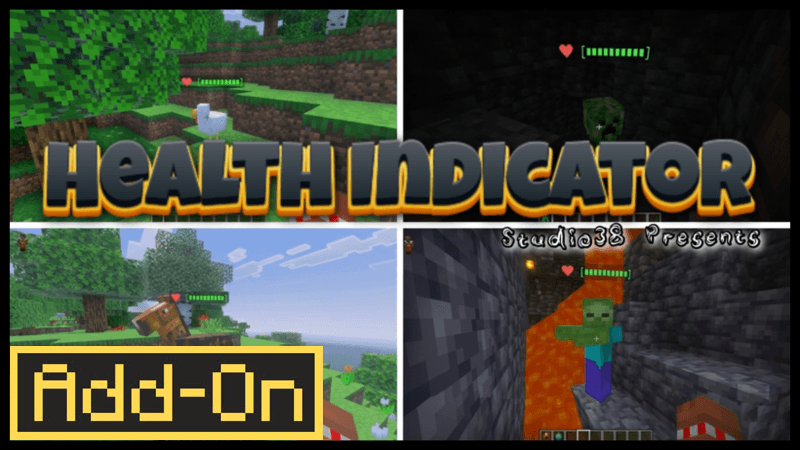
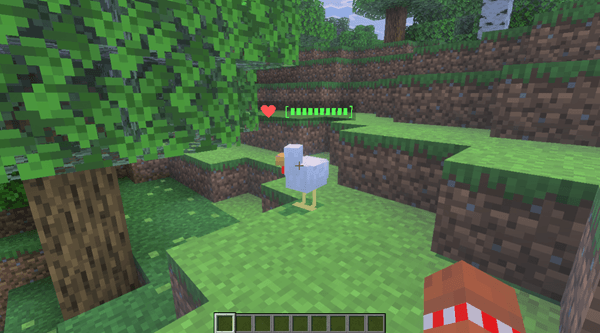
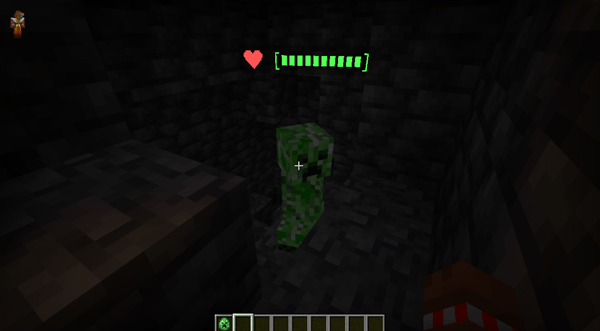
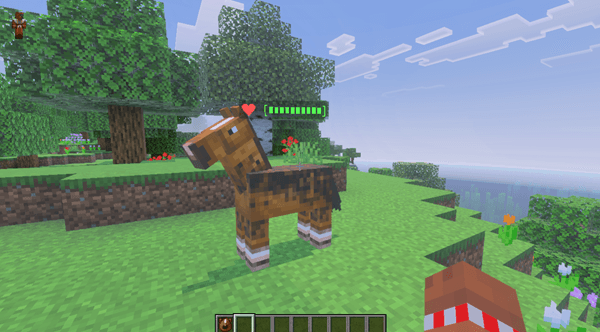
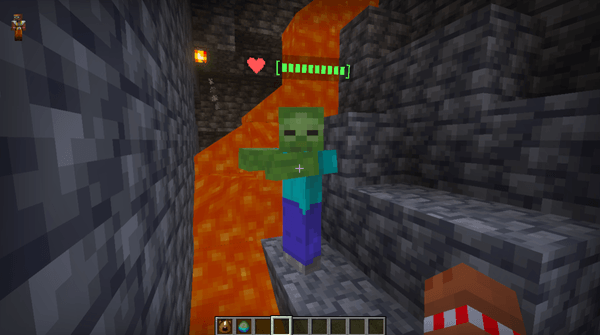
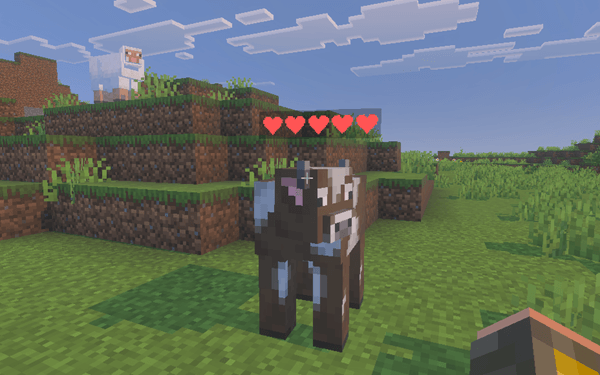
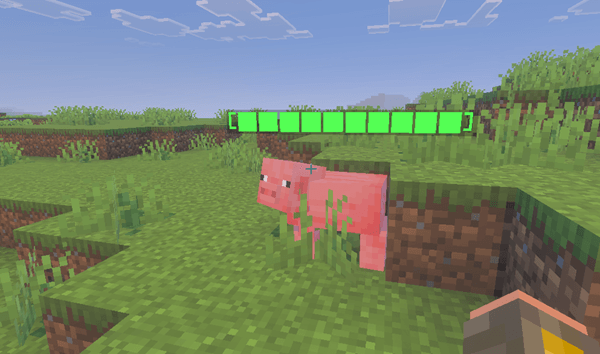
Health Indicator 38 offers a straightforward yet highly practical way to monitor the health of any entity in your Minecraft world, including custom mobs. This add-on provides real-time health displays without requiring additional setup, enhancing gameplay visibility and interaction.
Installation / How to Use
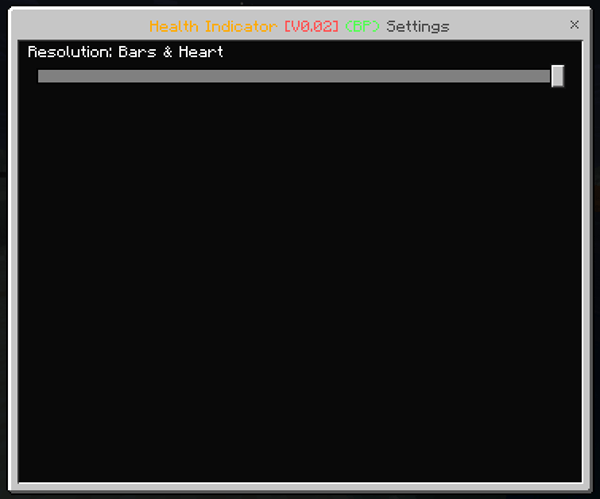
Activate the Health Indicator 38 add-on in your Minecraft world settings. Once enabled, the health bars will automatically appear above entities as you encounter them. To customize the appearance, access the add-on's settings through the settings button after activation. Use the slider to select your preferred health indicator style, allowing for a personalized experience.

Requirements / Compatibility
- No experimental gameplay toggles are necessary to use this add-on.
- Fully compatible with other Minecraft add-ons and custom content.
- This add-on does not modify player.json files.
- 100% achievement compatible, ensuring your progress remains intact.
Key Features
- Universal Compatibility: Works seamlessly with both vanilla and custom entities.
- Ready to Use: No extra setup or configuration steps required beyond activation.
- Customizable Styles: Includes subpacks providing various visual styles for the health indicator.
Notes
This add-on requires no modification to core game files or enabling experimental features, making it easy to integrate into existing worlds and setups.

 1.00/5