
Immersive Visuals for Vibrant Visuals
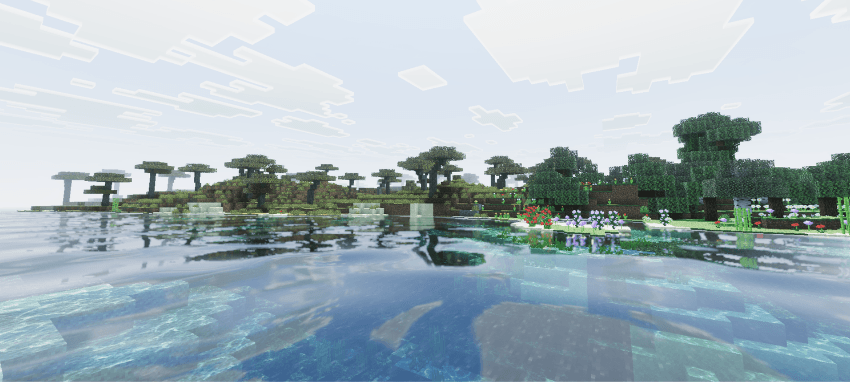
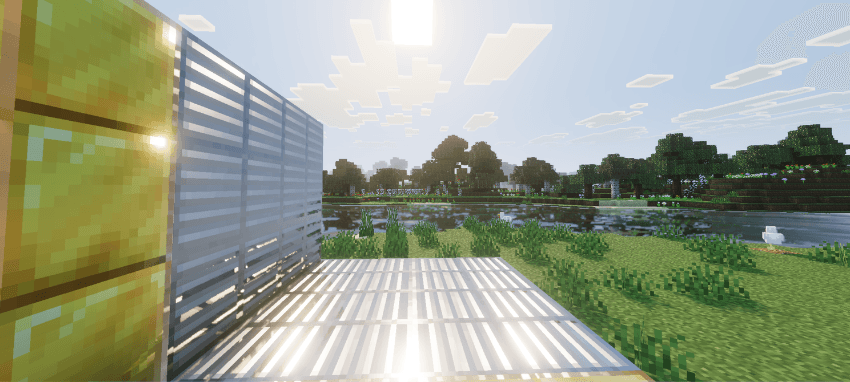
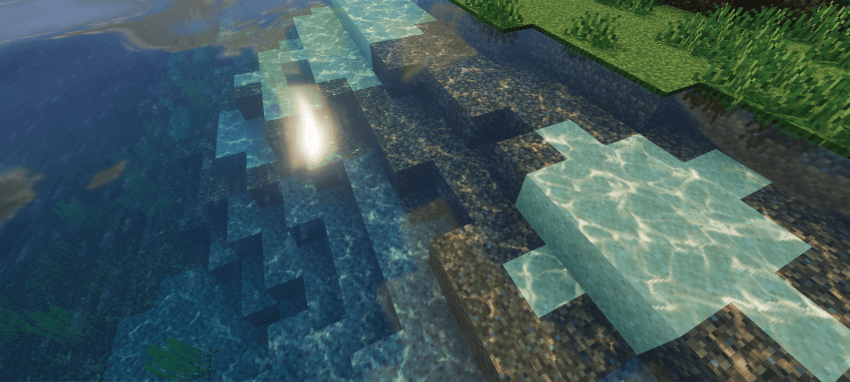
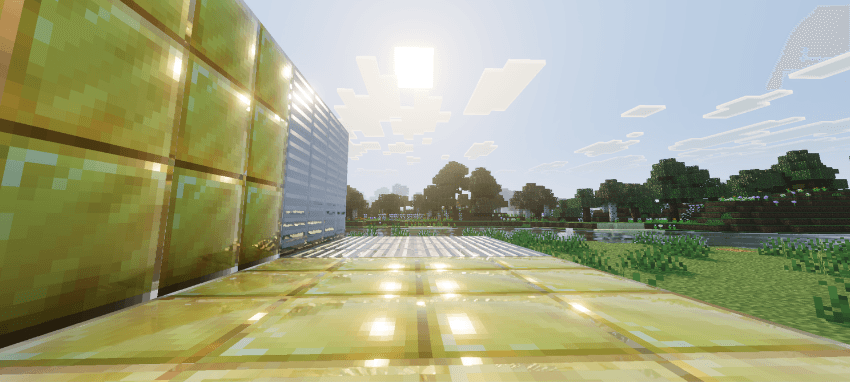
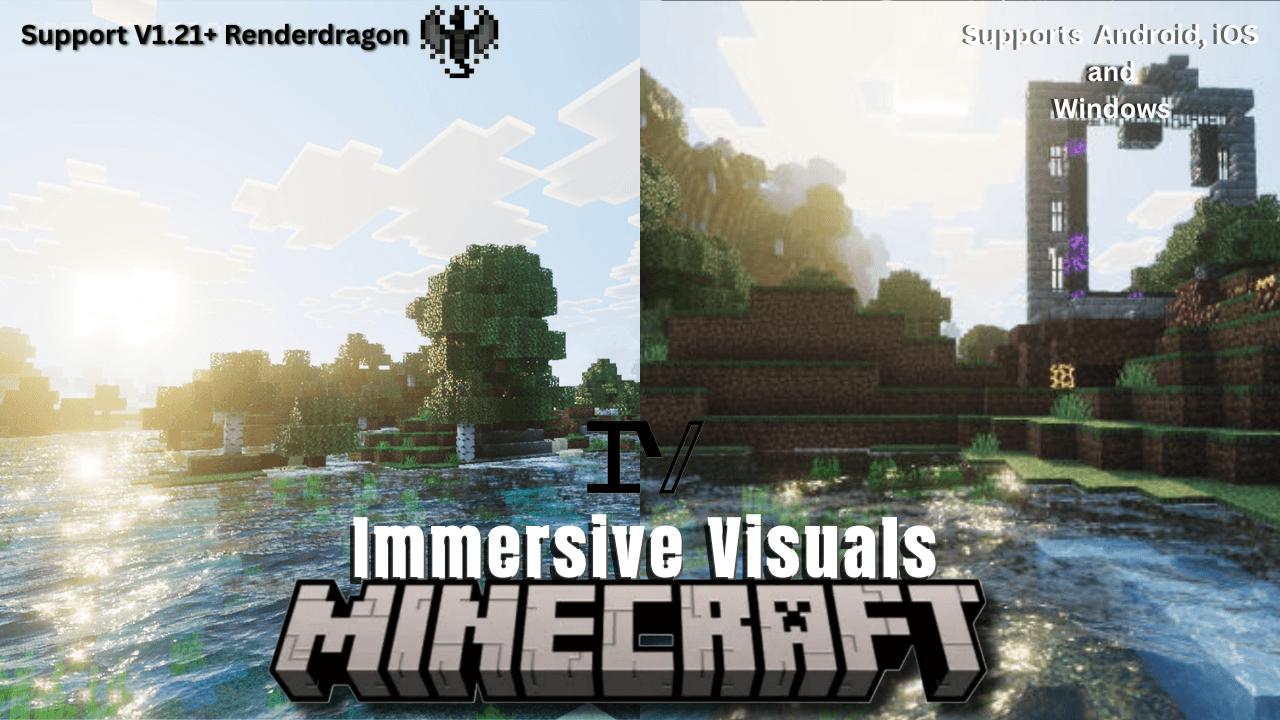
Immersive Visuals for Vibrant Visuals enhances Minecraft Bedrock Edition with stunning graphics, featuring advanced lighting, integrated PBR effects, and vibrant water reflections. This visual pack elevates your gameplay by delivering realistic daytime lighting and atmospheric nighttime environments with new caustics and water enhancements.
Key features
- Realistic new caustic lighting effects
- Updated tonemapping for improved color balance
- Enhanced and added dynamic water waves
- Built-in Physically Based Rendering (PBR) with reflections
- Reflective surfaces on blocks
- Additional visual improvements for immersive gameplay
Installation
- Ensure your device supports Vibrant Visuals.
- Download the Immersive Visuals pack.
- Import the pack into your Minecraft Bedrock Edition.
- Activate the pack in your game settings.
- Navigate to the video settings and set the graphics option to "Vibrant Visual".
- Start your world and enjoy the enhanced visuals.
Screenshots
New Version
Previous Version
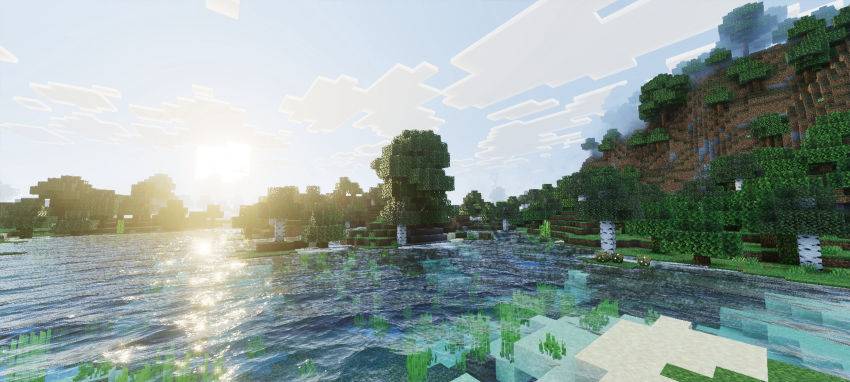
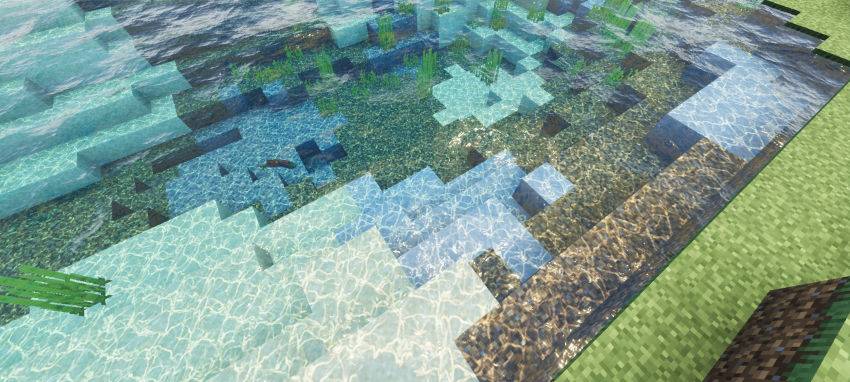
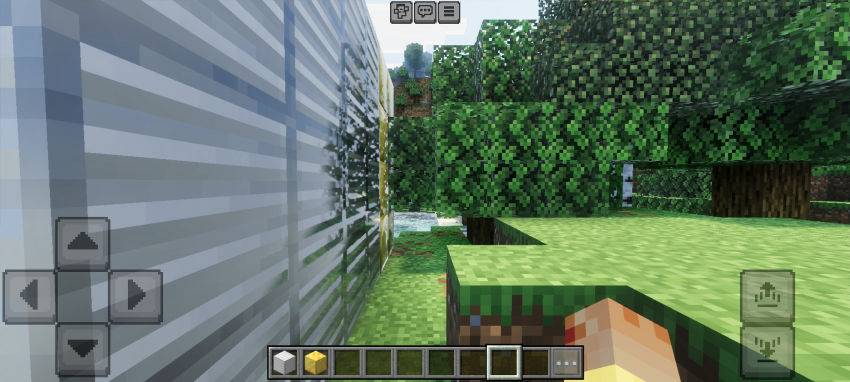
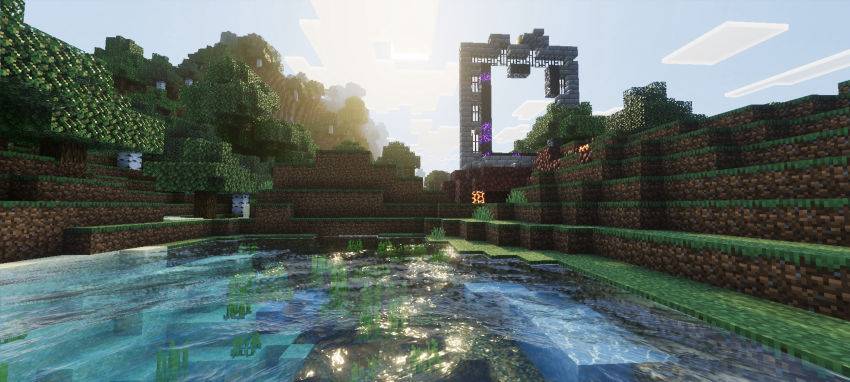
Screenshots & Video
Download Immersive Visuals for Vibrant Visuals
Supported versions
1.21.81 1.21.93 1.21.90 1.21.101 1.21.82 1.21.94 1.21.100 1.21.92 1.21.80 1.21.111 1.21.114 1.21.120 1.21.122 1.21.121 1.21.123 1.21.124 1.21.130 26.0.02 26.0 26.3 26.10 26.11 26.12 26.20 26.13 26.30 26.40
Supported versions
1.21.81 1.21.93 1.21.90 1.21.101 1.21.82 1.21.94 1.21.100 1.21.92 1.21.80 1.21.111 1.21.114 1.21.120 1.21.122 1.21.121 1.21.123 1.21.124 1.21.130 26.0.02 26.0 26.3 26.10 26.11 26.12 26.20 26.13 26.30 26.40
Supported versions
1.21.122 1.21.121 1.21.120 1.21.114 1.21.111 1.21.101 1.21.100 1.21.94 1.21.93 1.21.92 1.21.90 1.21.82 1.21.81 1.21.80
Supported versions
1.21.122 1.21.121 1.21.120 1.21.114 1.21.111 1.21.101 1.21.100 1.21.94 1.21.93 1.21.92 1.21.90 1.21.82 1.21.81 1.21.80
Supported versions
1.21.122 1.21.121 1.21.120 1.21.114 1.21.111 1.21.101 1.21.100 1.21.94 1.21.93 1.21.92 1.21.90 1.21.82 1.21.81 1.21.80

0 Comments