Colorful Armor Bar
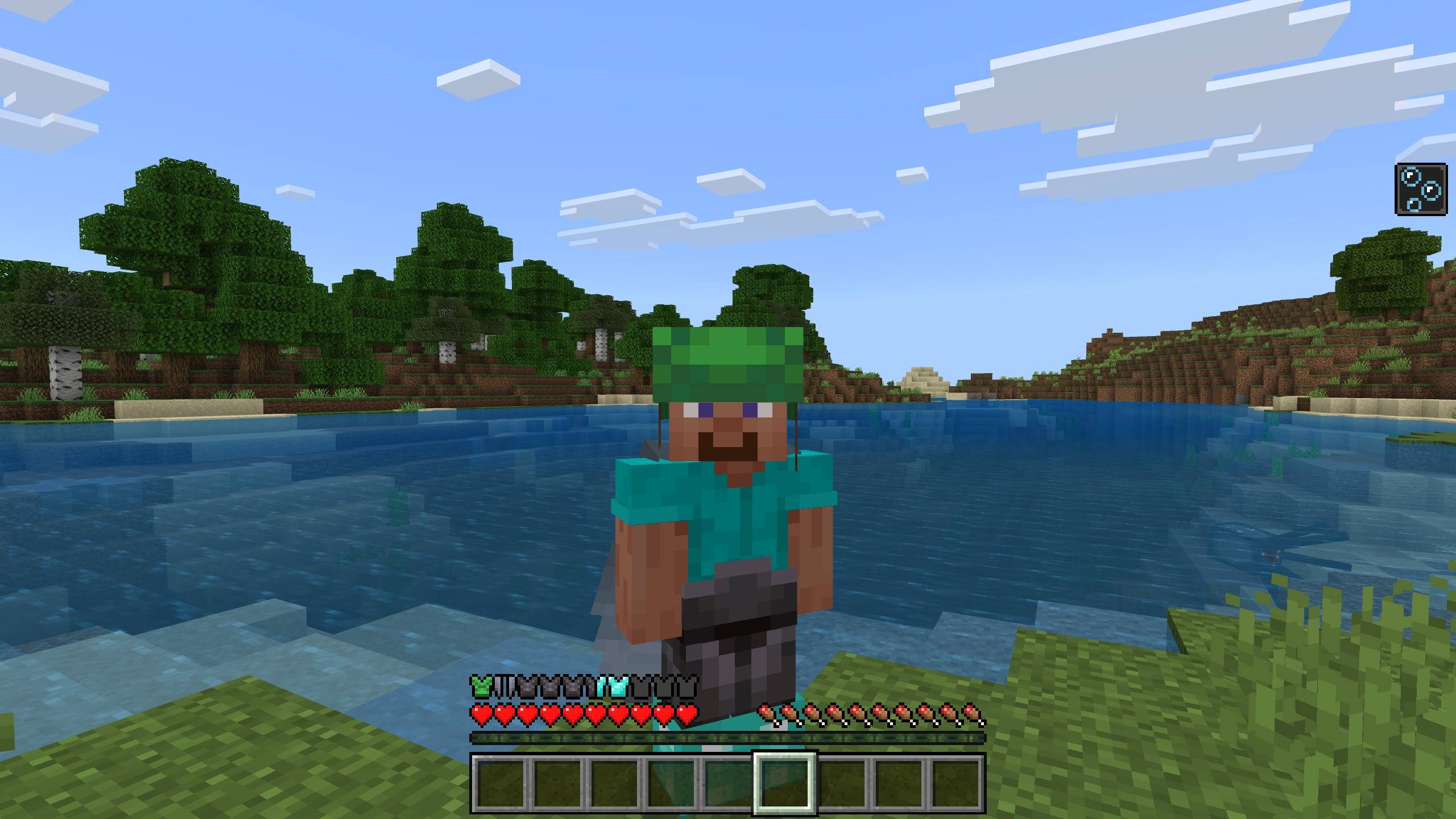
Colorful Armor Bar enhances your Minecraft Bedrock Edition experience by dynamically changing the armor bar's appearance based on the armor you wear. This addon displays the armor type directly on the armor bar, keeping your HUD clean and achievement-friendly.
Installation / How to Use
Equip any armor piece in your inventory to see the armor bar update automatically to reflect the armor type, such as leather, diamond, or copper. The addon supports the following armor types: leather, turtle, chainmail, iron, gold, diamond, and netherite.
To add custom armor support, follow these steps:
Adding Armor Bar Textures
Create a folder in your resource pack at
textures/ui/colorful_armor_bar/.
For each custom armor (for example, named icikiwir), add two textures named icikiwir_full and icikiwir_half inside this folder.
Adding Component to Armor Item JSON
Include the following component in your custom armor's item JSON file:
"cab:armor_data": { "texture": "icikiwir", "armor_protection": 6
}
Replace icikiwir with your armor's texture name matching the texture files, and adjust armor_protection to your armor’s protection value. This connects your custom armor with the addon’s display system.
After setting this up, test your armor in-game to see the armor bar reflect your custom textures.
Requirements / Compatibility
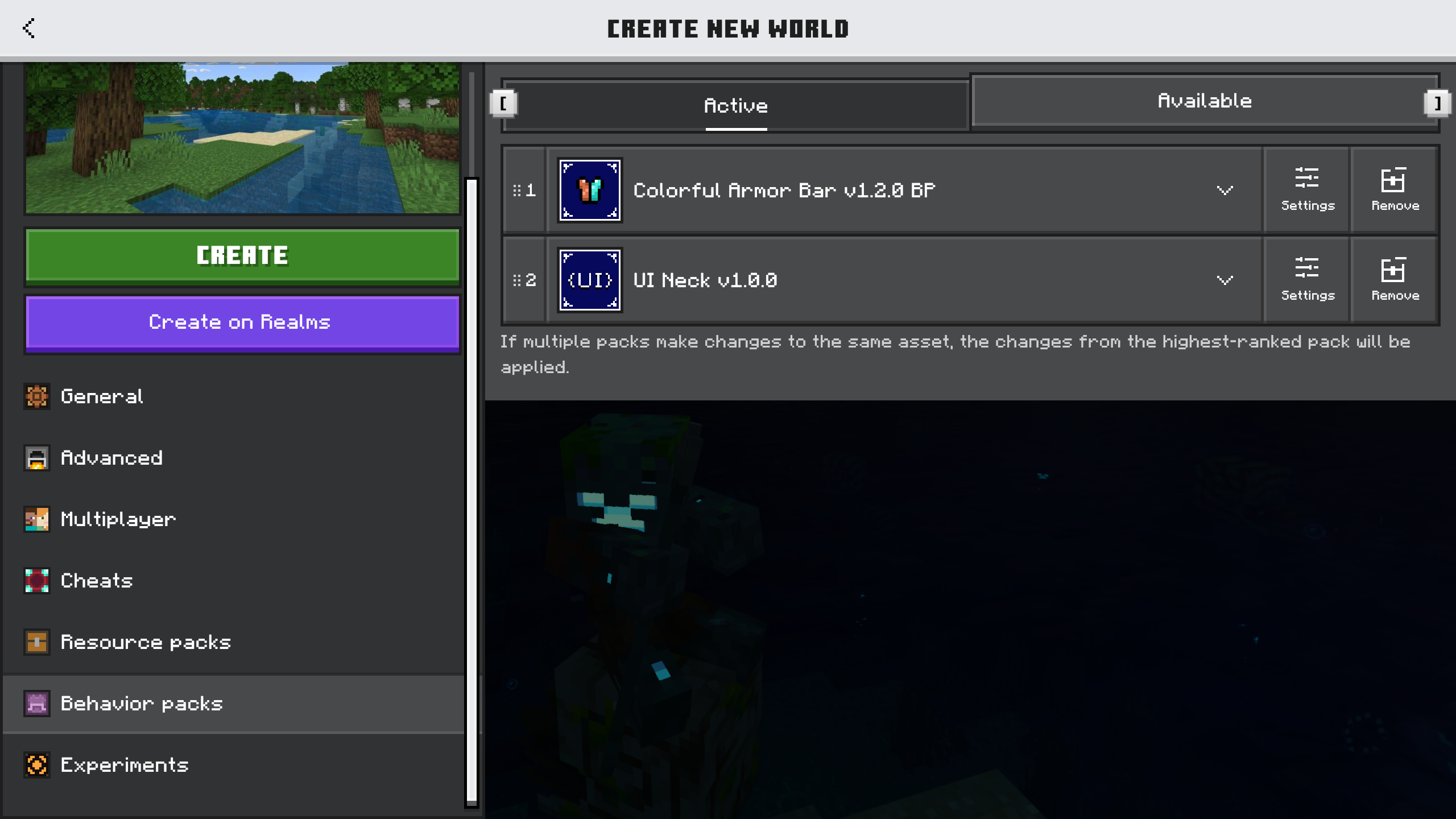
This addon requires the UI Neck addon to function properly. Please ensure UI Neck is installed and active.
Note: Custom armor addons will only work if their texture paths, components, and files are integrated as described above.
Key Features
- Dynamic armor bar that changes appearance based on equipped armor.
- Supports vanilla armors plus copper armor.
- Minimal HUD impact, keeping your screen uncluttered.
- Custom armor support with simple texture and component additions.
Notes
If you want this addon to support additional custom armors without manually adding files, you can request compatibility updates through community channels.