
The Ty-el’s Vietnamese Language Pack
19.02.2026
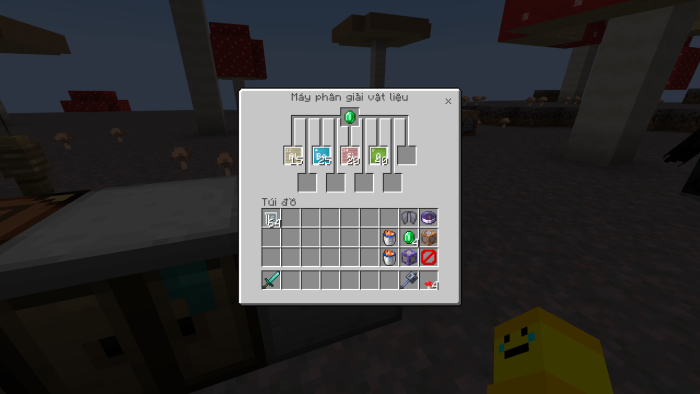
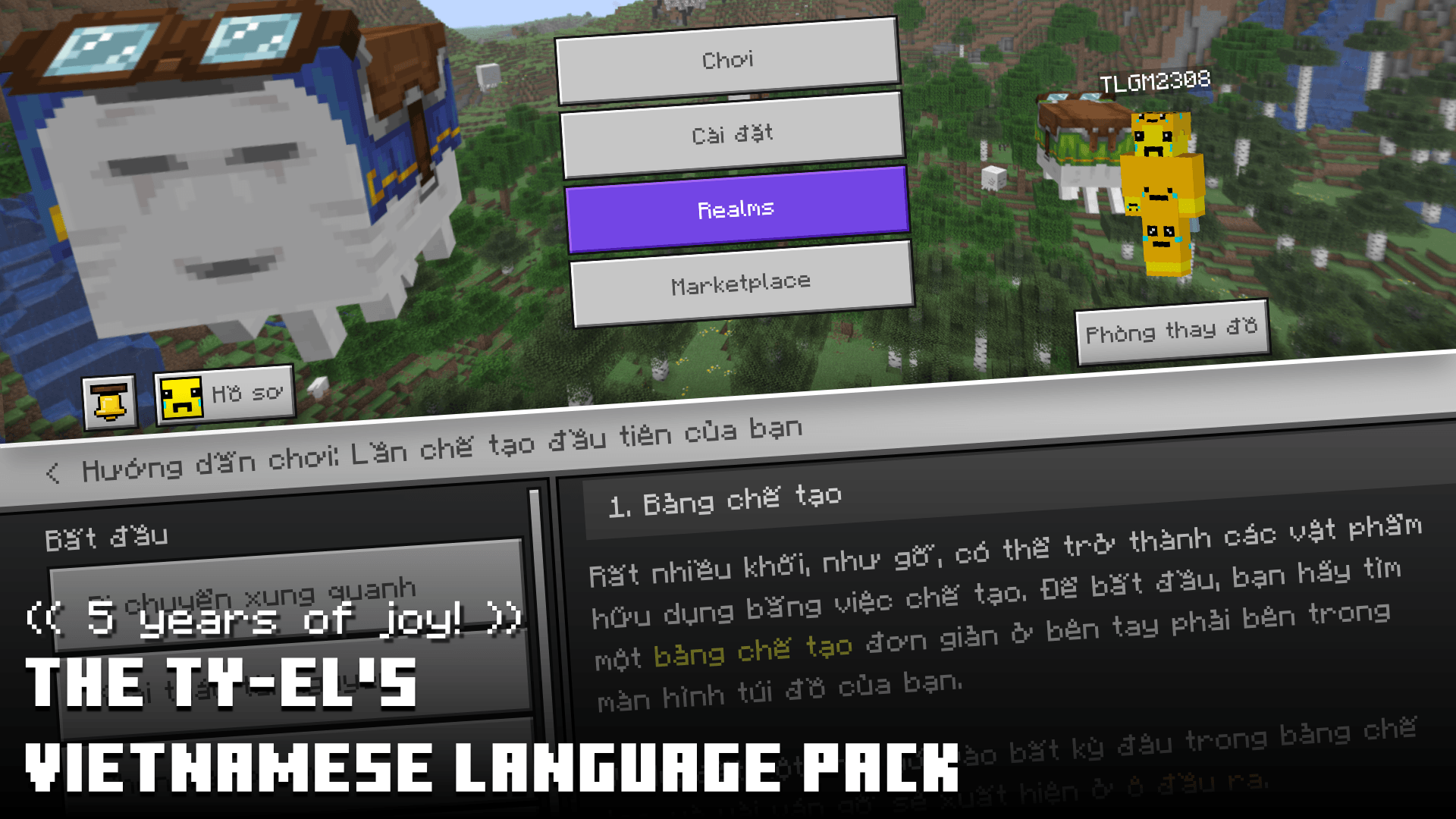
The Ty-el’s Vietnamese Language Pack enhances Minecraft Bedrock Edition by adding full Vietnamese language support along with improved Unicode font compatibility. It ensures that the in-game text aligns closely with the Vietnamese translations found in Minecraft: Java Edition, providing a seamless and authentic experience for Vietnamese players.
Key Features
- Over 17,000 translated entries with more than 95% accuracy aligned with Java Edition Vietnamese language.
- Incorporates enhanced support for the default Mojangles font (MinecraftSeven), fully compatible with Vietnamese characters.
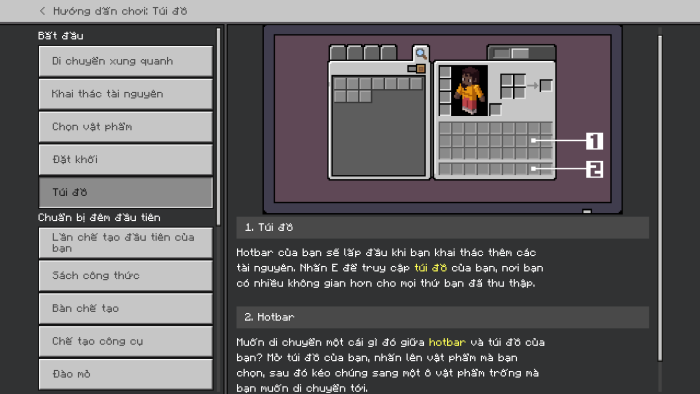
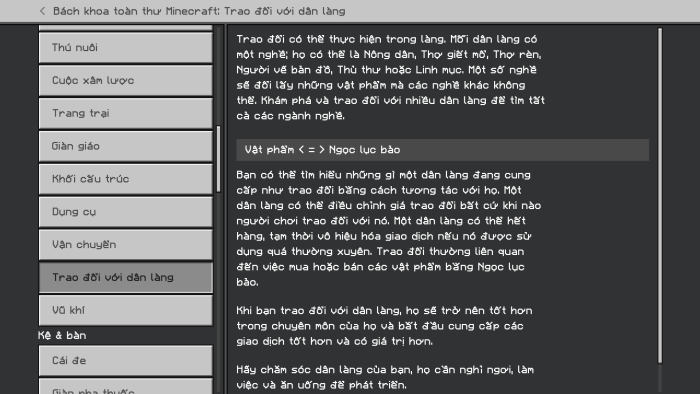
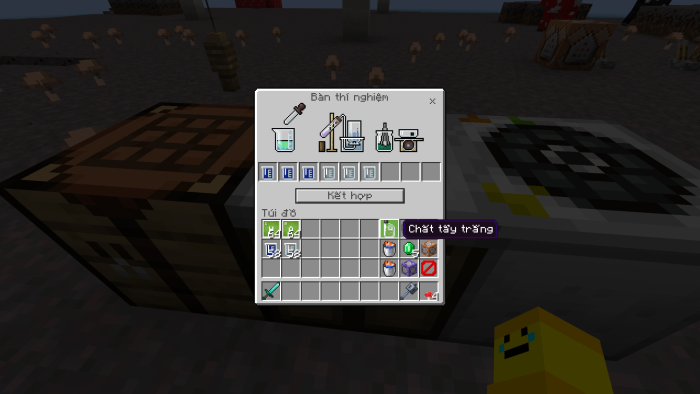
- Complete translation of “How to Play” sections and Chemistry Mode content (requires Education Edition enabled).
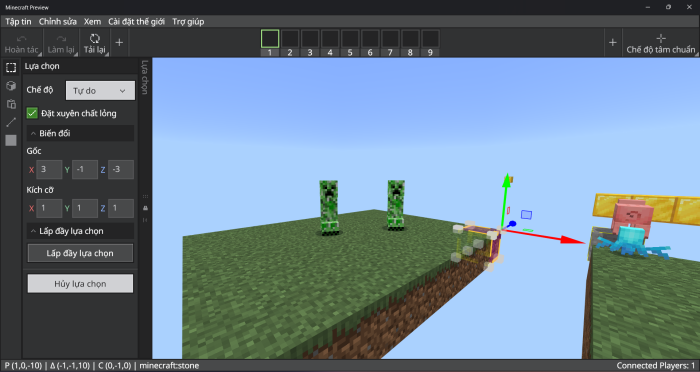
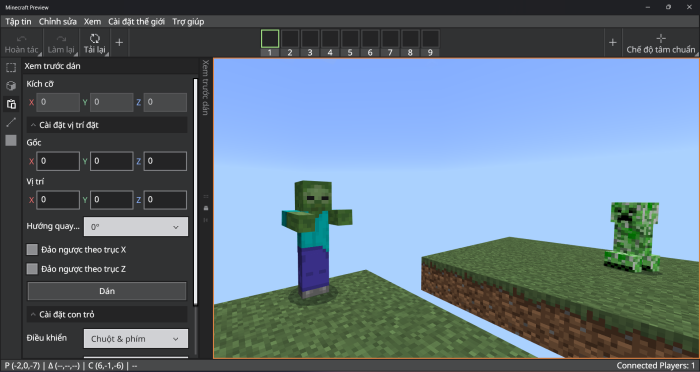
- Early support for Editor Mode in Minecraft Preview, enabling Vietnamese language display within the editor.
- Text-to-Speech functionality for Vietnamese language.
- Multiple font options including MinecraftSeven (standard and smooth variants), Unifont + Noto Sans, and an option to disable custom fonts.
Installation
- Open the downloaded
.mcpackfile to import the language pack into Minecraft. - Once imported, launch Minecraft and navigate to Settings > Global Resources.
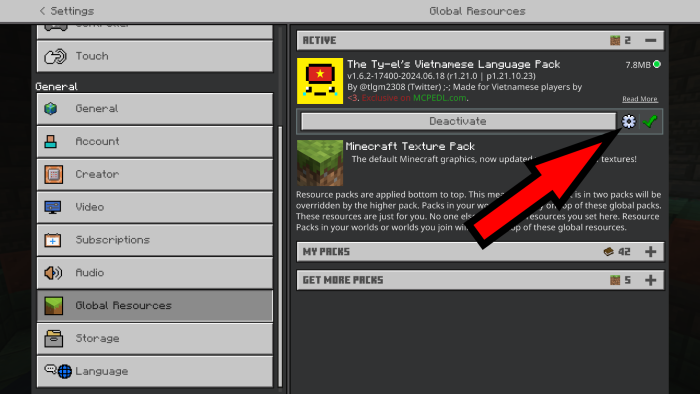
- Activate the Vietnamese Language Pack. You can adjust font preferences by accessing the Pack Settings.
- Exit Settings and restart Minecraft to apply changes.
- After restarting, open Settings, go to the Language menu, and select “Tiếng Việt (Việt Nam)” to enable Vietnamese language.
Note: When updating, remove any previous versions of the pack before installing the latest release.
How to Use and Customize Fonts
This language pack offers four font variations selectable within the pack settings, allowing you to tailor the visual style to your preference. If you prefer to use your own custom fonts, select the “None” option to disable the pack’s fonts.
- Open the Pack Settings by clicking the gear icon next to the Deactivate button in the Global Resources menu.
- Swipe through the font options and choose from:
- MinecraftSeven: Classic font remastered for Vietnamese support.
- MinecraftSeven (Smooth Variant): A smoother font ideal for high-resolution textures and cleaner visuals.
- Unifont + Noto Sans: Alternative font combination for improved readability.
- None: Disable custom fonts to use your own or default system fonts.
- Exit the settings and restart the game to apply the selected font.
Compatibility and Requirements
This pack is compatible with Minecraft Bedrock Edition versions 1.20.80 and above, including both stable and preview/beta builds. Enabling Chemistry Mode requires Education Edition to be turned on in your world settings.
Known Issues and Troubleshooting
- Using MinecraftSeven fonts may cause some characters to appear bolder, smoother, or distorted depending on your screen resolution. Adjusting the GUI scale or switching to “Unifont + Noto Sans” or “None” can resolve these issues.
- Chat fonts might occasionally display underlined or bold text when using MinecraftSeven variants. Setting the line spacing to 1.0 and selecting “Mojangles” for chat font can help.
- Marketplace content and certain sections may fail to load when the language is set to Vietnamese due to game bugs. Temporarily switching to another language and then back to Vietnamese can fix this.
Additional Information
Visual Examples
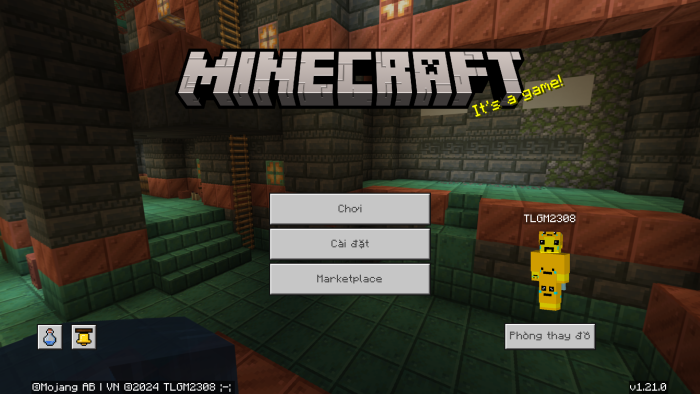
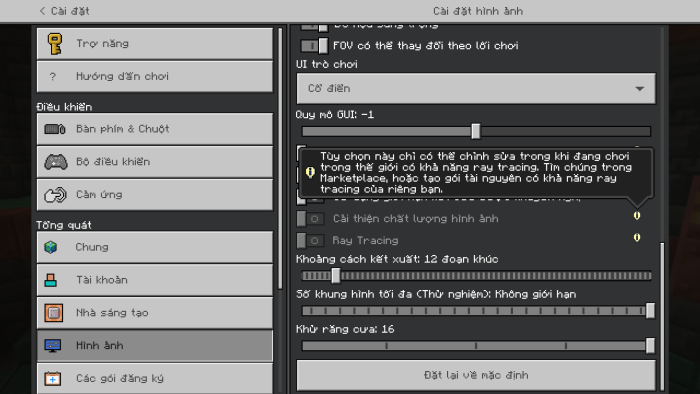
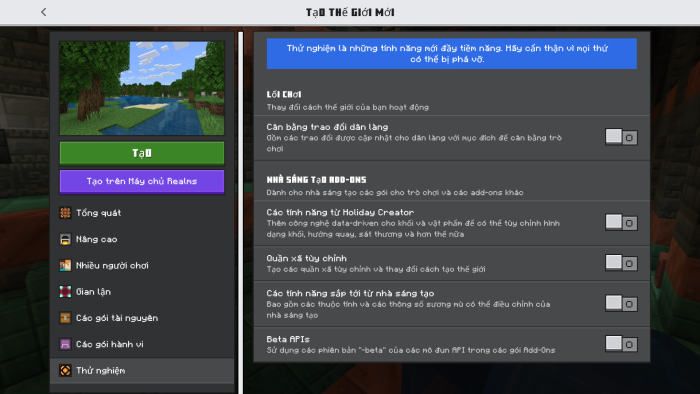
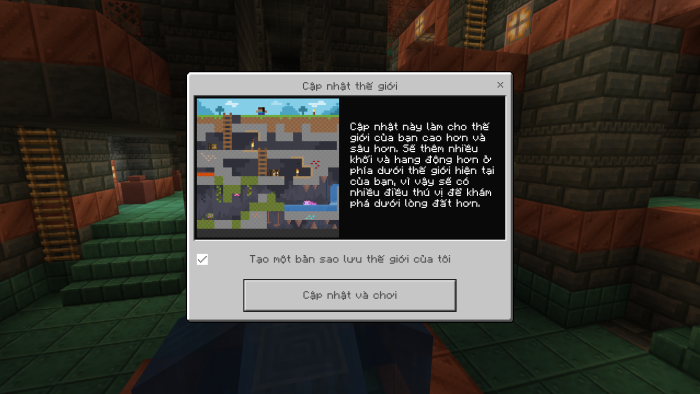
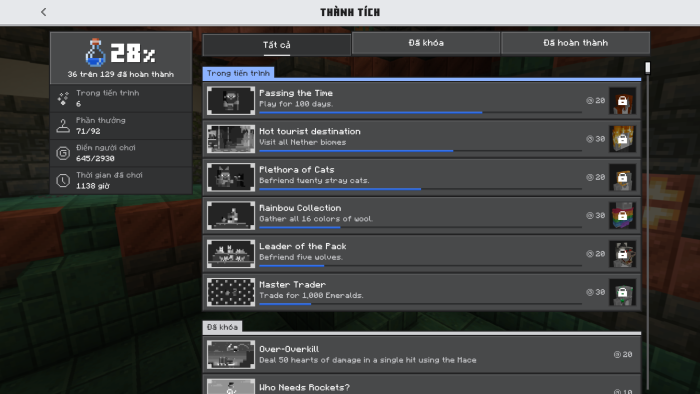
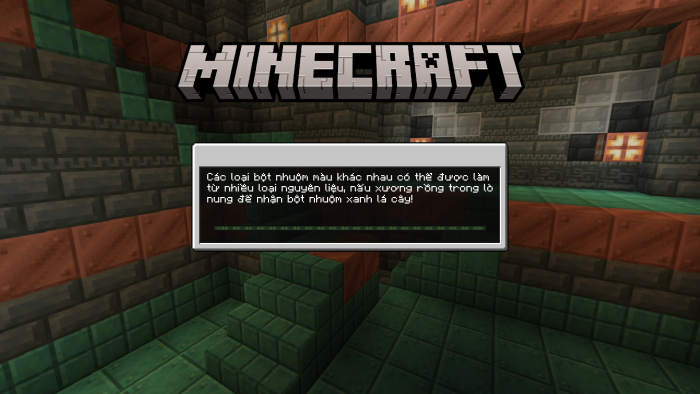
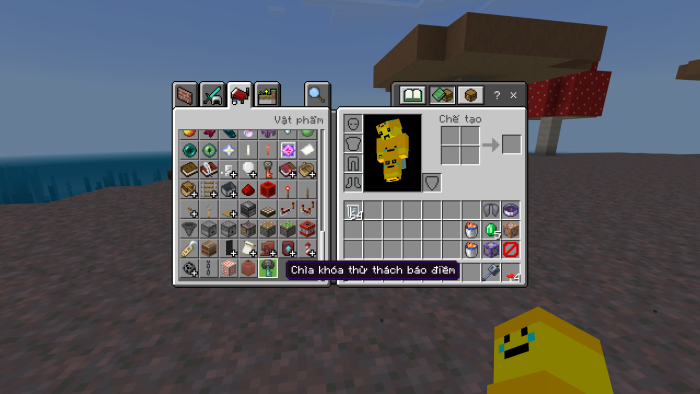
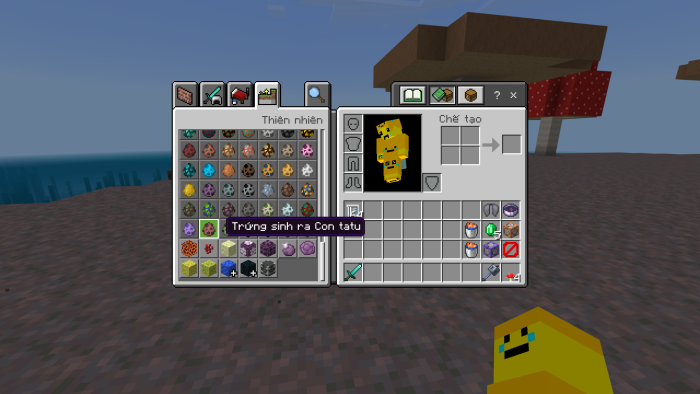
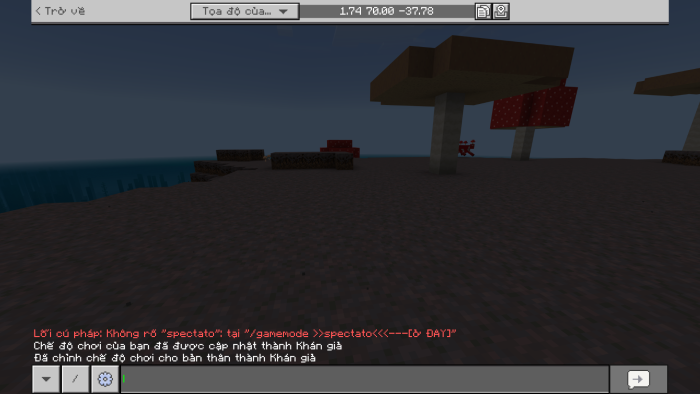
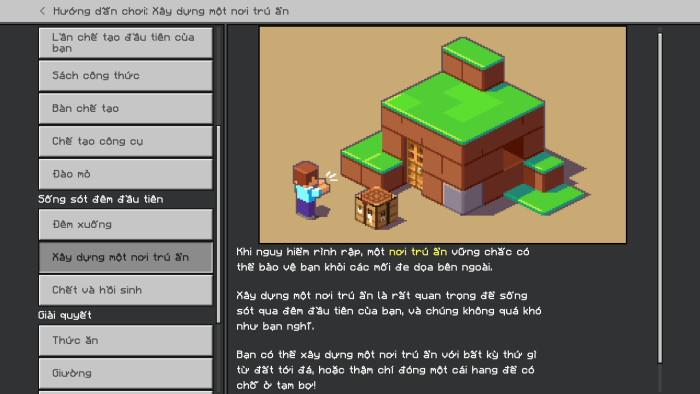
Below are sample screenshots demonstrating various translated screens and font options.
Font Credits
The MinecraftSeven font is a rework of the Mojangles font, designed to maintain the nostalgic Minecraft text style with enhanced Vietnamese character support. Unifont and Noto Sans fonts are included under their respective open licenses.
Ty-el Vietnamese v1.6.6 [Main]
[768.52 KB]

