Small Items
28.02.2026
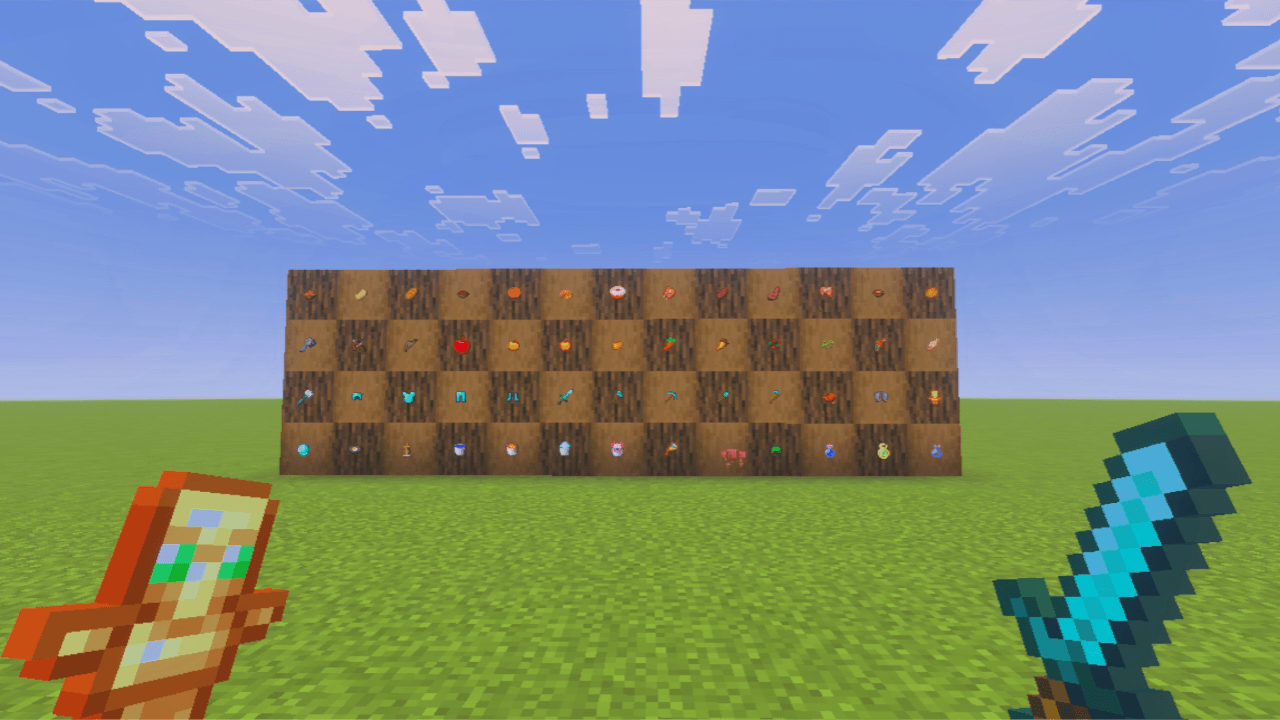
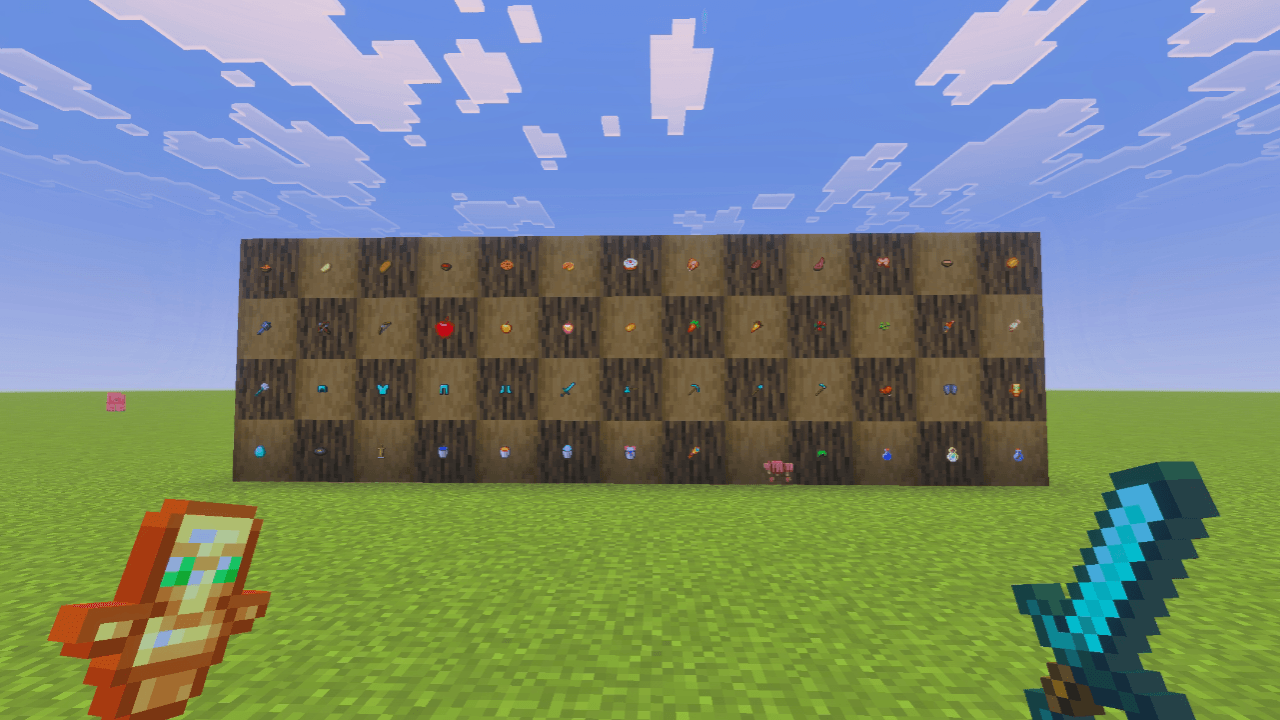
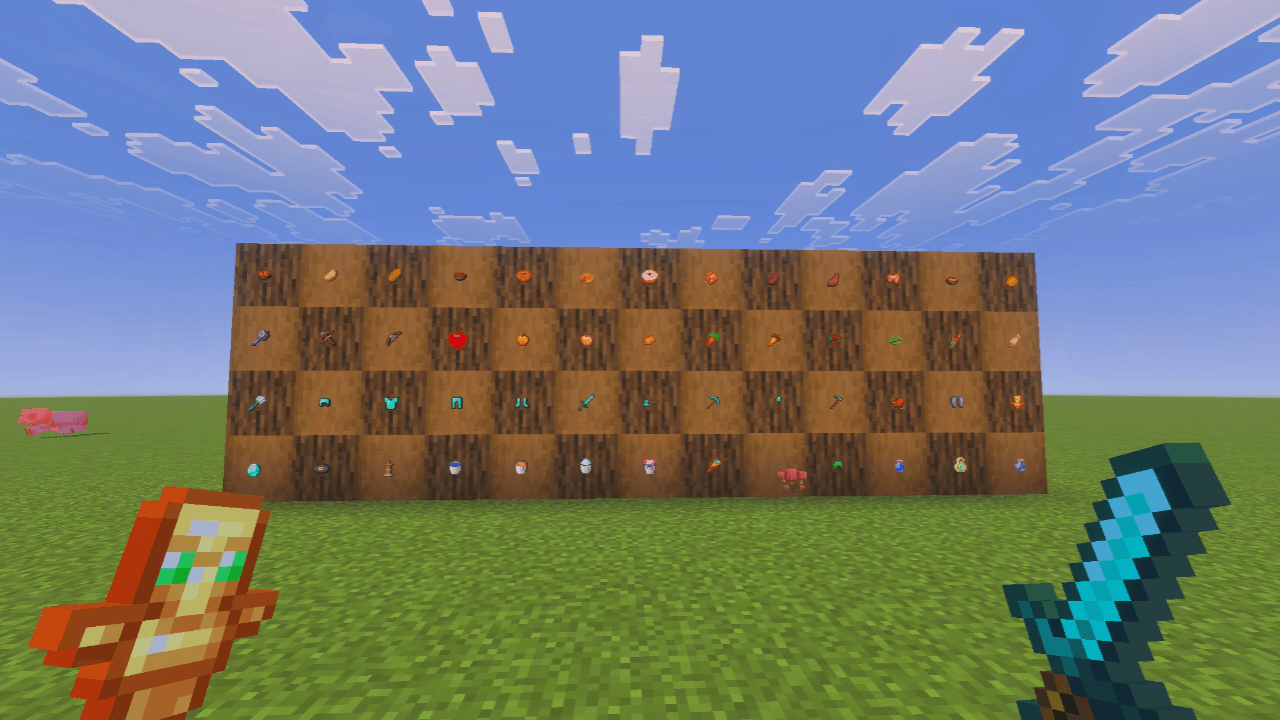
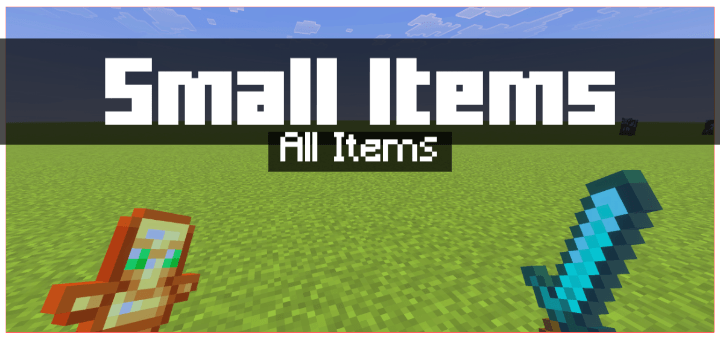
Small Items reduces the size of all tools and items in Minecraft, providing a clearer and less cluttered screen during gameplay. This pack offers multiple size options, allowing you to customize how compact your on-screen items appear for a more comfortable experience.
Key features
- Decreases the screen space occupied by tools and items for improved visibility.
- Maintains usability while making items visually smaller.
- Includes four size variants: Small, Smaller, Smallest, and Tiny, to suit your preference.
Installation / How to use
Select and enable one of the provided subpacks based on your desired item size. You can switch between them at any time to find the best fit for your gameplay style.
Requirements / Compatibility
This texture pack modifies only item textures and does not affect block appearances or sizes. Some item textures may differ slightly, and certain textures like the apple remain mostly unchanged. It may not be fully compatible with all other texture packs, which could lead to minor visual inconsistencies.
Notes / Troubleshooting
If you notice unusual visuals or inconsistencies, try switching to another subpack or disabling the pack to check for conflicts with other resource packs.