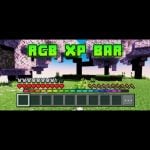
RGB XP Bar
27.02.2026
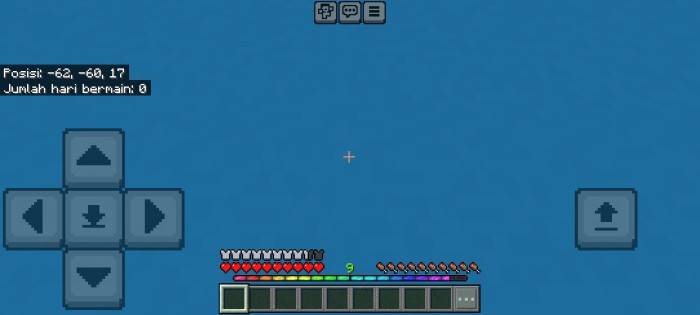
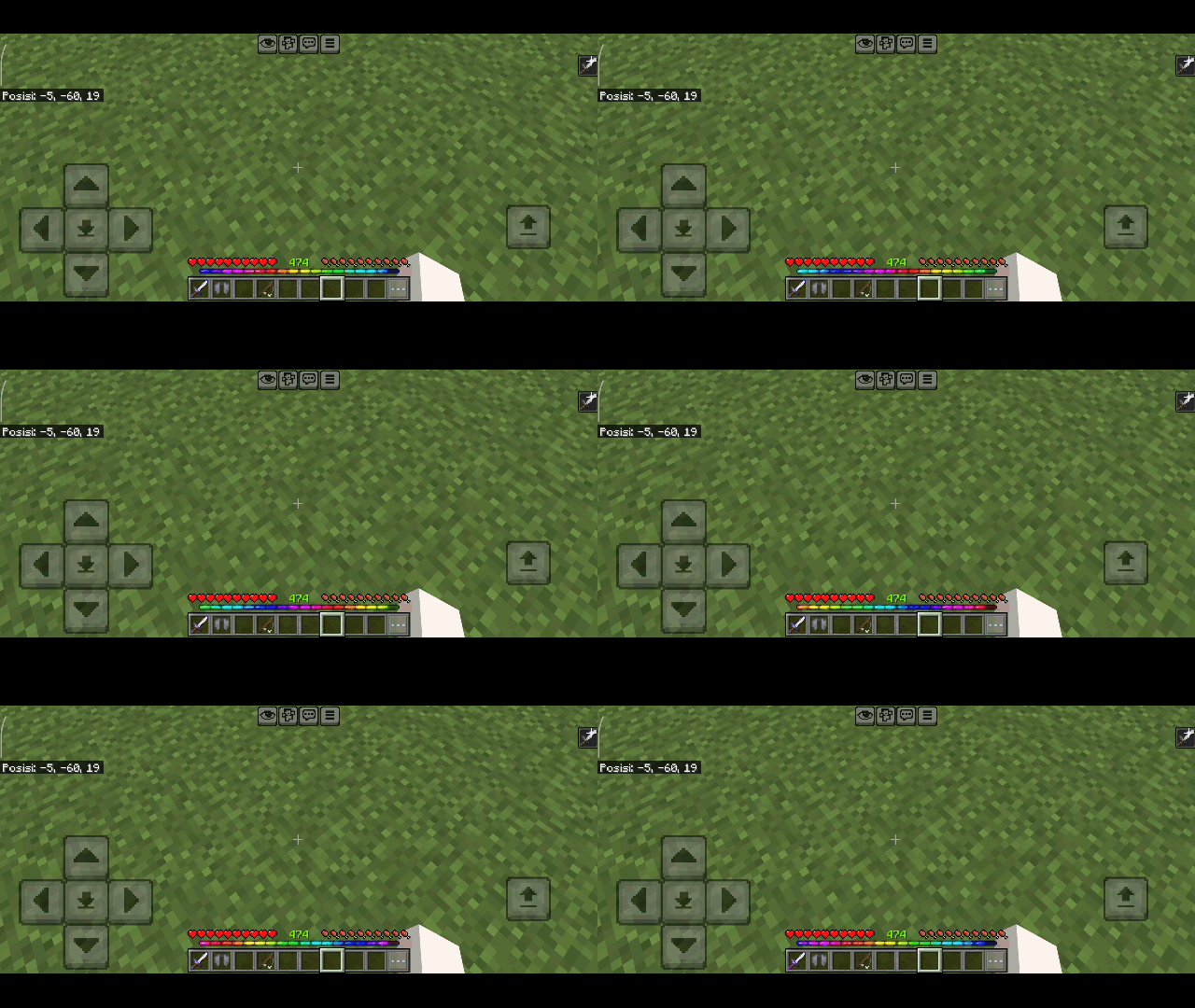
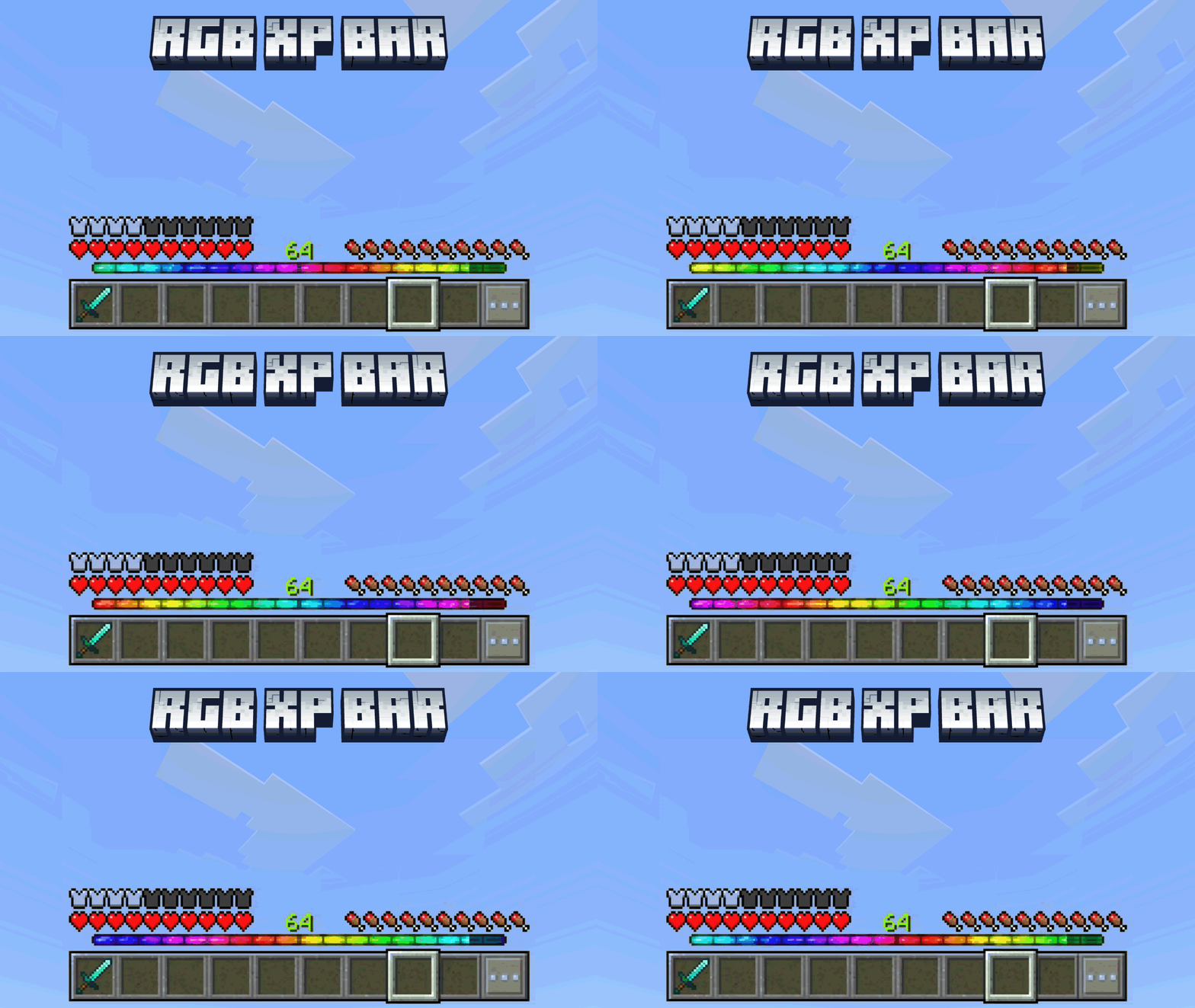
RGB XP Bar transforms the standard Minecraft XP bar into a vibrant, animated display that adds visual excitement to your game interface. This texture pack replaces the traditional green XP bar with a colorful gradient that animates smoothly from left to right, enhancing the overall experience while you gain experience points.
Installation / How to use
Download the texture pack and add it to your Minecraft Bedrock Edition resource packs folder. Activate the pack in your game’s settings under “Global Resources” to apply the new XP bar design. Launch the game and observe the animated XP bar during gameplay.
Requirements / Compatibility
This pack is designed for Minecraft Bedrock Edition and should work with most recent versions. Ensure no conflicting resource packs are active that alter the XP bar to avoid display issues.
Key features
- Replaces the default green XP bar with a multi-colored, animated version.
- Color gradient moves smoothly from left to right, creating a dynamic visual effect.
- Both the filled and empty portions of the XP bar feature coordinated colors and animation.
- The animation is best viewed in-game to appreciate the full effect.
Notes / Troubleshooting
If the XP bar does not display as expected, verify that the texture pack is properly enabled and that no other packs override the XP bar textures. Restarting the game may help apply the changes correctly.
RGB XP BAR v1.3.mcpack
[45.88 KB]

