NeBux UI+
2.03.2026
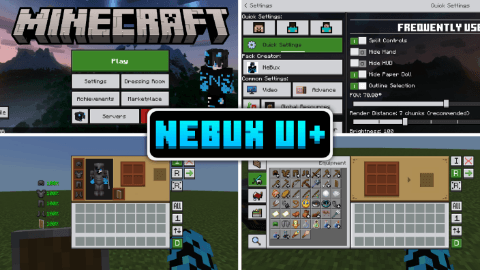
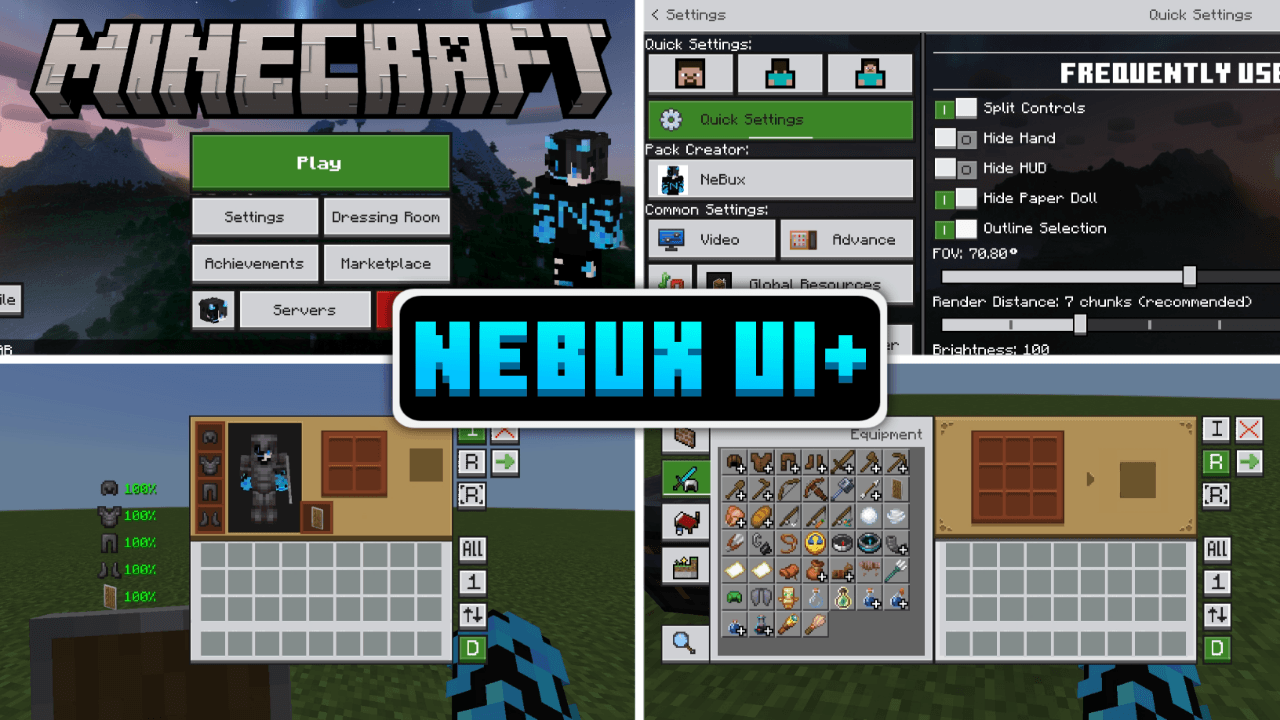
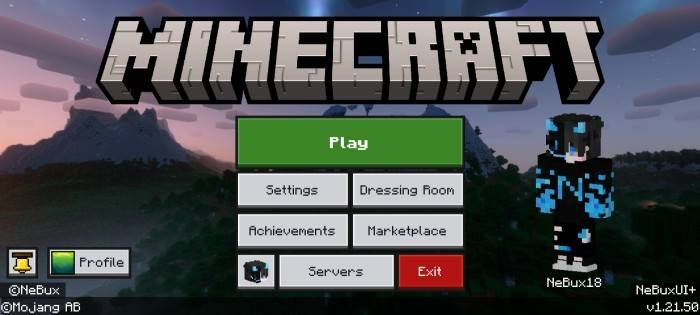
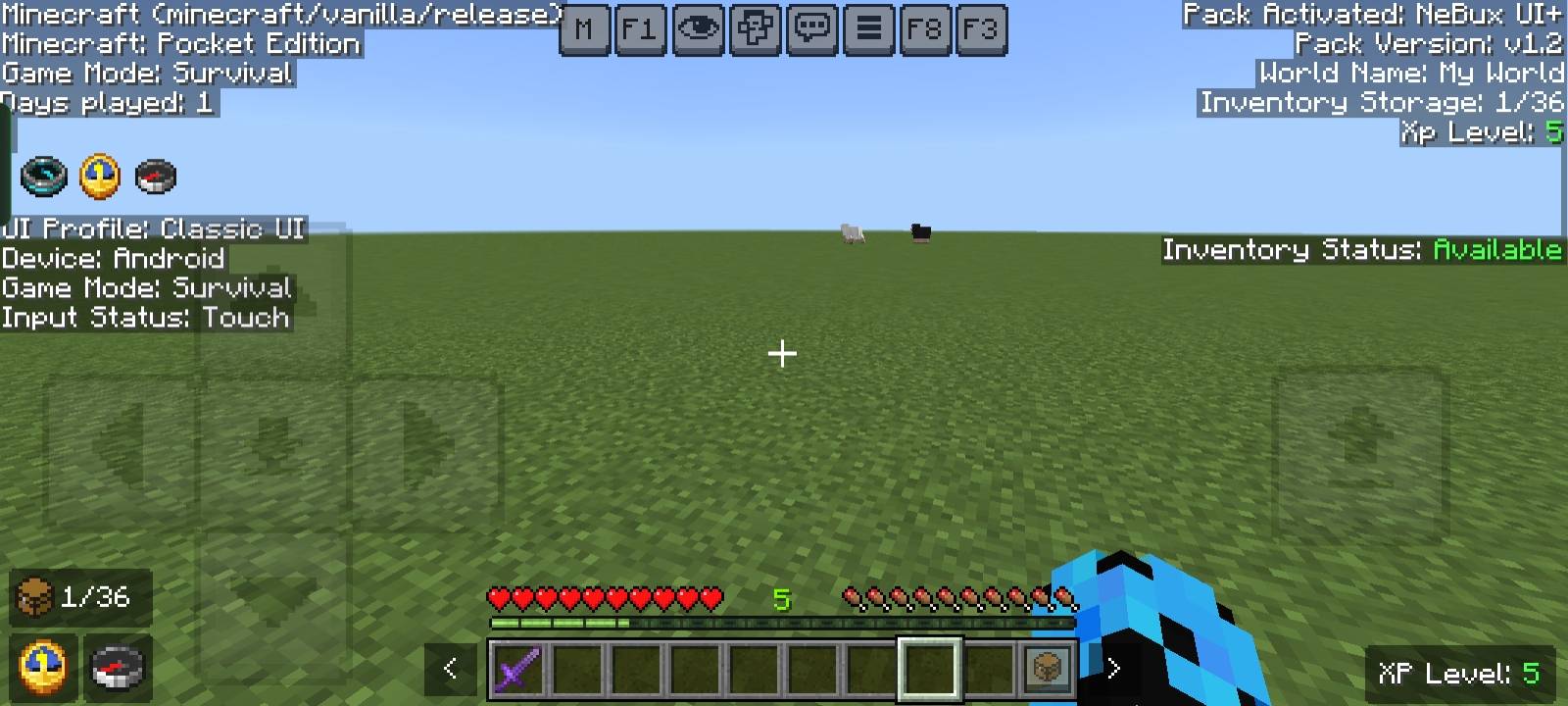
NeBux UI+ is a user interface pack designed to streamline and enhance your Minecraft Bedrock gameplay. It introduces a variety of helpful shortcuts and UI improvements that simplify navigation and improve accessibility, making your in-game experience more efficient and enjoyable.
Installation / How to Use
To install NeBux UI+, download the pack and import it into your Minecraft Bedrock Edition resource packs. Activate it in your world settings or global resource packs. For additional features such as Dark Mode, install the “NeBux UI+ Dark Mode Extension” and place it above the main pack in the resource pack list.
Requirements / Compatibility
NeBux UI+ is compatible with the latest versions of Minecraft Bedrock Edition. Some features may require specific game updates to function correctly. The Dark Mode extension is optional and requires the main NeBux UI+ pack to be installed first.
Key Features
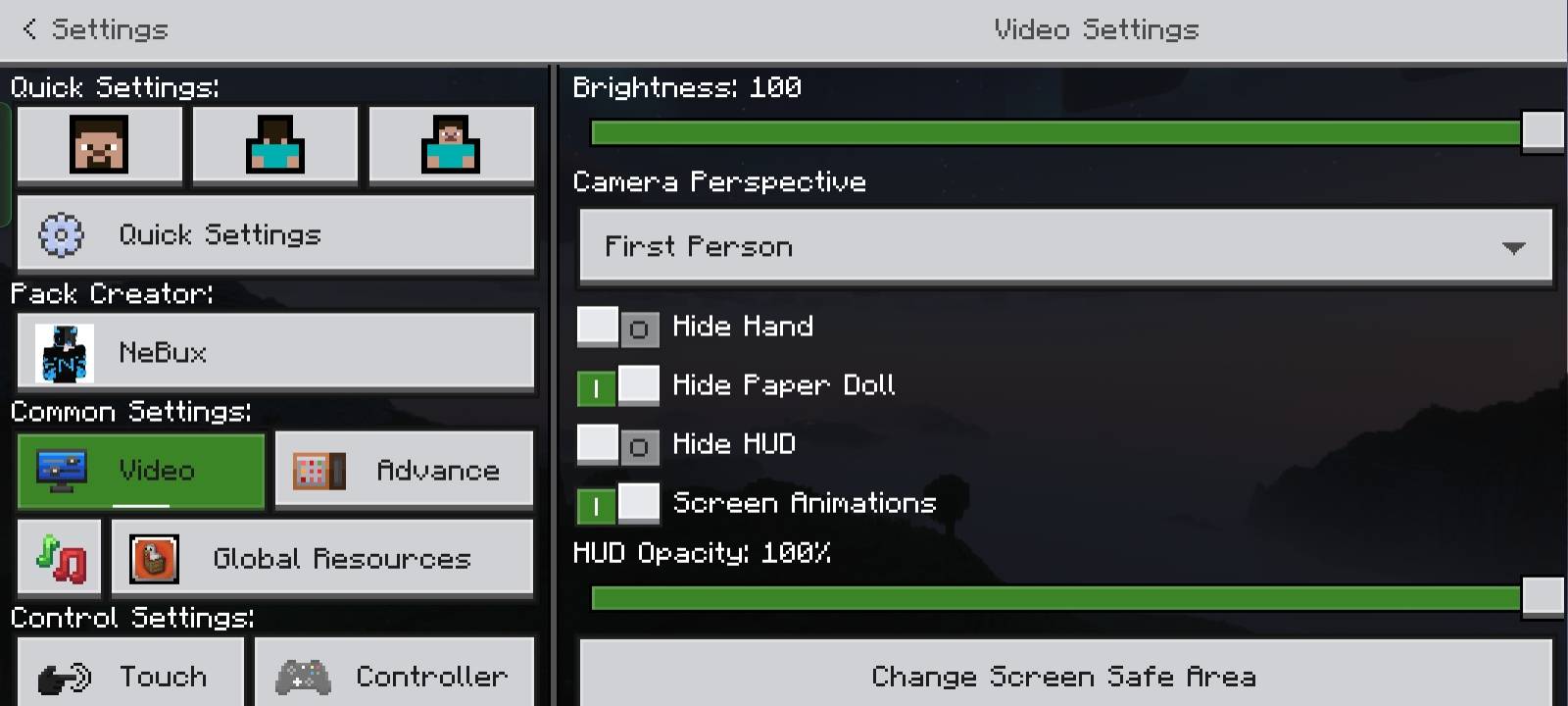
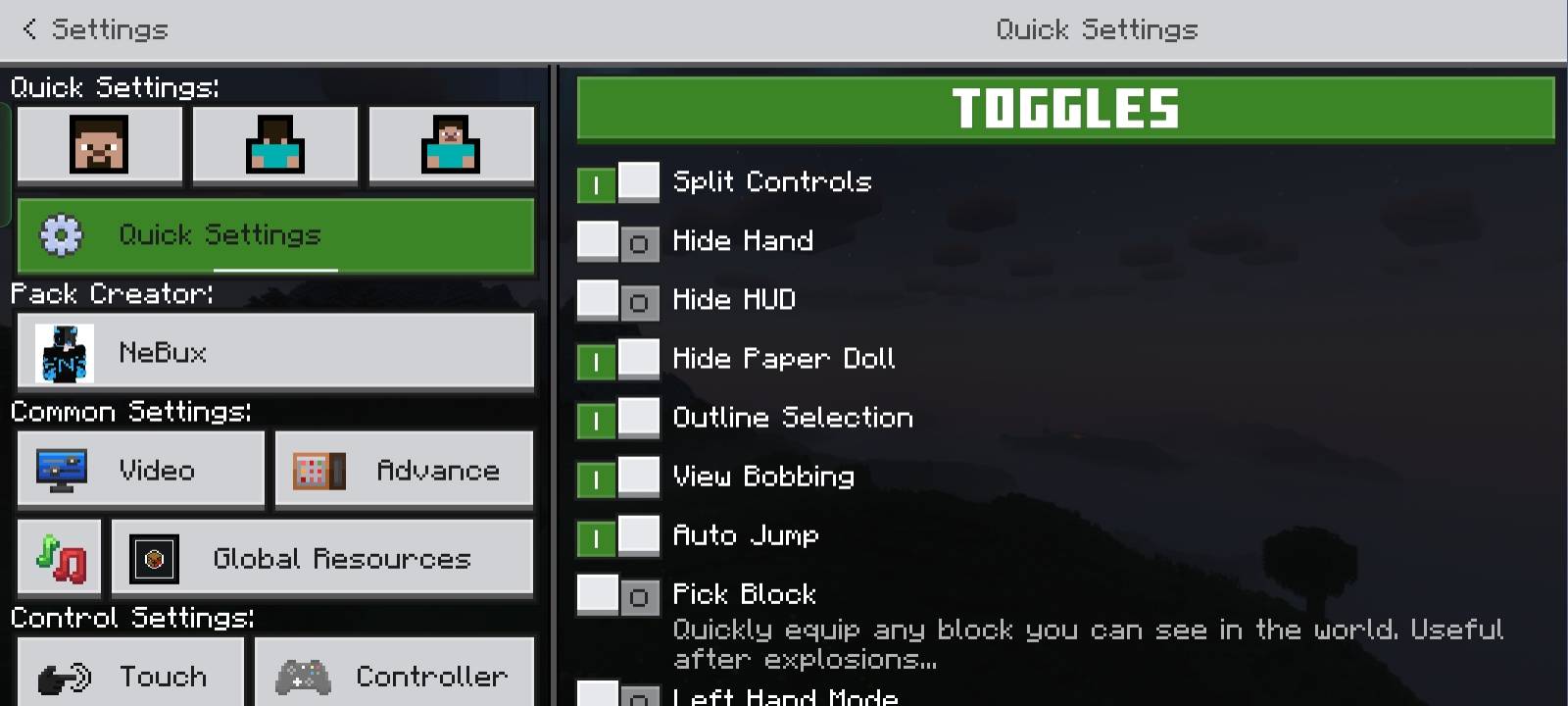
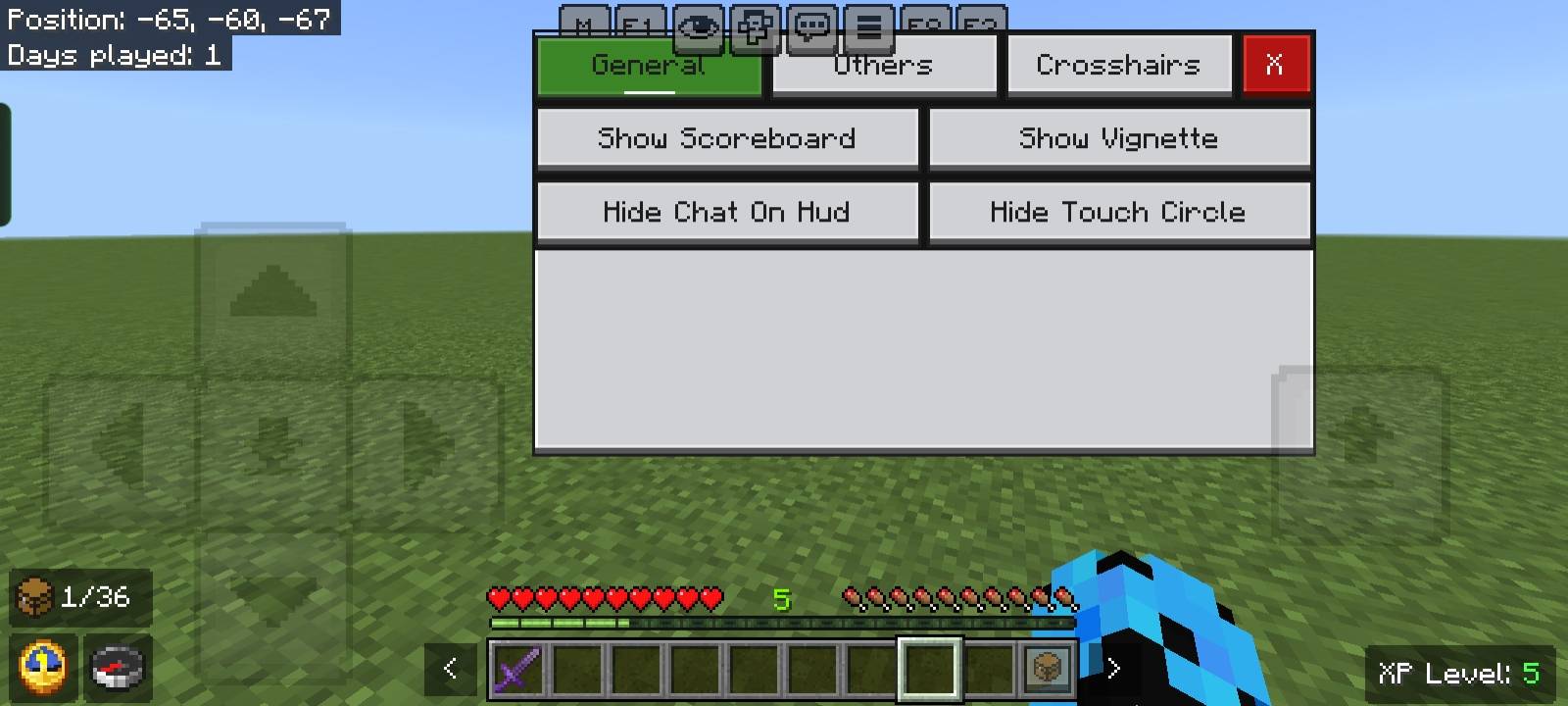
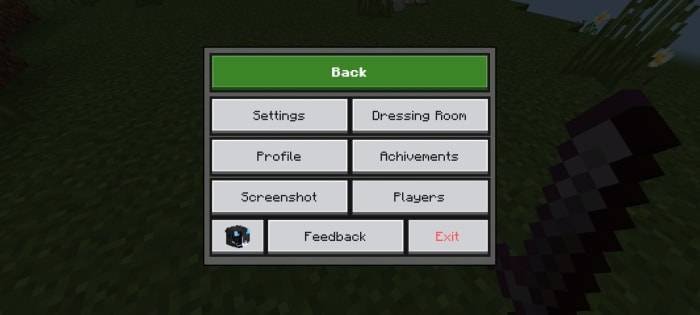
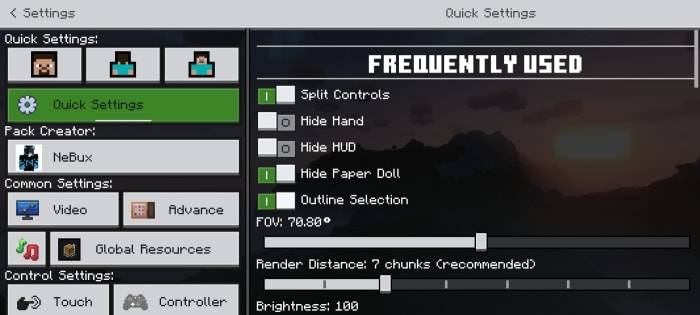
- Quick Settings: Access frequently used toggles like Field of View (FOV) and Camera View through a dedicated menu for faster adjustments.
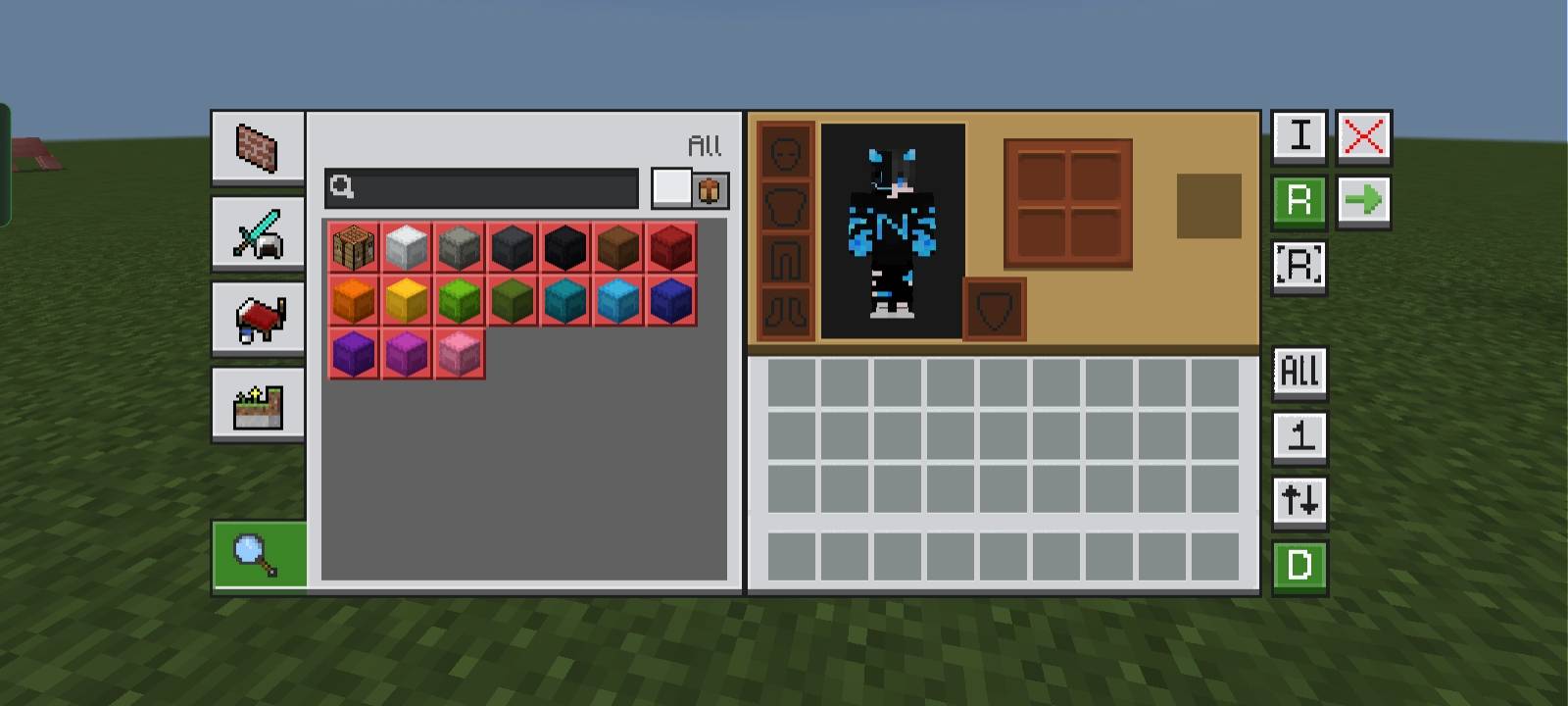
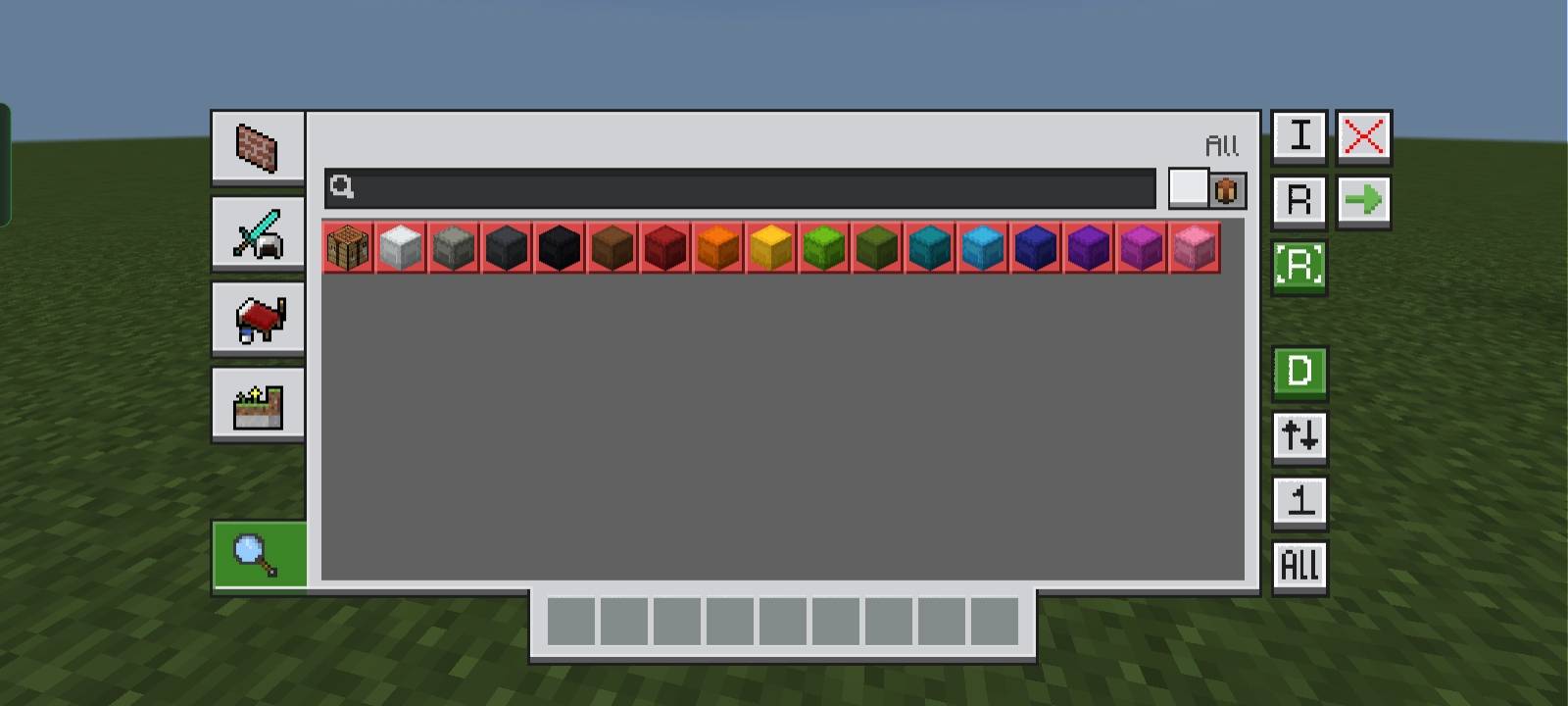
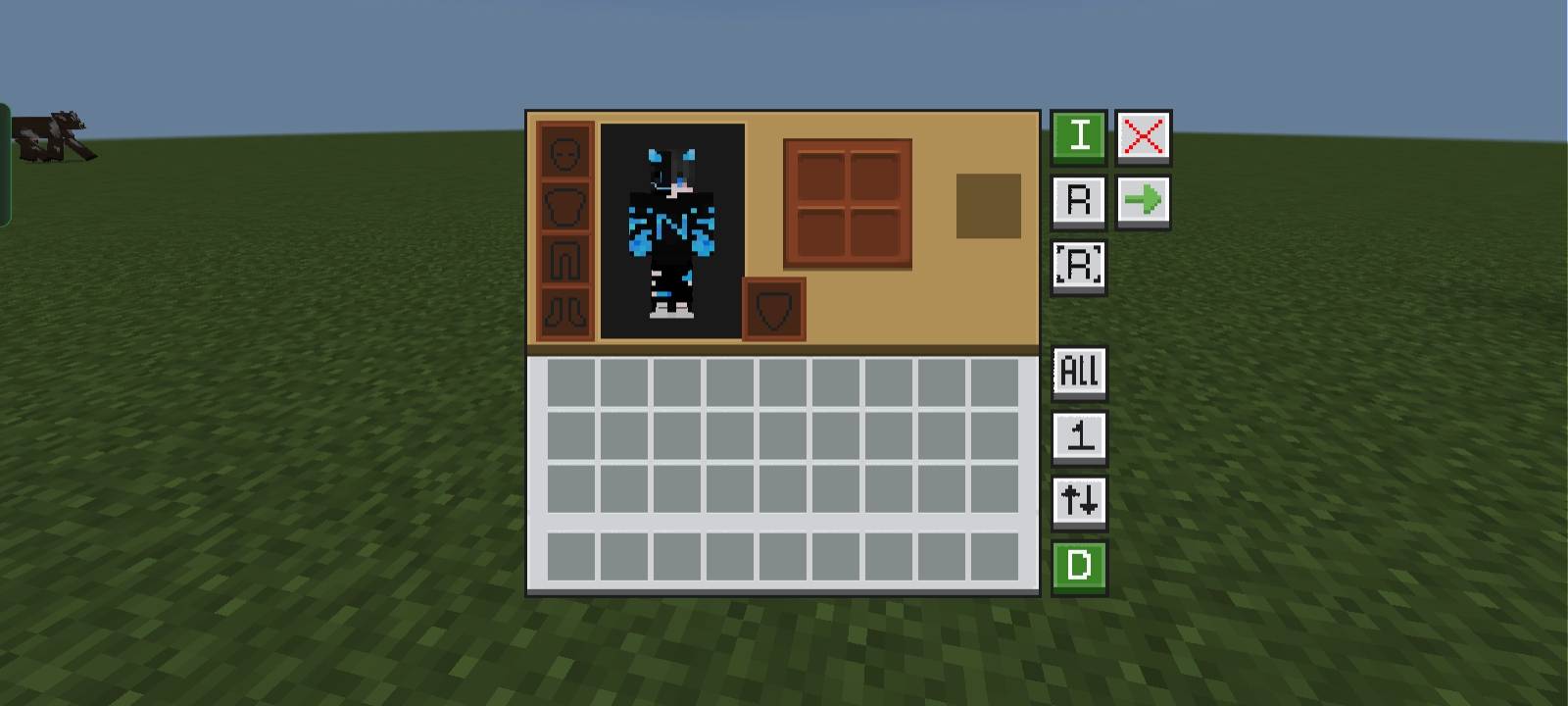
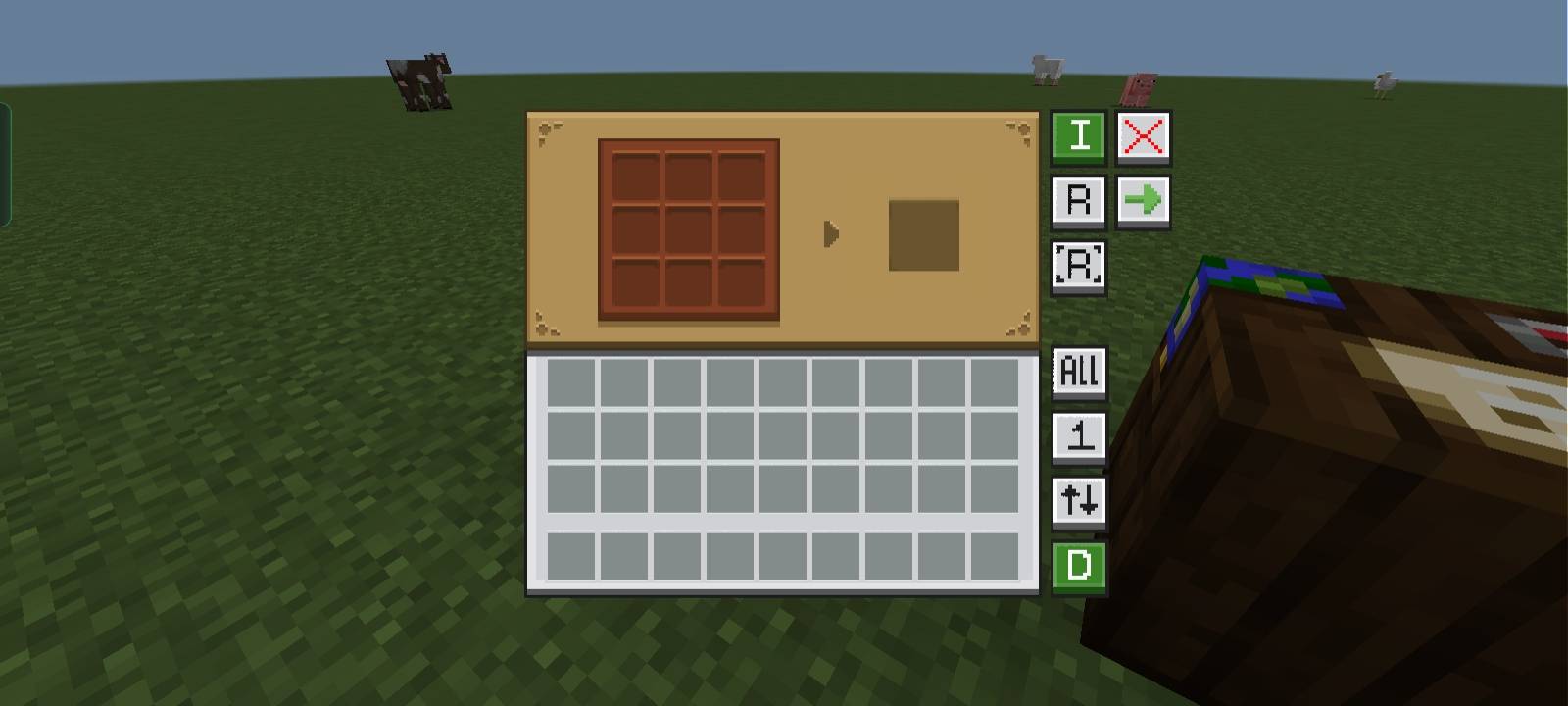
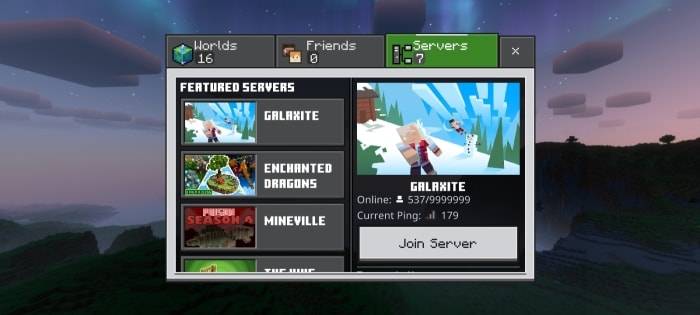
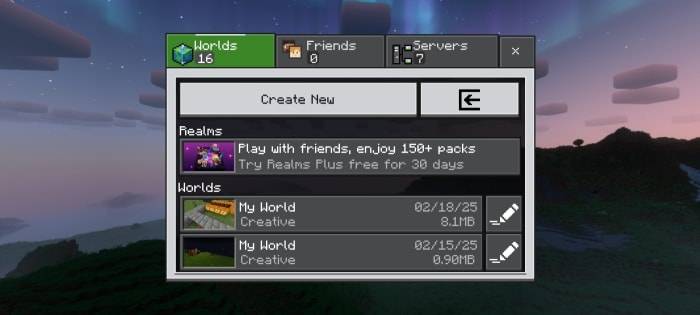
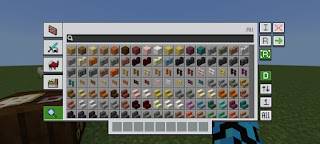
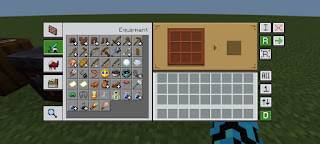
- Quick Buttons: Added shortcuts including a direct Servers button, quick craft, quick drop, drop all, and quick move to minimize navigation time.
- Quick Craft & Quick Loot: Optimized UI elements speed up crafting and looting processes.
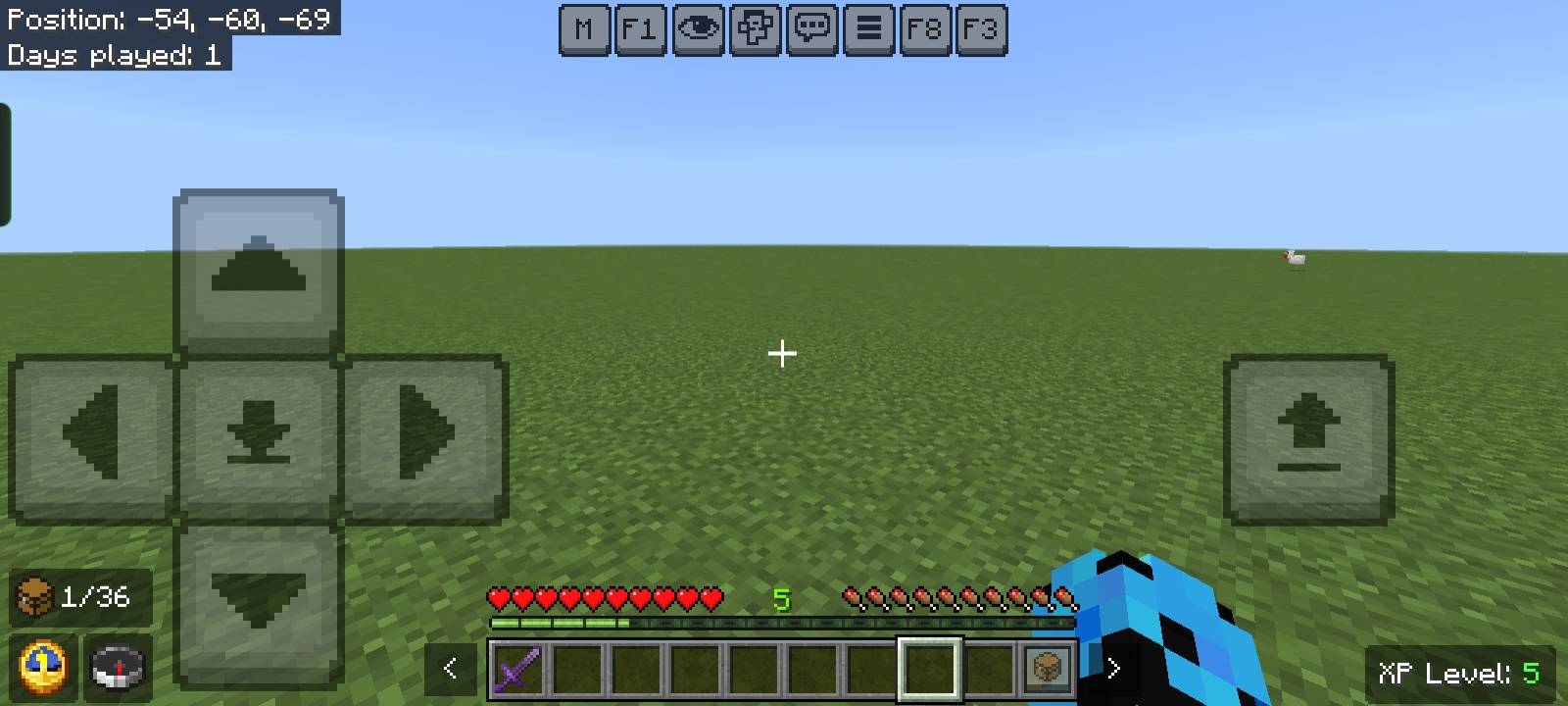
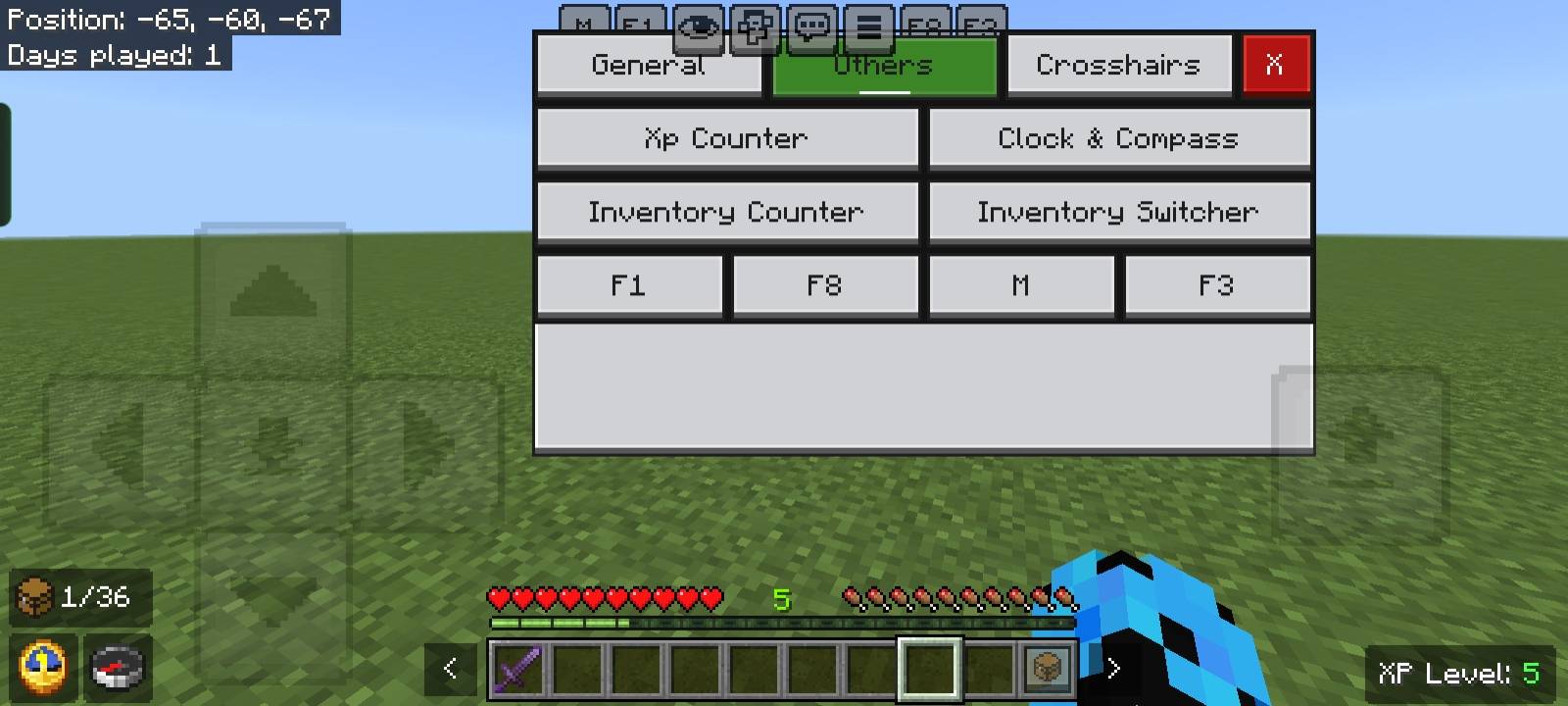
- F1 & F8 Buttons: Mimic Java Edition controls where F1 hides the HUD and F8 toggles the player model display.
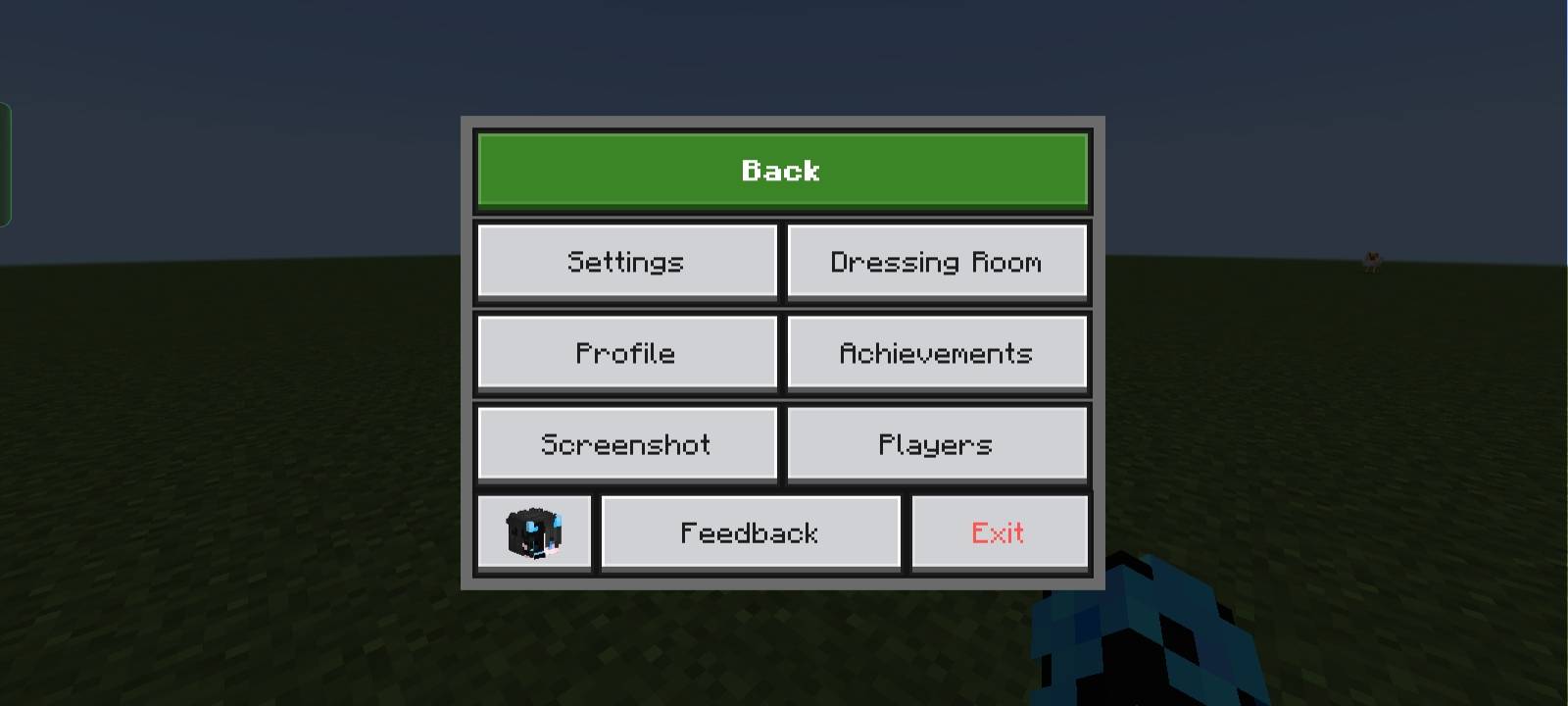
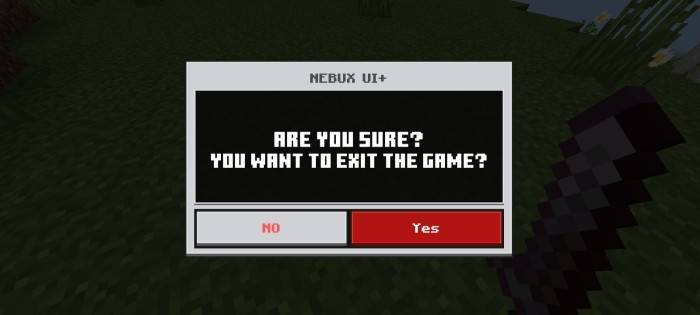
- Exit Warning: Adds a confirmation prompt to prevent accidental game exits.
- Persistent Screens: Inventory, crafting, and other UI screens remain open even when the player takes damage.
- No Chat Input Limit: Removes character restrictions in chat, allowing longer messages.
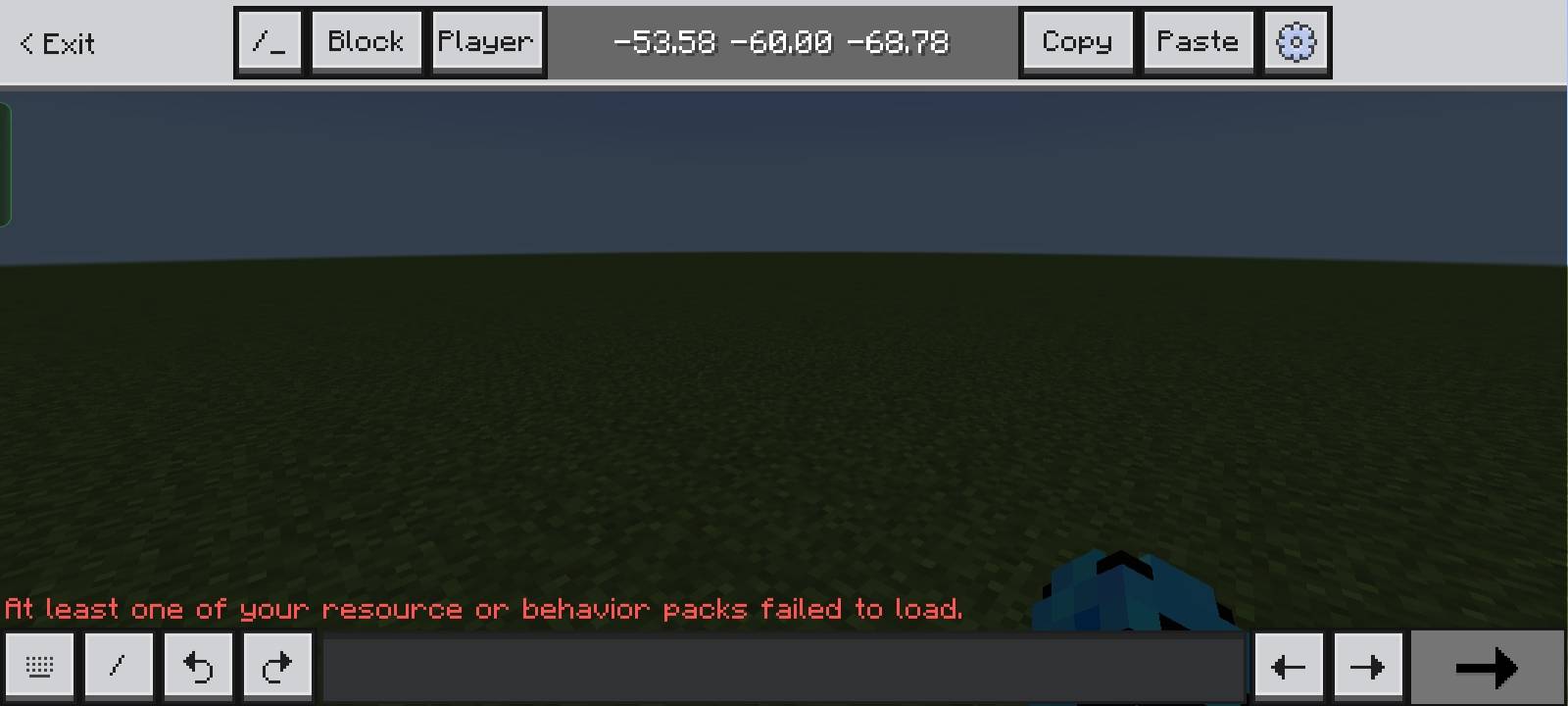
- Chat Quick Buttons: Provides Undo and Next buttons for improved chat management.
- UI Animations: Smooth visual effects enhance the interface experience.
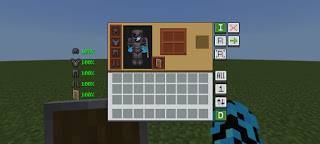
- Durability Viewer: Displays armor and tool durability exclusively on the inventory screen.
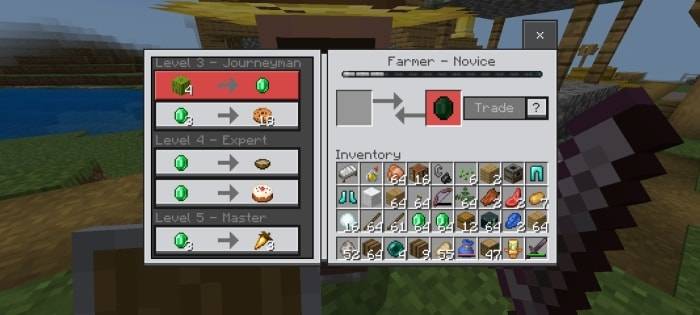
- Trade Unlocker: Unlocks all villager trades without the need to level them up.
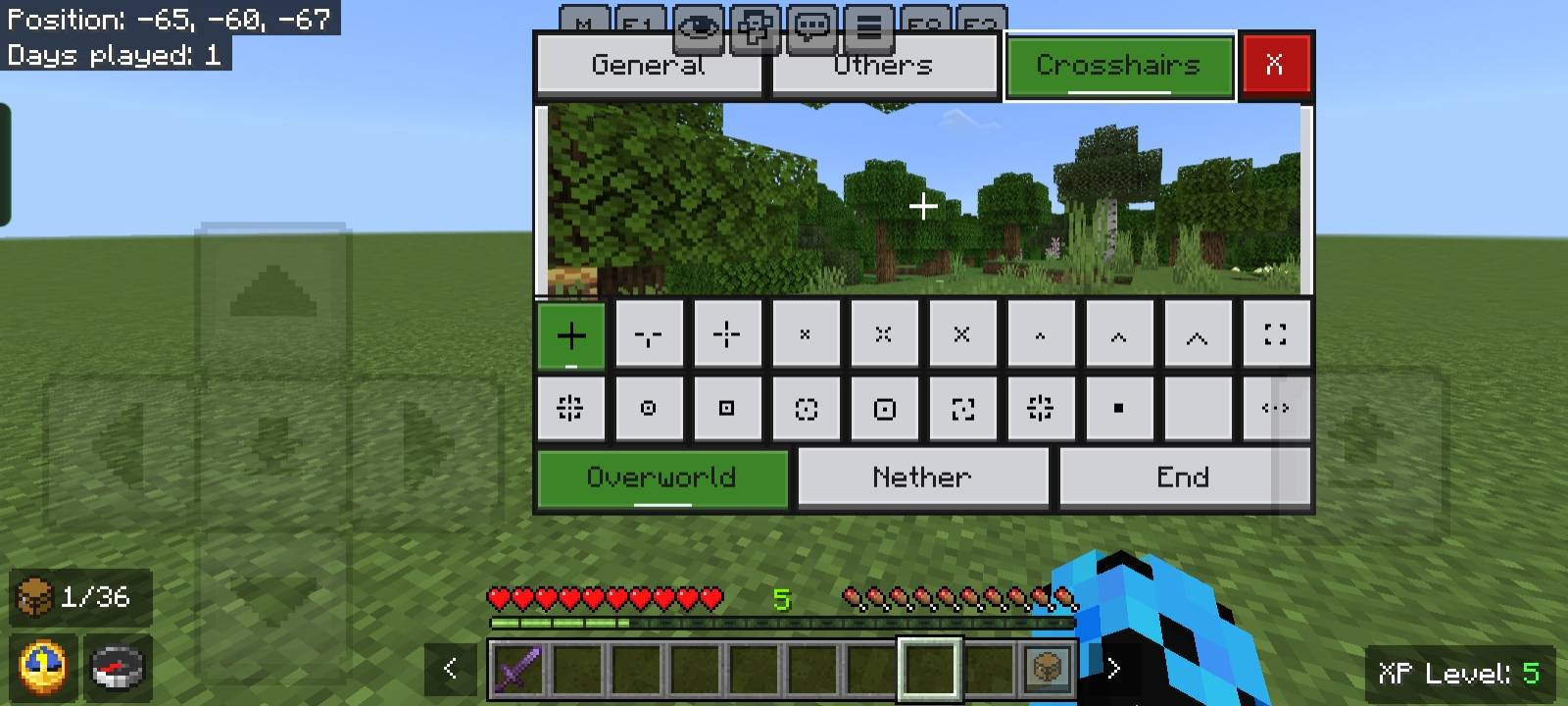
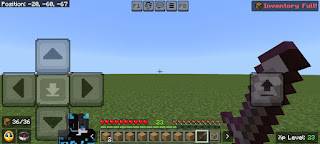
- Inventory Counter: Shows how many inventory slots remain available.
- Inventory Full Warning: Displays a notification at the top-right of the HUD when inventory is full.
- Clock & Compass: Functional clock and compass icons appear on the HUD without crafting them.
- XP Counter: Displays current experience points, visible even in creative mode.
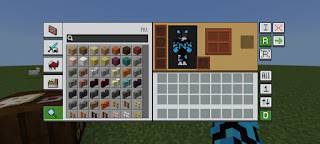
- Enhanced Inventory: Improved inventory buttons for better usability.
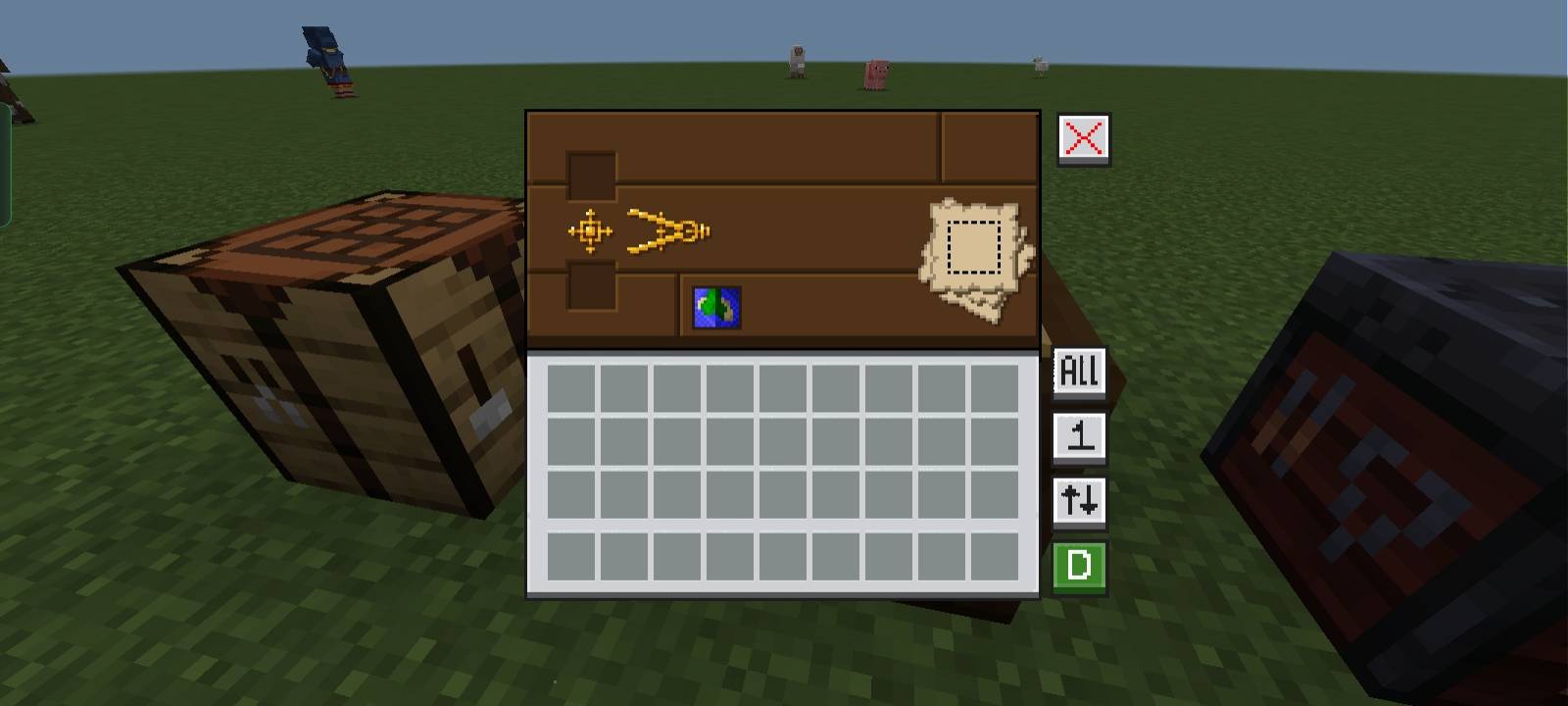
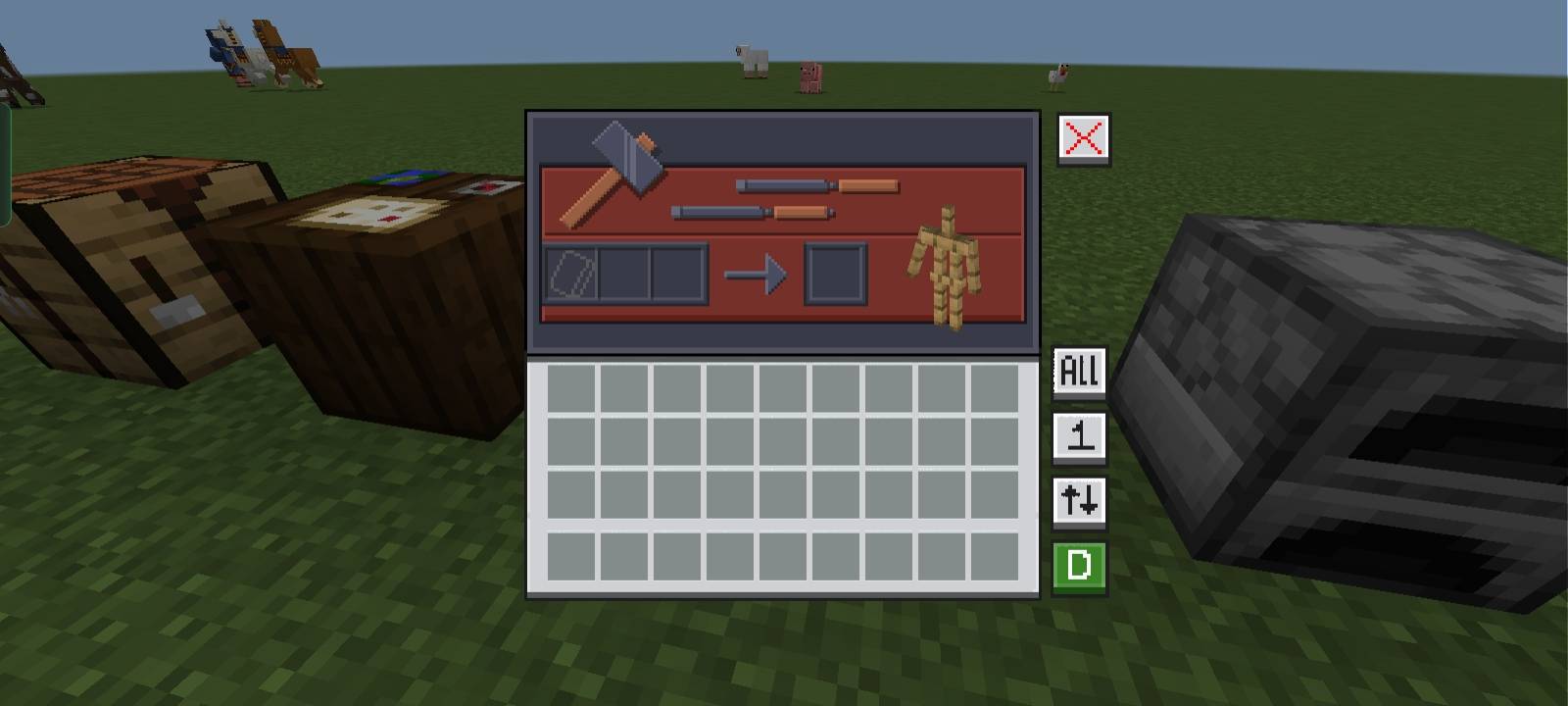
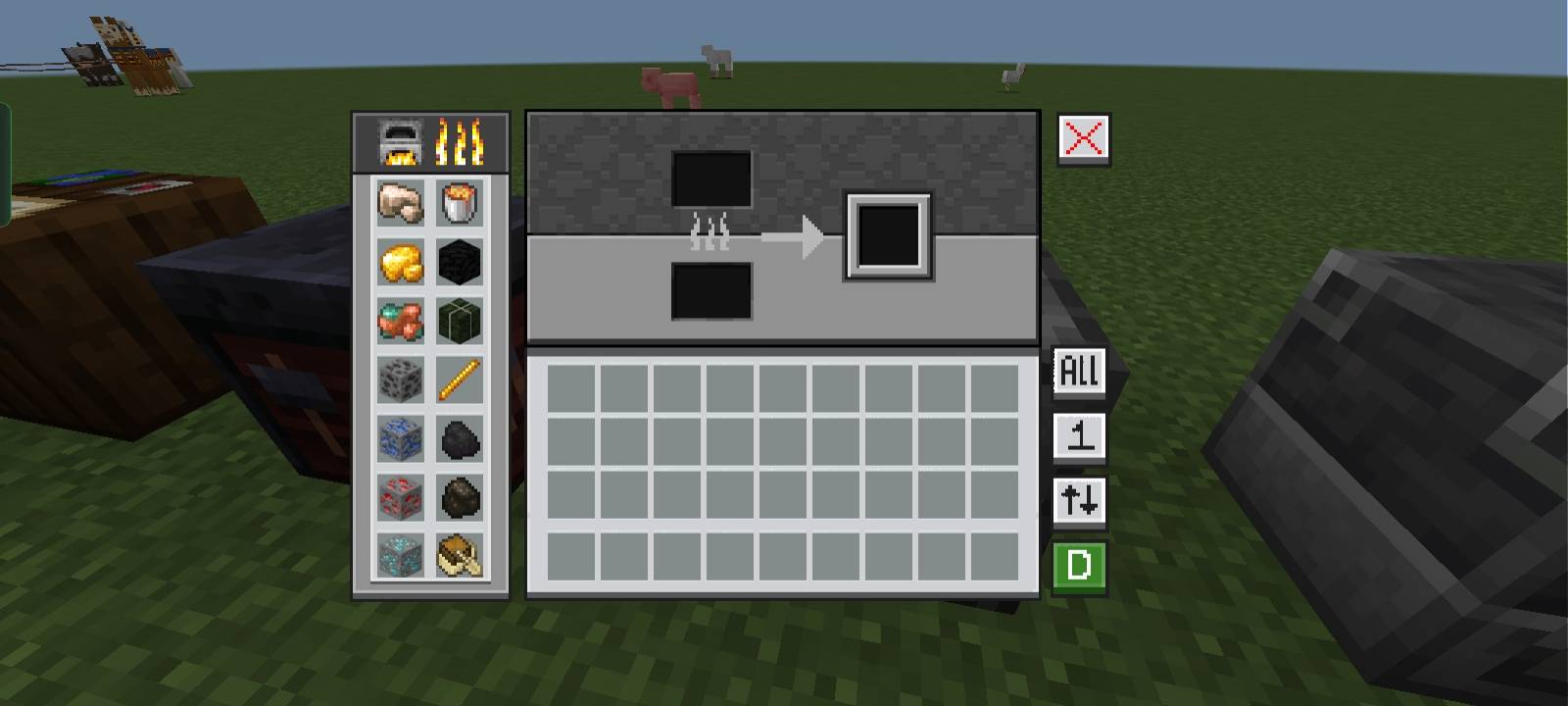
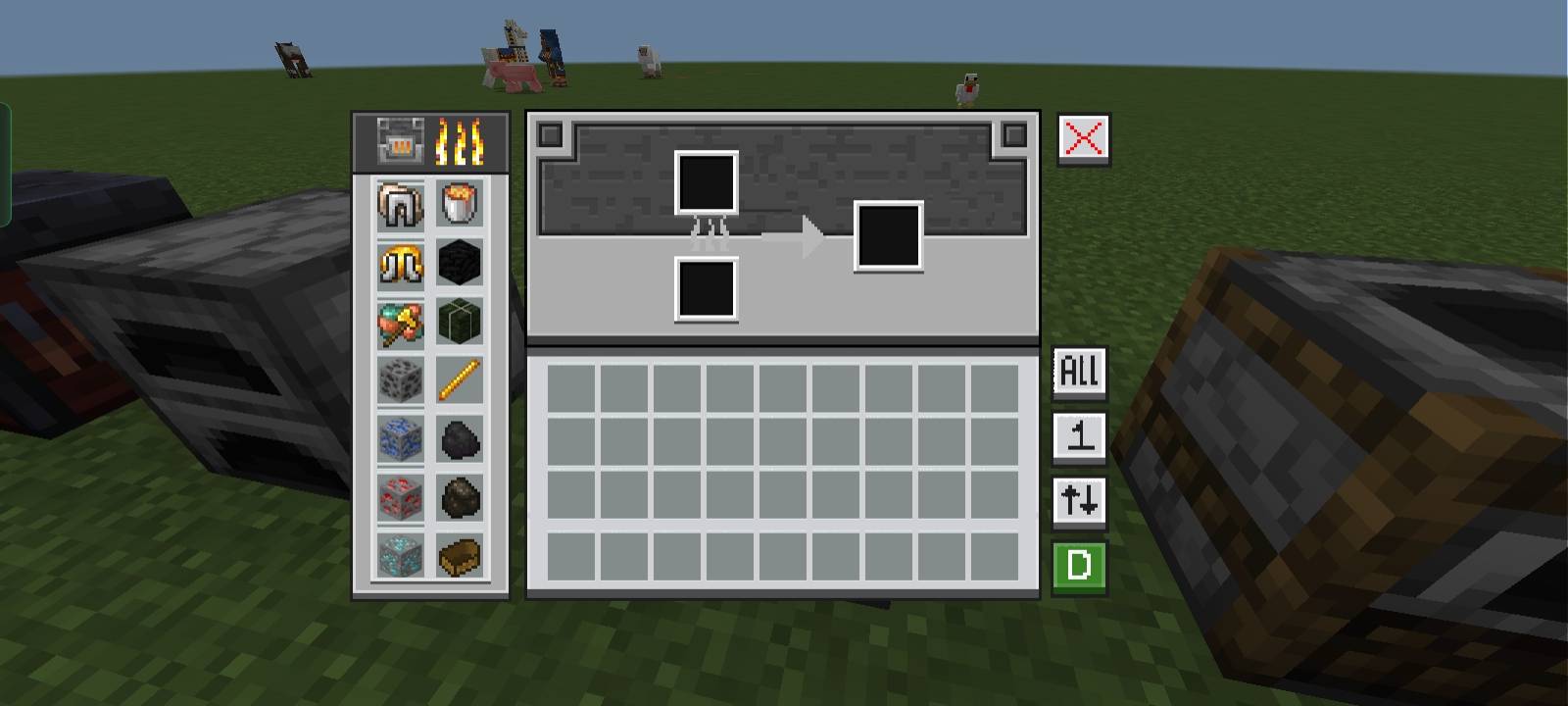
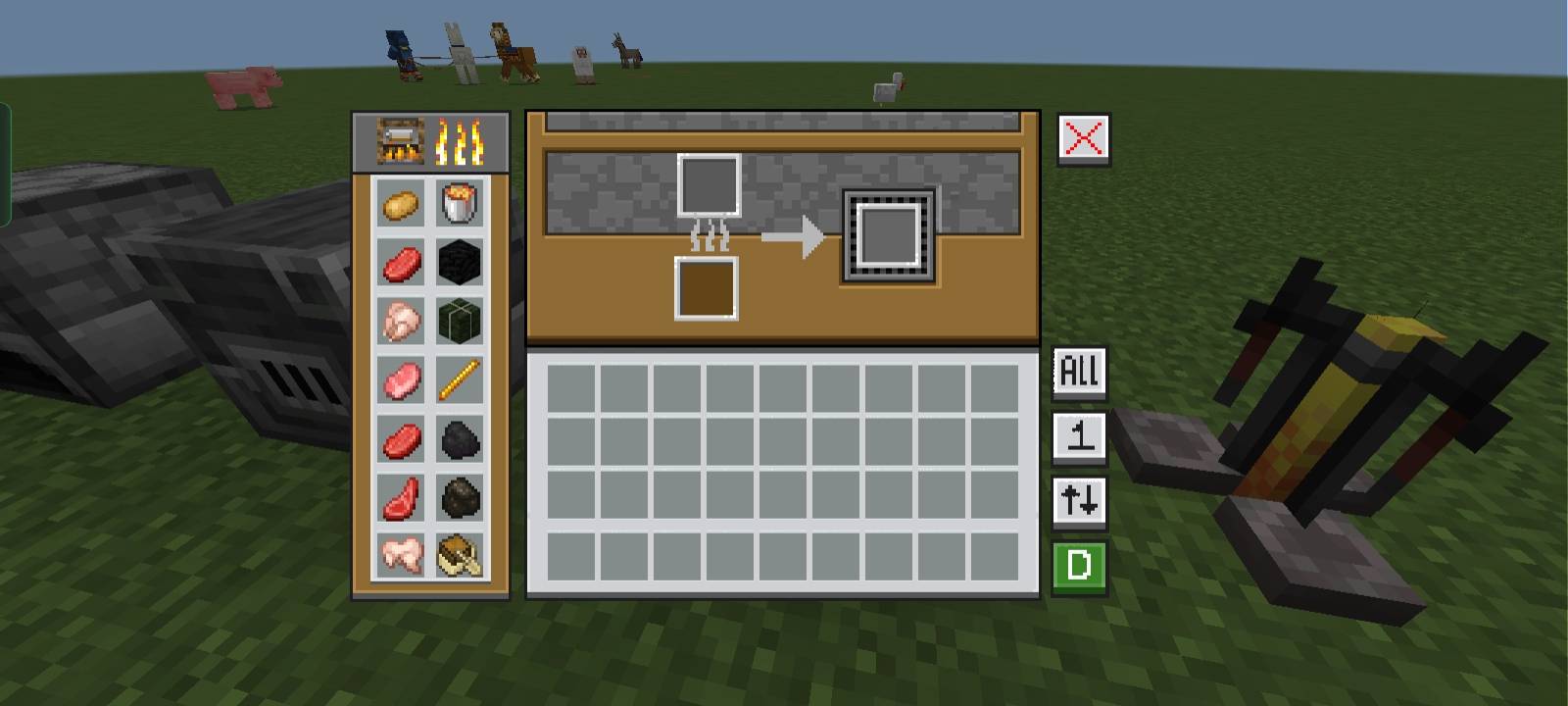
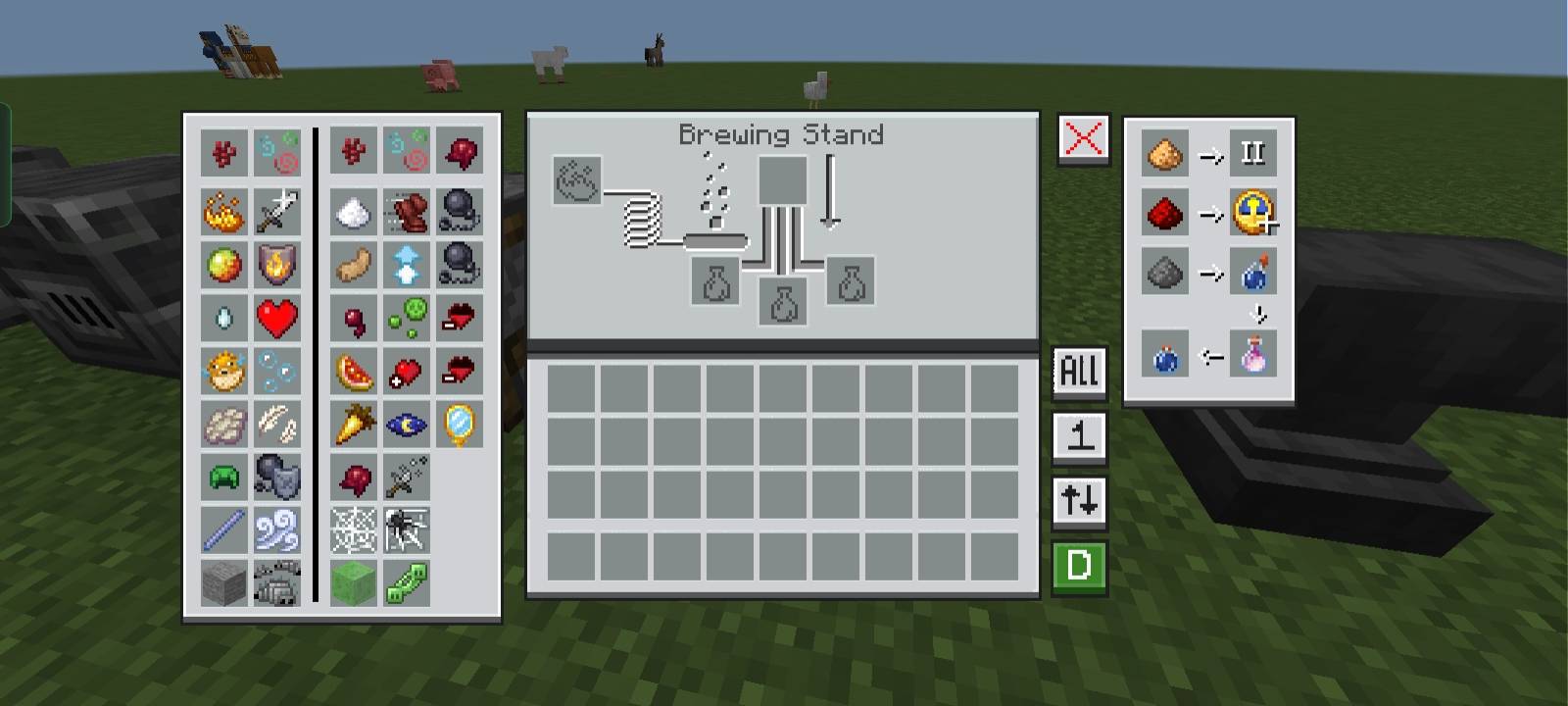
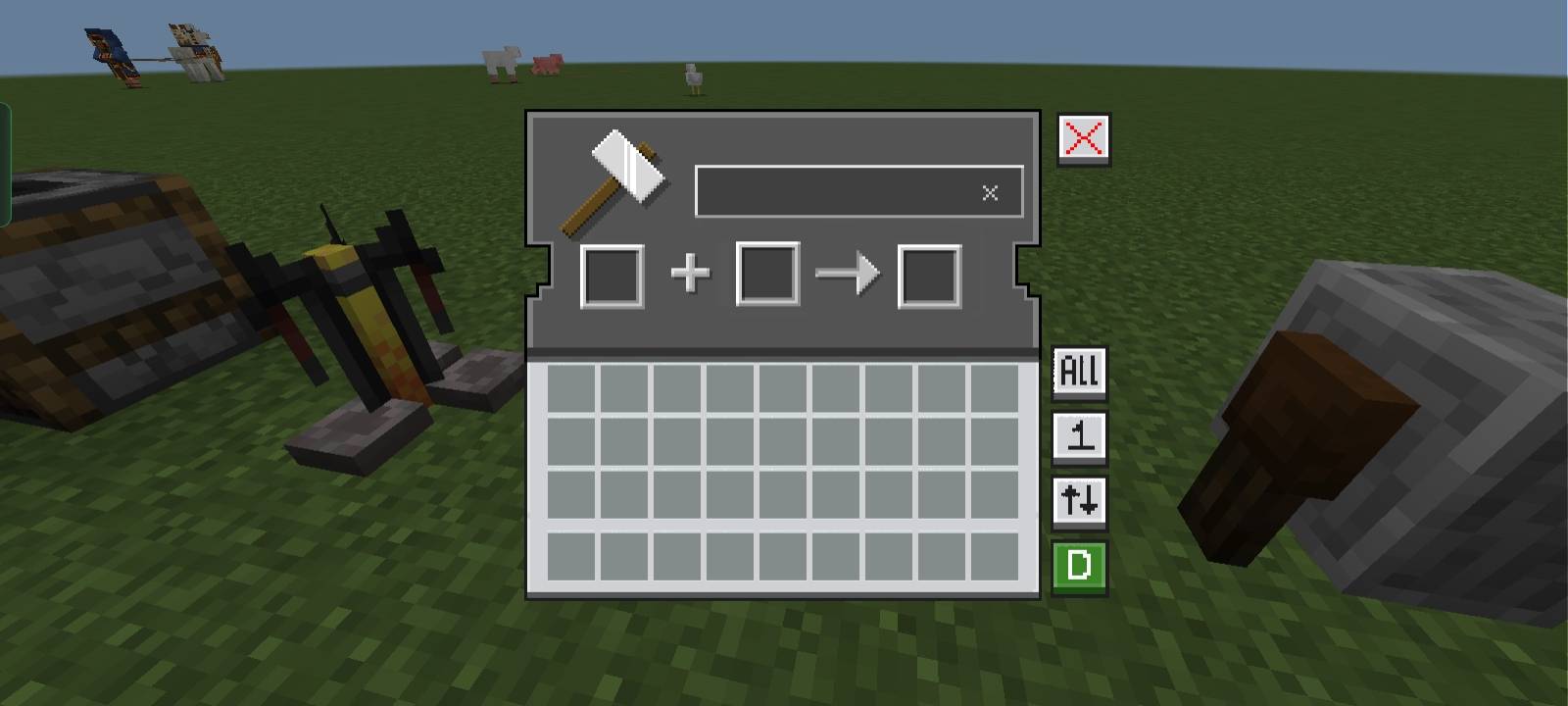
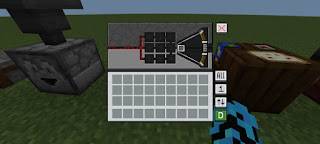
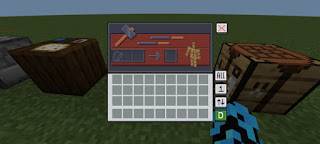
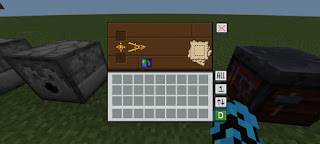
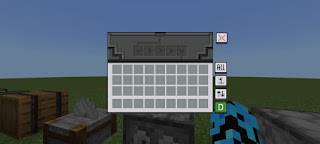
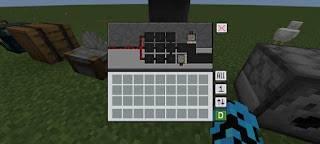
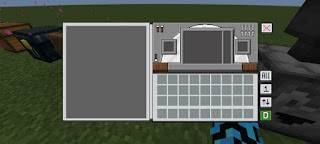
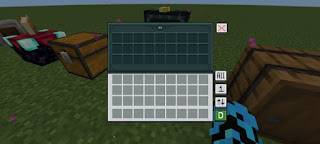
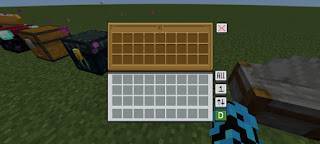
- Custom Containers: Unique graphical user interfaces for blocks like crafting tables, furnaces, and others.
- Dimension Loading Screens: Themed loading screens based on the current dimension.
- ToolTip Animations: Animated item name displays when switching hotbar slots.
- Chat Select: Enables selection of commands or chat lines by clicking them in the chat window.
- Dark Mode: Available via a separate extension pack for a darker UI theme.
- All Languages: AI-translated support for multiple languages; switch to English (US) if translations are unclear.
- Settings Fixes & Additions: Fixed storage section in settings, added mod menu, and custom crosshairs adjustable via the mod menu.
- Gameplay Guides: Built-in guides for enchantments, furnaces, blast furnaces, and smokers.
- Debug Screen (F3): Added an F3 debug screen for advanced information.
- UI Button Fixes: Improved button positioning to adapt to camera perspective settings.
Notes / Troubleshooting
If you notice any issues with translations, switching your game language to English (US) is recommended. For the Dark Mode feature, ensure that the extension pack is installed and placed above NeBux UI+ in the resource pack hierarchy.
Usage Terms
Allowed:
- Personal modifications of the pack.
- Showcasing the pack on content platforms, provided that the download link directs to the official source page and not to direct or paywalled links.
Not Allowed:
- Reuploading or redistributing the pack as your own.
- Uploading the pack to other websites without permission.
- Using code or assets from the pack without authorization.
- Commercial sale or monetization of the pack.
- Sharing the pack on third-party sites with personal download links.