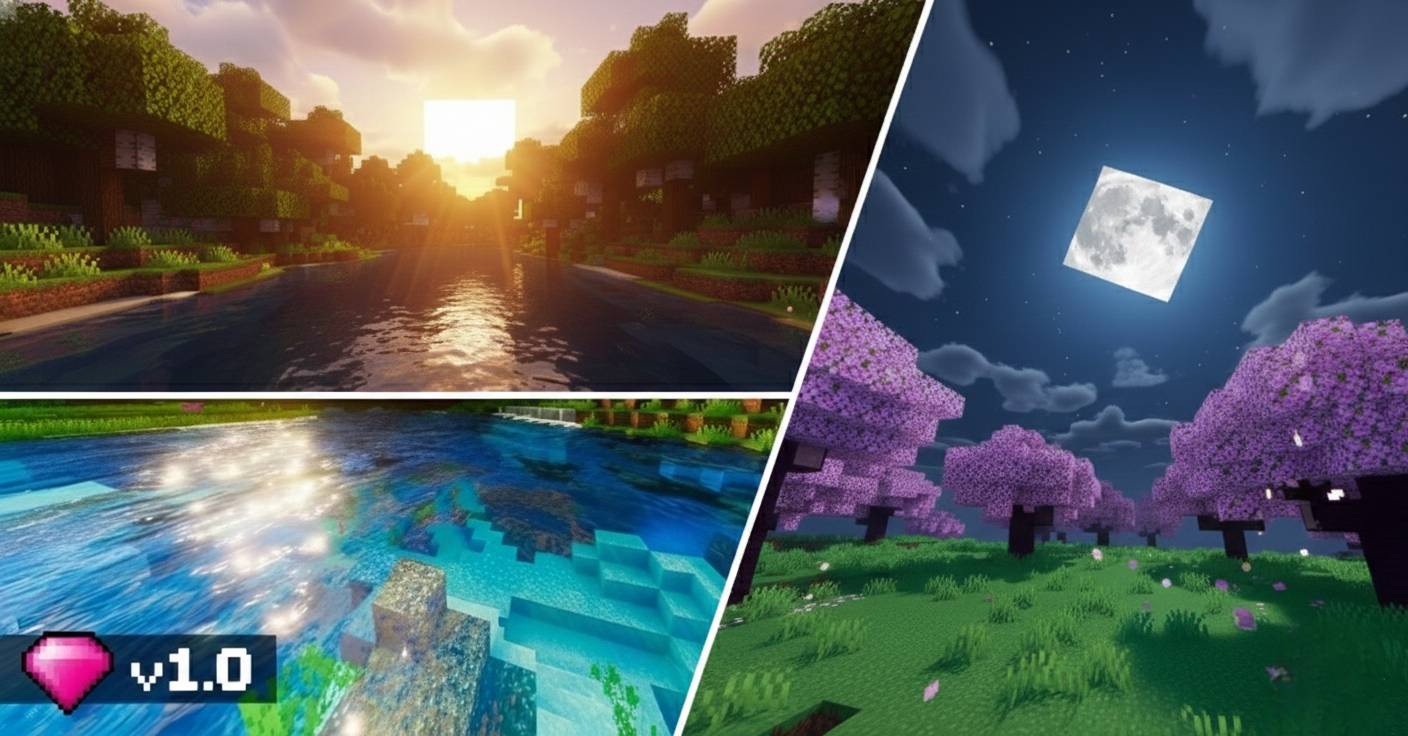
Lumina Prime
23.02.2026
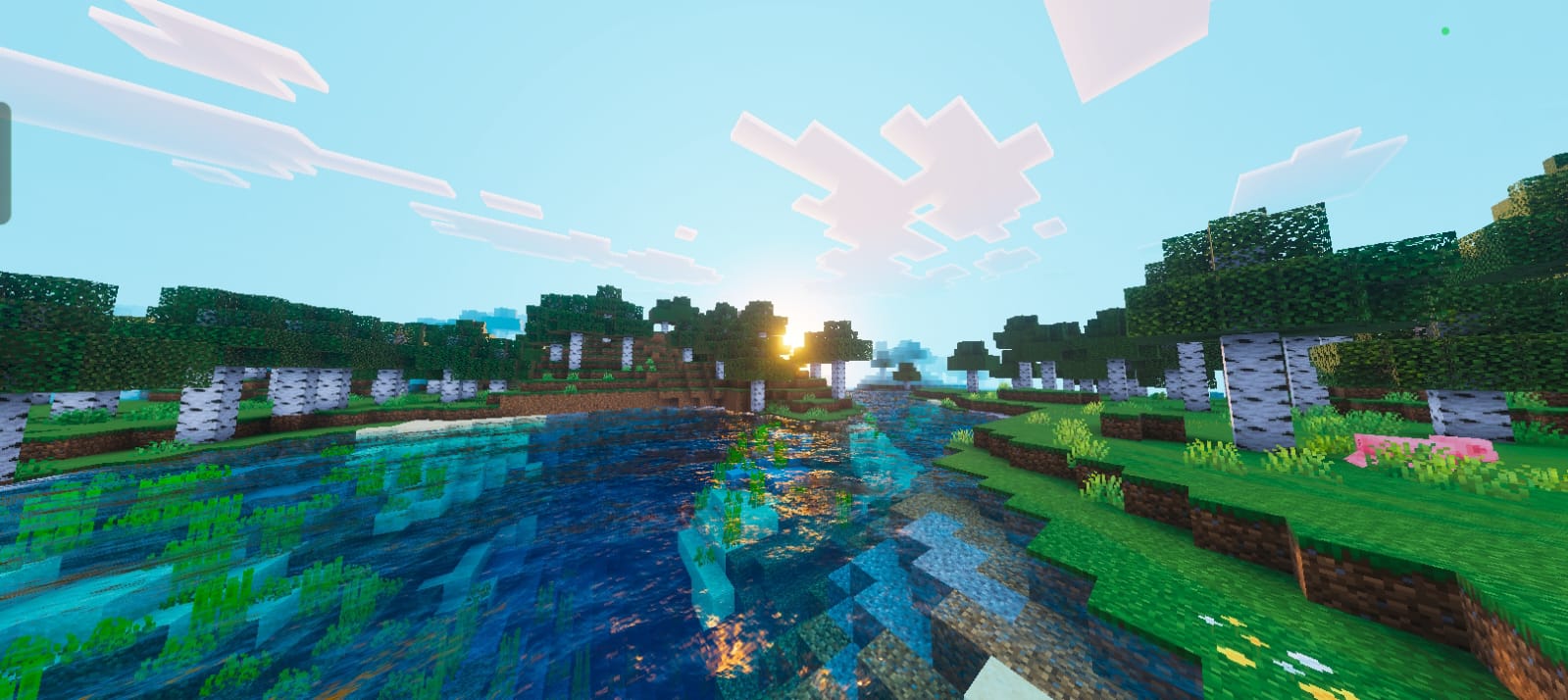
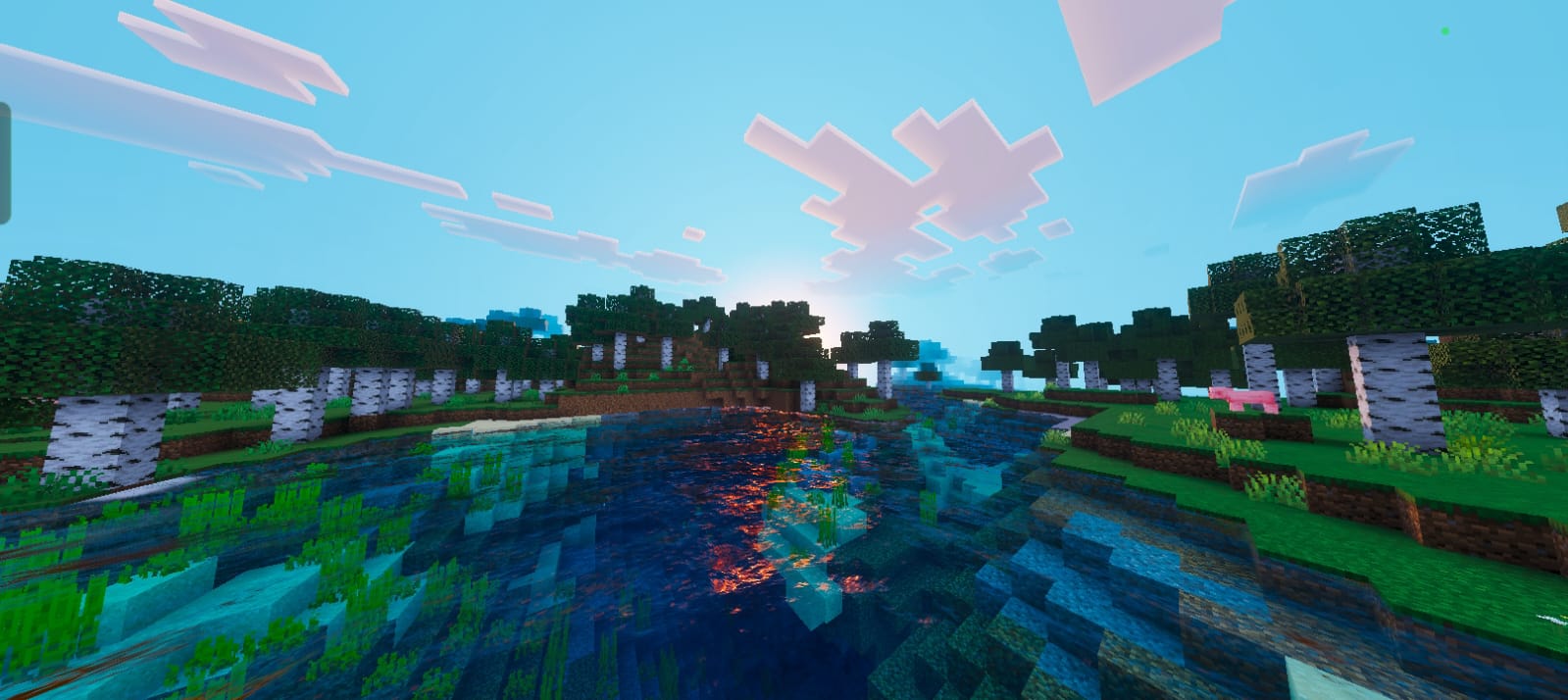
Lumina Prime enhances Minecraft with stunning shader effects that bring cinematic lighting, vivid sunsets, and crystal-clear water to your game environment. Designed to balance visual quality with smooth gameplay, this shader pack transforms your Minecraft world into a beautifully immersive experience.
Installation / How to Use
To install Lumina Prime Shaders, download the shader pack file compatible with your Minecraft Bedrock Edition. Place the shader folder into the “shader_packs” directory within your Minecraft game files. Enable the shader pack from the game’s settings under the video or graphics options menu. Restart Minecraft if necessary to apply changes.
Requirements / Compatibility
Lumina Prime is optimized for devices capable of running shader effects smoothly. It works best on PCs and consoles with graphics support for advanced lighting and reflections. Ensure your Minecraft Bedrock Edition is updated to the latest version for full compatibility. Performance may vary depending on hardware.
Key Features
- Cinematic Lighting: Dynamic shadows and realistic sun glare add depth and atmosphere to every block and landscape.
- Vibrant Atmospheric Scattering: A redesigned sky system produces beautiful, colorful sunrises and rich “Golden Hour” sunsets.
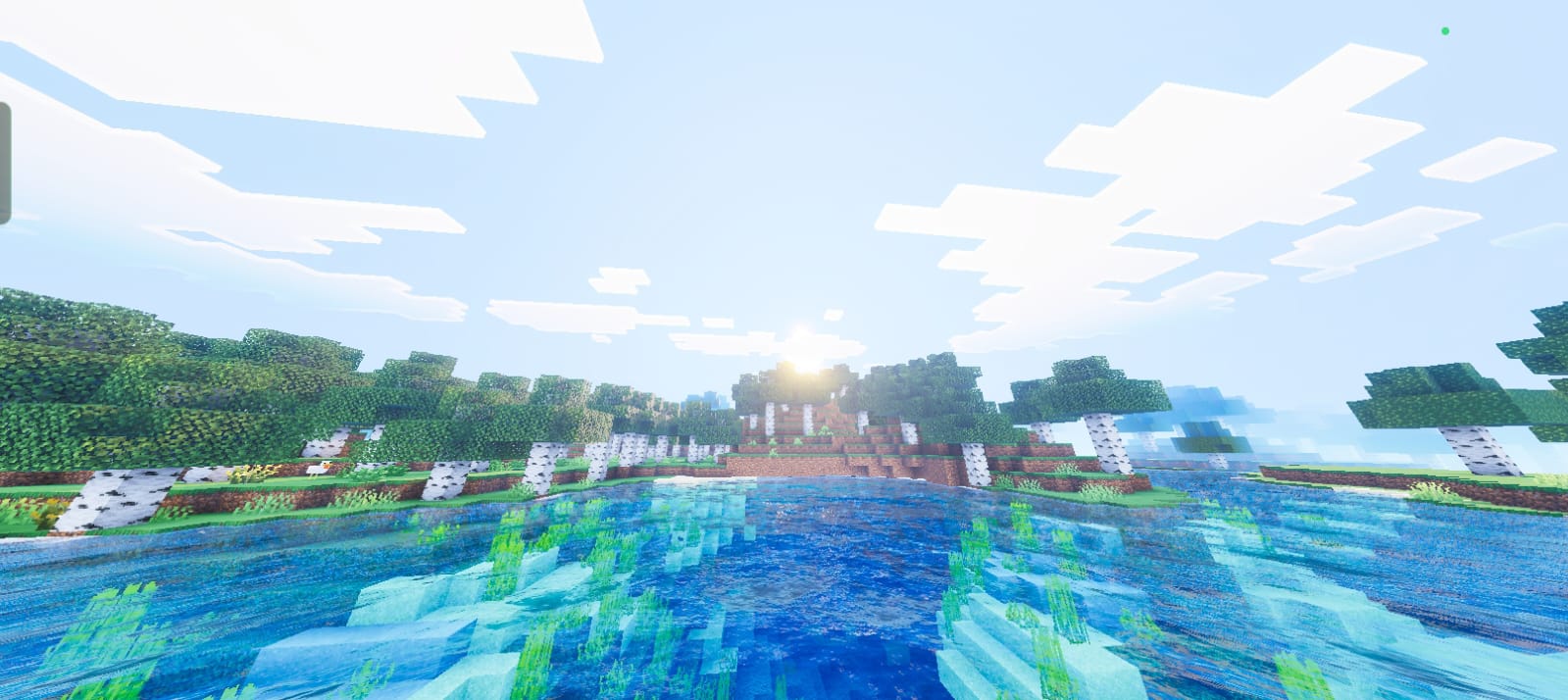
- Crystal Clear Water 2.0: Experience ultra-transparent water with realistic wave behavior and detailed surface reflections.
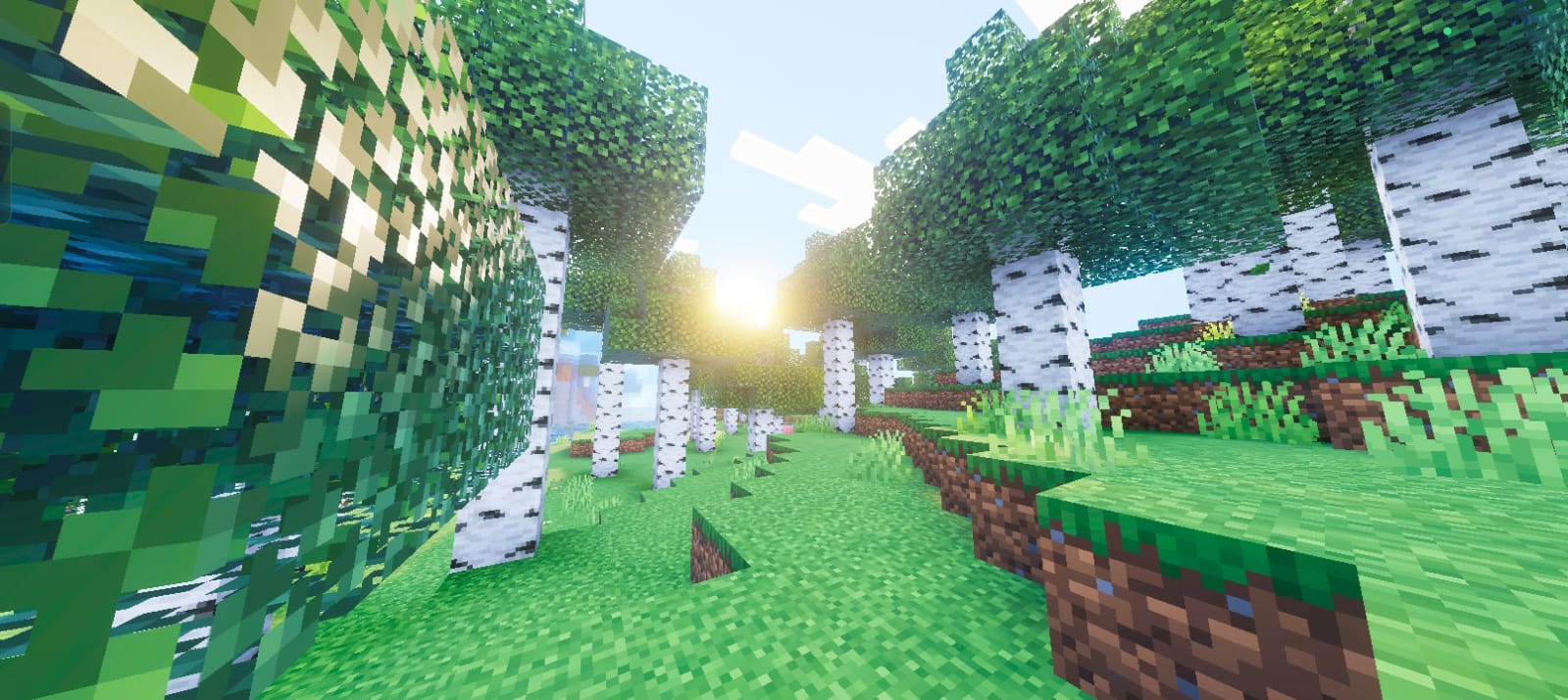
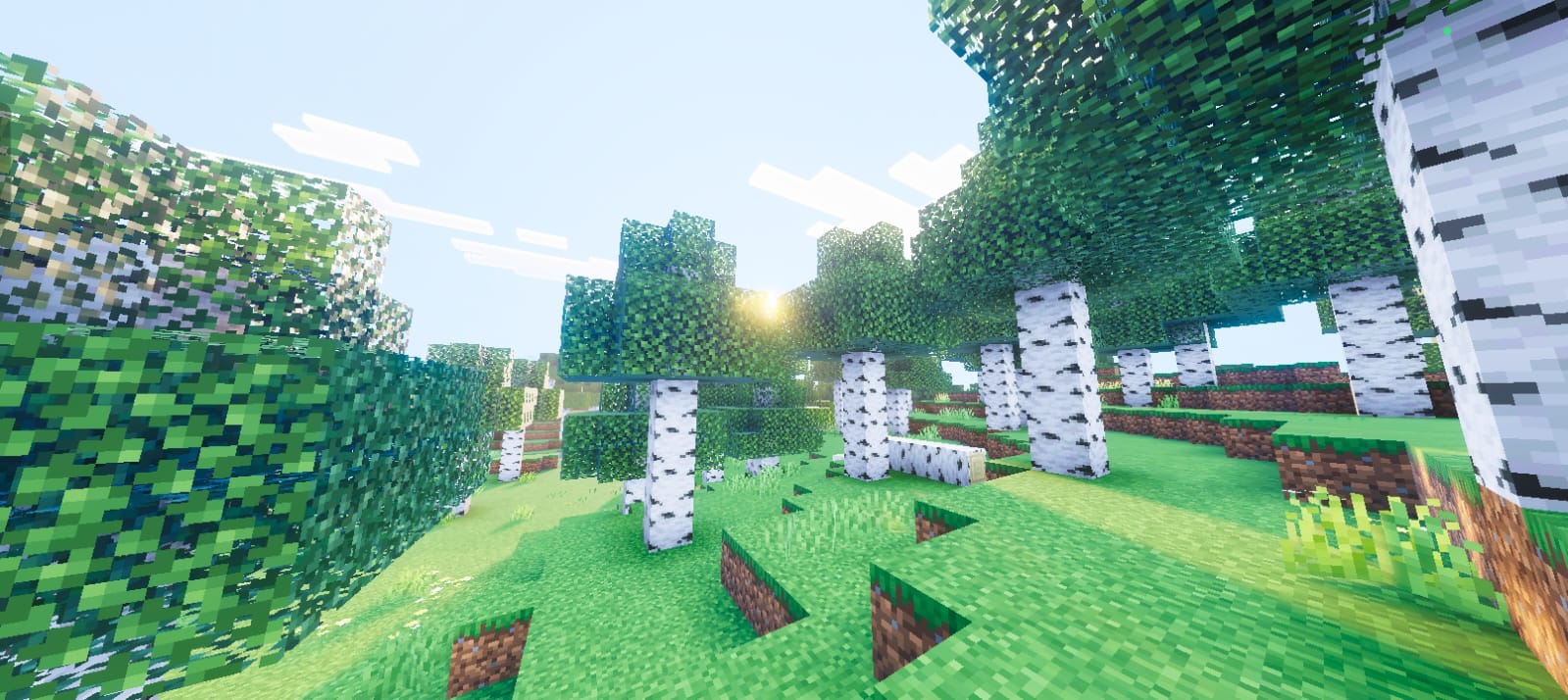
- Volumetric Fog & God-Rays: Dense fog and radiant light shafts enhance immersion in forests, caves, and other environments.
- Professional Tone Mapping: Balanced color grading ensures visuals are vivid without being too dark or washed out, making each frame look like art.
Image Preview
Below are examples showcasing the visual enhancements Lumina Prime Shaders bring to Minecraft:
Notes / Troubleshooting
If you experience performance issues, try lowering shader settings or disabling some effects. Make sure your graphics drivers are up to date. For installation help, check your Minecraft version and verify the shader pack is placed in the correct folder.