Full Bright Voxen
28.02.2026
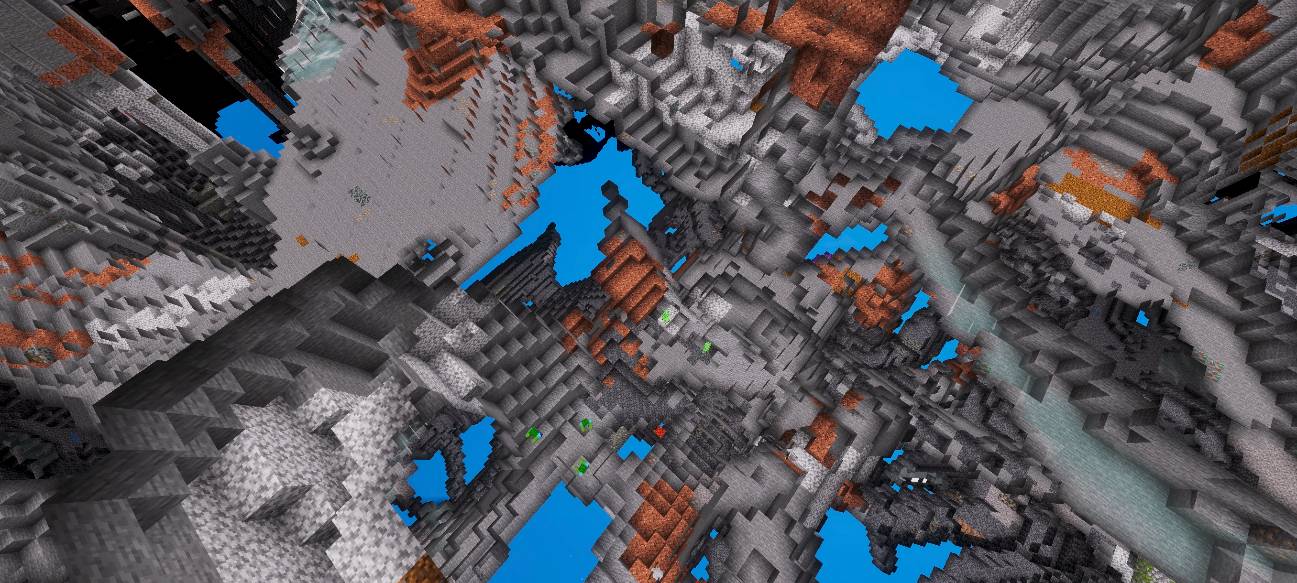
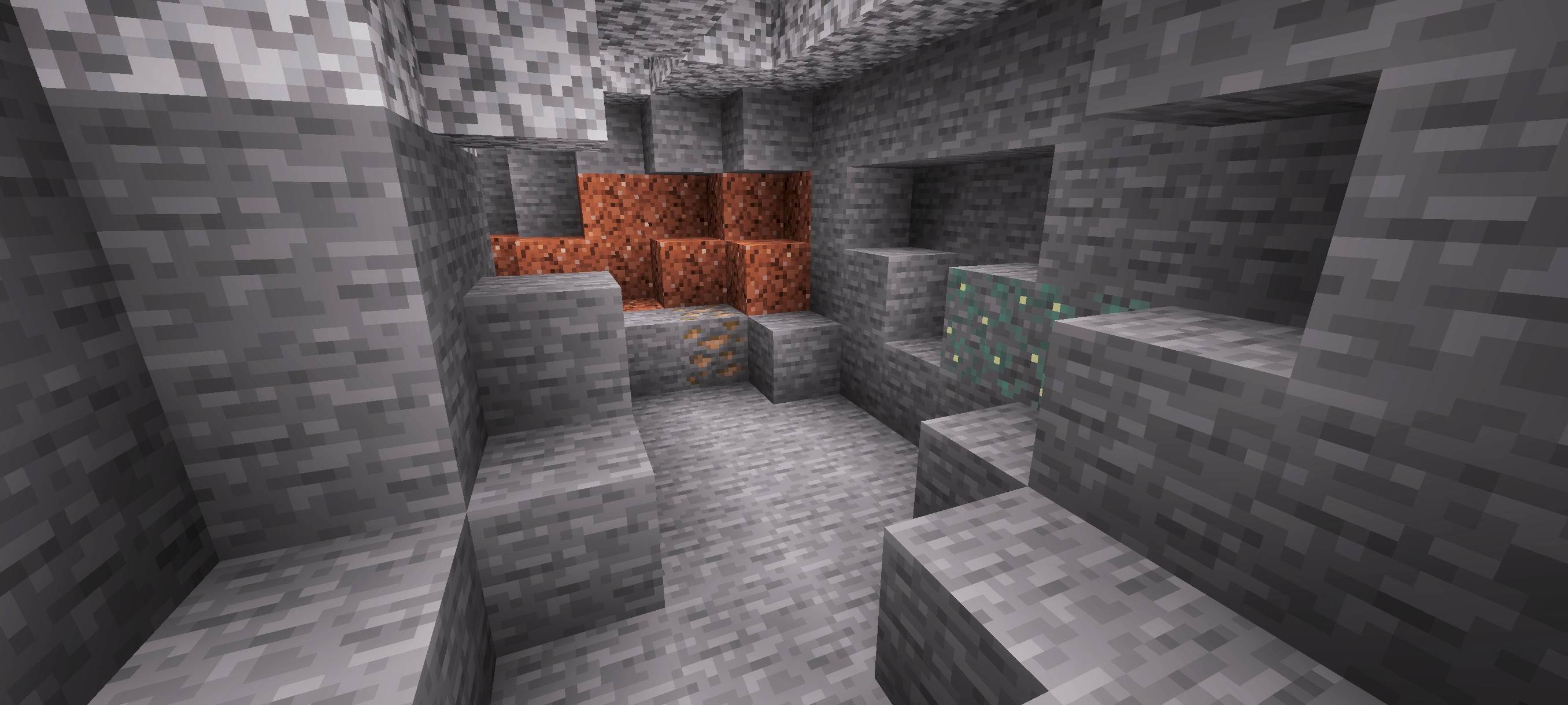
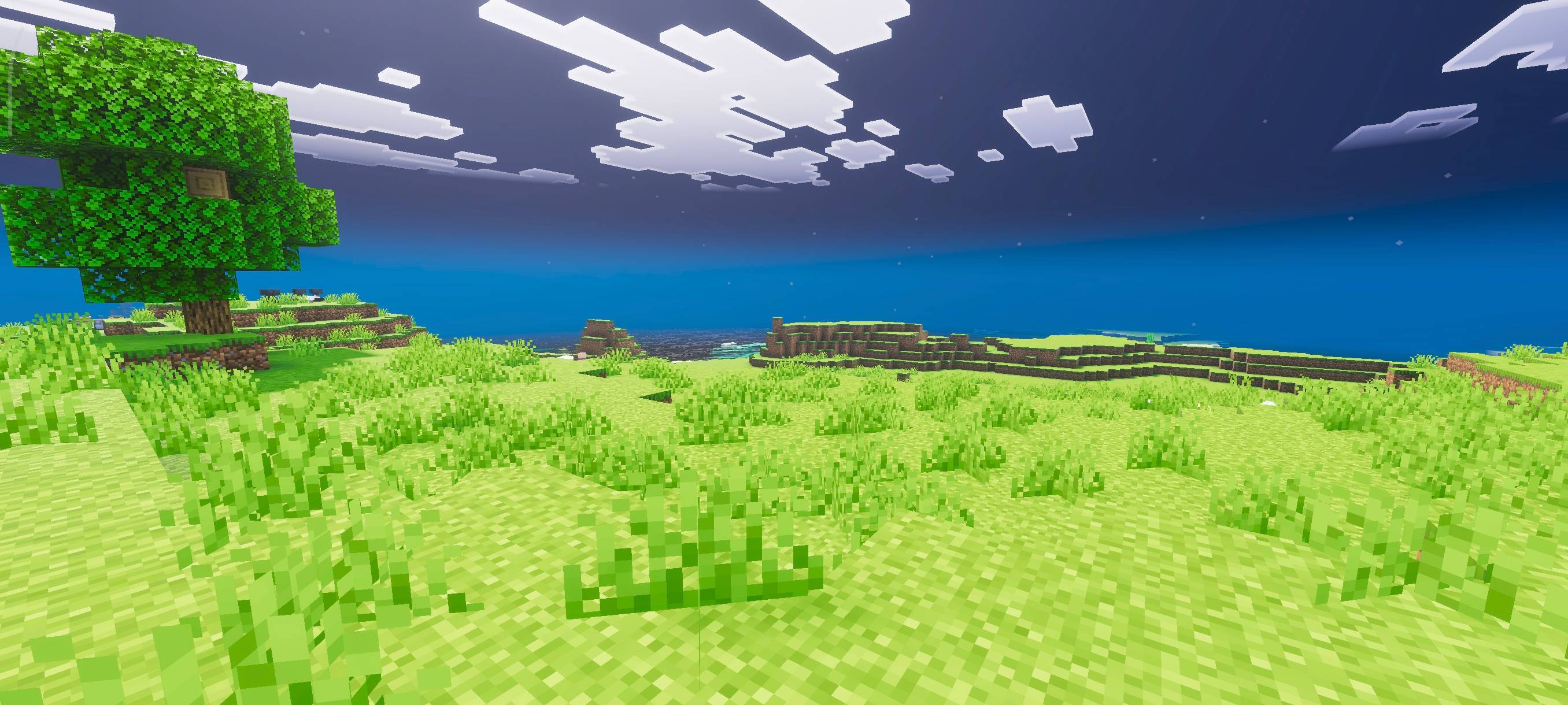
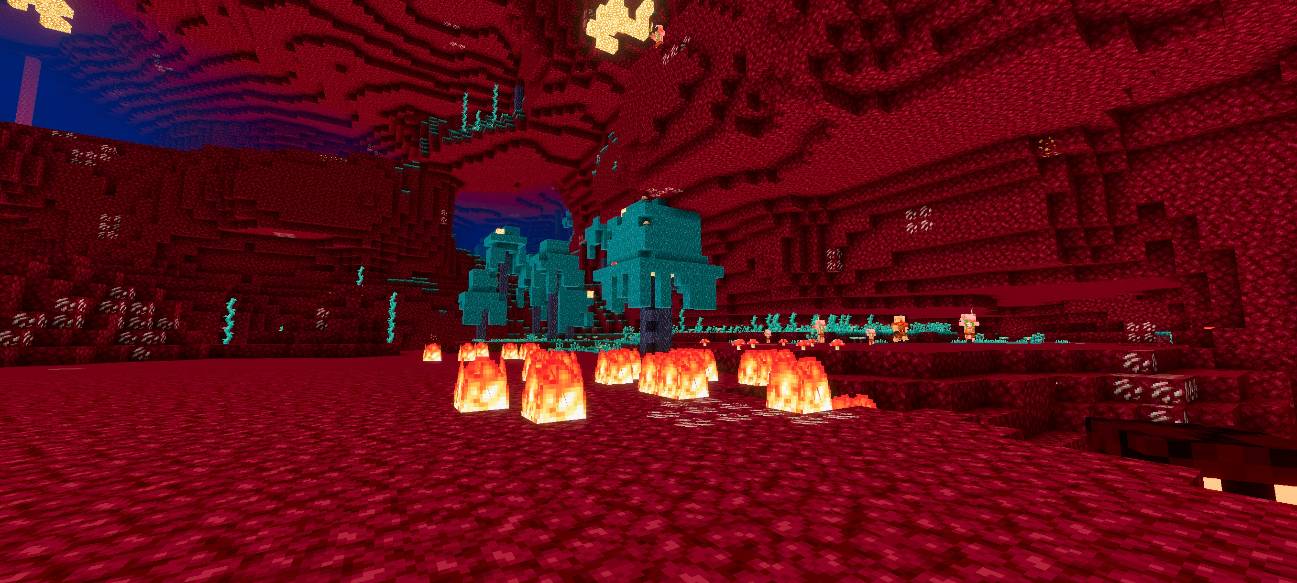
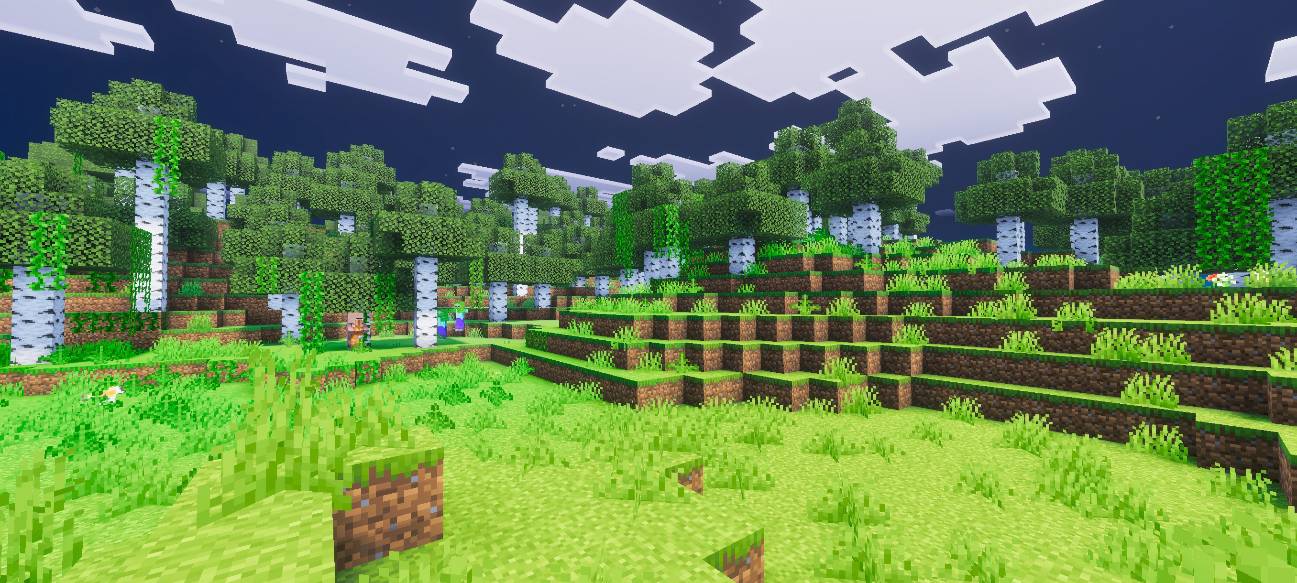
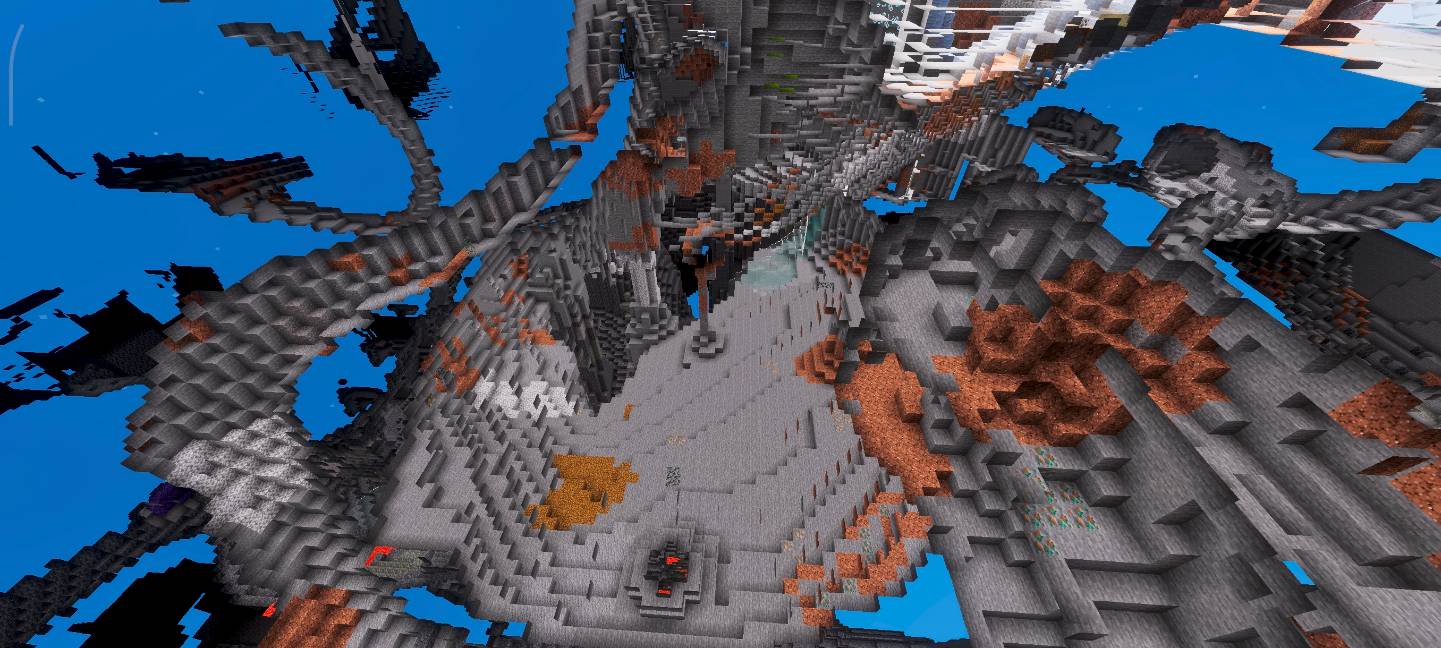
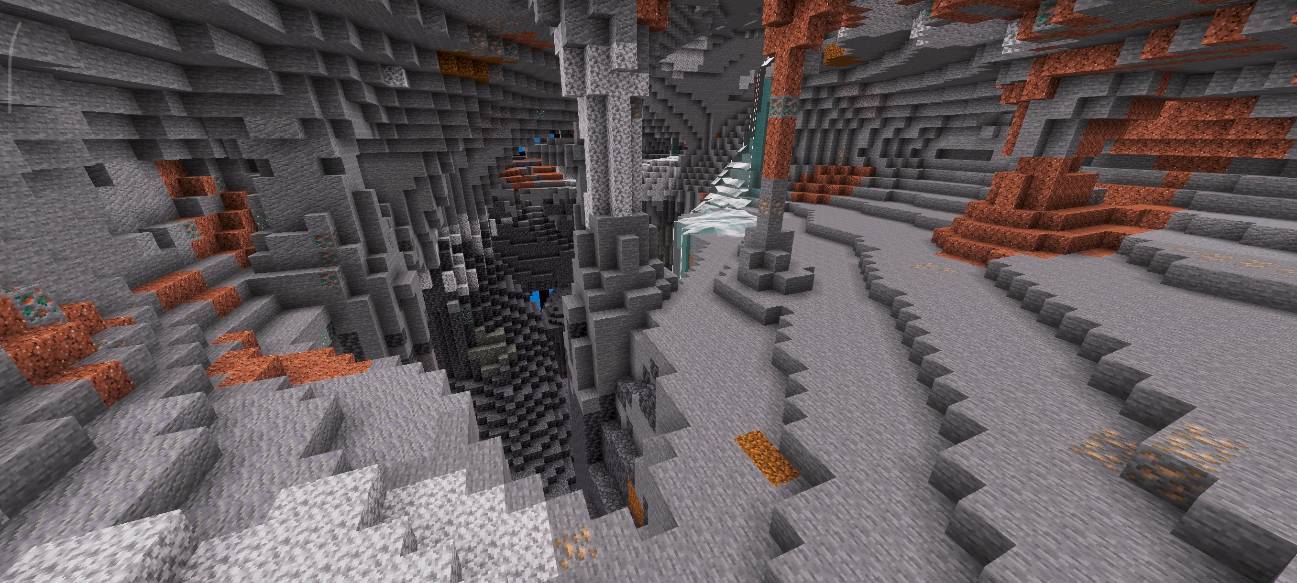
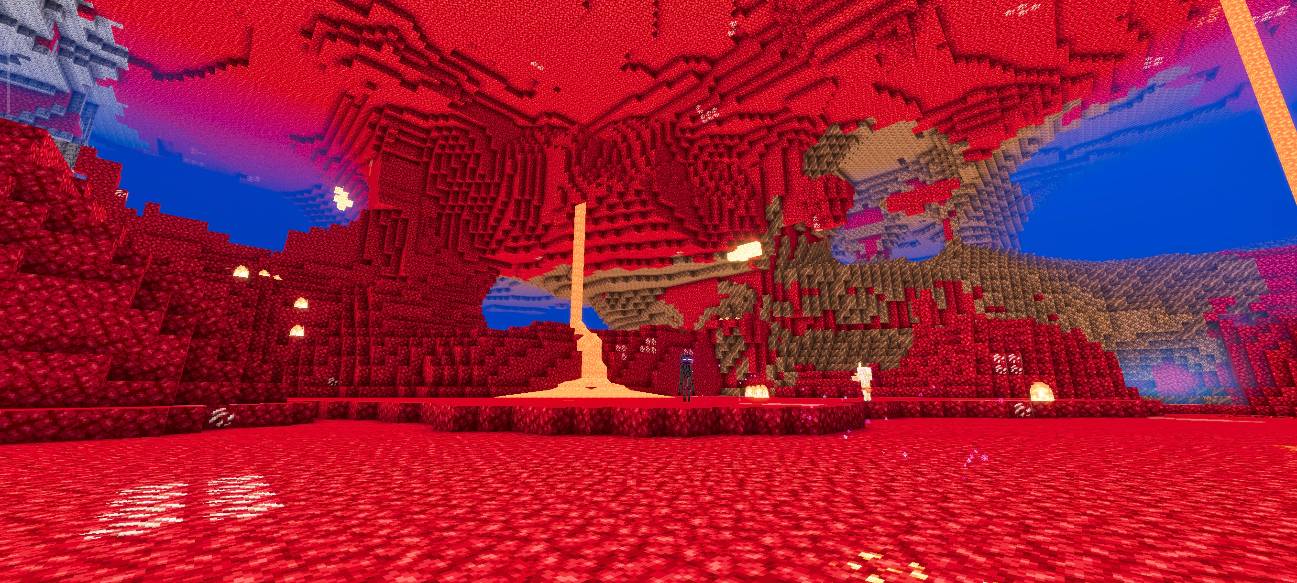
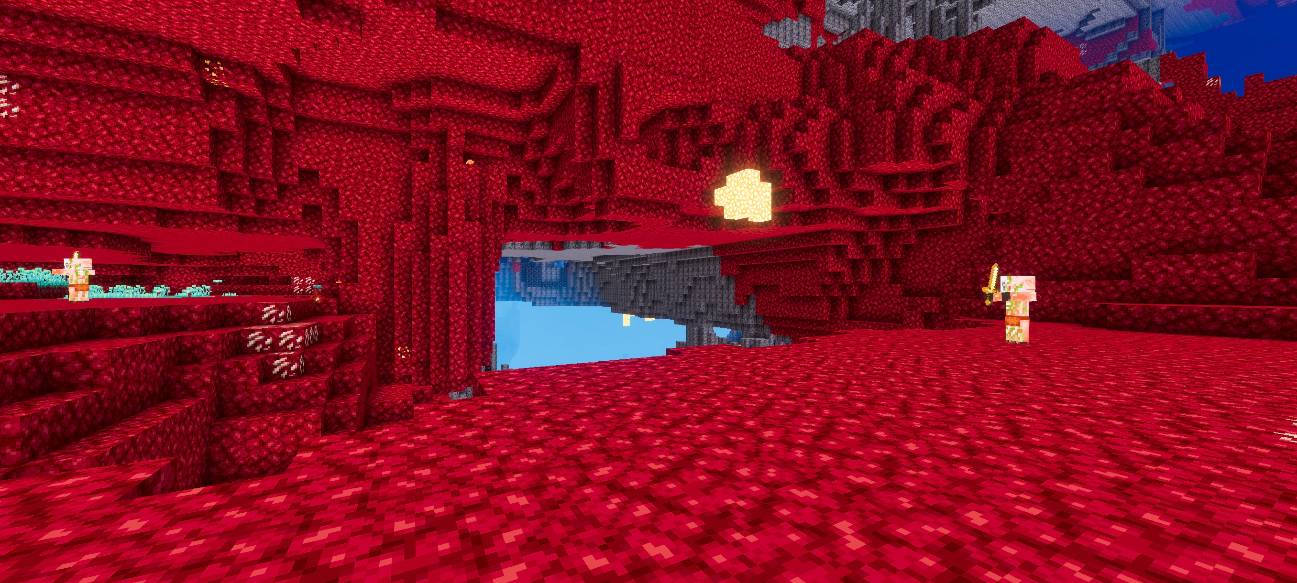
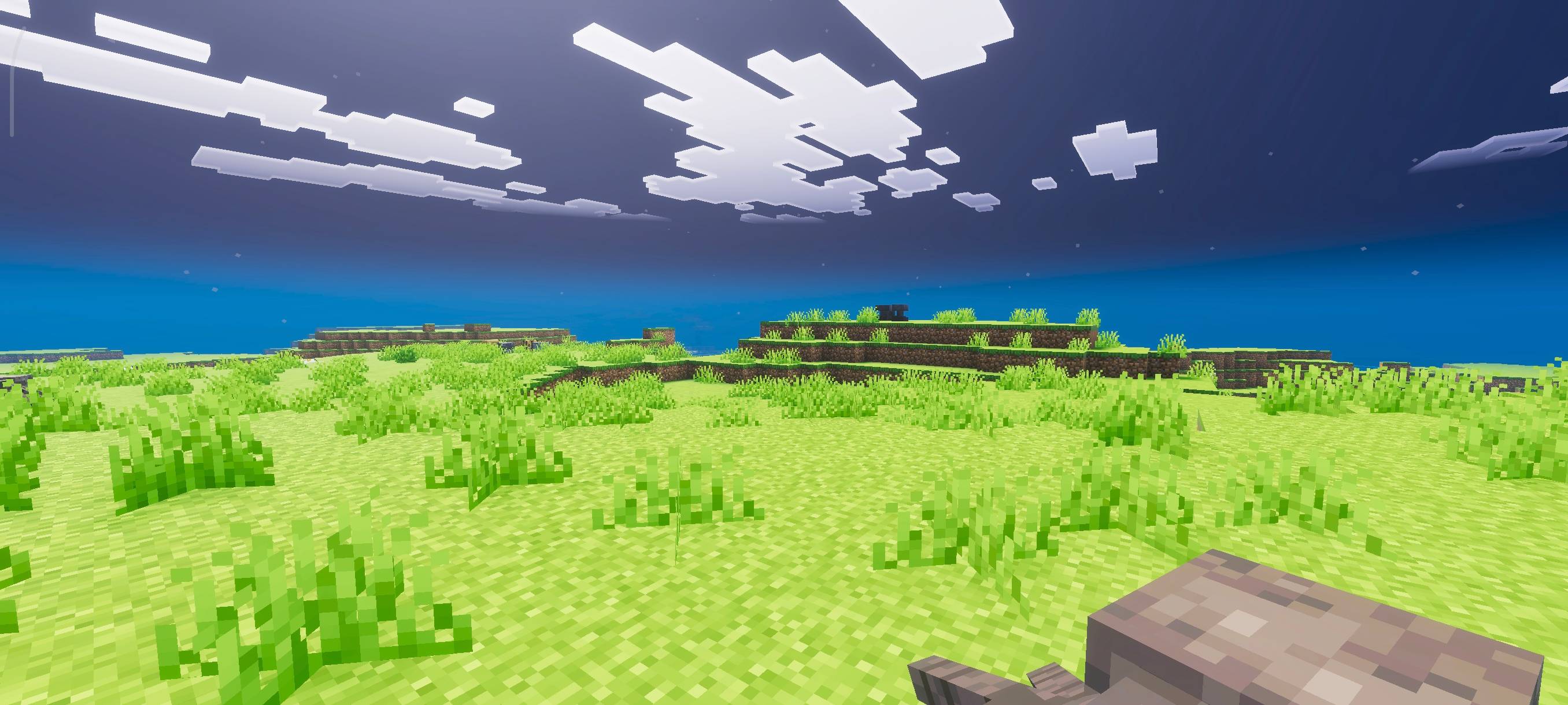
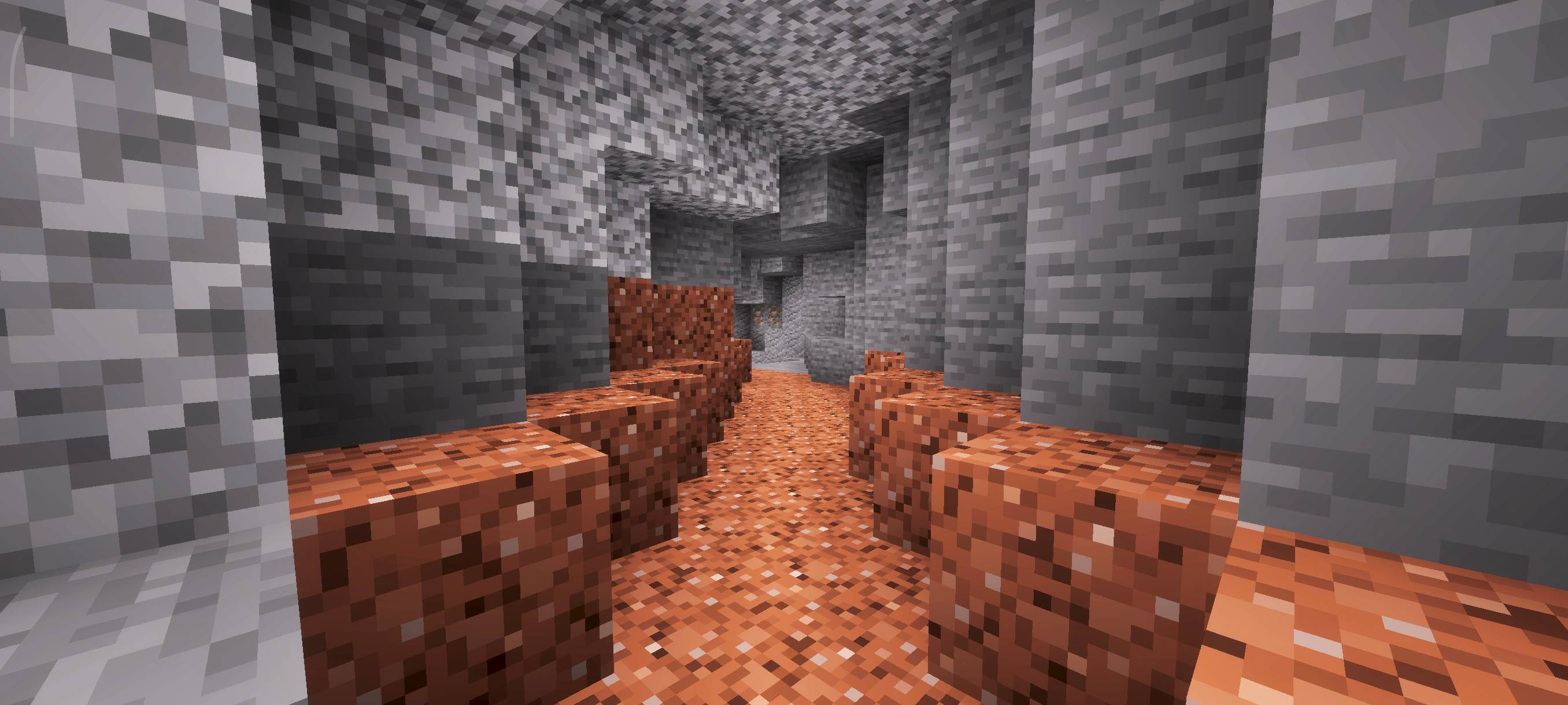
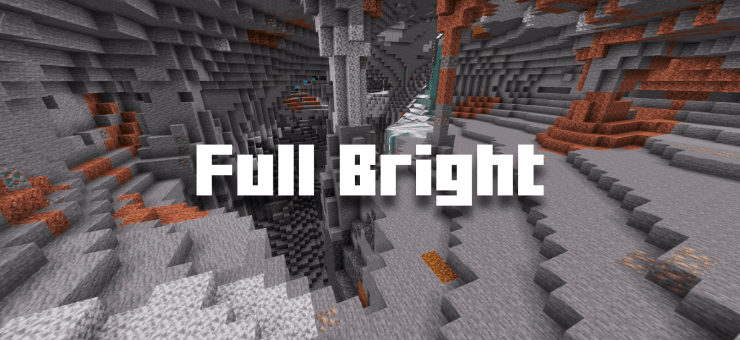
Full Bright Voxen dramatically improves visibility in dark environments within Minecraft Bedrock Edition. This texture pack removes all shadows and darkness, allowing you to explore caves, mines, and nighttime landscapes without needing light sources. Experience clear, bright visuals in places that are normally obscured by darkness.
Installation
Download the Full Bright Voxen texture pack file and place it in your Minecraft resource packs folder. Then, open Minecraft and navigate to Settings > Storage to import the pack. Activate the pack from the Resource Packs menu to apply it in your game.
How to Use
After enabling the pack, go to Video Settings within Minecraft and turn on Vibrant Visuals. This setting is necessary for the full bright effect to function correctly. Once enabled, all dark areas such as caves and nighttime scenes will appear fully illuminated.
Requirements and Compatibility
This texture pack requires Minecraft Bedrock Edition and the Vibrant Visuals option to be enabled for proper operation. It is designed to be lightweight and should not negatively impact game performance. Compatible with most worlds and game modes where resource packs can be applied.
Key Features
- Removes all darkness from the game environment
- Ensures clear vision in caves, mines, and underground areas
- Brightens night scenes for easier navigation
- Eliminates the need to carry torches or other light sources
- Optimized for minimal performance impact