Celestia Visuals
26.02.2026
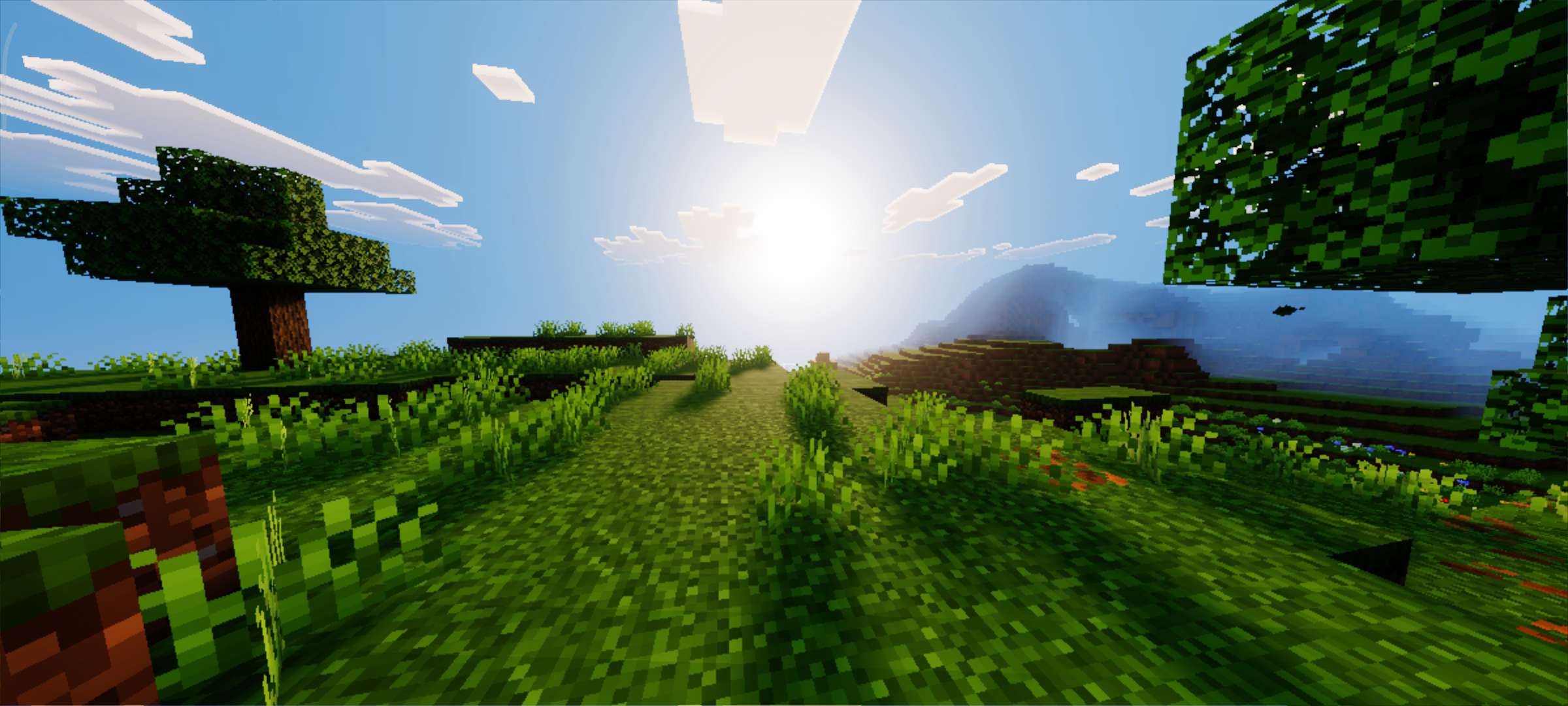
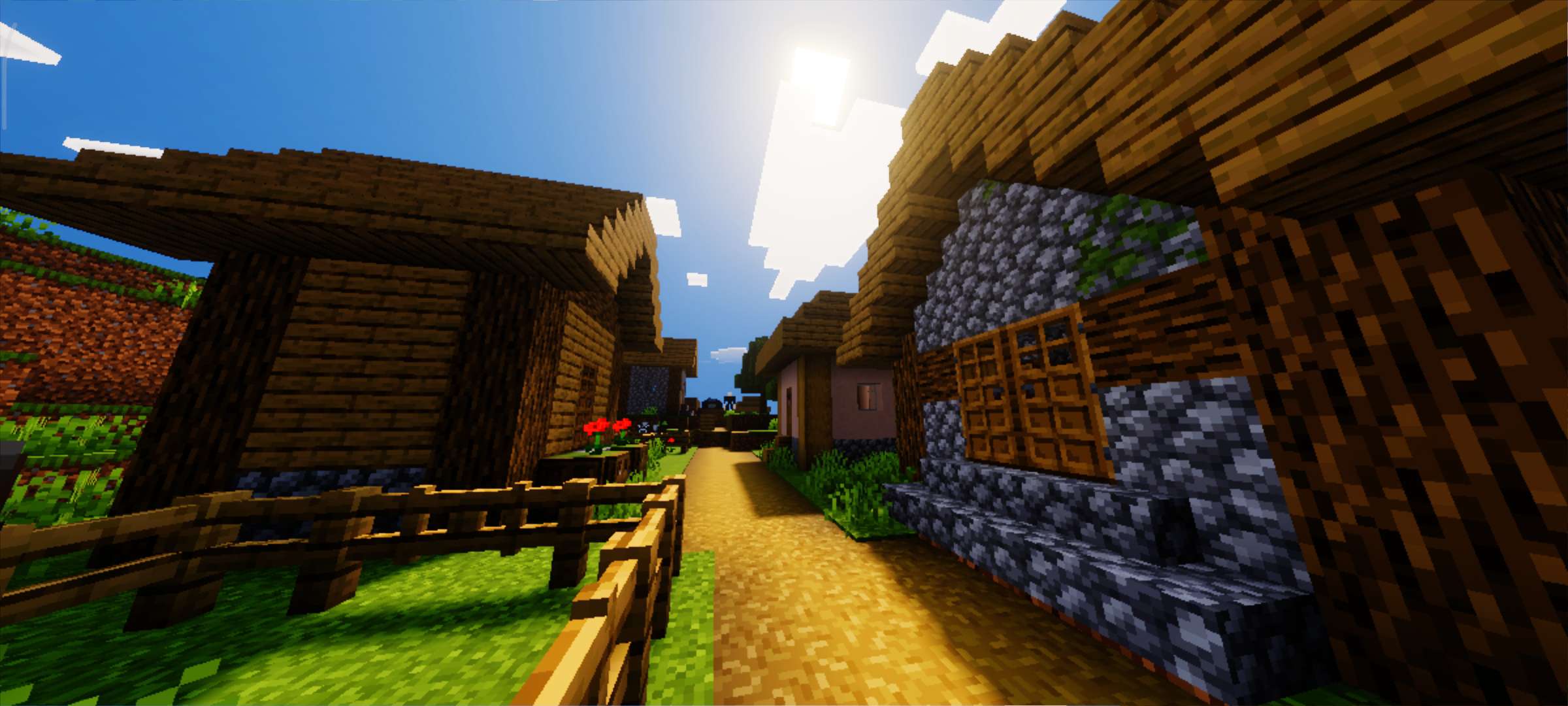
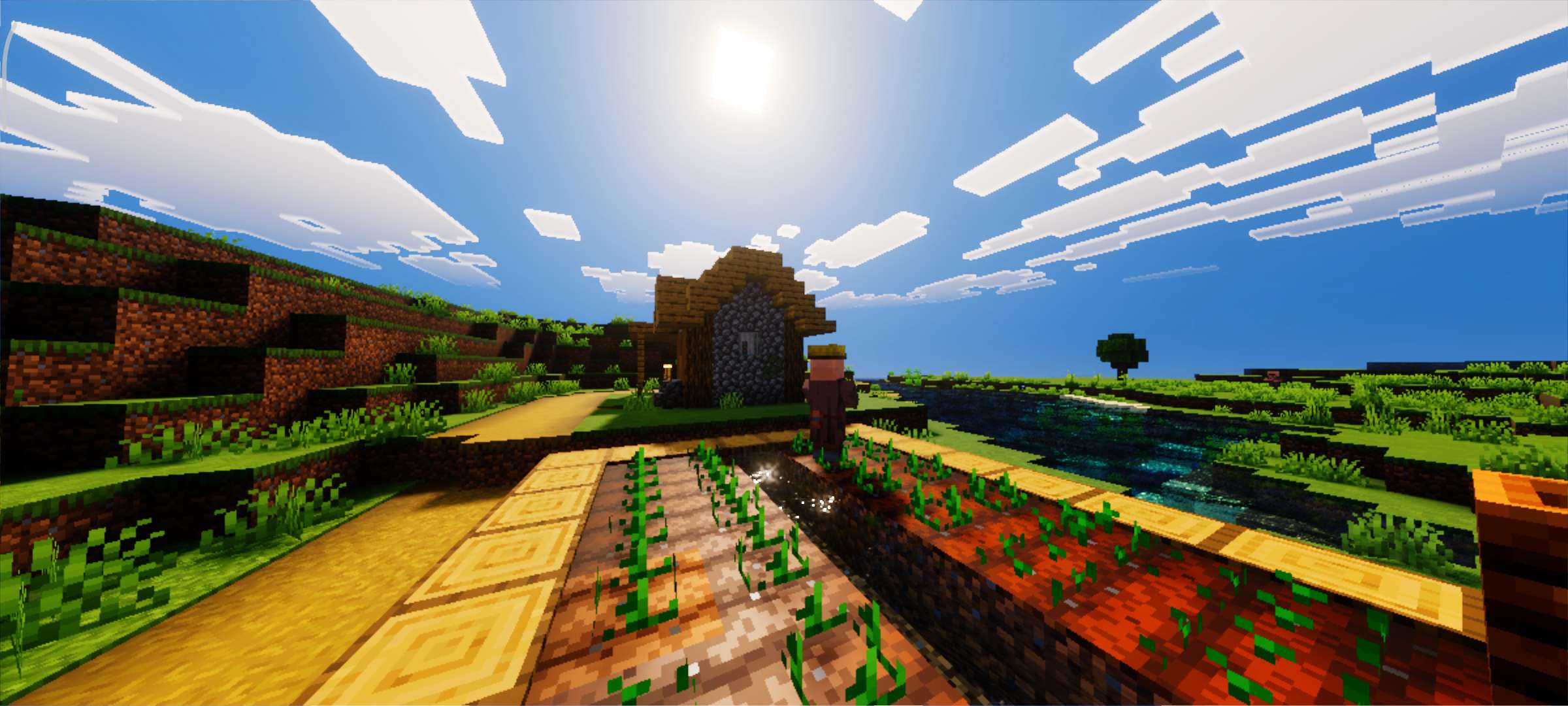
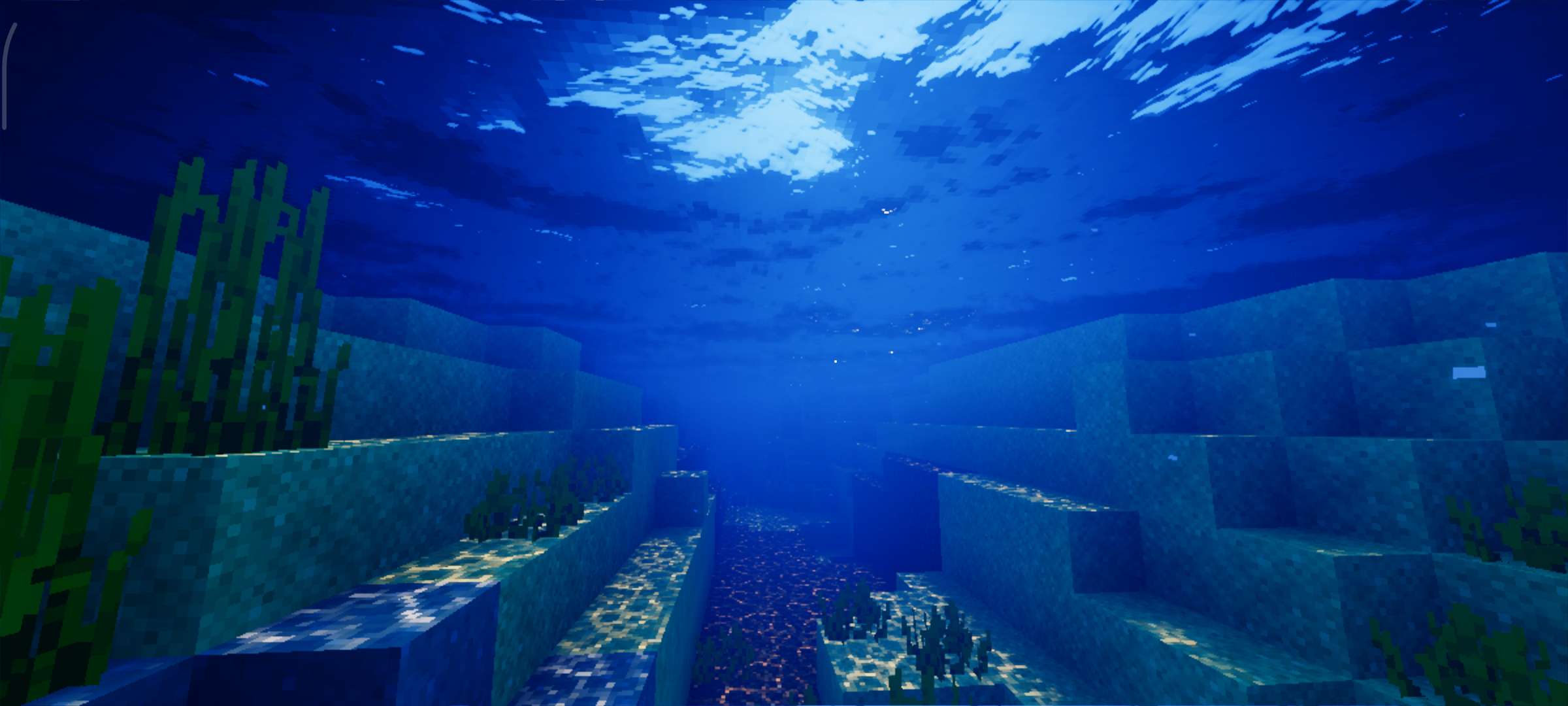
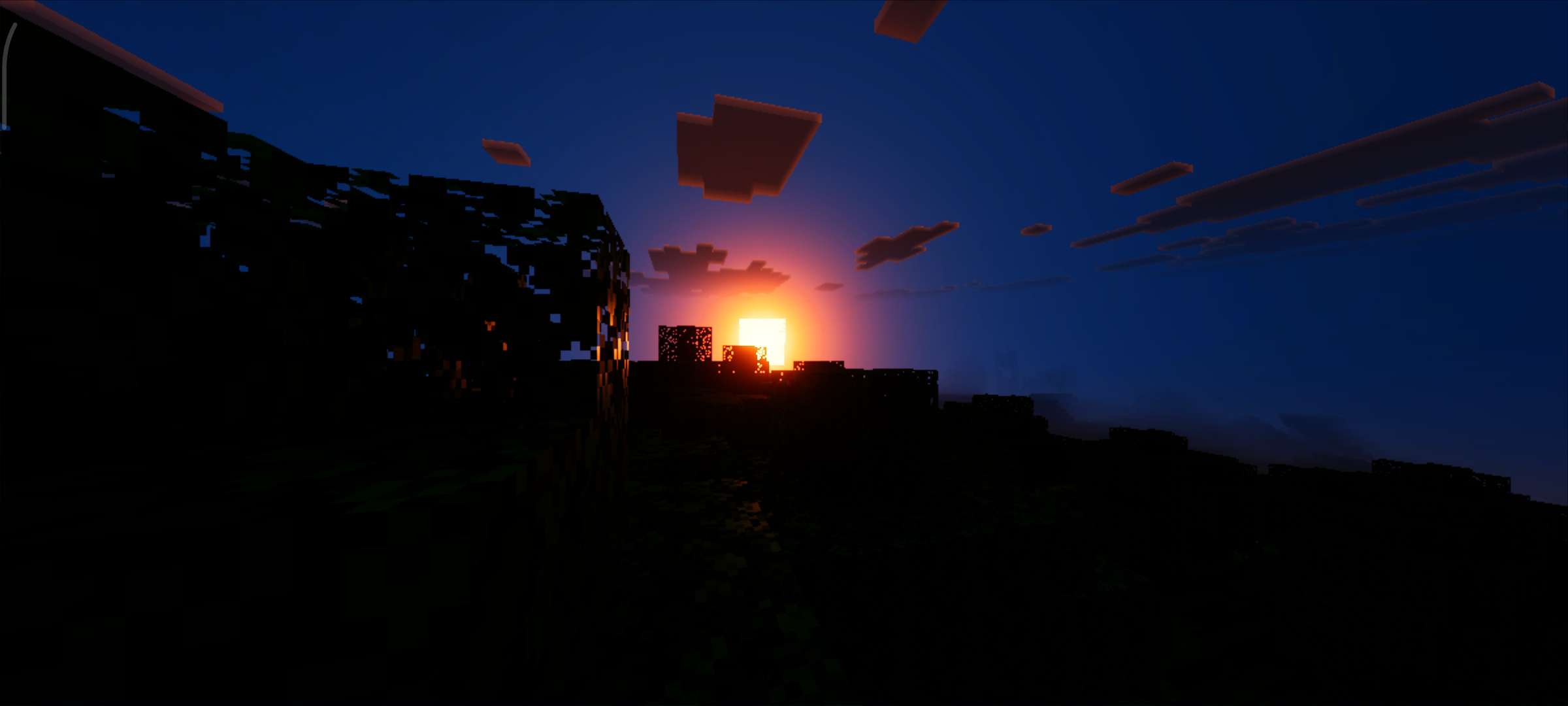
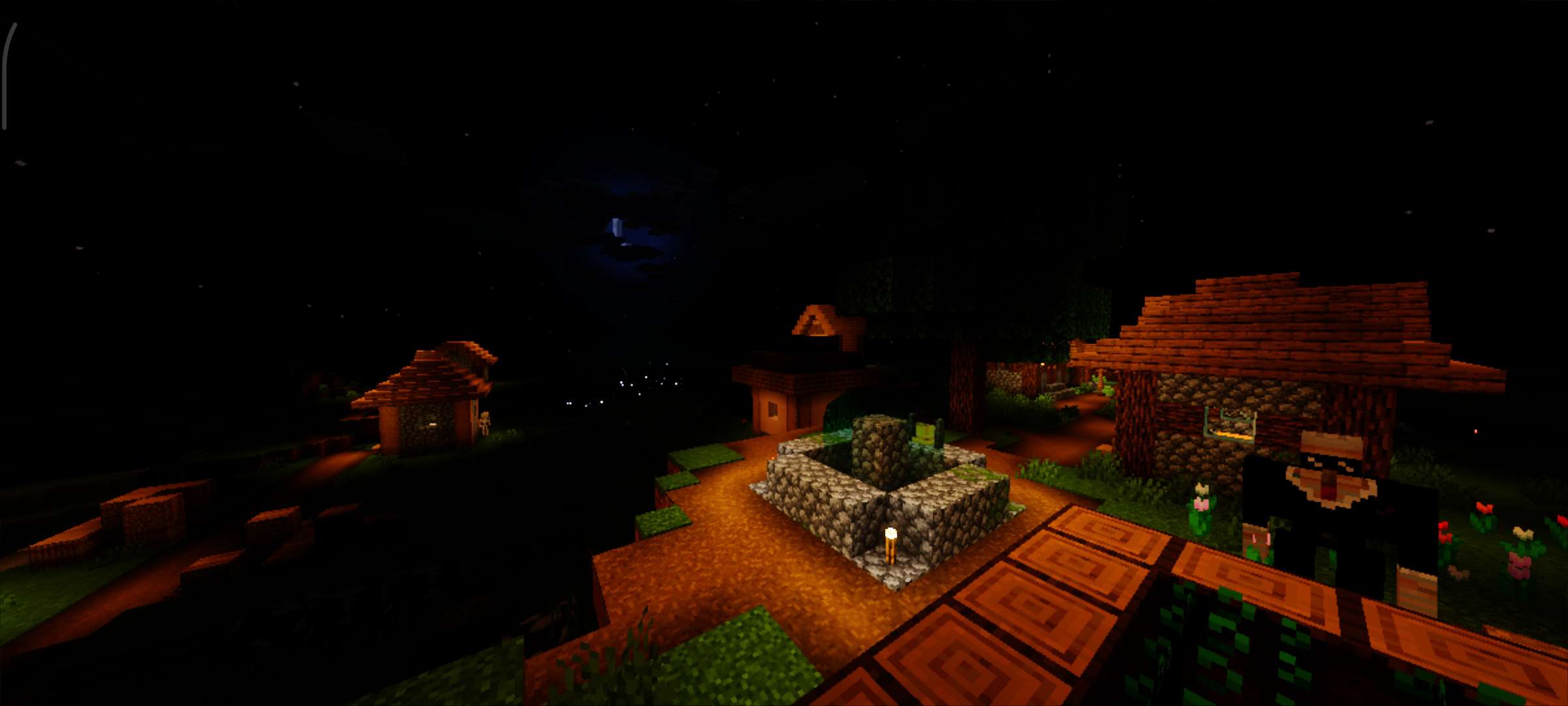
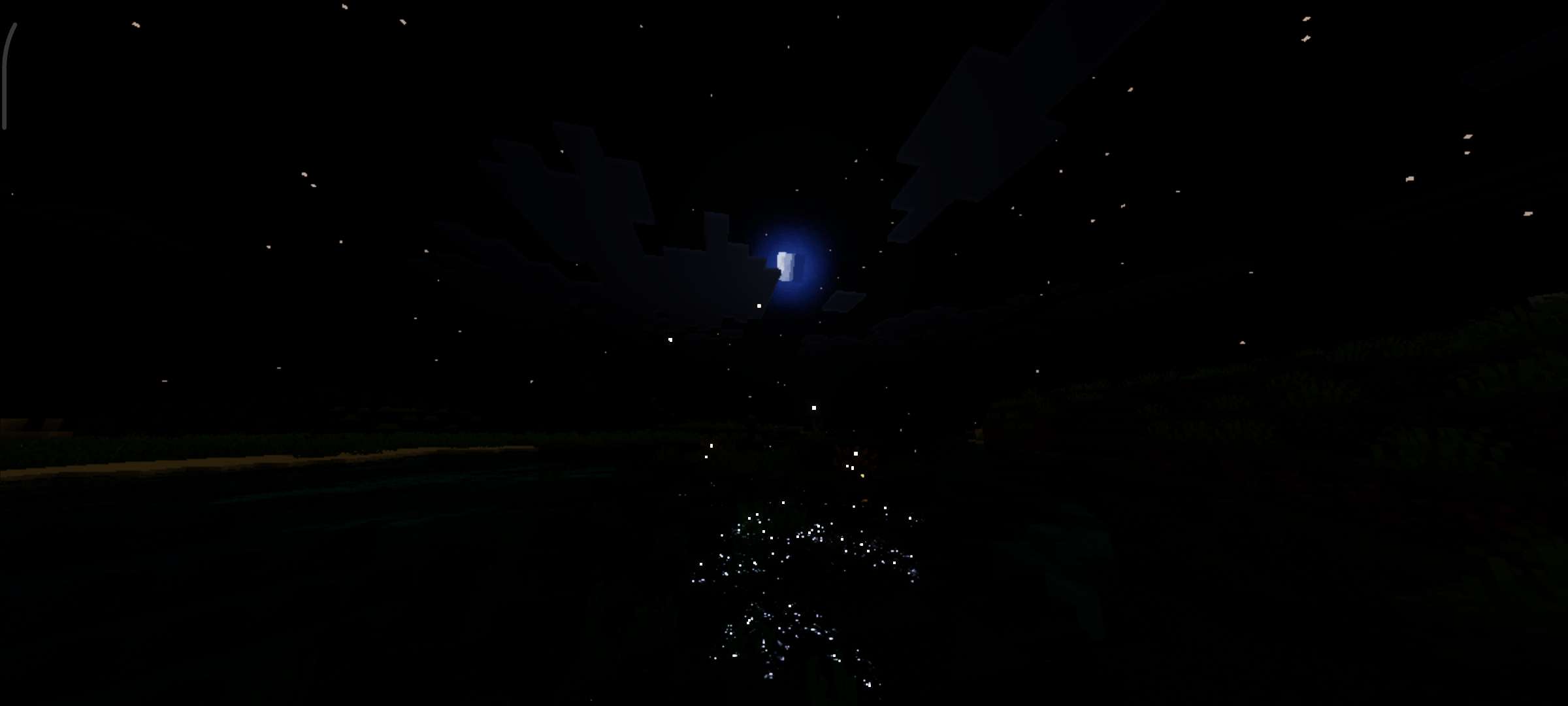
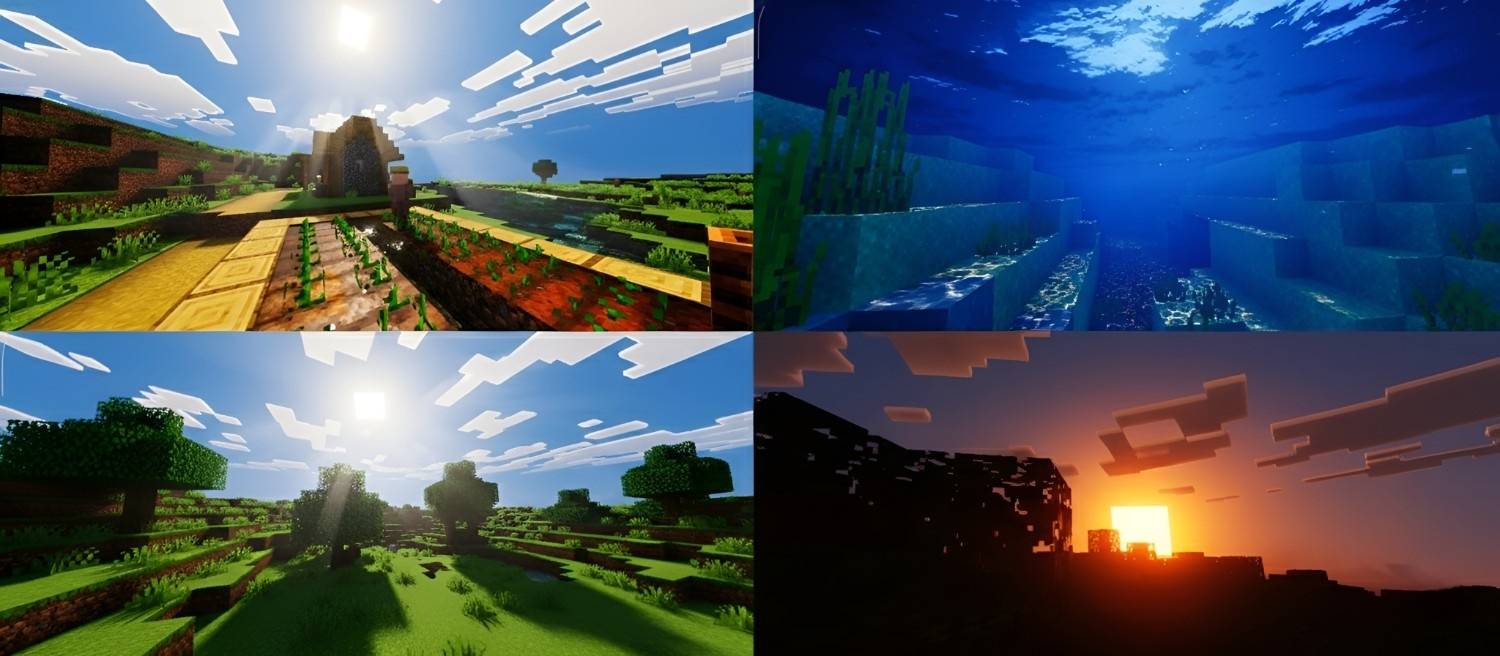
Celestia Visuals transforms your Minecraft world with a warm, richly saturated color palette that elevates the game’s lighting and atmosphere. This texture pack delivers a smooth, vibrant aesthetic, making every scene feel more immersive and alive.
Installation / How to Use
To apply Celestia Visuals, download the texture pack and import it into your Minecraft Bedrock edition resource packs. Activate the pack within the game settings to see the enhanced visuals take effect. For optimal results, ensure that the Vibrant Visuals option is enabled in your game’s video settings.
Requirements / Compatibility
This texture pack is compatible with Minecraft Bedrock Edition version 1.7 and above. It is designed to work seamlessly with the built-in rendering engine and requires the Vibrant Visuals setting to be enabled for full effect.
Key Features
- Warm and saturated color tones that enrich the game’s natural lighting.
- Enhanced atmosphere with smooth, vibrant visuals for a more lifelike experience.
- Subtle adjustments that maintain the original Minecraft style while improving visual depth.
Notes
Make sure to activate the Vibrant Visuals option in your game settings; otherwise, the texture pack’s effects will not display correctly. If you encounter any issues, verify that your Minecraft version supports resource packs and that no conflicting packs are enabled simultaneously.
Screenshots
Below are examples showcasing Celestia Visuals enhancing various in-game environments: