Better Days Played
22.02.2026
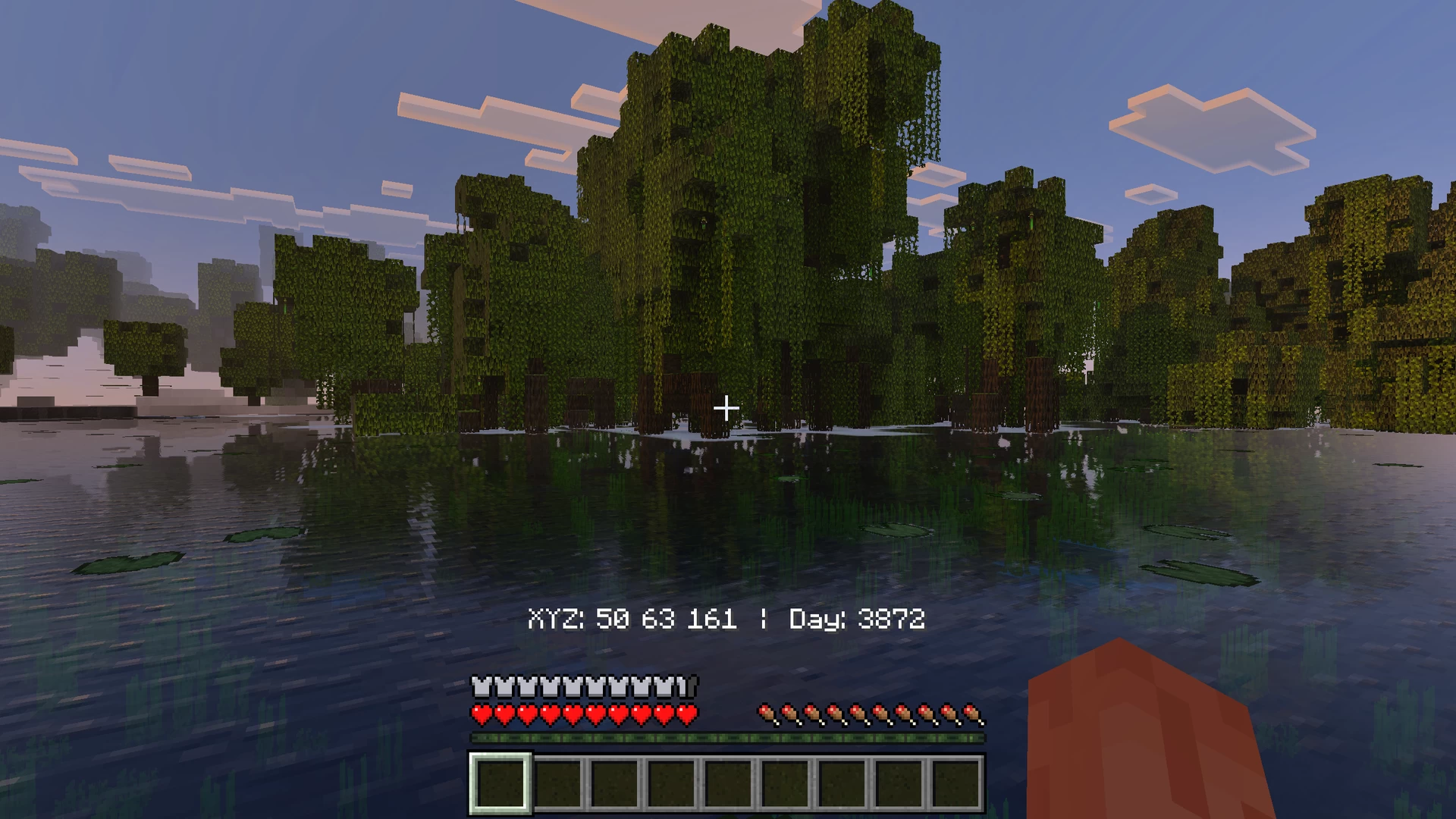
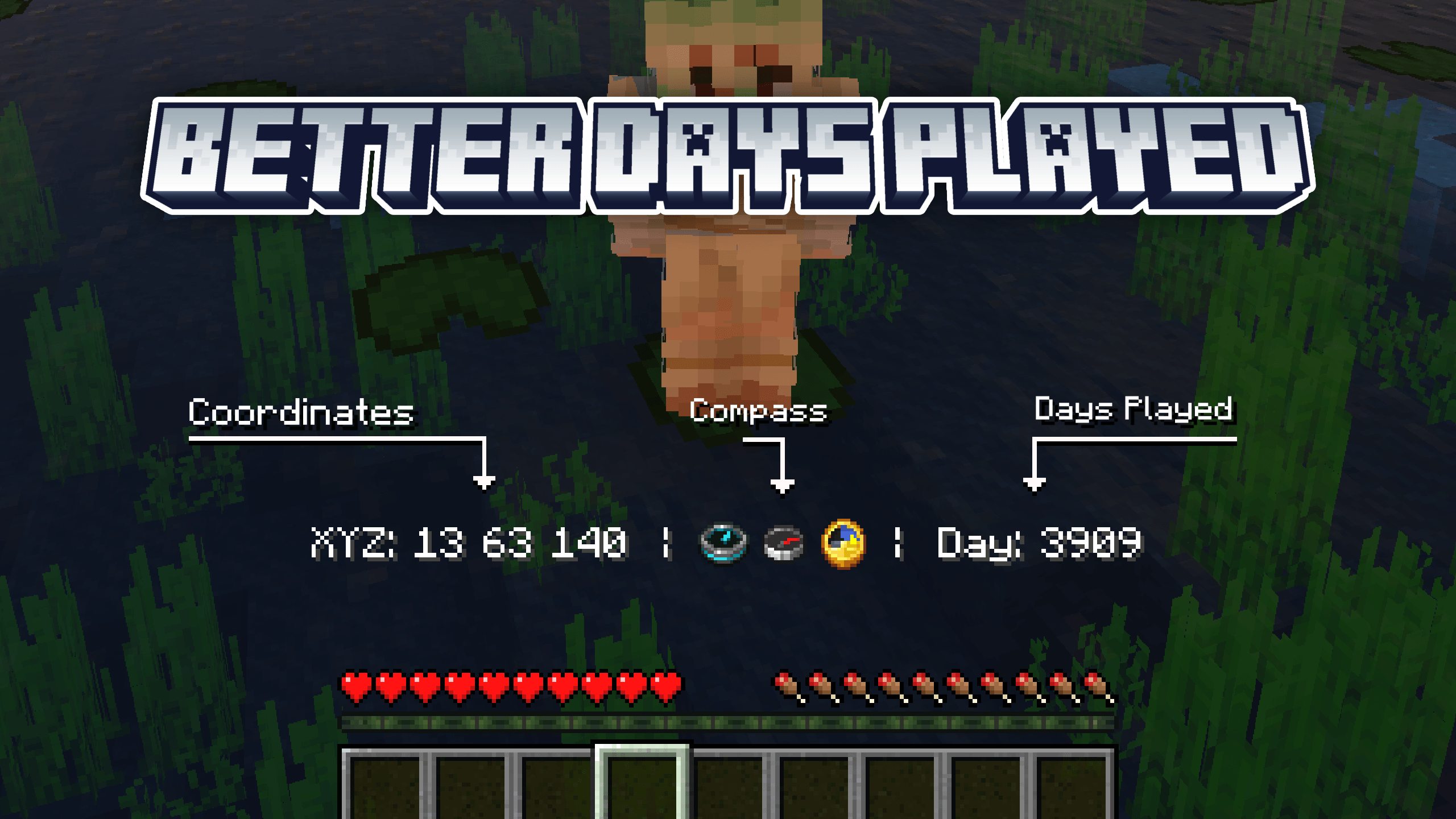
Better Days Played enhances your Minecraft Bedrock HUD by customizing how days played and coordinates appear above the hotbar. Choose from multiple variants to tailor the display to your preferences, offering cleaner and more informative in-game visuals.
Installation / How to use
Install the texture pack and select one of the available subpacks according to your preference:
- Default display
- Display with coordinates
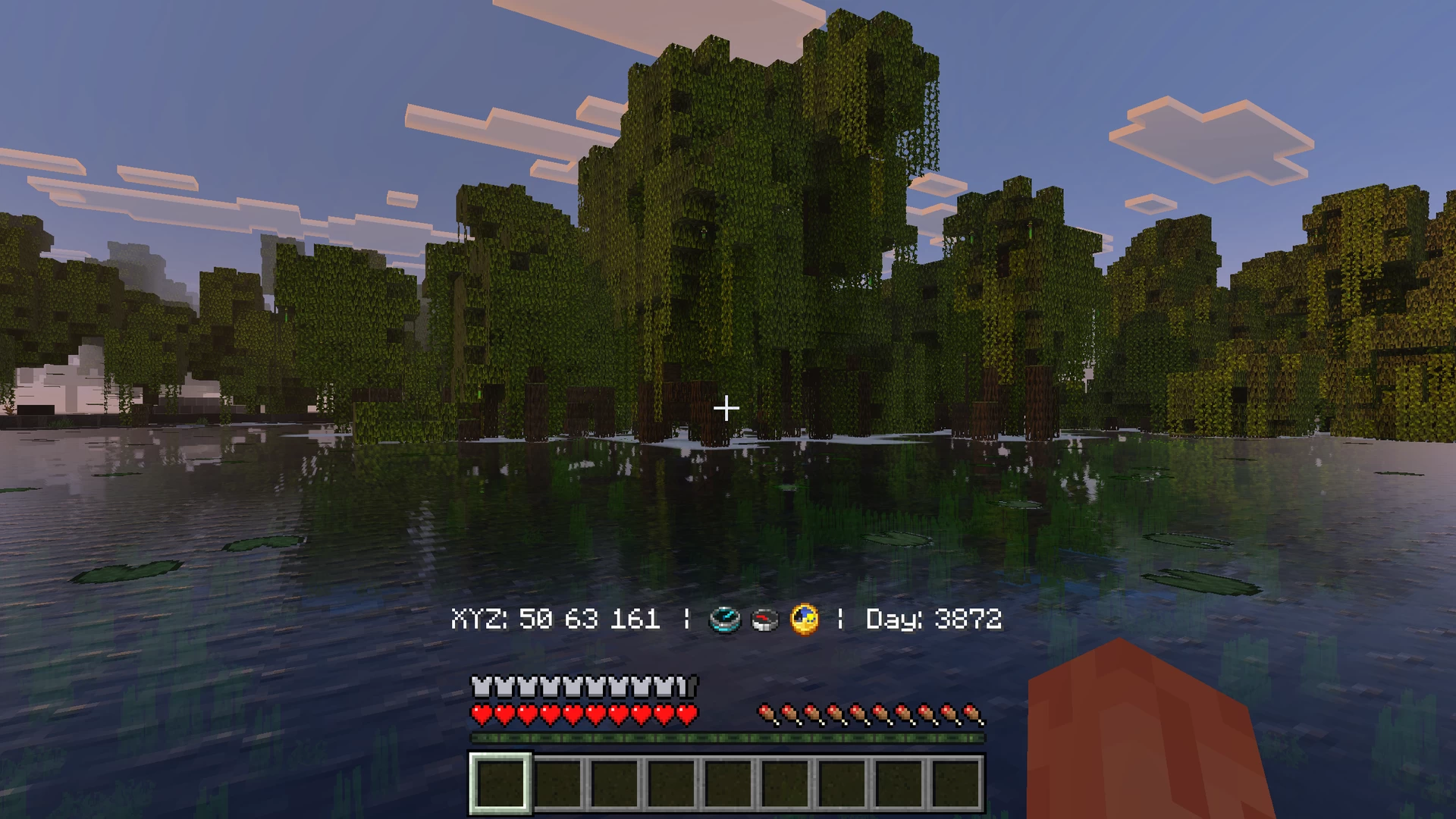
- Display with coordinates and compass
Adjust the settings in your game to enable or disable the display of days played and coordinates depending on the chosen subpack. For example, in subpack 2 or 3, you can toggle the “Show Coordinate” and “Show Days Played” options to customize what information appears above your hotbar.
Requirements / Compatibility
- Compatible with Minecraft Bedrock Edition
- Requires enabling the “Show Days Played” setting in the game
- When using subpack 2 or 3, also enable the “Show Coordinate” setting
Key features
- Improved display of days played and coordinates above the hotbar
- Multiple subpack options to suit different preferences
- Flexible customization by toggling coordinate and days played visibility within subpacks
Notes
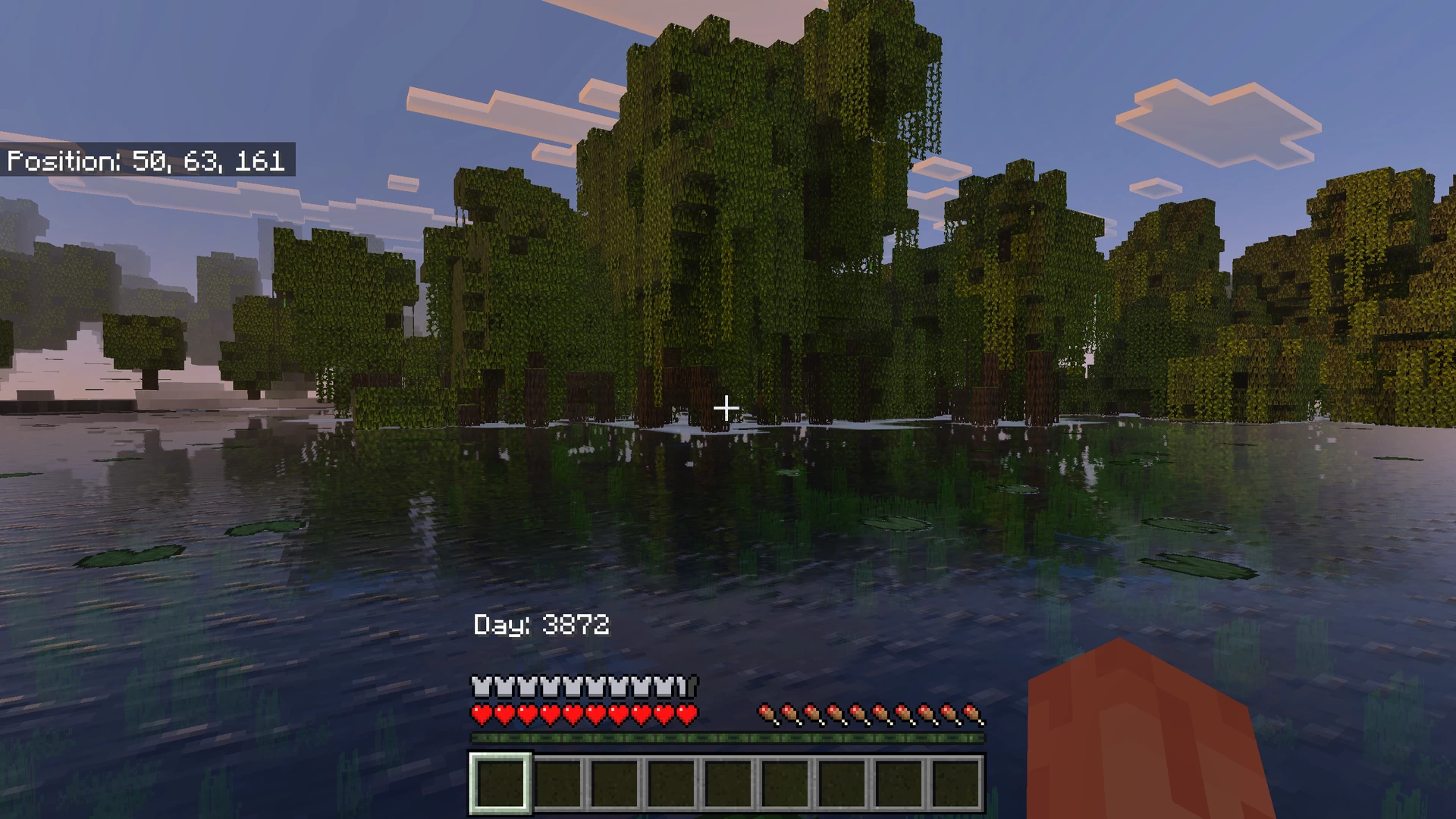
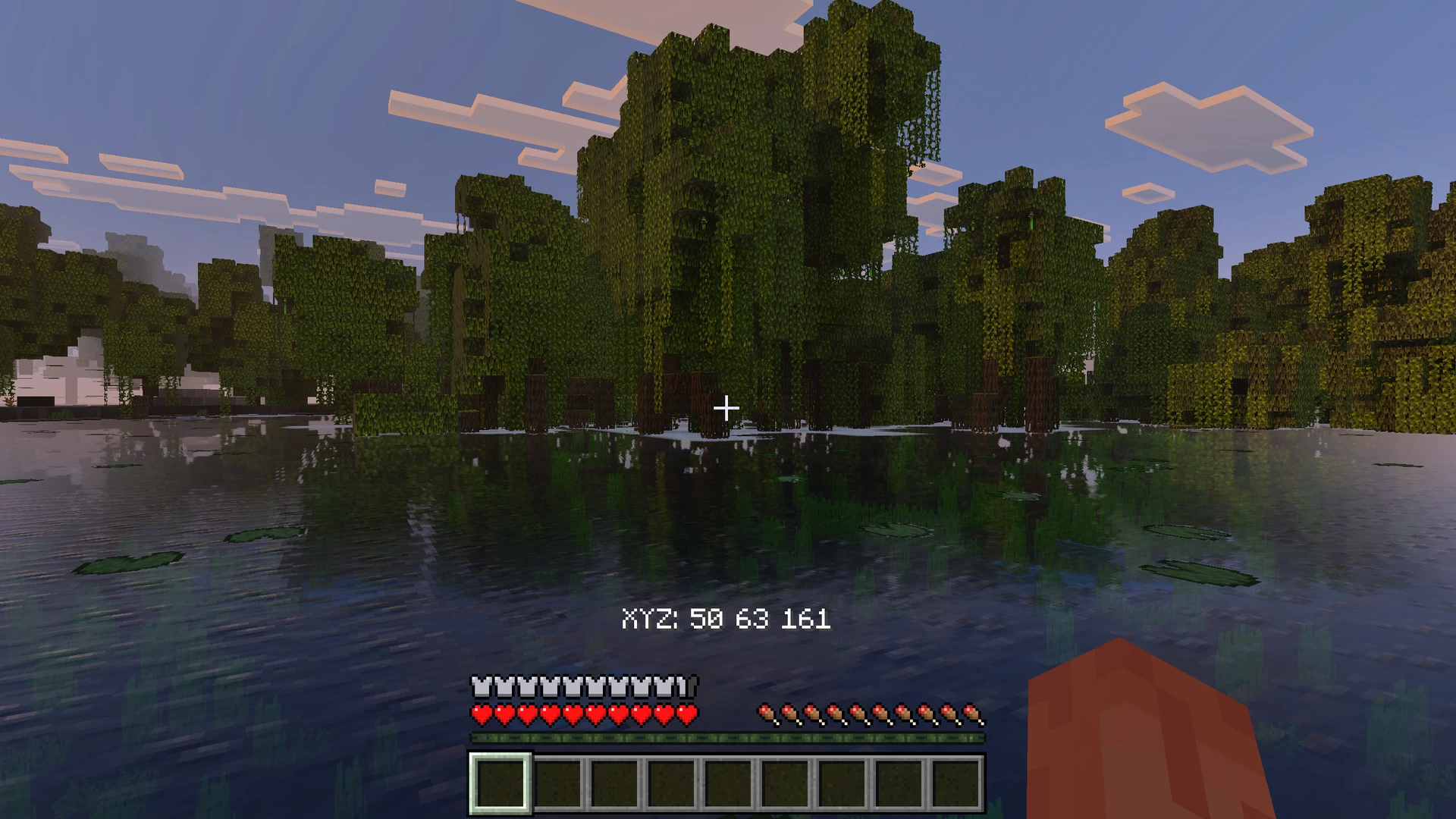
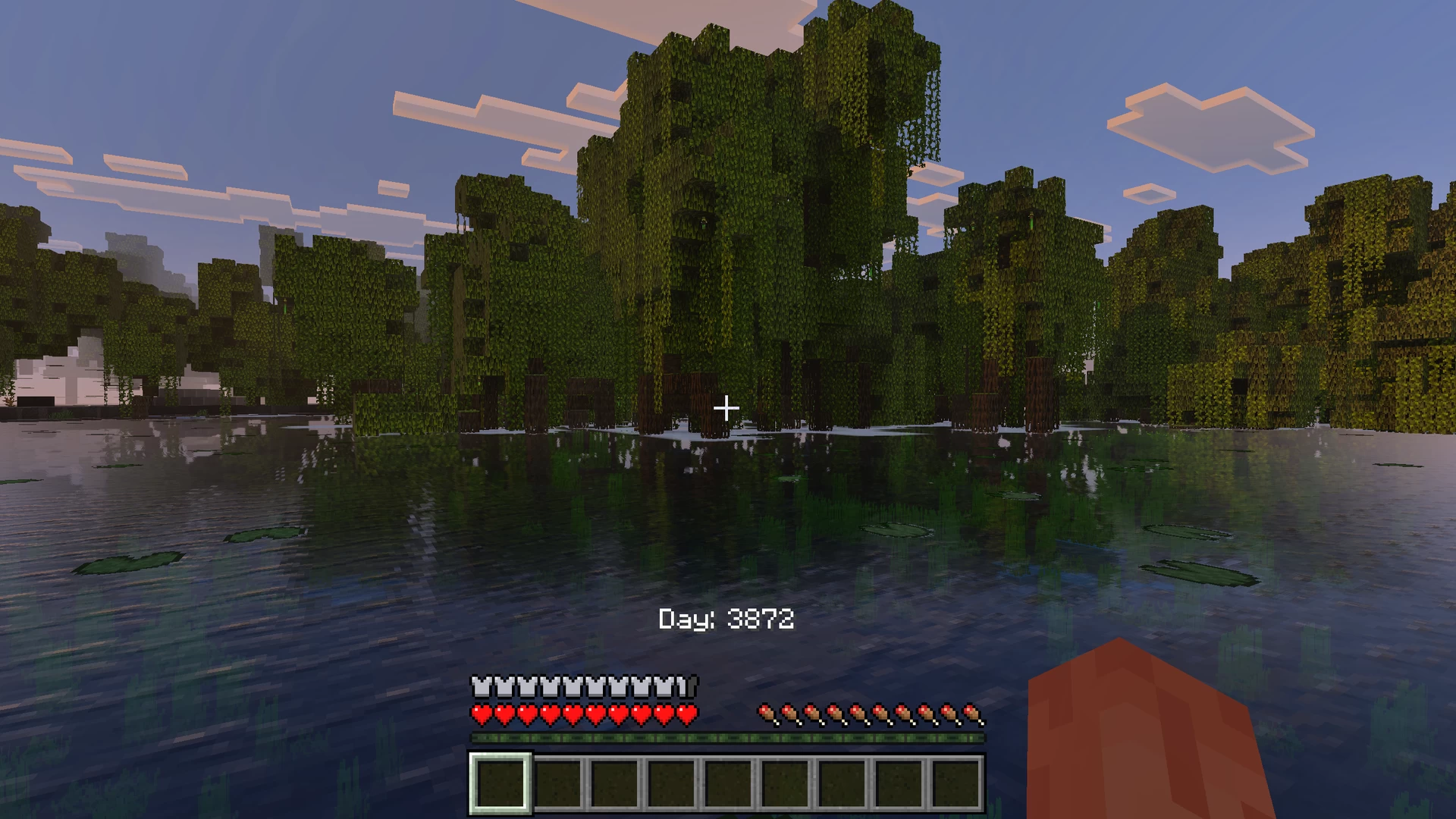
To customize the appearance, modify the “Show Days Played” and “Show Coordinate” settings in your Minecraft options. This allows you to create variations such as:
- Subpack 2: Coordinates off, days played on
- Subpack 2: Coordinates on, days played off
Refer to the images below for examples of the settings interface:


Better Days Played v1.2.3.mcpack
[33.41 KB]
 5.00/5