
Bedrock UI+
21.02.2026
Bedrock UI+ is a comprehensive user interface overhaul for Minecraft Bedrock Edition, designed to enhance multiple UI screens and gameplay experience. It offers improved layouts, functional additions, and customization options that benefit various play styles such as survival and PvP.
Installation / How to Use
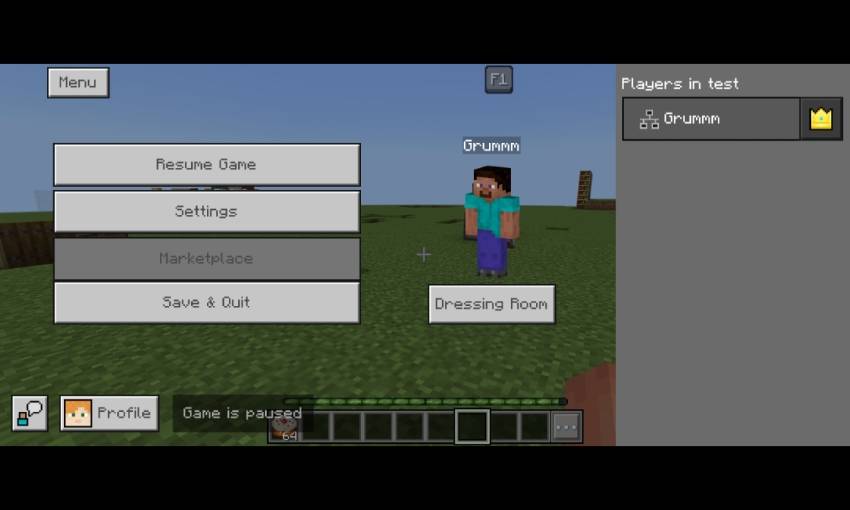
Apply the Bedrock UI+ resource pack through your Minecraft settings to replace the default UI. Once enabled, you can explore the updated start screen, HUD, container interfaces, and more. Access additional menu options by opening the pause screen and selecting the menu button in the top left. On Windows, press the ESC key to close menus.
Requirements / Compatibility
This UI pack is compatible with the latest versions of Minecraft Bedrock Edition. An internet connection is needed to display certain features like the Realm button on the start screen. Ensure no conflicting UI resource packs are active for optimal performance.
Key Features
- Start Screen: Play button relocated to bottom left with exit and hide GUI buttons below. Dressing room, marketplace, and settings buttons moved to the bottom. Profile section at top left includes achievements, invitations, feedback, and account management.
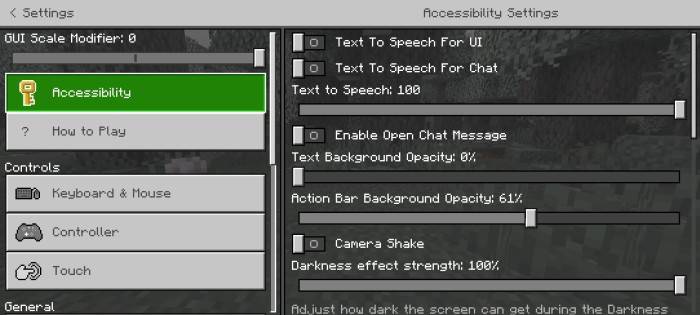
- Settings Screen: Transparent background with quick access toggles for camera, difficulty, and other settings for faster adjustments.
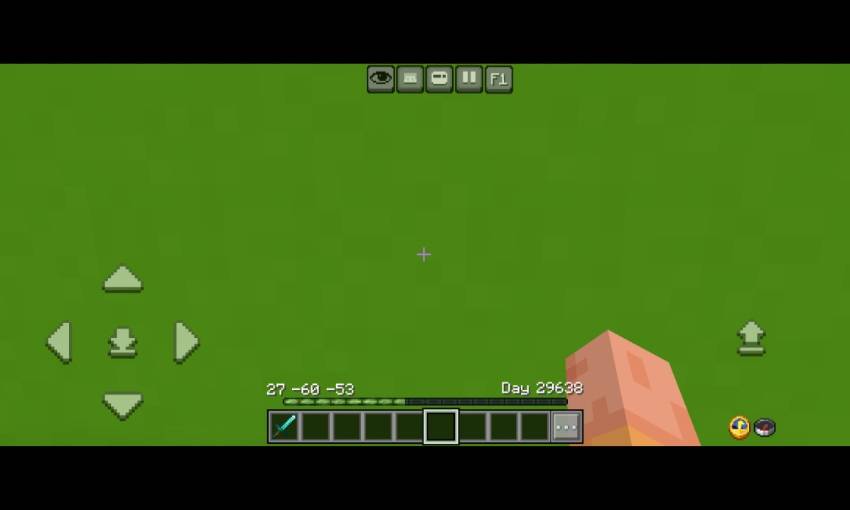
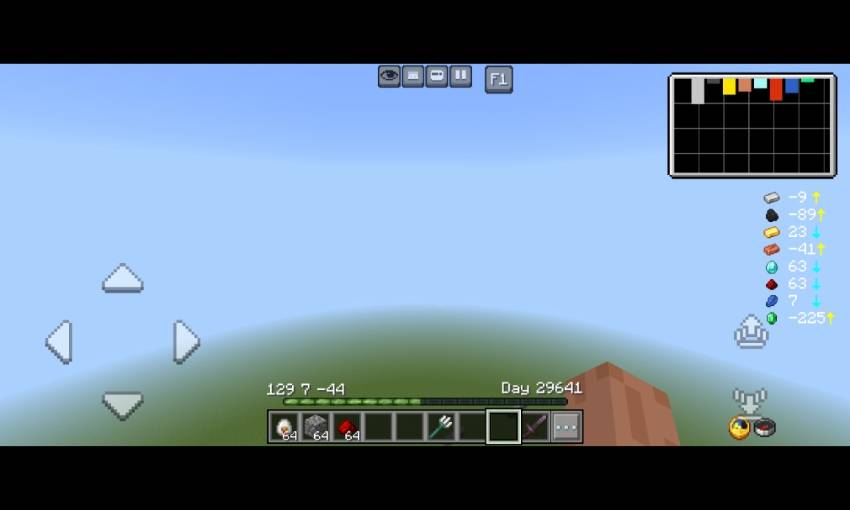
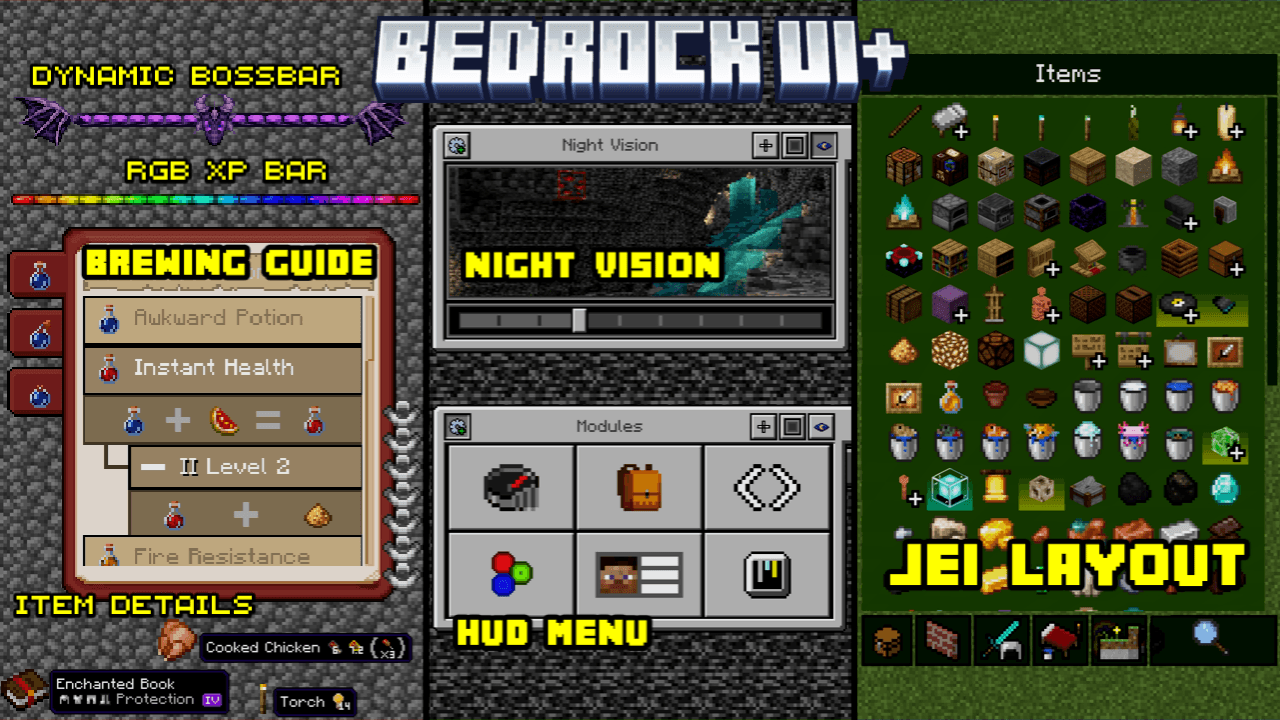
- HUD Enhancements: Menu button next to emote, F1 button to toggle GUI beside pause. Functional clock and compass on bottom left. XP bar displays percentage and level-up requirements, with Java-style XP numbers and bottom-aligned chat. Coordinates and day played visible on hotbar. Durability viewer with low durability alerts. Dynamic boss bar textures for Ender Dragon, Wither, and Raids.
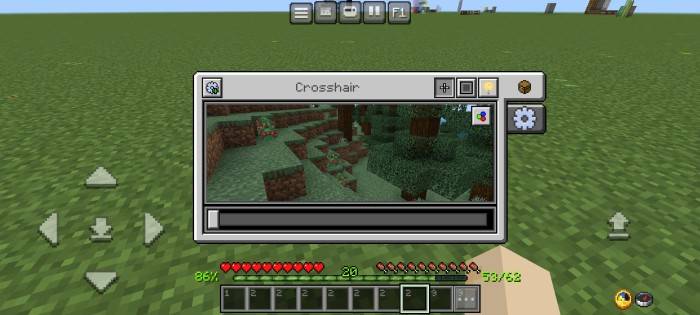
- Menu Screen: Module buttons include debug screen, inventory HUD, hotbar selector, RGB XP bar, player list HUD, and gamma slider. Customization tabs allow interface personalization. Gear icon provides HUD settings.
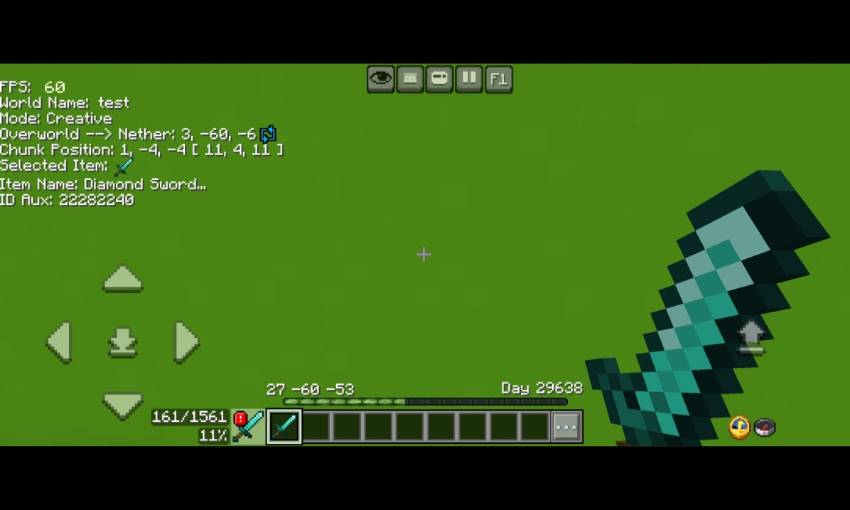
- Debug Screen: Displays FPS, world name, gamemode, Nether-to-Overworld coordinates, chunk position, item name, and ID/AUX details.
- Inventory HUD: Shows all inventory items without needing to open the inventory screen.
- Hotbar Selector: Allows shifting the selected hotbar slot left or right.
- RGB XP Bar: Animated experience bar with vibrant colors.
- Player List HUD: Interactive player names and gamerpics for quick access.
- Ore Visualizer: Displays estimated ore quantities by Y-level with a visual chart and directional arrows indicating where to move to find optimal ore levels. Yellow arrow means go up; blue arrow means go down.
- Custom Crosshairs: Eight style variants plus an RGB option that cycles colors.
- Custom Hotbars: Ten hotbar texture variants and twenty selected slot textures for personalized aesthetics.
- Night Vision Menu: Brightens the screen with adjustable brightness levels recommended between 2 and 4.
- Additional Settings: Various UI tweaks accessible from the settings menu.
- Chat Screen: Clean, transparent background resembling Java Edition style. Chat autocomplete added above the send button. Commands are clickable and auto-complete.
- Temporary Notes: A note-taking feature is included, but notes will be lost upon exiting the world.
- Calculator: Integrated calculator accessible within the UI.
- Container Screens: Colorful container textures for chests, double chests, shulker boxes, ender chests, barrels, and more. Search functionality included.
- Crafting Table: Quick craft options, mode toggles, and JEI-style layout for easier crafting.
- Cartography Table: Updated UI design for map management.
- Smithing Table: Enhanced interface for smithing operations.
- Furnaces: Furnace, blast furnace, and smoker UIs show remaining fuel and output progress percentages.
- Brewing Stand: Brewing guide, fuel and output percentages, and potion search functionality included.
- Anvil and Grindstone: Refined UI designs for anvil and grindstone operations.
- Beacon: Redesigned beacon interface for improved usability.
Notes / Troubleshooting
Some temporary features, such as notes, do not save data after exiting the world. For best results, avoid combining this pack with other UI mods that alter similar screens to prevent conflicts. If any UI elements do not appear correctly, ensure the pack is fully updated and prioritized correctly in your resource pack list.
BedrockUi+ Beta v0.32.mcpack
[1.14 MB]

