Armor Durability Viewer
5.03.2026
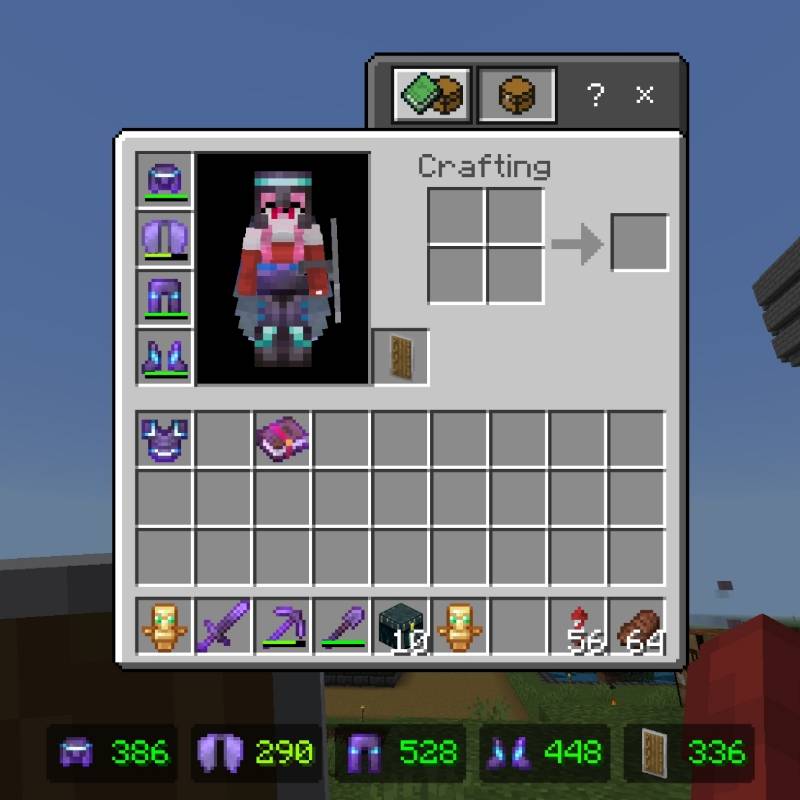
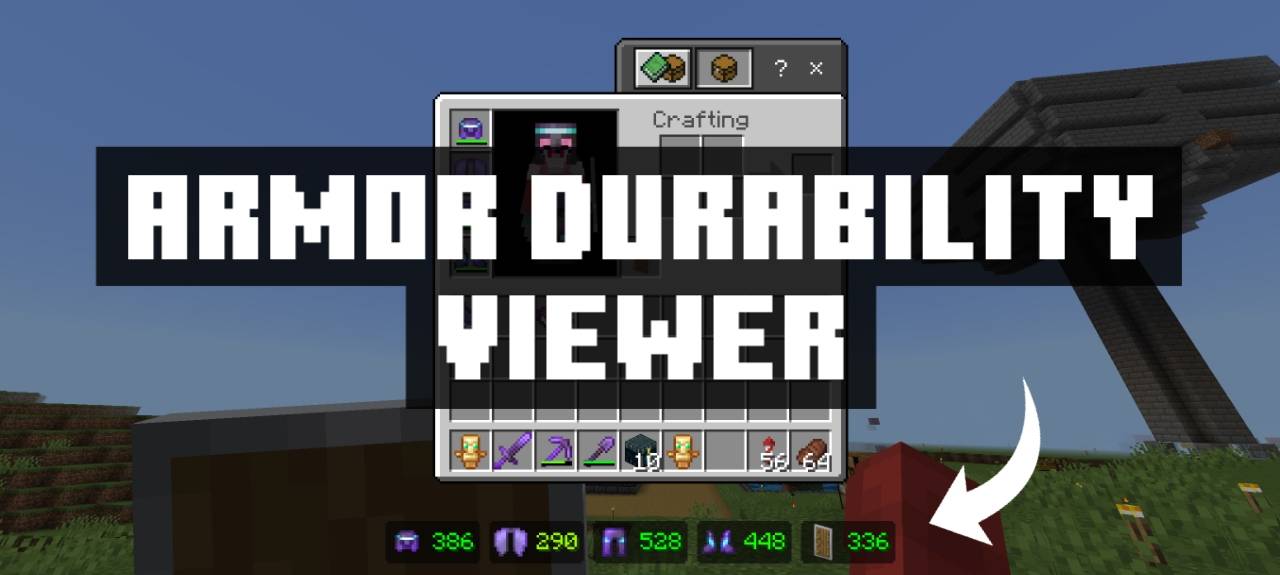
Armor Durability Viewer enhances your Minecraft Bedrock experience by showing the exact durability of your armor and offhand items directly within your inventory. This resource pack provides clear durability indicators, making it easy to monitor your gear’s condition without guesswork. Although the durability display is limited to the inventory screen, it offers valuable insight for managing your equipment effectively.
Installation
To install the Armor Durability Viewer pack, download the resource pack file and place it in your Minecraft resource packs folder. Then, activate the pack from the game’s settings menu under Resource Packs. Ensure the pack is enabled before entering your world to see the durability indicators.
How to Use
Open your inventory while wearing armor or holding items in your offhand to view the durability bars displayed over each item. This visual allows you to monitor the precise remaining durability at a glance. Note that durability information will not appear on the HUD or outside the inventory screen.
Requirements / Compatibility
This resource pack works with Minecraft Bedrock Edition. It does not require any additional mods but is limited by the capabilities of resource packs, which currently do not support HUD overlays for durability values.
Key Features
- Shows exact durability of all armor pieces in your inventory.
- Displays durability for offhand items, such as shields.
- Clean and unobtrusive interface within the inventory screen.
Terms of Use
Permitted:
- Modifications for personal use only.
- Reviews allowed if the original download source is credited.
Prohibited:
- Claiming the pack’s code without permission.
- Public distribution of modified versions.
- Uploading the pack to other websites.
- Sharing download links from unofficial sources.
Armor Durability Viewer v1.0.4.mcpack (latest)
[20.93 KB]

